

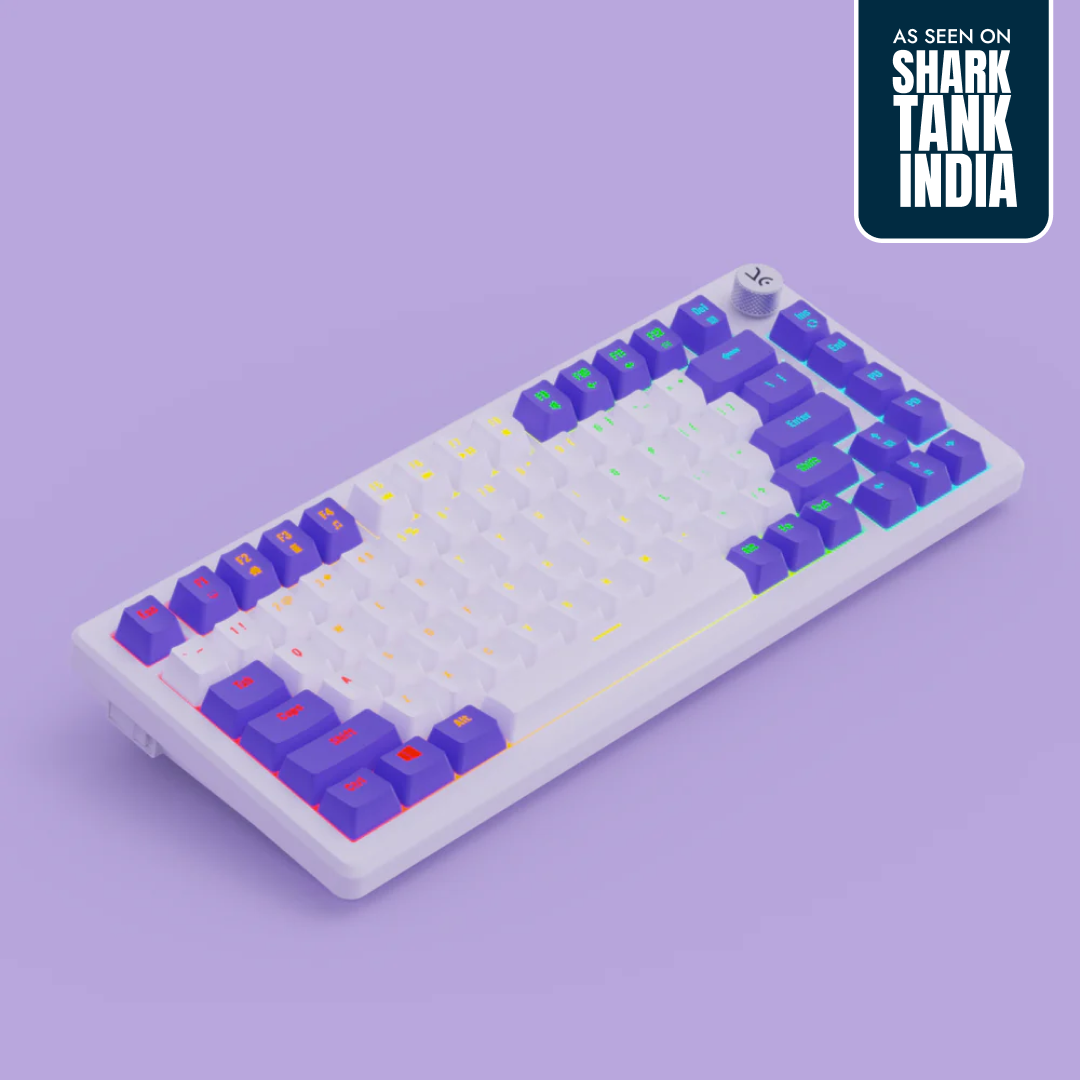
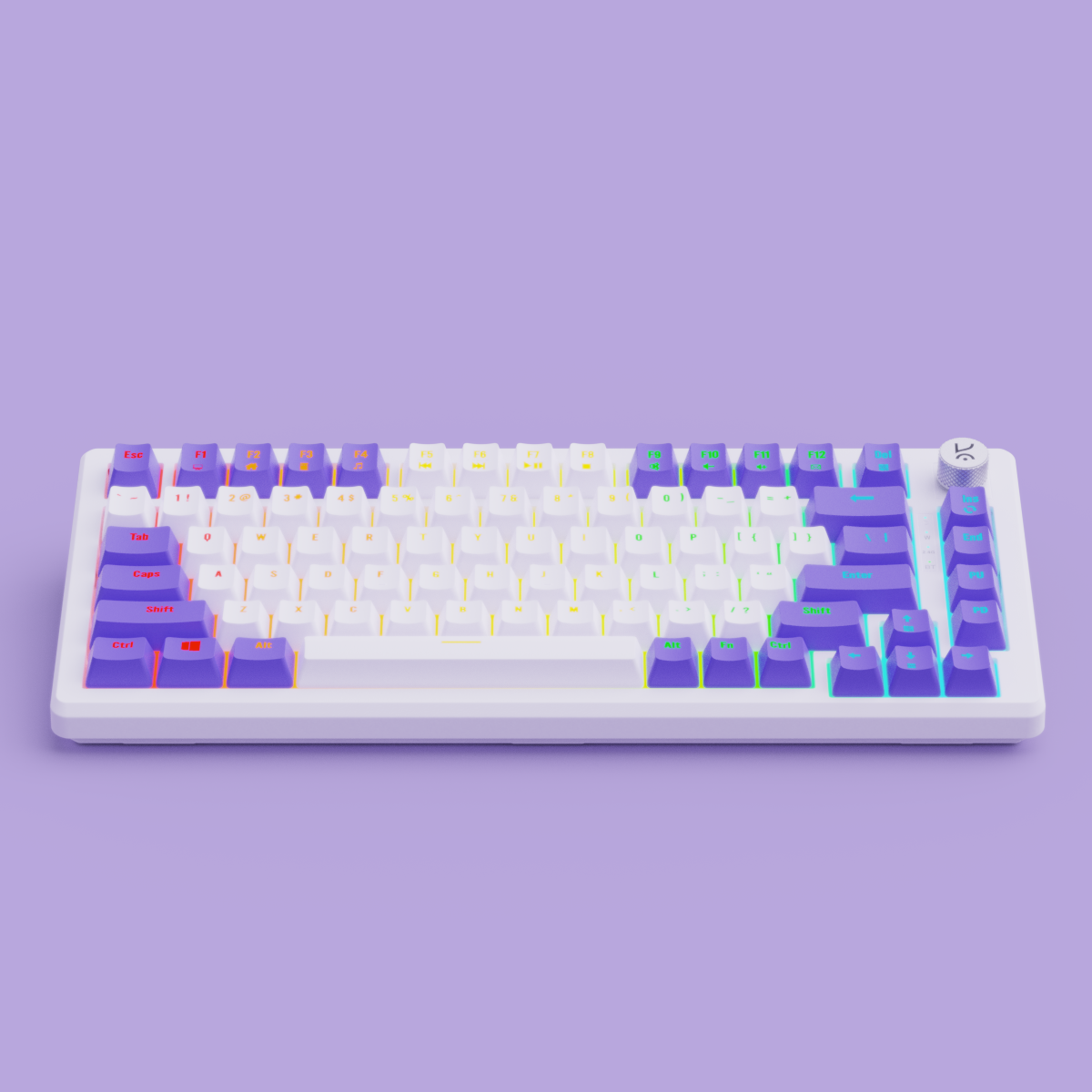
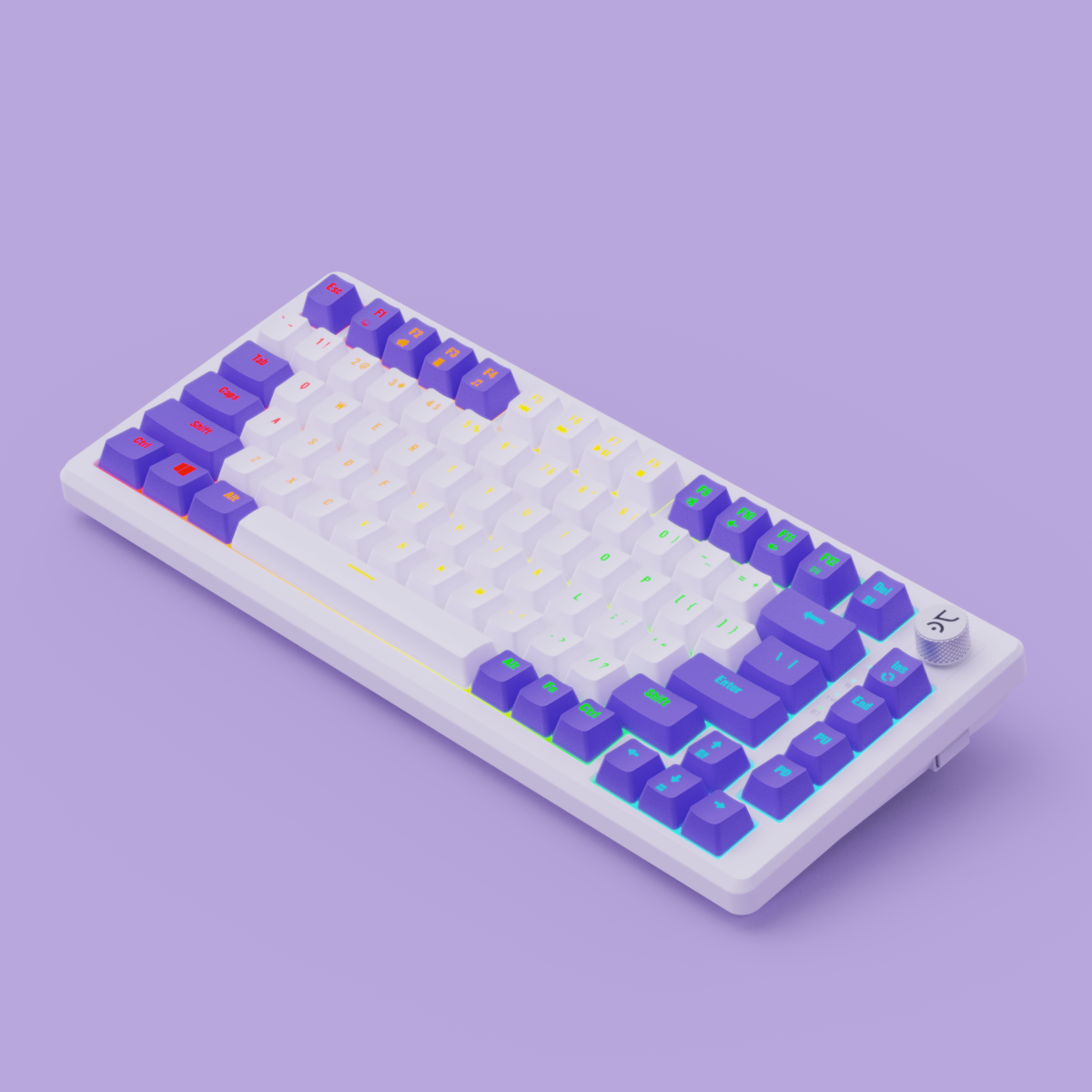
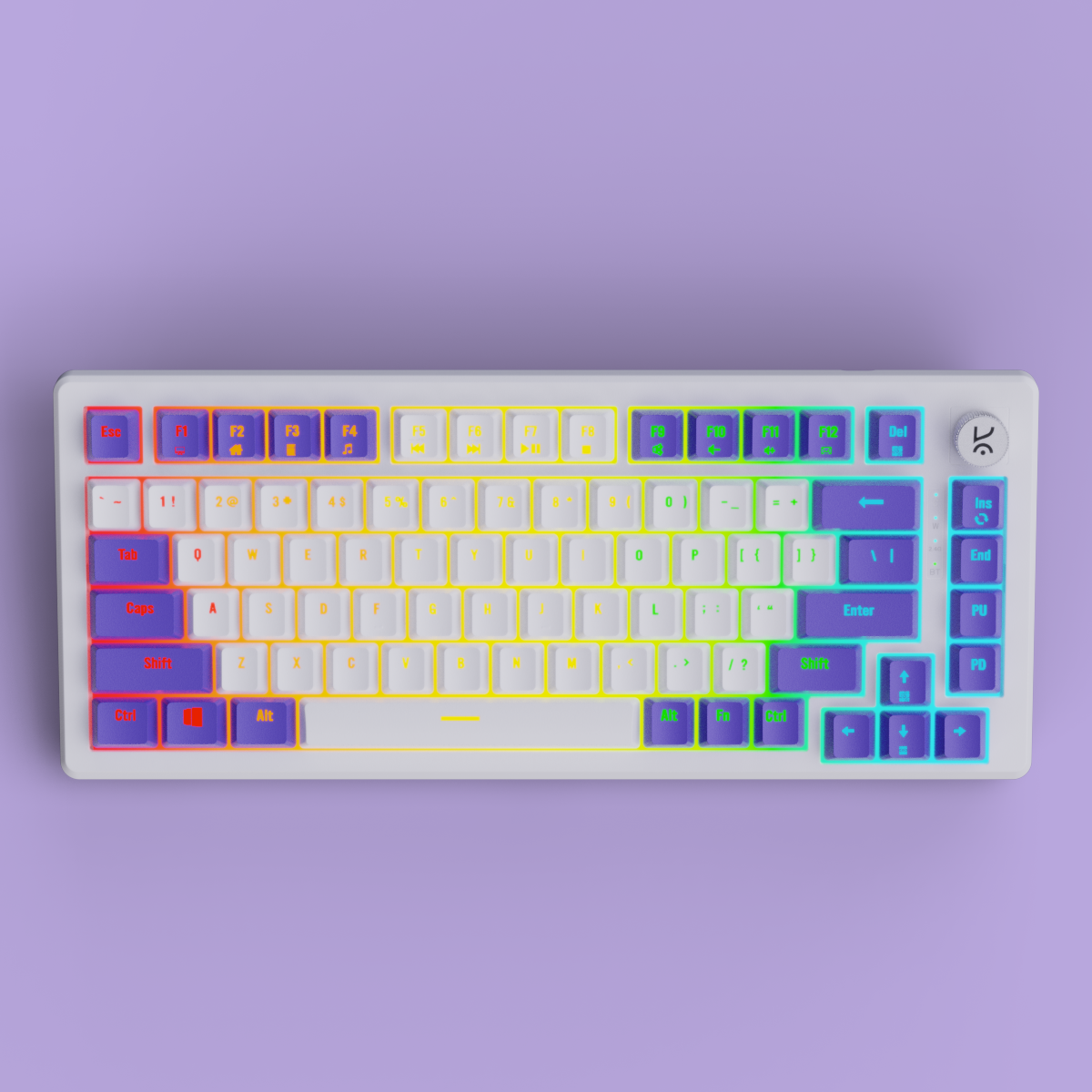
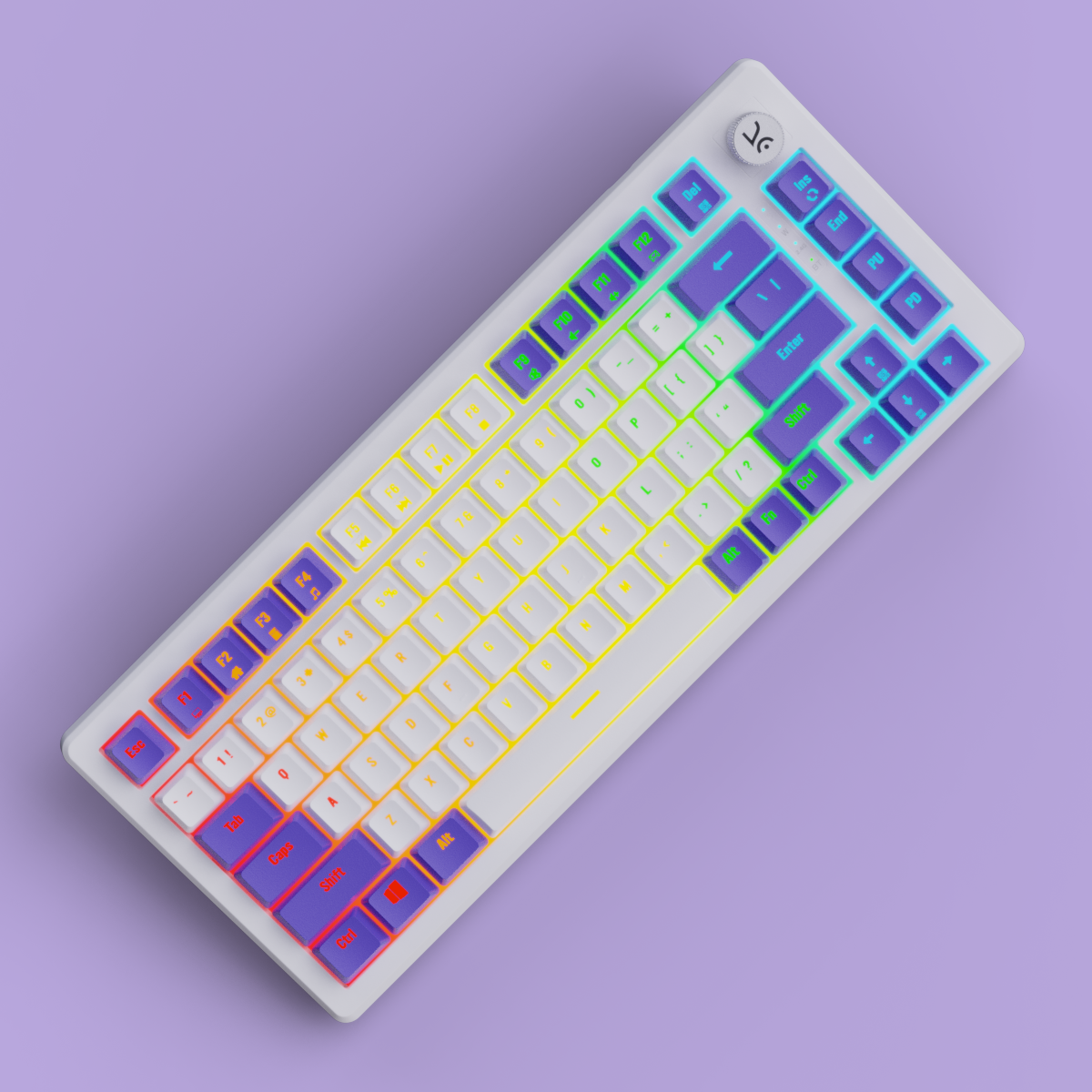
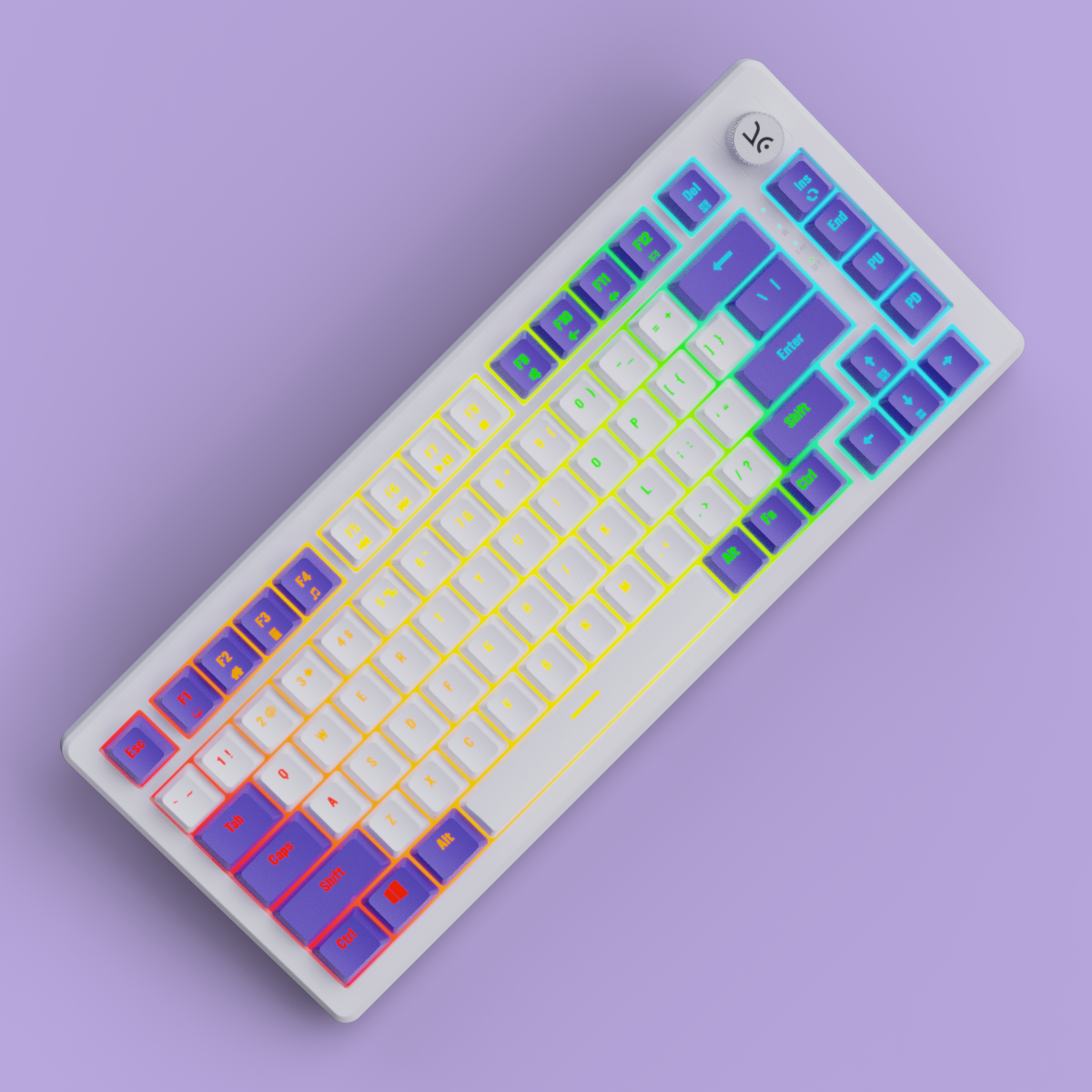
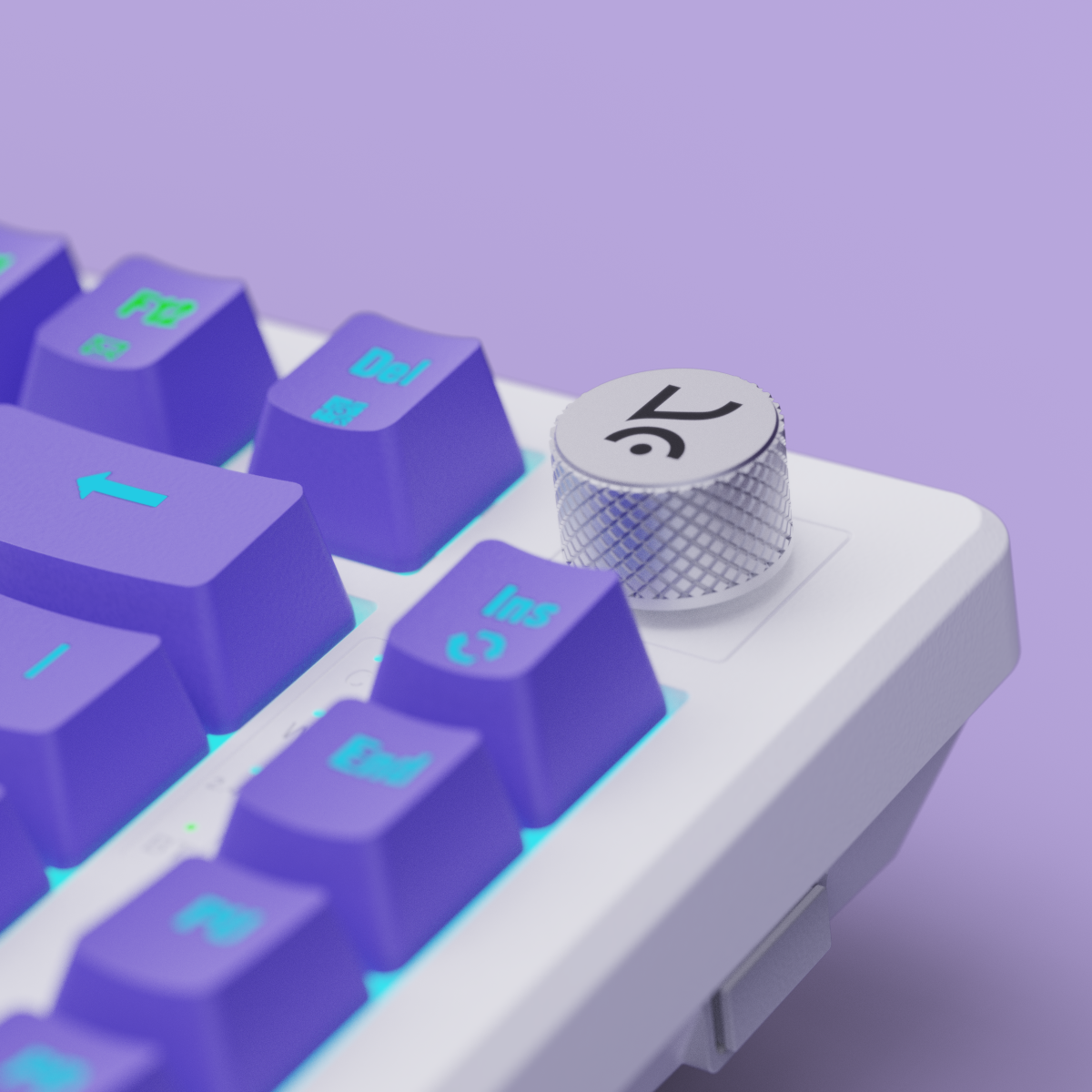
Hive75 White-Purple Wired Gaming Keyboard
5K+ Hive75 keyboards sold 🚀
See exactly when this arrives
- Compact 75% Layout:
Saves desk space without sacrificing essential keys—ideal for gaming and productivity. - Outemu Red/Brown Switches: Tactile feedback with 60 million keystroke durability.
- Detachable USB-C Cable:
Easy to plug in, pack, and move—perfect for flexible setups - Per-Key RGB Lighting:
Individually customizable keys with vivid, dynamic lighting effects. - Hot- Swappable Switches: 5 Pin Hot Swappable PCB, Swap switches with ease.
- Sound-Dampening Foam:
Reduces keystroke noise and vibration for a smoother typing experience. - Durable & Travel-Ready:
Built to last and designed for portability, without compromising performance.
Hive75 White-Purple Wired Gaming Keyboard

TKL Layout

Volume Knob

OUTEMU Switches

RGB Lighting

Software Support

Hot Swappable
If you have any questions, you are always welcome to contact us. We'll get back to you as soon as possible, within 24 hours on weekdays.
-
Shipping Information
Use this text to answer questions in as much detail as possible for your customers.
-
Customer Support
Use this text to answer questions in as much detail as possible for your customers.
-
FAQ’s
Use this text to answer questions in as much detail as possible for your customers.
-
Contact Us
Use this text to answer questions in as much detail as possible for your customers.
RGB Modes
Key Layout
Polling Rate

Outemu Red
Factory Lubed: No Type: Linear Operating Force: 44 gf
Total Travel: 3.9 mm Pre-Travel: 1.9 mm
Bottom-out Force: 60 gf Pin Type: 3-pin
Bottom Housing: Nylon Stem: POM Cover: Polycarbonate
Switch Life: 50 million presses
Buy this if you want a smooth, fast linear feel for gaming with low noise and consistent keypresses.

Outemu Browns
Factory Lubed: No Type: Tactile Operating Force: 40 gf
Total Travel: 3.9 mm Pre-Travel: 1.9 mm
Bottom-out Force: 60 gf Pin Type: 3-pin
Bottom Housing: Nylon Stem: POM Cover: Polycarbonate
Switch Life: 50 million presses
Buy this if you enjoy a soft tactile bump for feedback without loud clicks, ideal for both typing and gaming.


Features & Specs
General Info
Connectivity
Ergonomics
Customization
Build & Durability
Software
Compatibility
In The Box
Switches
Keycaps
Backlighting
Other Features
Mount Design
Foam & Sound Dampening
You asked, we answered!
If the issue persists, contact our support team.
Why are the Alt and Windows keys swapped on my keyboard?
If the Alt and Windows keys are swapped, press Fn + S and Fn + A to restore their default functions.
How do I turn Scroll Lock on or off
Press Fn + I to toggle Scroll Lock on or off.
What should I do if a key is double-clicking or a switch isn't working?
Follow these steps:
- Hold Fn + Esc for a few seconds to reset your keyboard.
- Remove the keycap and clean the switch and PCB using a soft brush, cloth, or compressed air.
- If the issue continues, try replacing the switch with a spare one.
If none of these steps work, please contact our support team.
My RGB lighting isn't working. What can I do?
- Hold Fn + Esc for a few seconds to reset the keyboard.
- Check and adjust the RGB settings in the Hive software, which can be downloaded from the Kreo official website.
How do I reset my Kreo Hive keyboard?
To perform a full reset, simply hold Fn + Esc for a few seconds. This resolves most common issues.
Nice good experience kreo products like gamers ki feelings ko samjhta hain ❤🤗
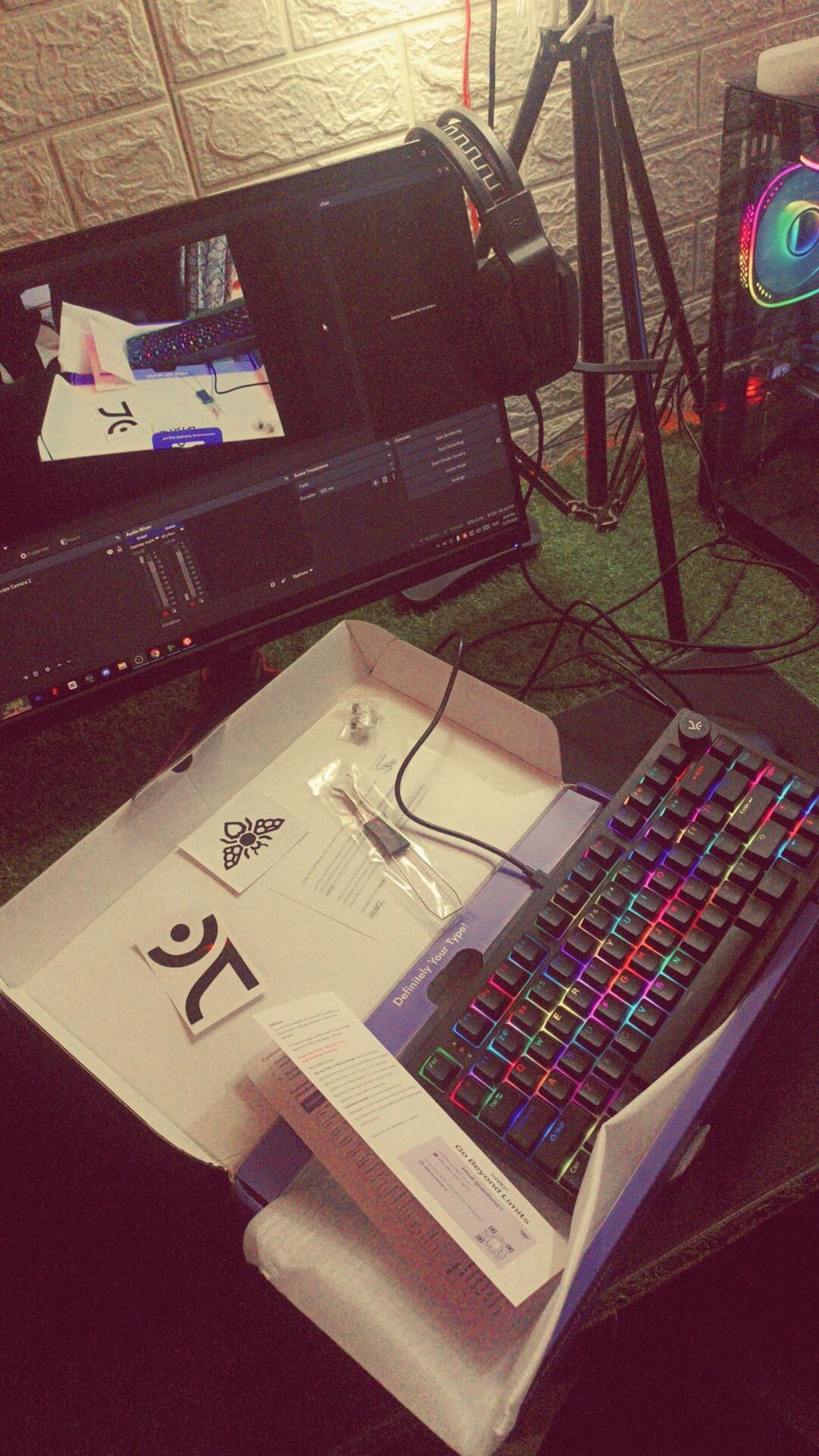
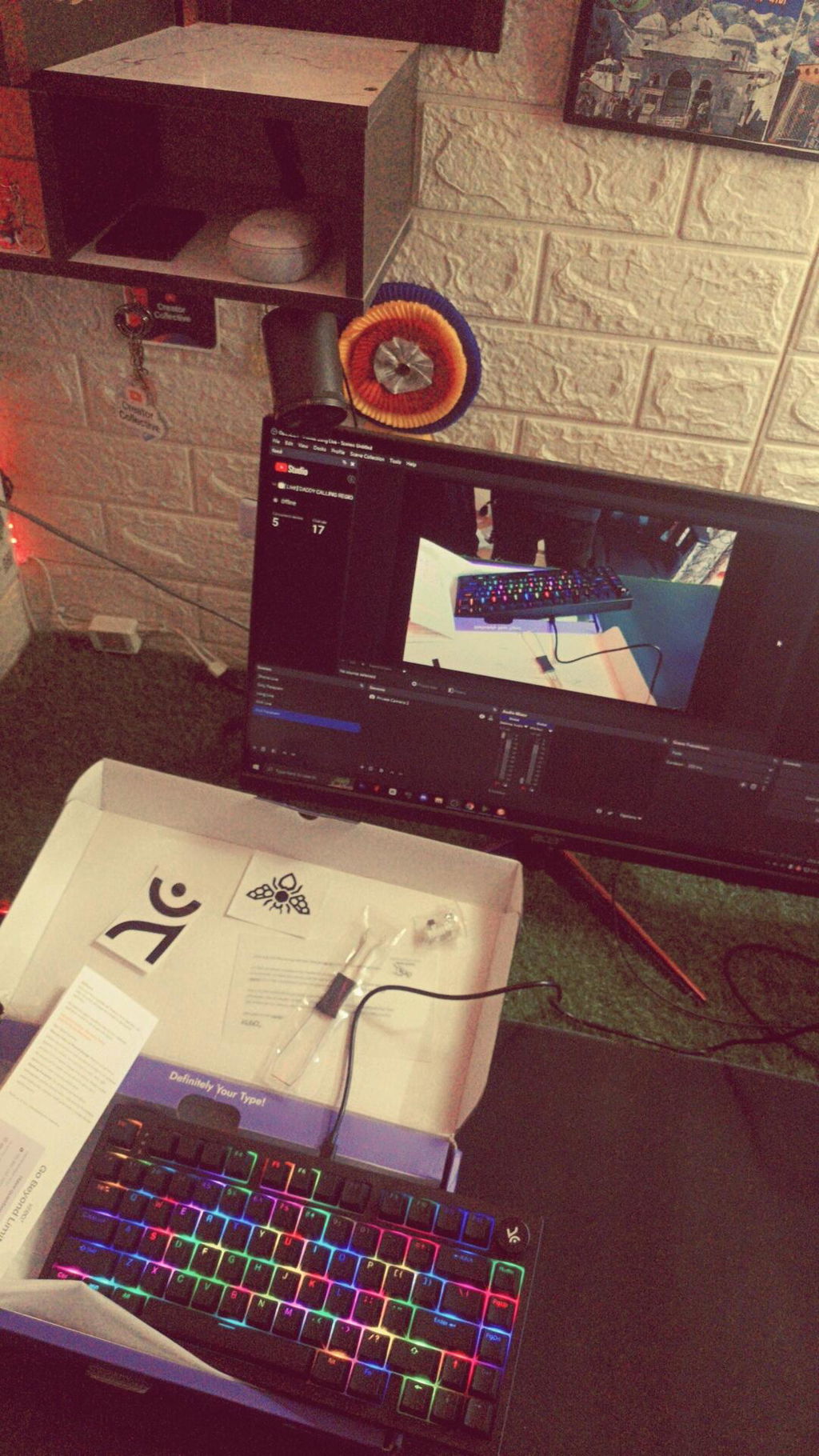
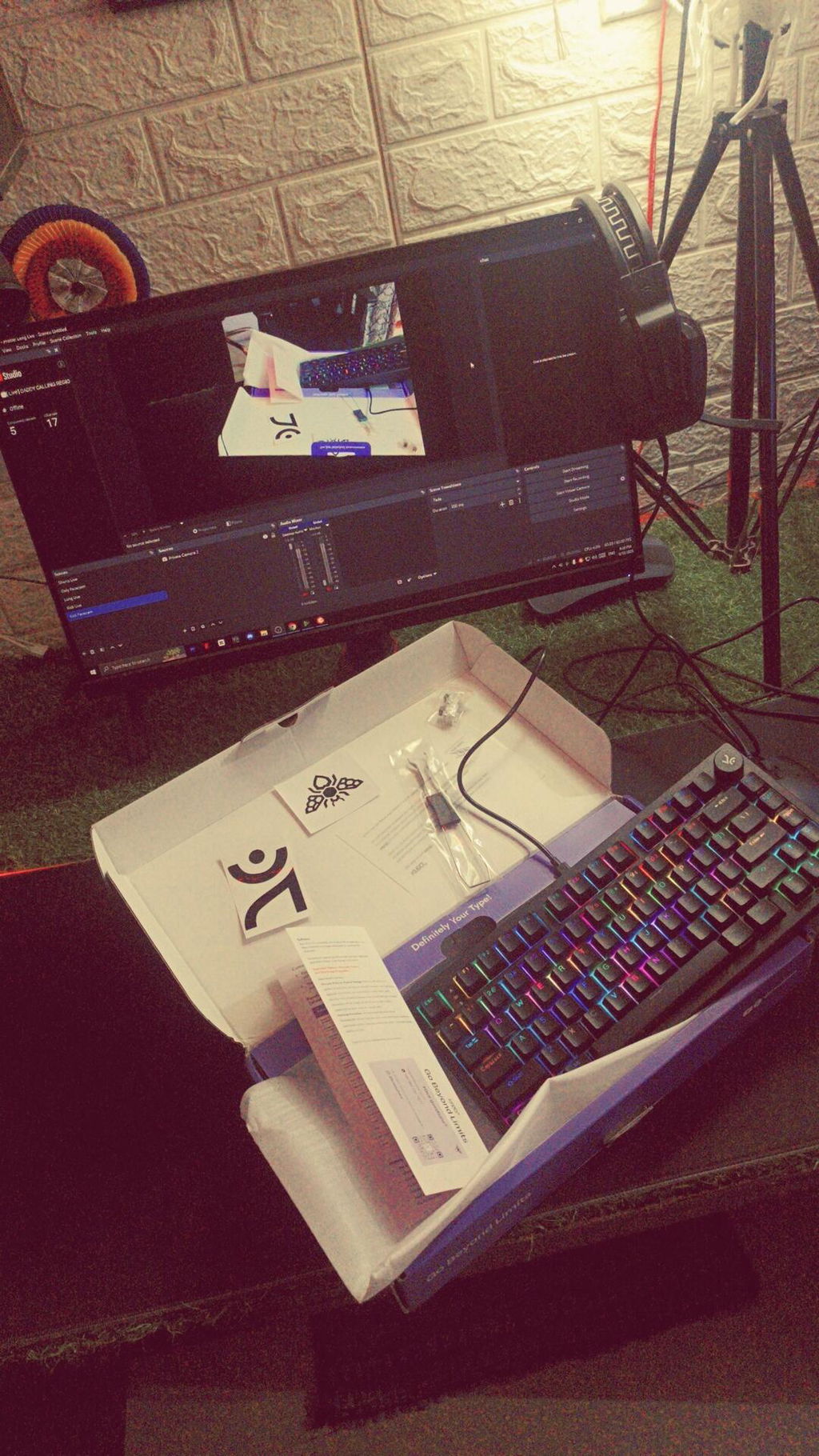
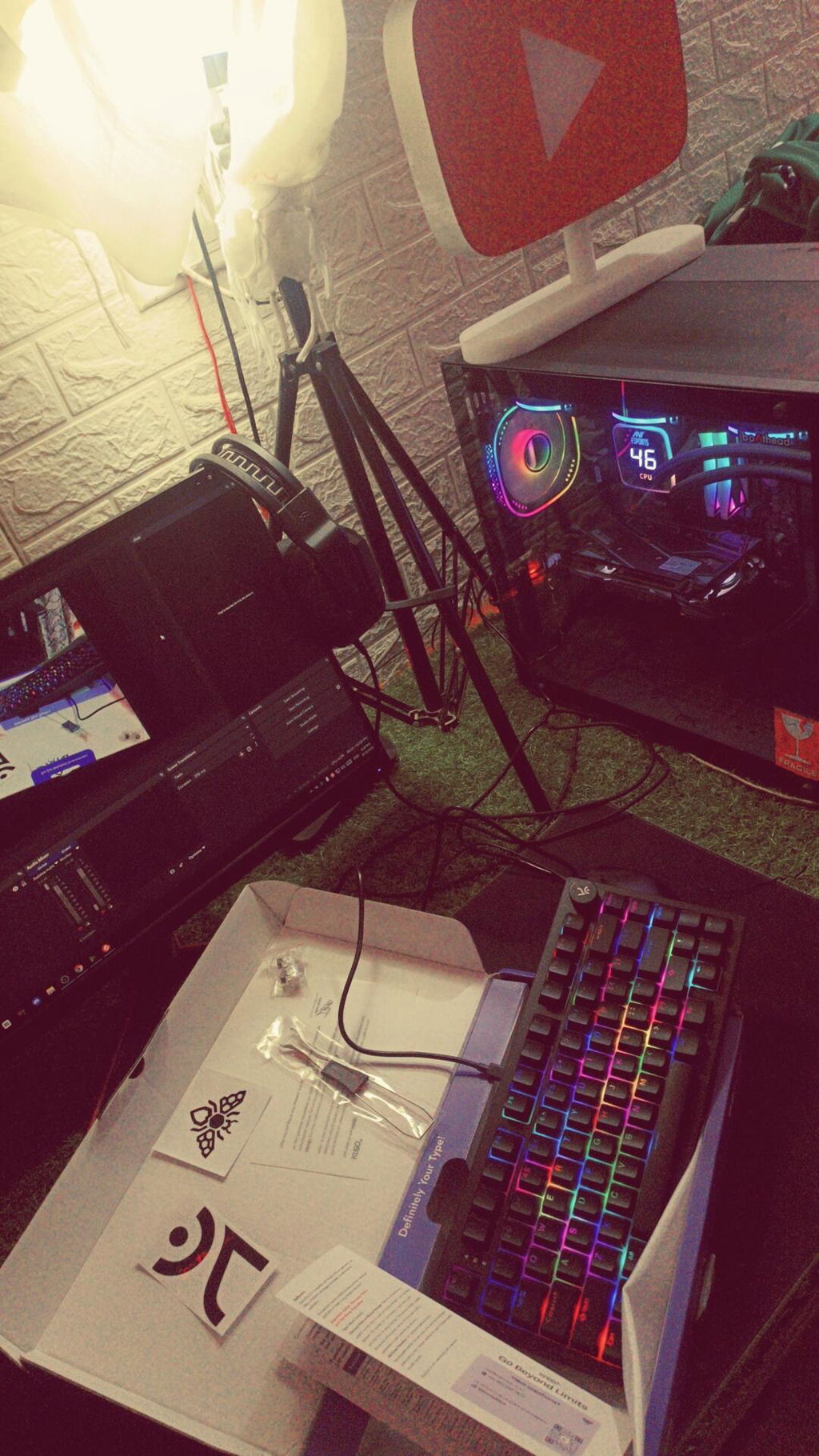
Your keyboard is awesome
You killed it kreo best keyboard I used
The keys sound are so relaxing
And build quality is good 💯
But just improve wire quality okey it was downgrade by my side.
The colour is awesome and looks are too good on my desk
I'll give your 4.9 out 5⭐⭐⭐⭐⭐
I love the keyboard and I will never regret my decision of buying it over other keyboards. The only issue I had was that even though it hasn't been a full month since I bought the keyboard I got an issue with the switch of the left control button and I had to replace it with the new one you gave in the box. I mean it's concerning that I had to do the switch replacement this early...
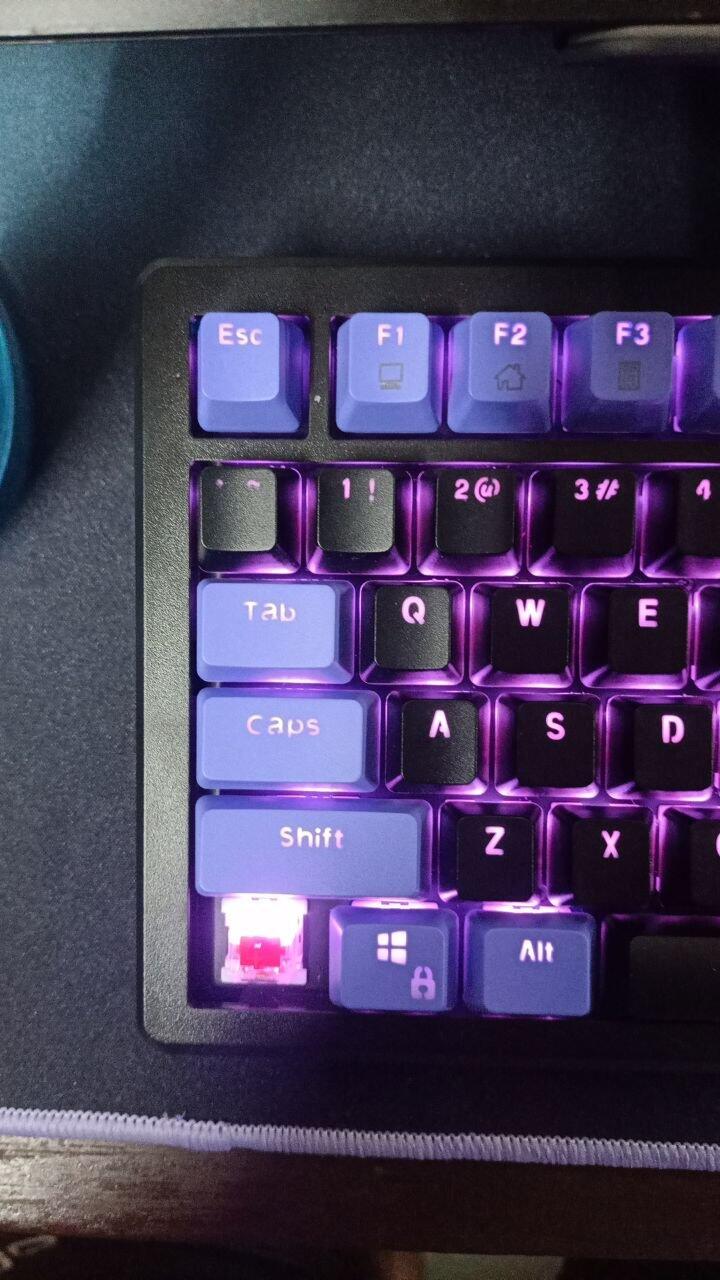
Since it is my first mechanical keyboard..I am very pleased with it but my typing speed has gone to the gutters... I press keys accidentaly and that also factors in the size of this keyboard. Plus it is on a higher side so my wrists kind of hurt while typing...
But that should not be the problem for everyone out there.
RGB modes and lookmaxxing is great. The setup looks good with this!!
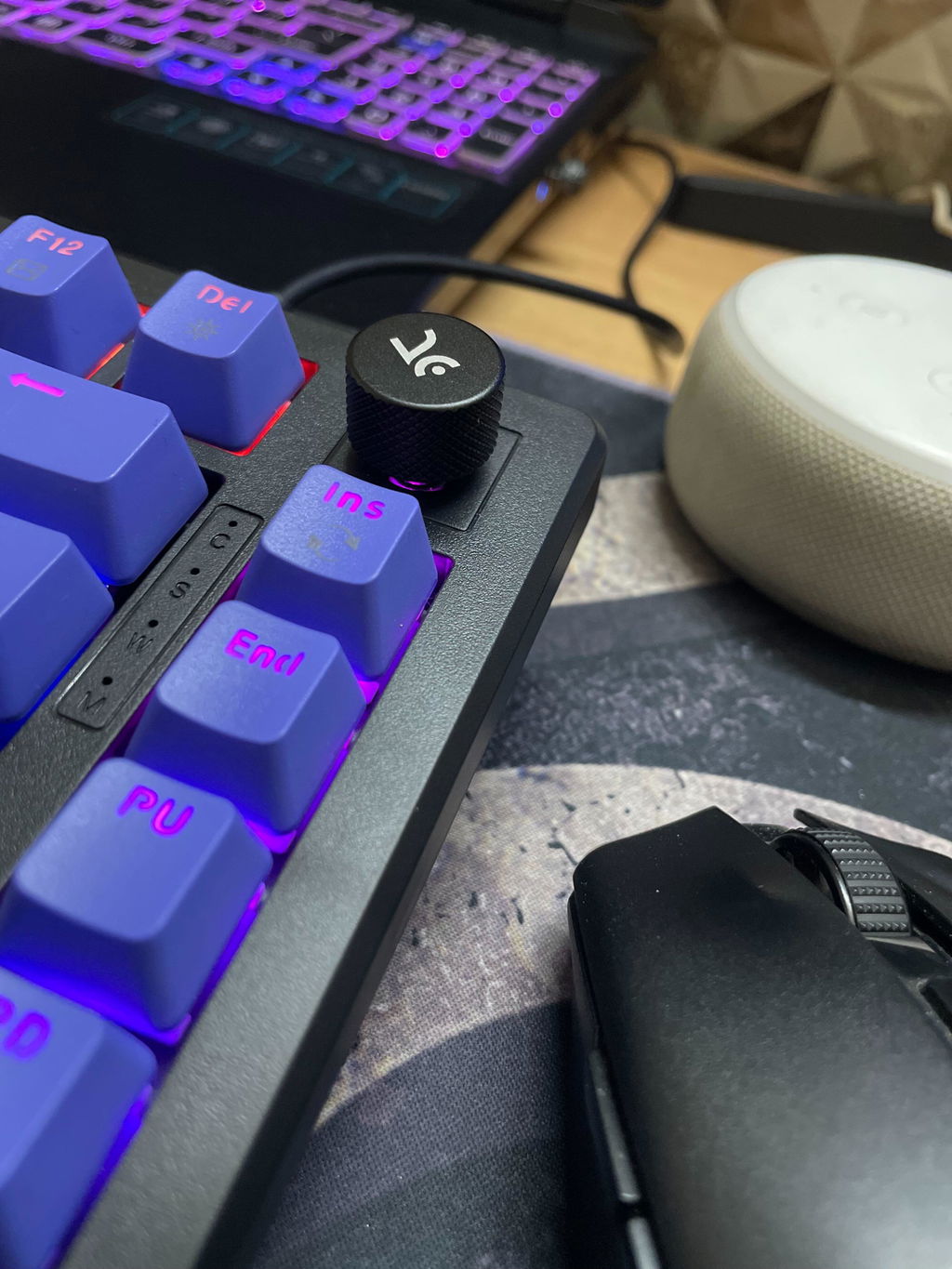
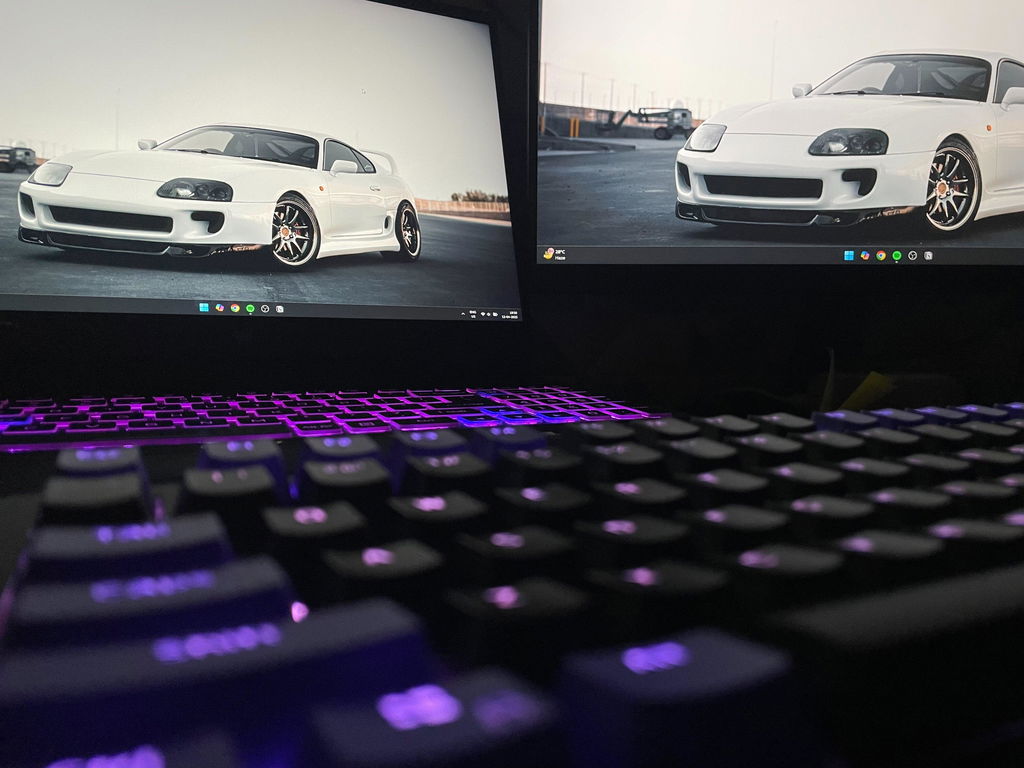
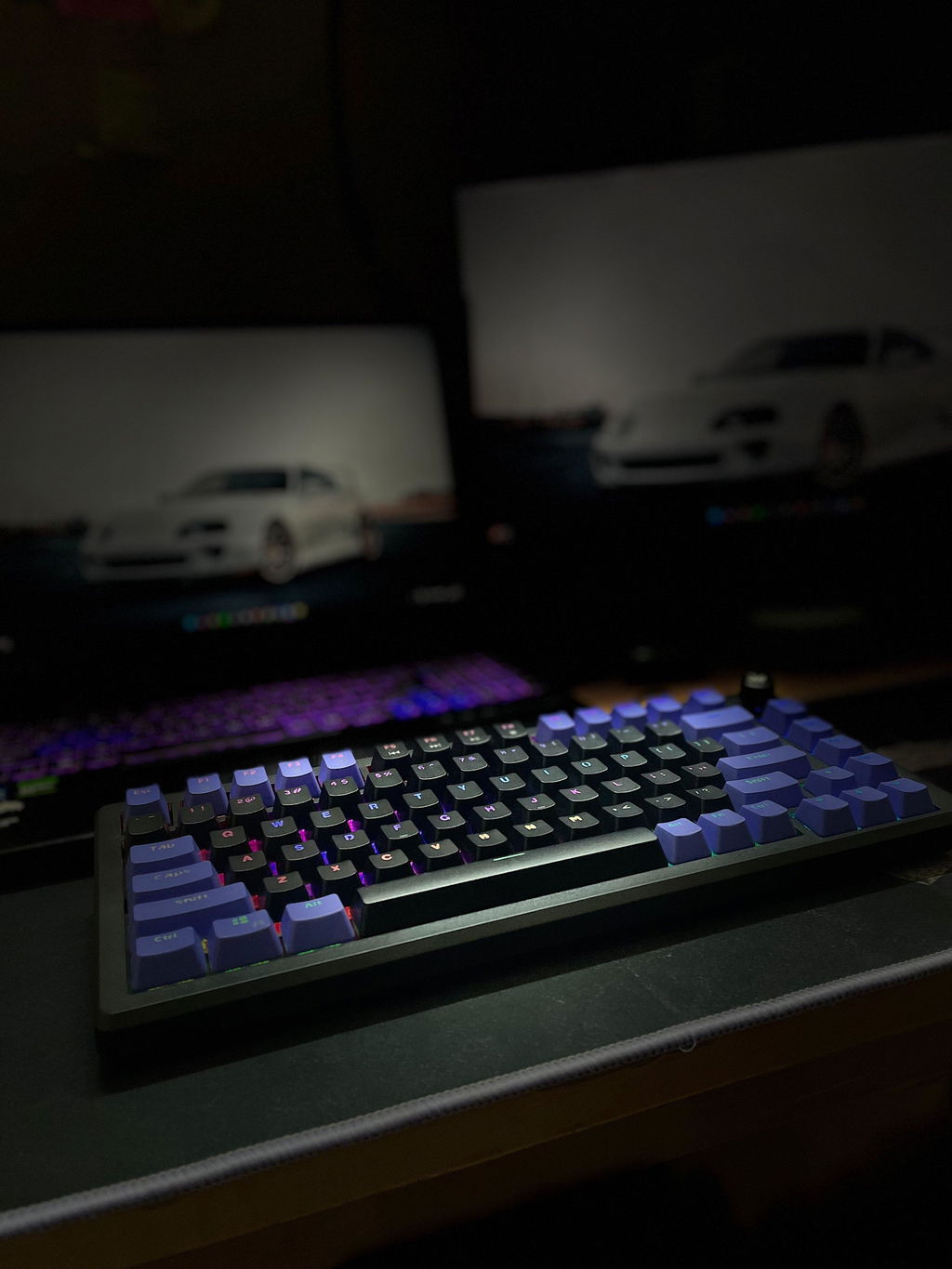
I ordered white purple hive but instead of that I received whipe-purple-red keyboard. No need to exchange. Just informing you guys
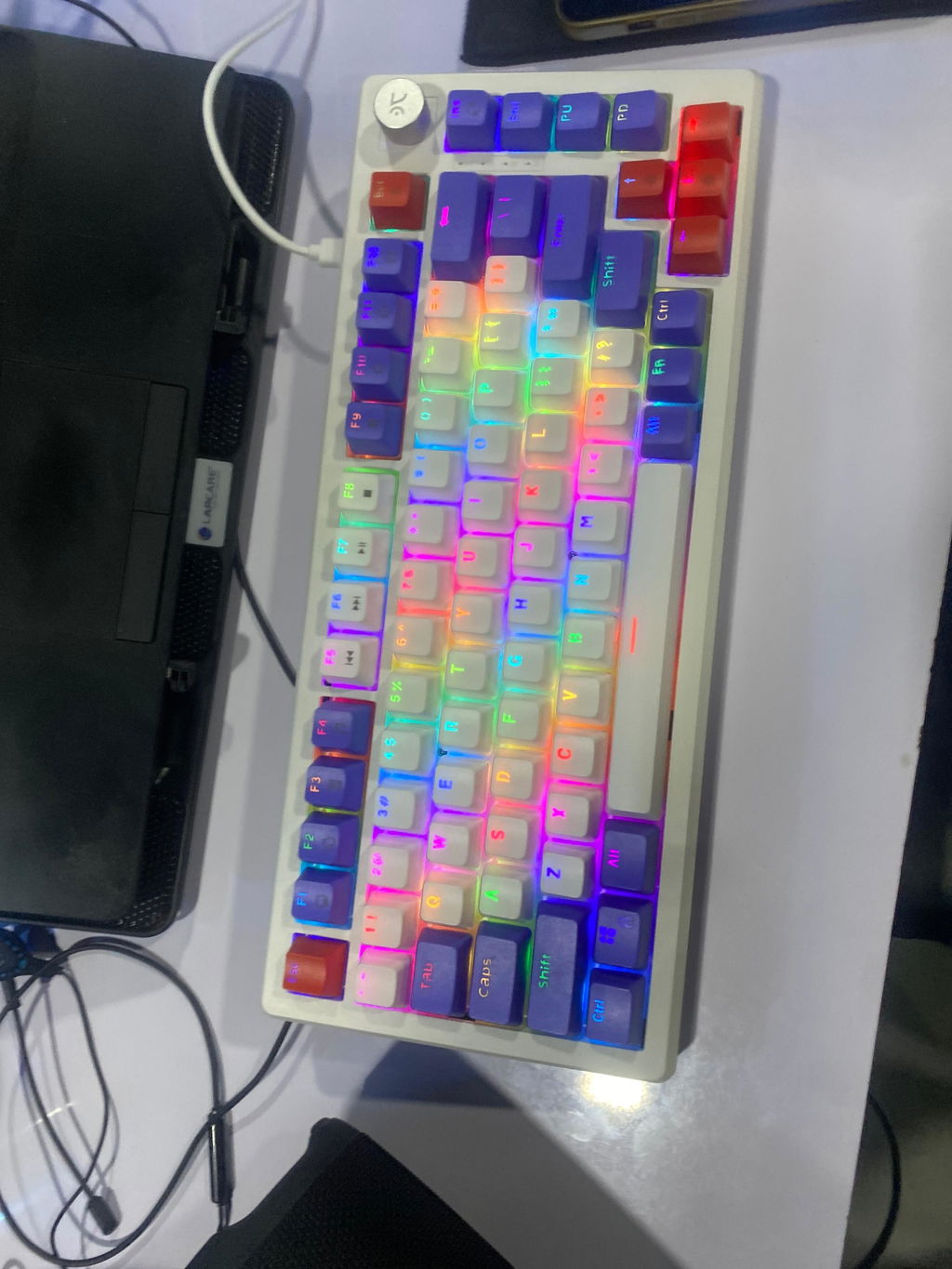
This is my first time with a mechanical keyboard and I really loved it…
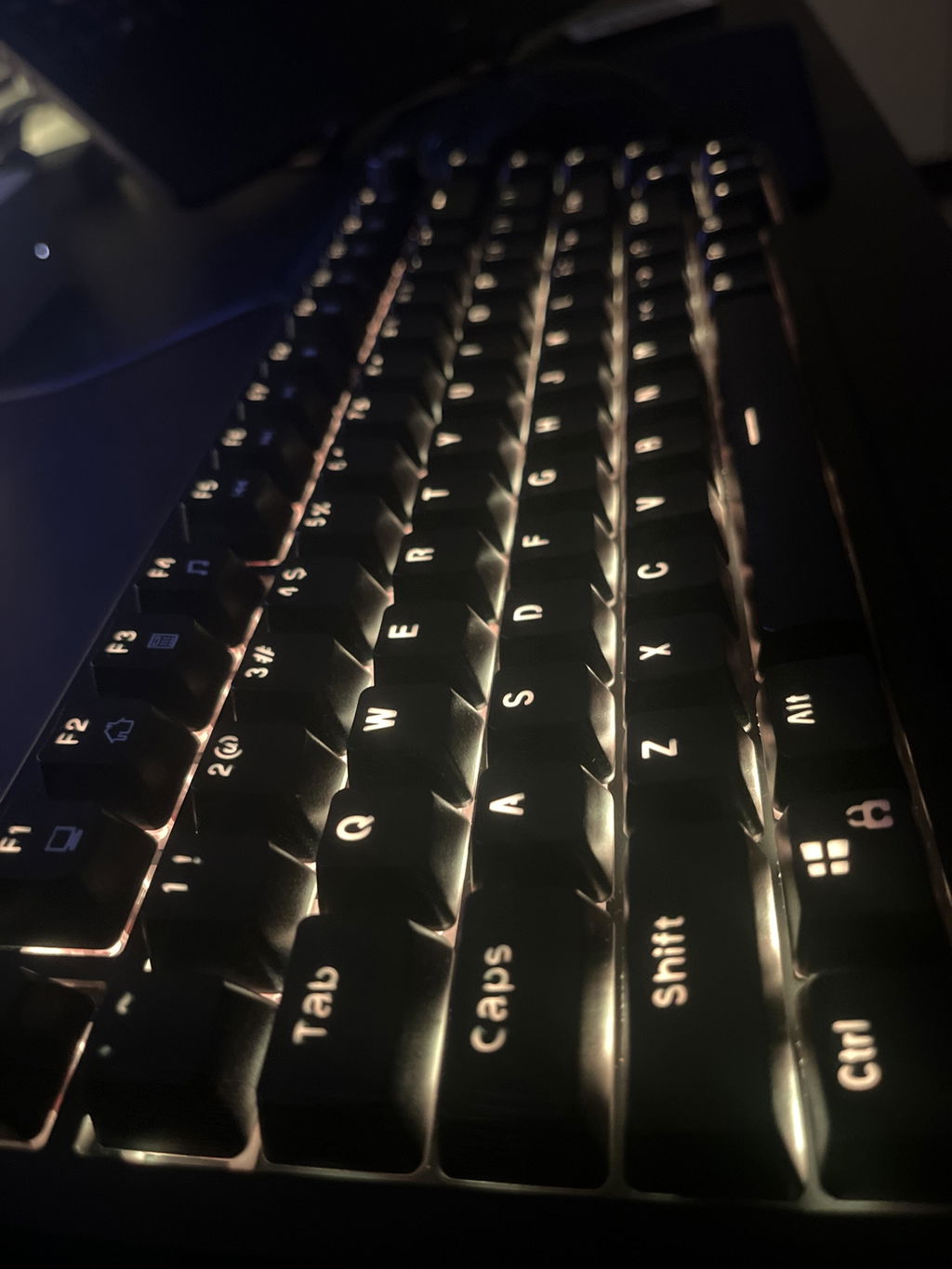
This was my first mechanical keyboard, I am happy with my purchase. Only regret was that of choosing blue switch which have became somewhat annoying in day to day prolonged uses. Should have gone with brown switch 😕. Overall The product usecase and experience have been good. Will recommend at price range below 3k.
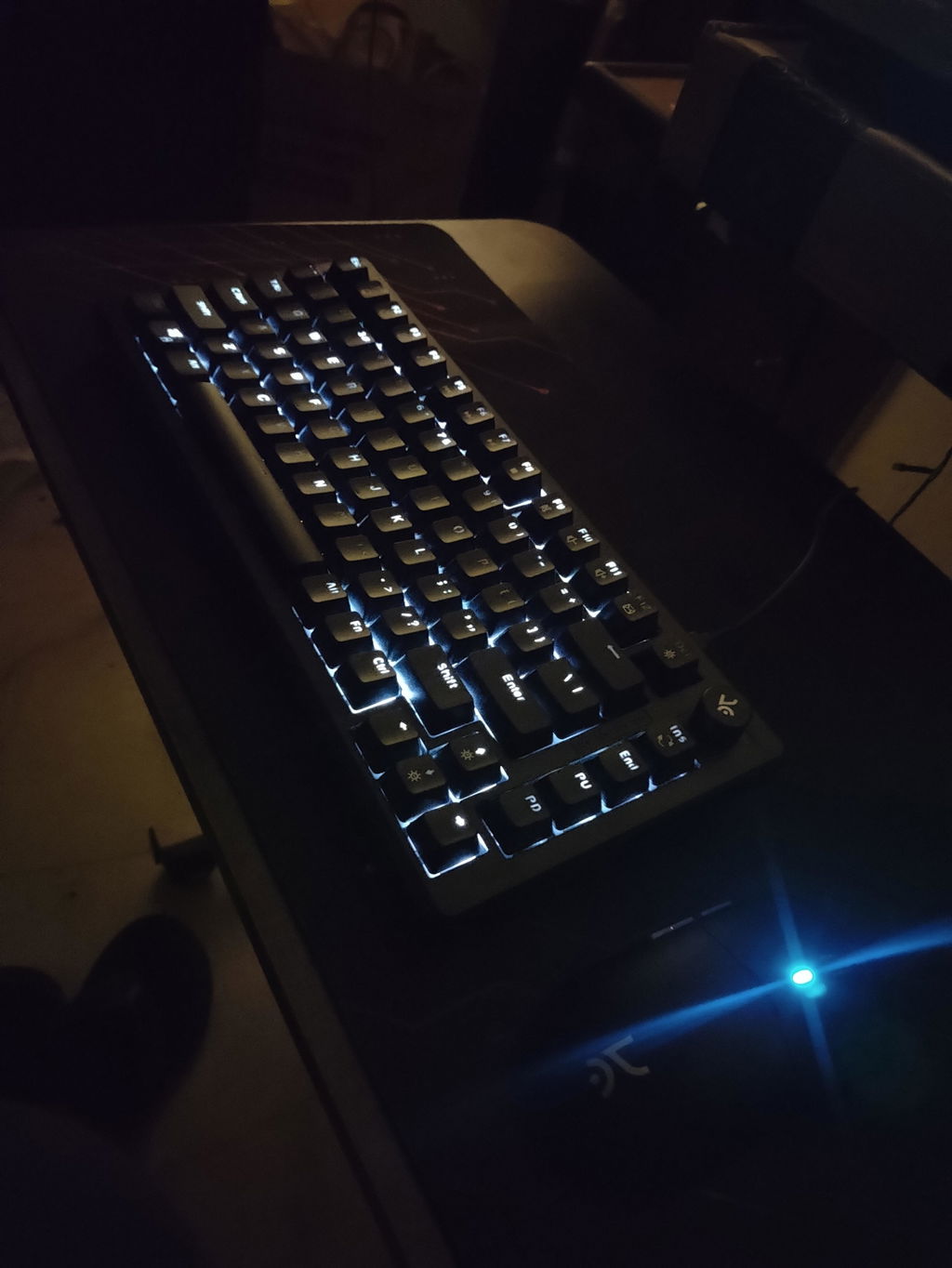
It was my first mechanical keyboard.
* What I liked (Pros) *
1. Lights
2. Looks
3. Per key LED and different LED modes
4. Not completely sticky but not slippery at all base rubbers.
* What I did not understand (Cons) *
1. If volume knob is already provided for volume up, down and mute feature then why there are 3 buttons for the same functionalities (F9, F10, F11 with Fn). All keys are programmable, but I am not sure about Fn + key combination is programable or not.
2. I have extensively used it for gaming since I bought it (1 Month). So, majorly my fingers are on WASD buttons and sometimes, a slight pressure (resting fingers on keys) activates the key (Maybe I have heavy palm).
3. Keys are pass through but keys with Fn feature like (F1-F12) keys are not completely pass through. Ex: Fn + F7 has media play/pause feature. F7 impression is pass through but not play-pause impression rather it is white color print. (Check Image)
4. The font used on keyboard keys seems different than the picture on this site. Ex: "0", "O", "R, "P" and some other not complete circle with continuous stroke line but has gaps somewhere in stroke lines. (Check image)
* Suggestions *
1. "ins" button just below volume knob is not use as frequently as "Home" button. Replacing "ins" with "Home" could complete button pairs like "Home & End", "Page-Up & Page-Down".
2. Fn + F9 to F11 could have been used for some other buttons like "Prt Sc", "Mic Mute"& "Ins"
In my review it may seem that cons are big (at least by text count) but I just tried to explain it in detail.
I have never felt the touch of very-very-very expansive keyboards but at this range I am sure that this is one of the best. I bought it to give home brand a try and feels like not going to regrate it.
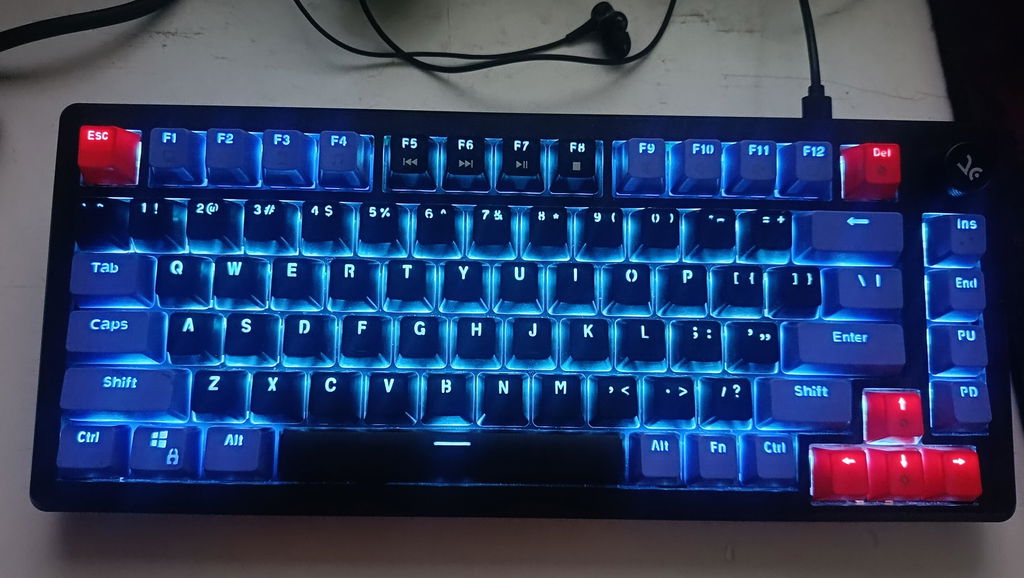
So it's been a couple of days now with using the keyboard, i did liked the per key RGB feature so i can now Customize rgb as per my choice. As i have used Res switches keyboard before and was hoping some better performance from the brown switches n it's sound. It's sound is not that satisfying.
Another very important thing to mention that, i have to use 2 different softwares for the 2 different products. Which is kind of annoying. It would be better if you could just make one software Which could work with different products at once...
And next time pls if you doing sales discounts pls tell us before...
Thank you.
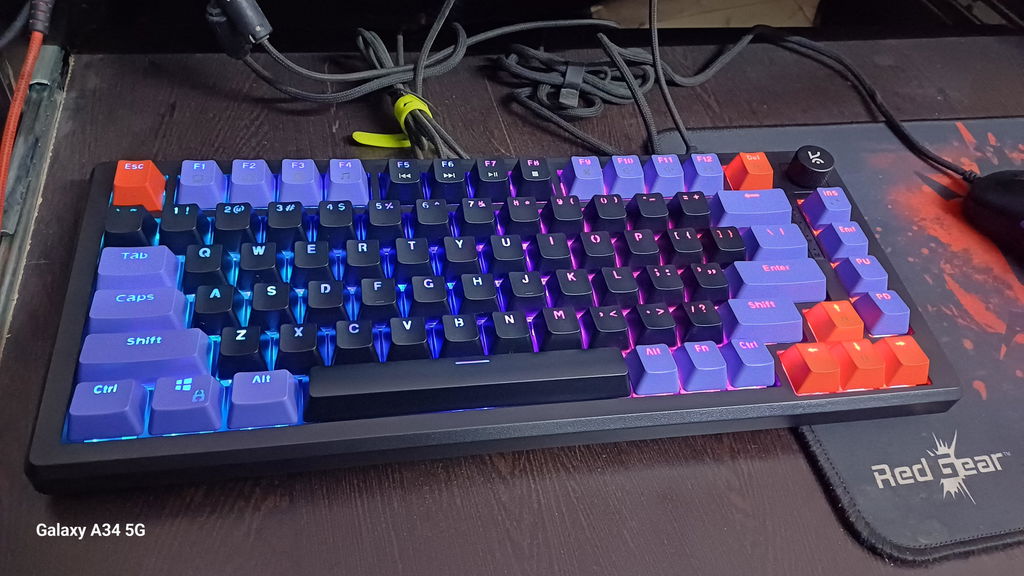
The Purple All-Black Keyboard is a beastly beauty—big, bold, and rocking that rad mechanical-keyboard vibe the Chief Conductor Orchestrator totally nailed. The colorful key panels? Cool as they are, could definitely use a glow-up—maybe crank up the brightness or something so those letters don’t go MIA during late-night gaming marathons.
Now, let’s talk action: this bad boy delivers! The keys are snappy, responsive, and all about that gaming life. Sure, it’s got a few quirks, but hey, it’s got flair. For the price? Total win.
Just one wishlist item for next time—can we get a cushioned bottom extension for those rage quit moments or long-haul gaming grinds? Give us that wrist-saving magic, please! 😎
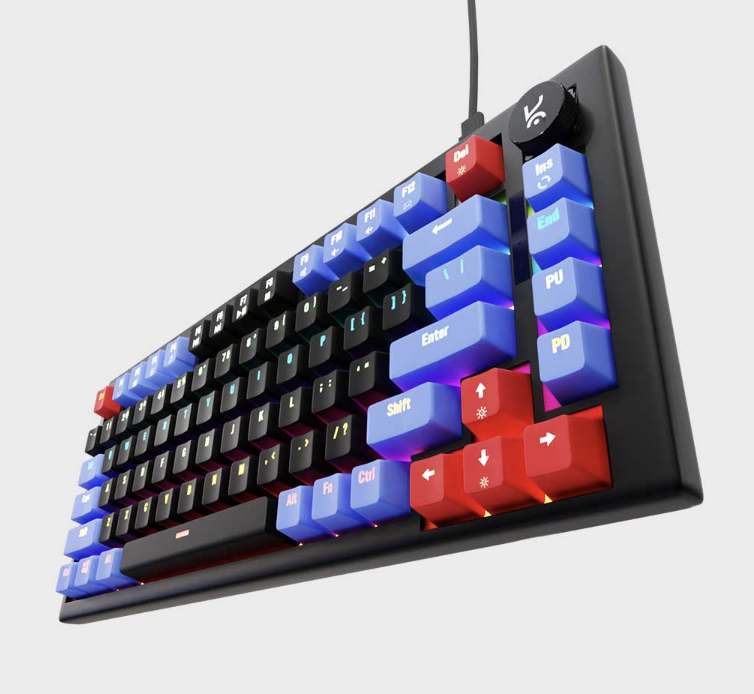
Honestly it's one of the best keyboards I've ever used I mostly used it for fps gaming like valo, cs and stuff and it's worth it man my b hop, core mechanics everything is more easy due to the keyboard. Before I used to misclick a lot as well now it's a smooth ride.
It is good and with many modifications option just love to keyboard
Hive75 V2 White Purple Wired Mechanical Gaming Keyboard
Keyboard is excellent, looking to buy a mouse soon
Hive75 V2 White Purple Wired Mechanical Gaming Keyboard
Hive75 V2 All Black Wired Mechanical Gaming Keyboard
I previously bought the Hive 65 keyboard and it was my first mechanical keyboard. I loved that keyboard too but there was just one thing which bothered me during the gameplay and that was the missing "Fn keys" row. So, I wanted something which offers the same kind of feel and also fulfills my requirement, the. I came to know about Hive 75 v2 and I watched some reviews about it on YouTube. The reviews were positive and I also loved how easy it is to mod the keyboard as well. The keyboard also had my favorite colour scheme and switches either, I went for the all black variant with brown switches. I am very fotunate to order it on the first day of the sale because it went out of stock thereafter. I feel lucky to have grabbed this deal and I am enjoying very much. The typing experience of brown switches is really unique as compared to the purple one present in my hive 65. Overall, the built quality and typing experience is solid and I am really loving to have this hive 75 v2 keyboard on my desk setup.
Sound quality and build quality
I have uploaded a review video on my instagram about kreo hive 75 V2
https://www.instagram.com/reel/DcSkoFKBxXF/?igsi=MWh6ZTg4eGIxMjdlaw==
The key presses and its sound. The durability. One thing that can be improved is the color of the text on the keyboard. In the coloured region it is not at all visible.
Cable should be in L shape for better space management
It is the best keyboard that i used tbh! Ya but it us bit smaller for my fingers but yah for the quality it give i can bear some pain
The keys are soft to press, and don't need much pressure to trigger. Overall a very good experience
Convince and quality at that price
Loved it very much. Best keyboard tool used.