

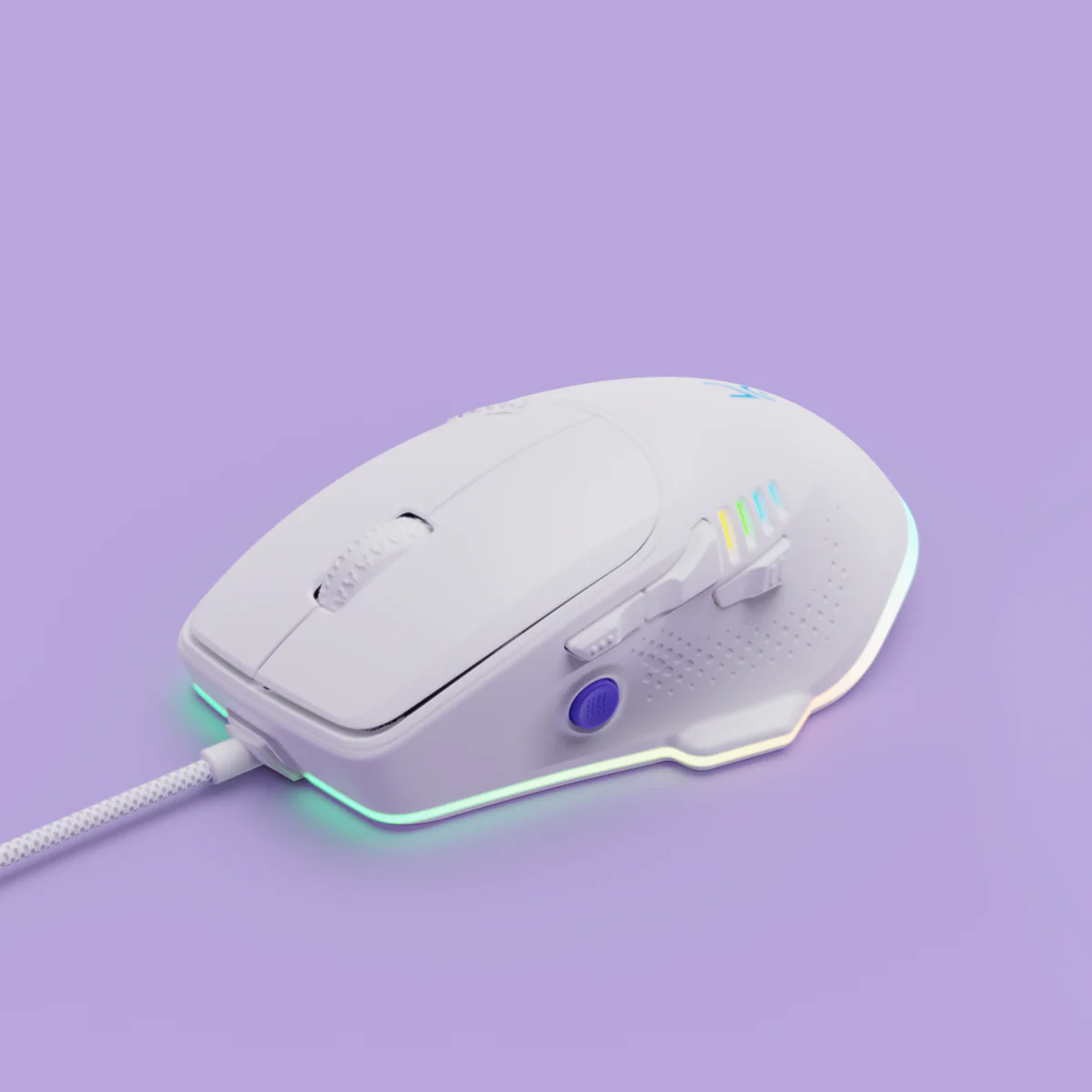
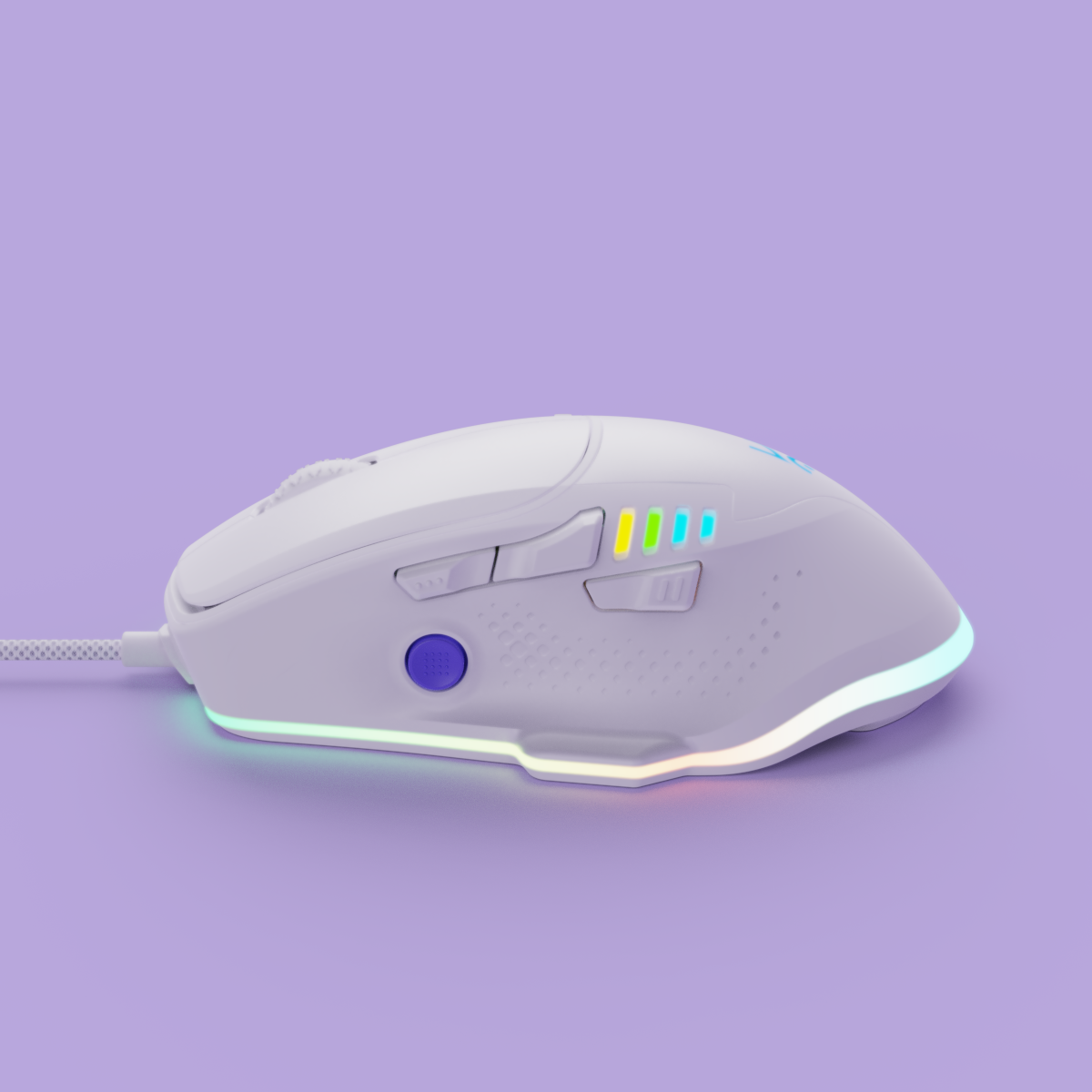
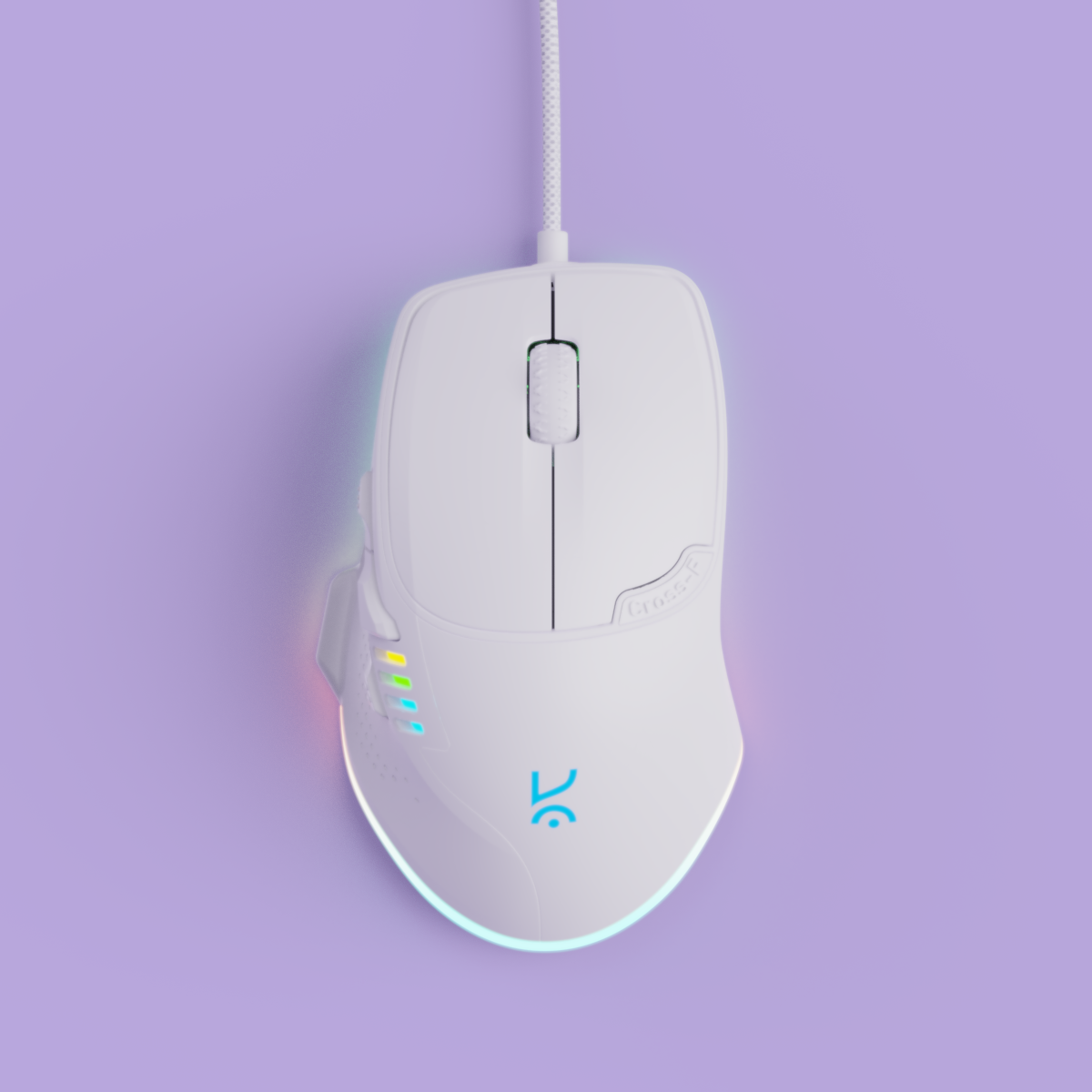
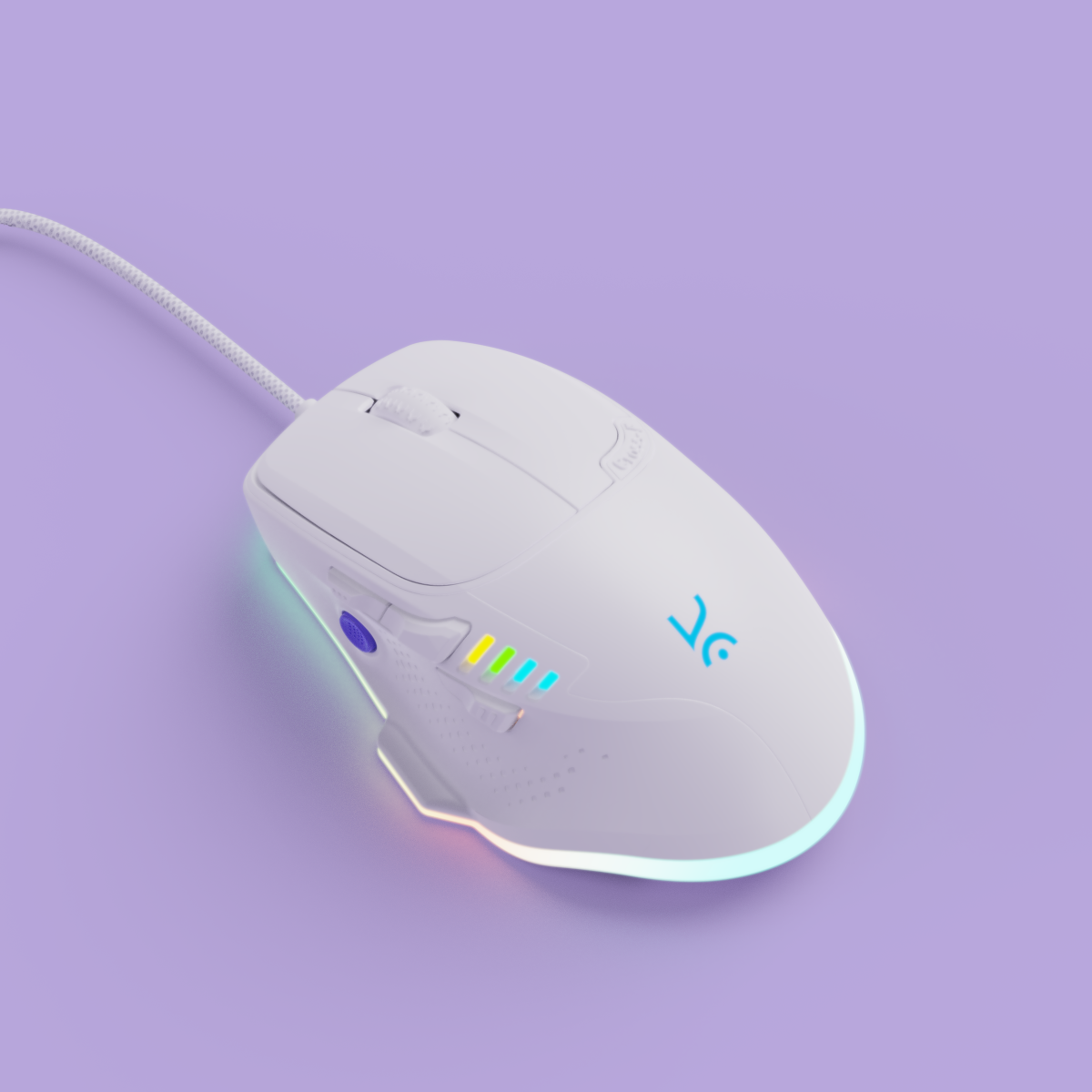


- 8 Programmable Buttons: Fully customizable via the Kreo Hawk app—adapt your mouse to suit any game or playstyle.
- 7 DPI Levels (200–12400): Switch effortlessly between ultra-precision and high-speed tracking to match every in-game moment.
- PMW3327 Sensor: Equipped with a high-performance sensor for reliable accuracy across all major PC games.
- Custom RGB Lighting: Sync with your setup and personalize your vibe using dynamic, programmable lighting effects.
- Ergonomic Design: Crafted for long hours of gameplay with a shape that supports your fingers and palm naturally.

Pixart 3327 Sensor

1.5m Long Cable

Software Support

Customizable RGB
If you have any questions, you are always welcome to contact us. We'll get back to you as soon as possible, within 24 hours on weekdays.
-
Shipping Information
Use this text to answer questions in as much detail as possible for your customers.
-
Customer Support
Use this text to answer questions in as much detail as possible for your customers.
-
FAQ’s
Use this text to answer questions in as much detail as possible for your customers.
-
Contact Us
Use this text to answer questions in as much detail as possible for your customers.

Cable
DPI
Programmable Buttons


Suits every hand size and grip
Ergonomic Design
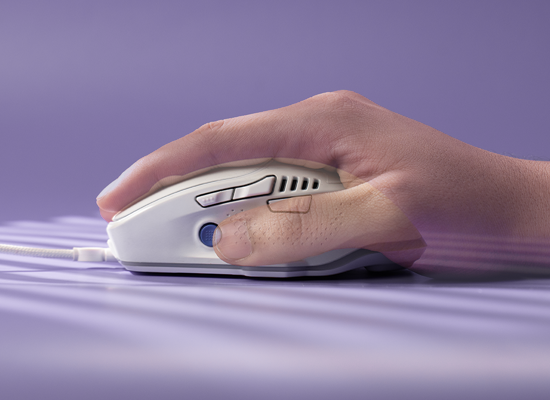
Palm
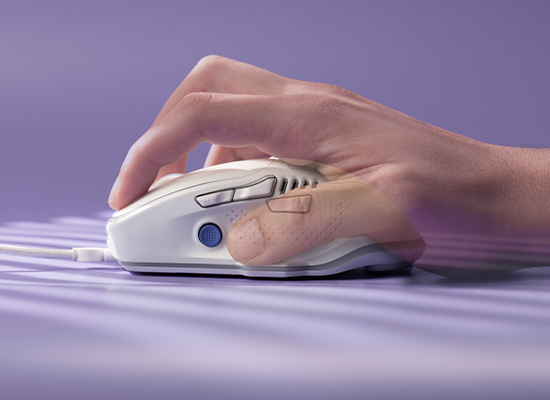
Claw
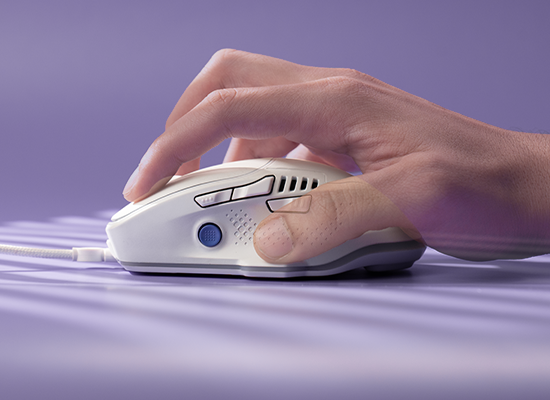
Fingertip


Features & Specs
General Info
Sensors
Buttons
Connectivity
Ergonomics
Customization
Build & Durability
Software
Compatibility
In The Box

I am a seasoned PhD student and thus I use my Kreo Hive 98 full seized keyboard and Kreo Hawk (white) regularly and click the buttons so often that it would rival any professional coder. I didn't love the white color that easily at first, however, it does the job quite perfectly, as I often don't care how I am holding the mouse. I would often hold it a little lower and found that it still works like if I had hold it appropriately. This is what I have missing across a whole spectrum of office style non gaming mice. The RGB system is perfectly customizable for anyone in my opinion. The side button on the side (thumb side) is placed appropriately and really helpful. However, one could find clicking it mistakenly. The bottom of the mouse glides fine on the surface and it works nicely on a wider range of surfaces than a non-gaming mice, but still sticks over so slightly. It would be noteworthy that one could find self accustomed to it quite quickly. Additionally, I started having heavy wrist pain soon enough, but that could be because I was using it so regularly for lo-ong hours. I purchased a mouse pad with foam cushion and the pain went away in few weeks. One may not have similar problem, but if you do please buy a mouse pad with wrist cushion.
Pro tip - use a cotton bud slightly dabbed with water to clean the crevices and thumb rest.
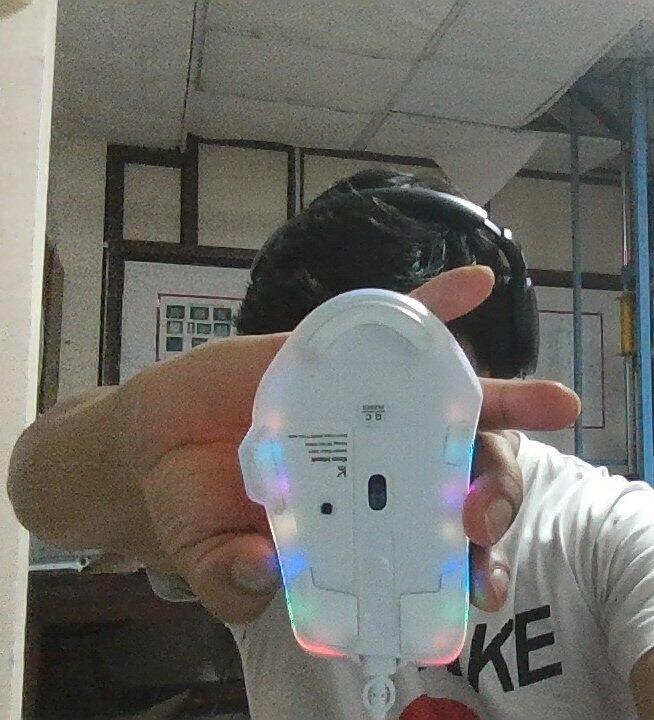
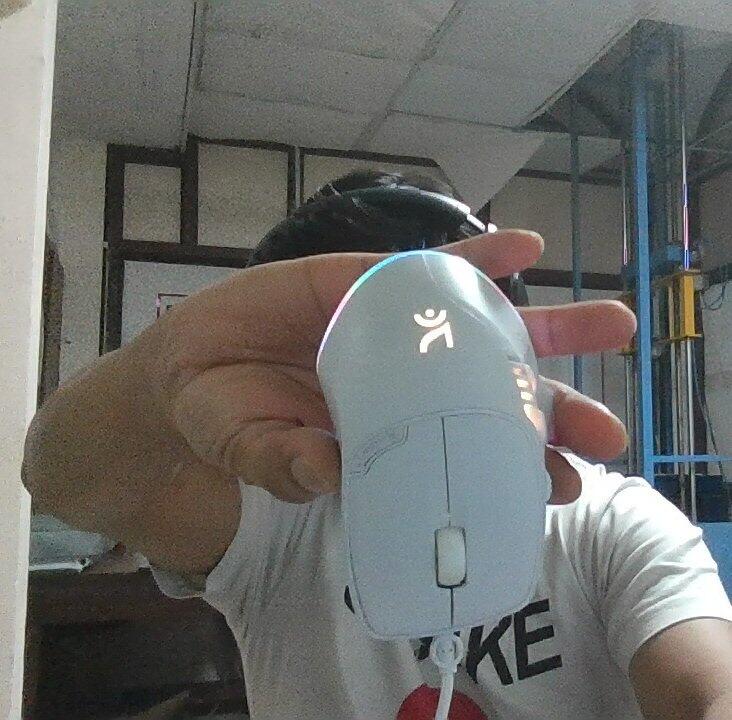
Love the mouse &the colour , its in my favourite color so bought it works very well & i like slightly heavy mouse
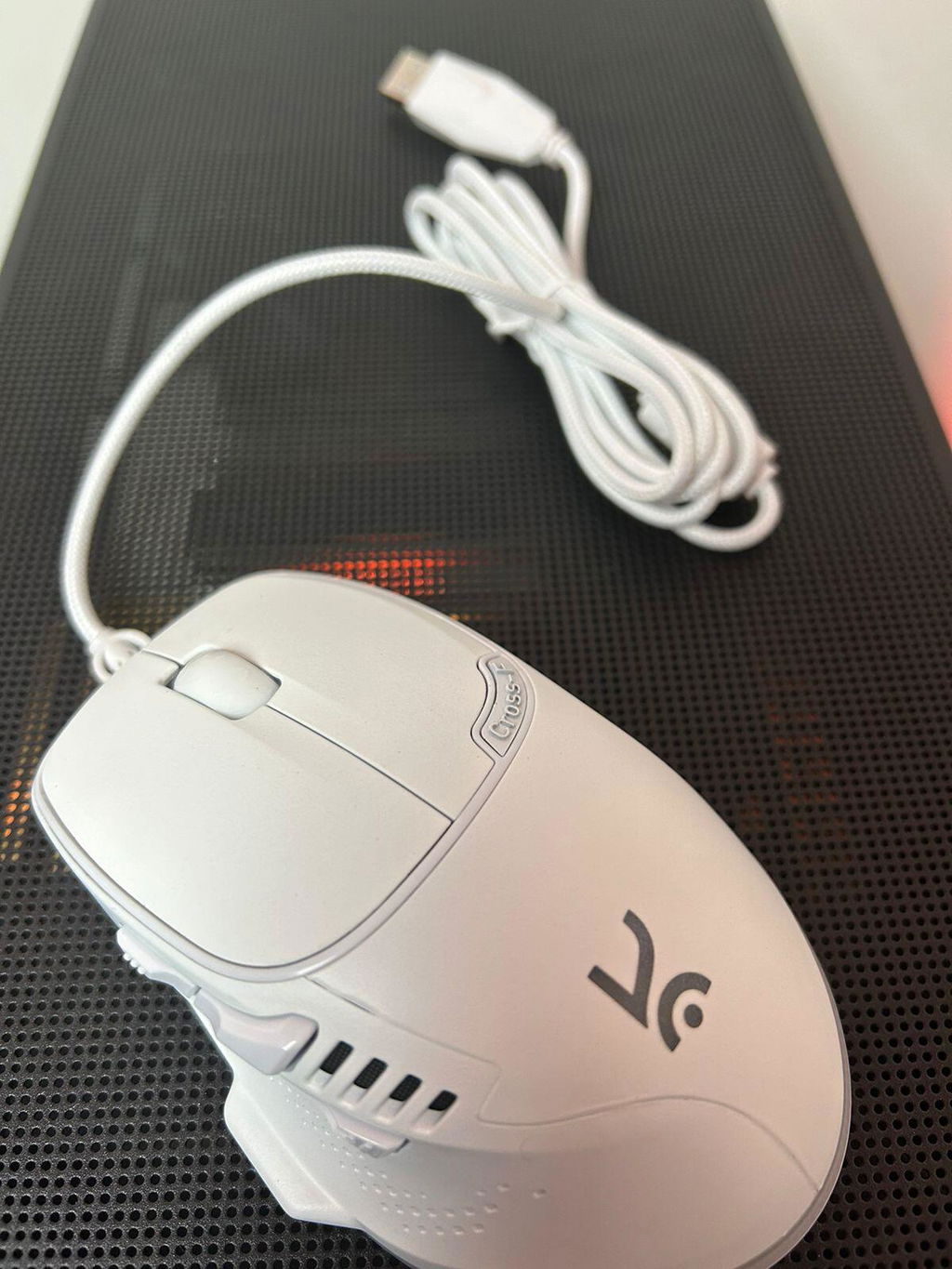
I mostly focus on video/photo editing, graphic design, and similar tasks, with only minimal gaming & this hawk suits all my need
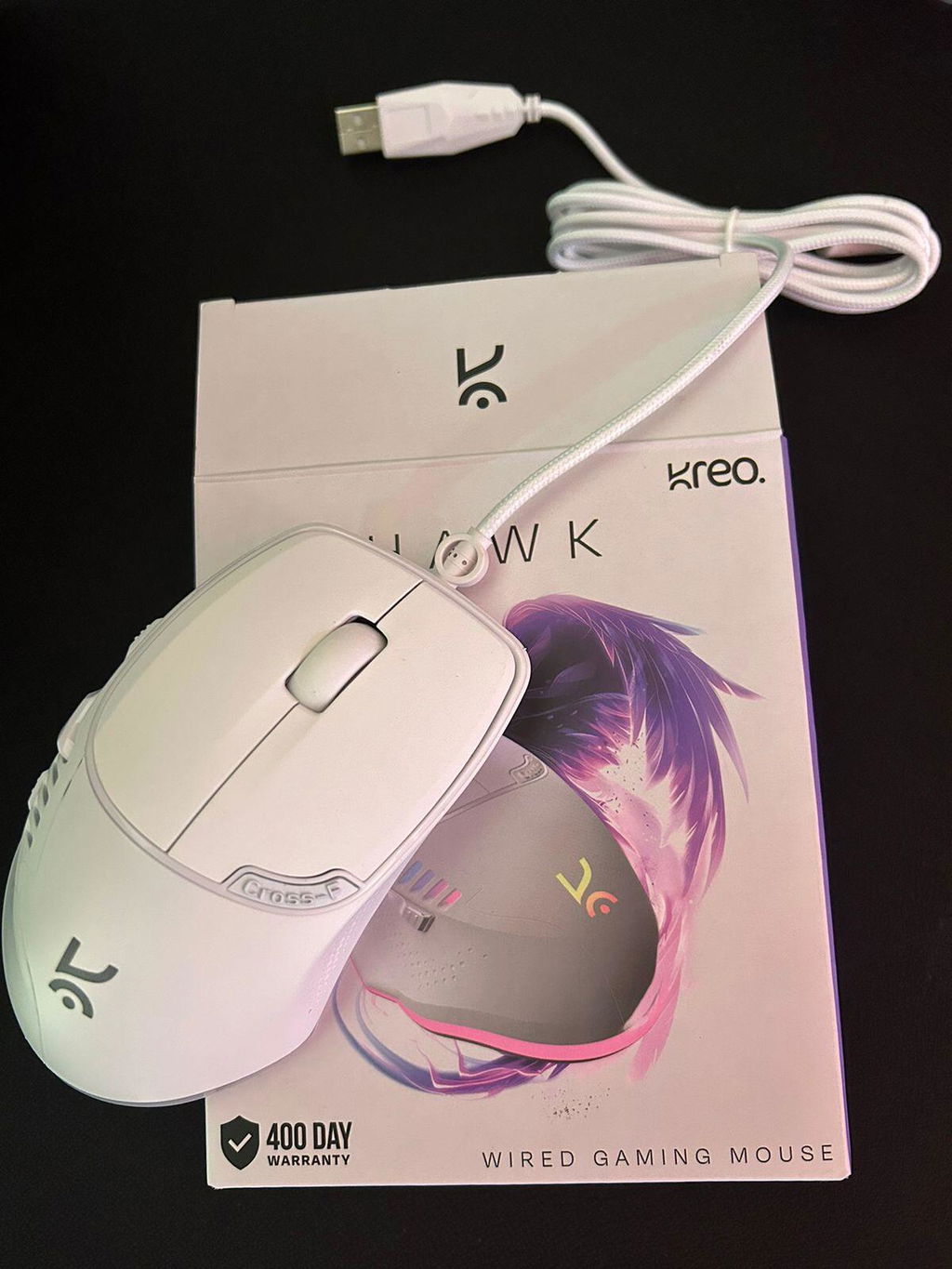
The mouse's ergonomic design is comfortable to hold for me ,fits very well to use & i am using it for gaming & office work
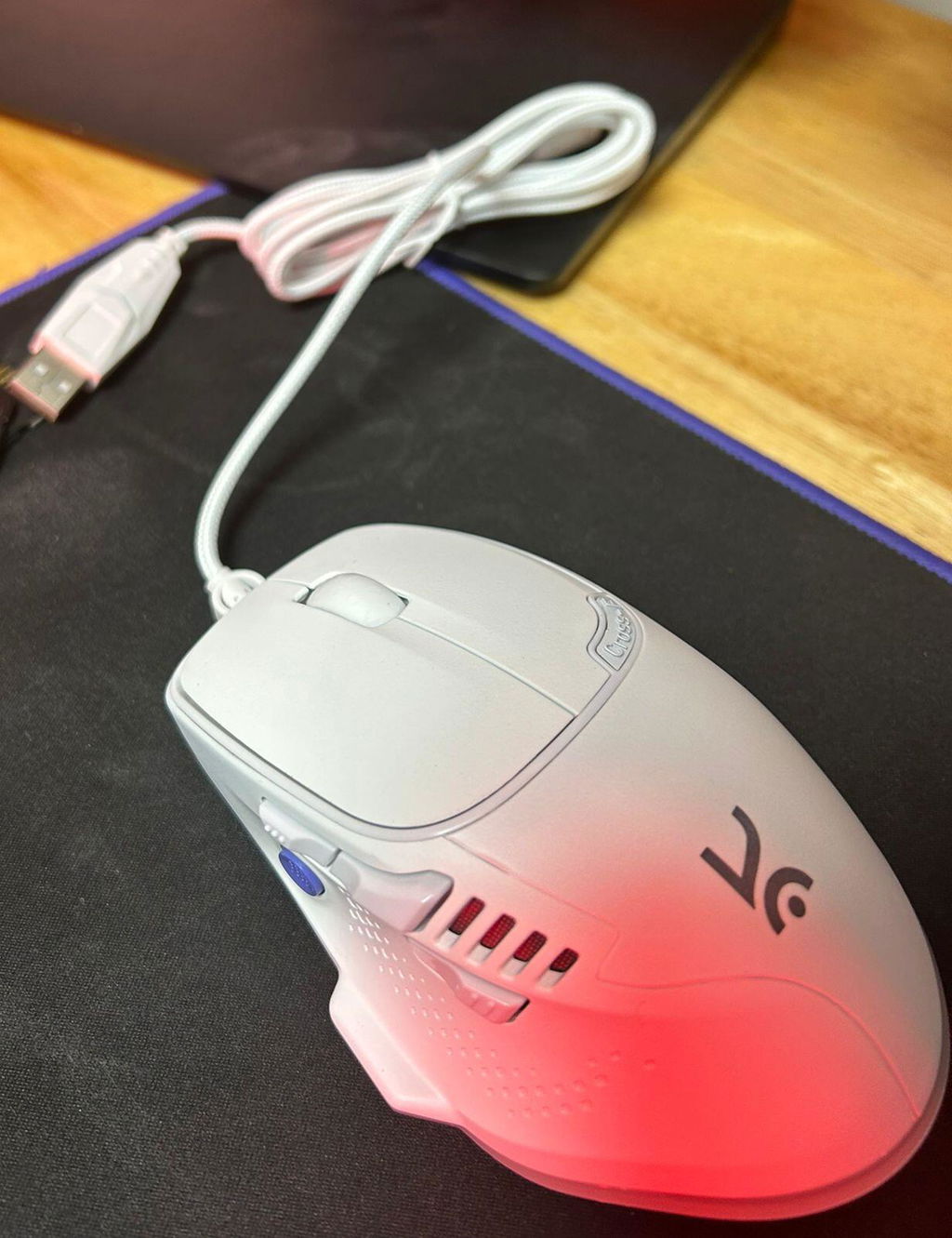
Was waiting for the white color to be launched best budget mouse of gaming in the price range
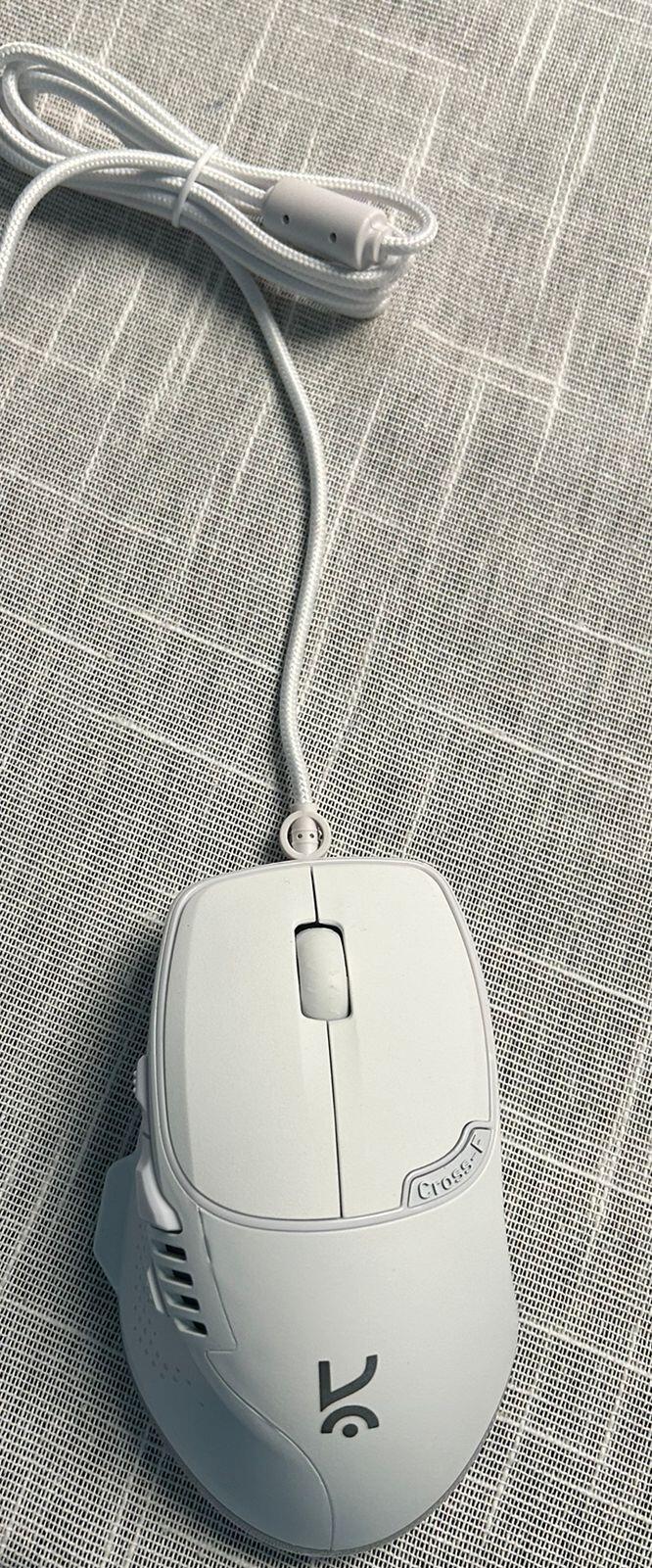
Hawk White Gaming Mouse
Very heavy
Hawk White Gaming Mouse
Hawk White Gaming Mouse
Hawk White Gaming Mouse
Actually i dont have any good high tier set up am not privileged to so right now the laptop i own is one from 2018 a very old one like it has been around 7years am using that and i could barely do any gaming becoz its a very low end laptop with a 4gb ram and graphics card and i have to anyhow make it survive for this 5 years of my clg but sometimes when i crave gaming i previously didnt had any good mouse but using your white hawk gaming mouse even if it has improved gameplay quality and atmosphere by 5% still its so much for me like i could never have thought of buying such high end gaming mouse so regardless of its performance it will always be a 100/10 for me.... also a very big thanks to u guys for introducing emi service orelse i couldnt even imagine of buying a 1000rs gear like obviously i couldnt 😭
Wonderful product, good quality, have smoothness awesome 👍🏻
Good
The clicks of the mouse are pretty satisfying and very comfortable to grip. Very smooth on the mouse pad and the response time is also good. Feels really great to play games with it.
The mouse grip is comfortable and the RGB functionality is very intuitive, however the placement and size of the middle mouse button is an issue which is why I have given 4 instead of 5, pressing the middle mouse button requires a little effort and using the dedicated fire button also requires me to change my grip, fix the height of the middle mouse button and the placement of the fire button
Hawk White Gaming Mouse
Very good mouse , nice lightings, very good accuracy beacuse of the pixart sensor worth the money. Only drawback is that its wired
The quality is amazing, the only drawback, the mouse is too big which hinders the movement
The smoothness and build quality is really great at the price range, and the rgb makes it better.
I am an gamer and a newly growing youtuber, i checked almost 5 to 10 mouse and at last I selected this, becouse the mouse is overpowered and same time budget friendly, i like the product very much. I am much satisfied with it , allover the build quality and the performance are better than any another budget mouse ❤️
Its design looks good especially the RGB in the side of the mouse.
Product feel premium
Yeah the product is good
Amazing keyboard and mouse love it 🤩
The driver features, lightweight, clicks are smooth
Hawk White Gaming Mouse
1. the grip is good 2. the buttons are good 3. then there are a lot of buttons
Its rgb i like the most and it’s stability
This mouse has completely changed my gaming experience. The precision and smooth tracking make every move feel accurate and responsive. It’s comfortable for long sessions and truly gives me a competitive edge. 🎮
Value for money and love the aesthetic design and the controllable dpi setting