

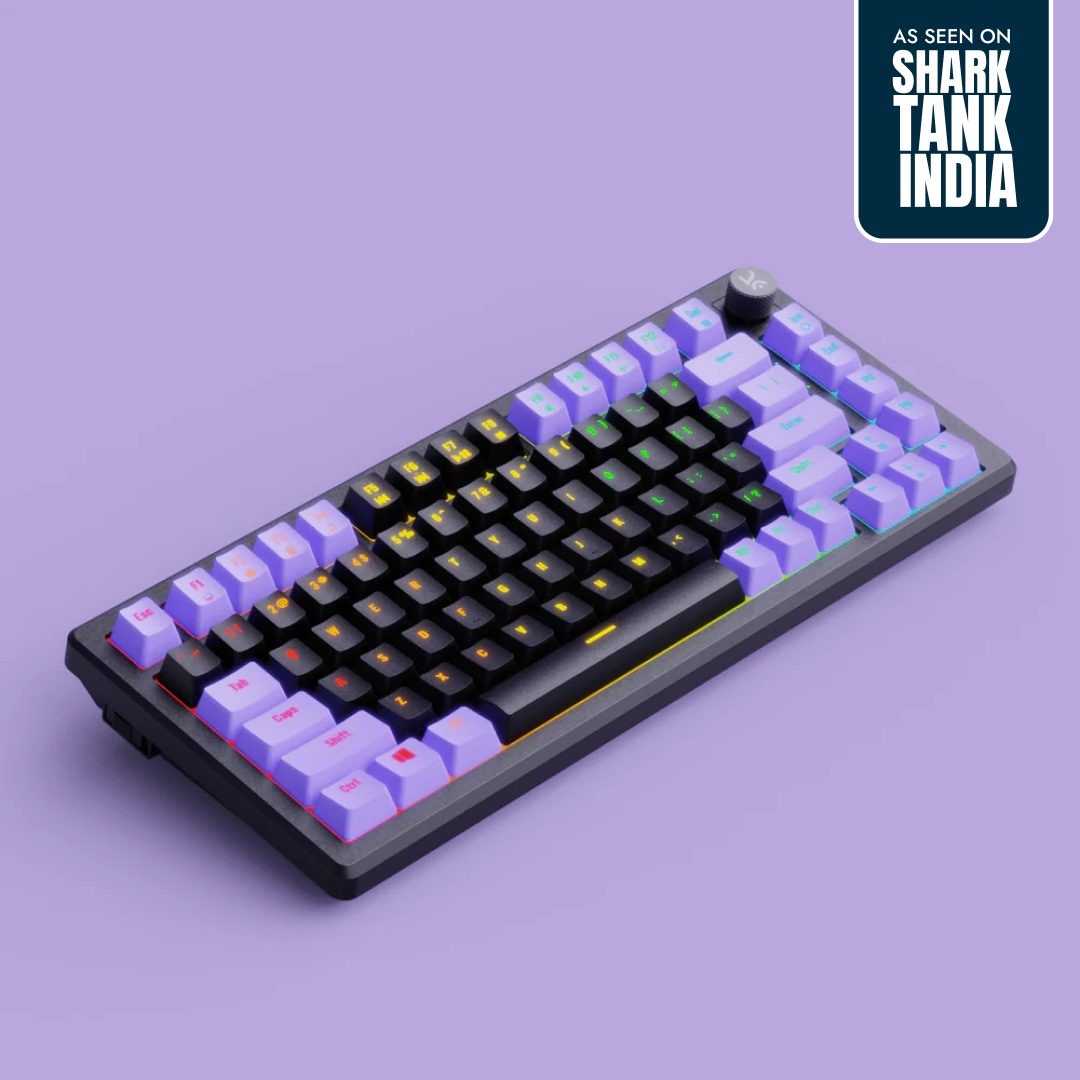
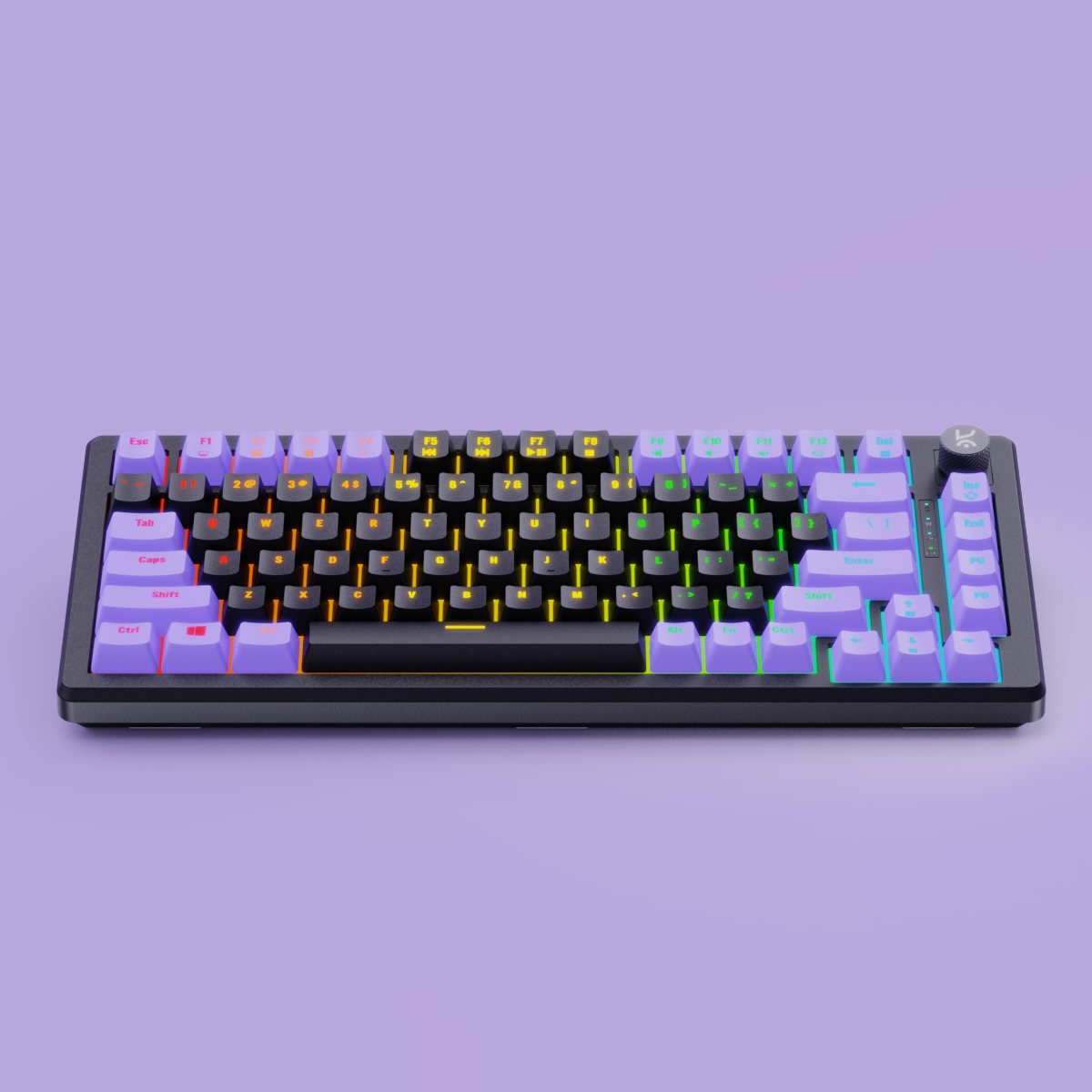
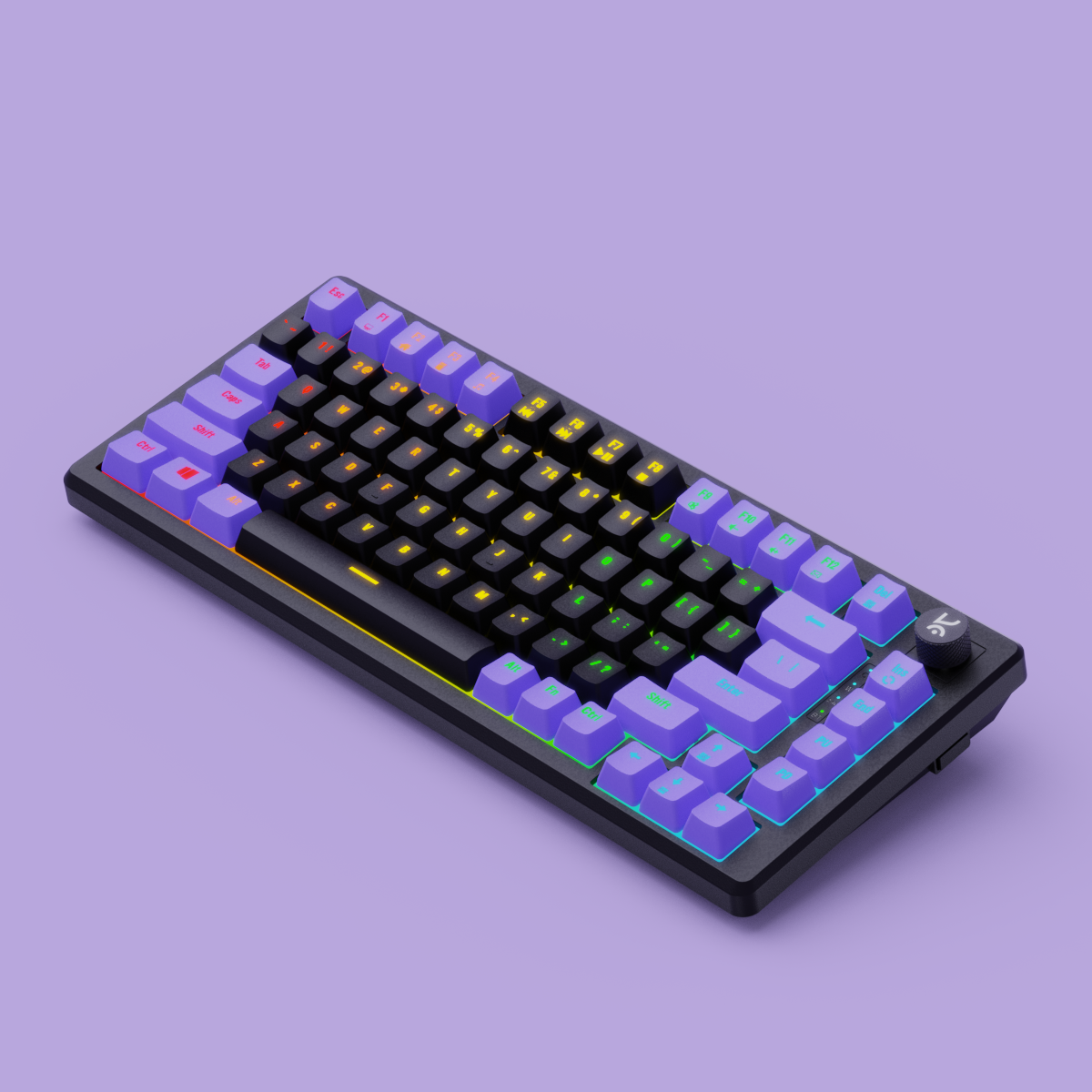
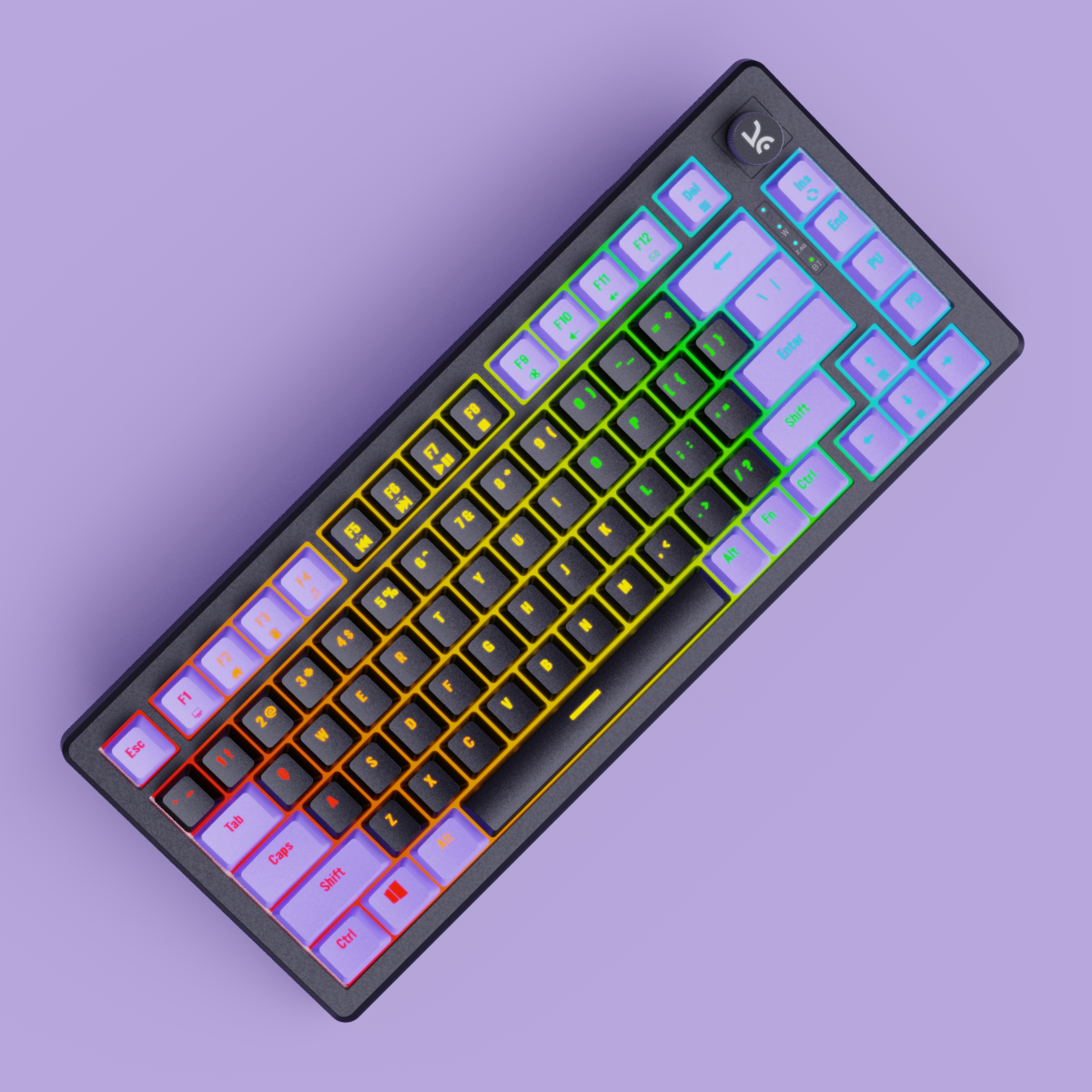
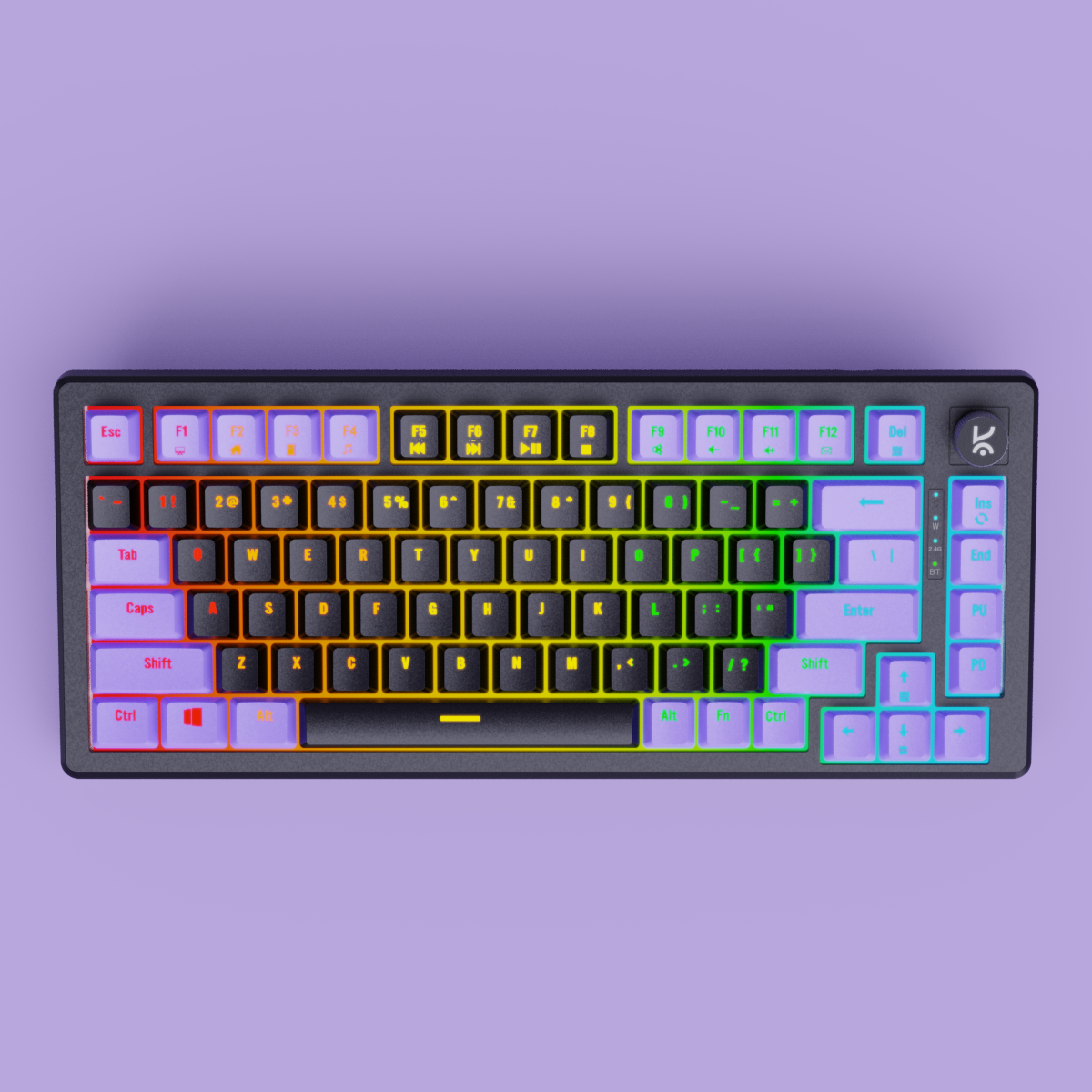
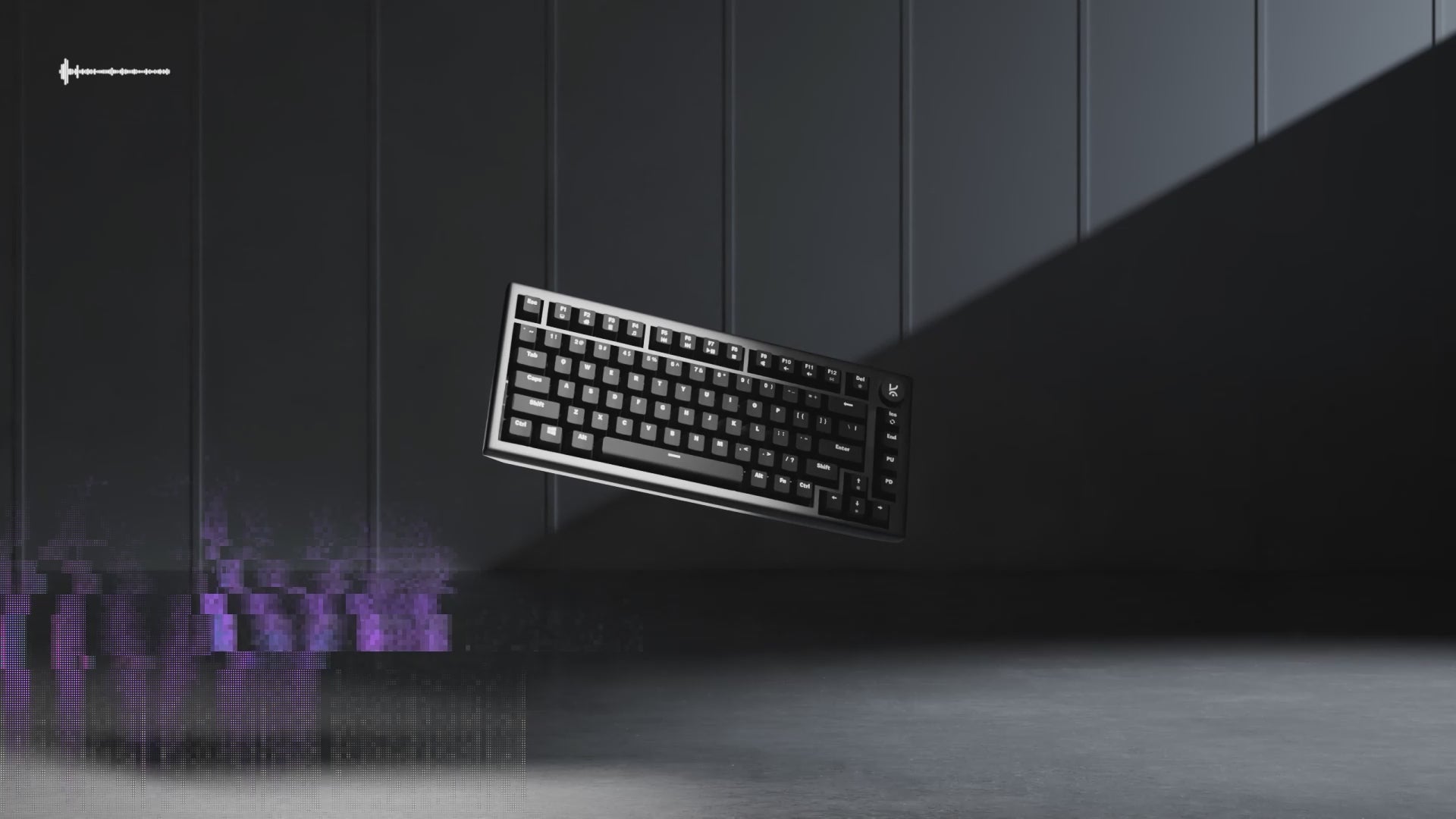
Hive75 Black - Purple Wired Gaming Keyboard
5K+ Hive75 keyboards sold 🚀
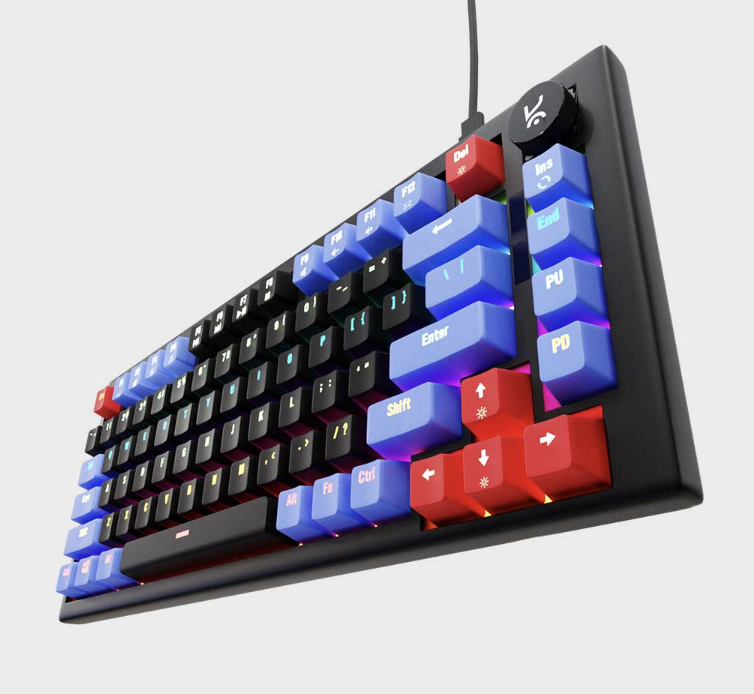
- Compact 75% Layout:
Saves desk space without sacrificing essential keys—ideal for gaming and productivity. - Outemu Red/Brown Switches: Tactile feedback with 60 million keystroke durability.
- Detachable USB-C Cable:
Easy to plug in, pack, and move—perfect for flexible setups - Per-Key RGB Lighting:
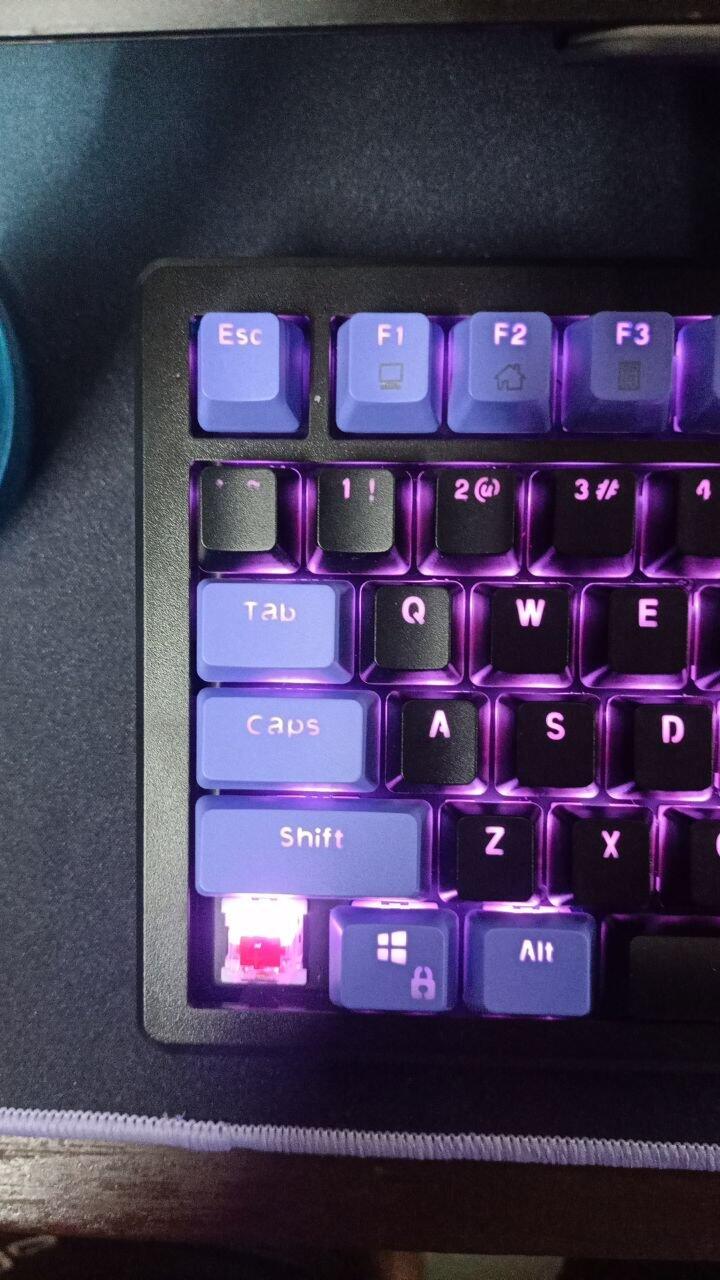
Individually customizable keys with vivid, dynamic lighting effects. - Hot- Swappable Switches: 5 Pin Hot Swappable PCB, Swap switches with ease.
- Sound-Dampening Foam:
Reduces keystroke noise and vibration for a smoother typing experience. - Durable & Travel-Ready:
Built to last and designed for portability, without compromising performance.

TKL Layout

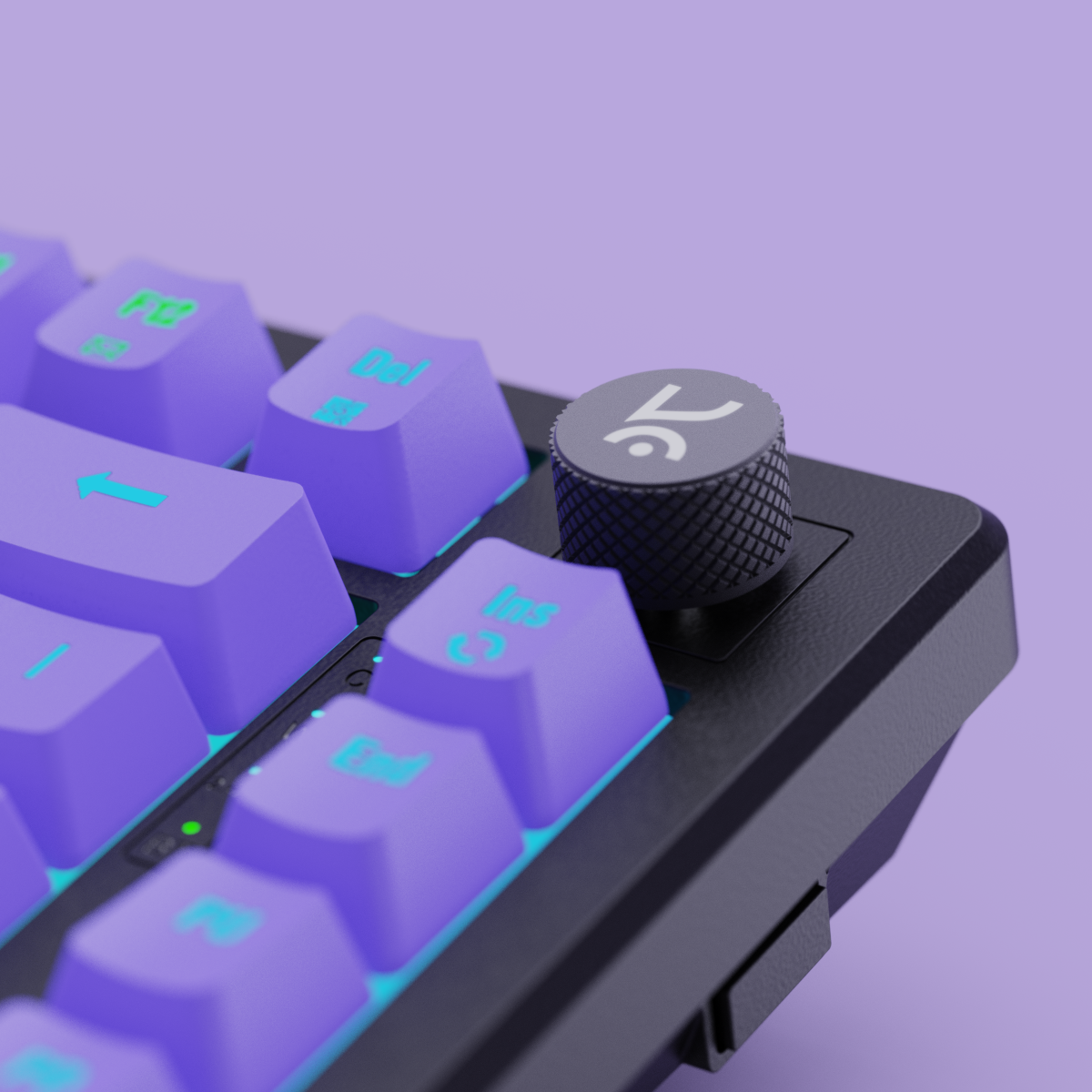
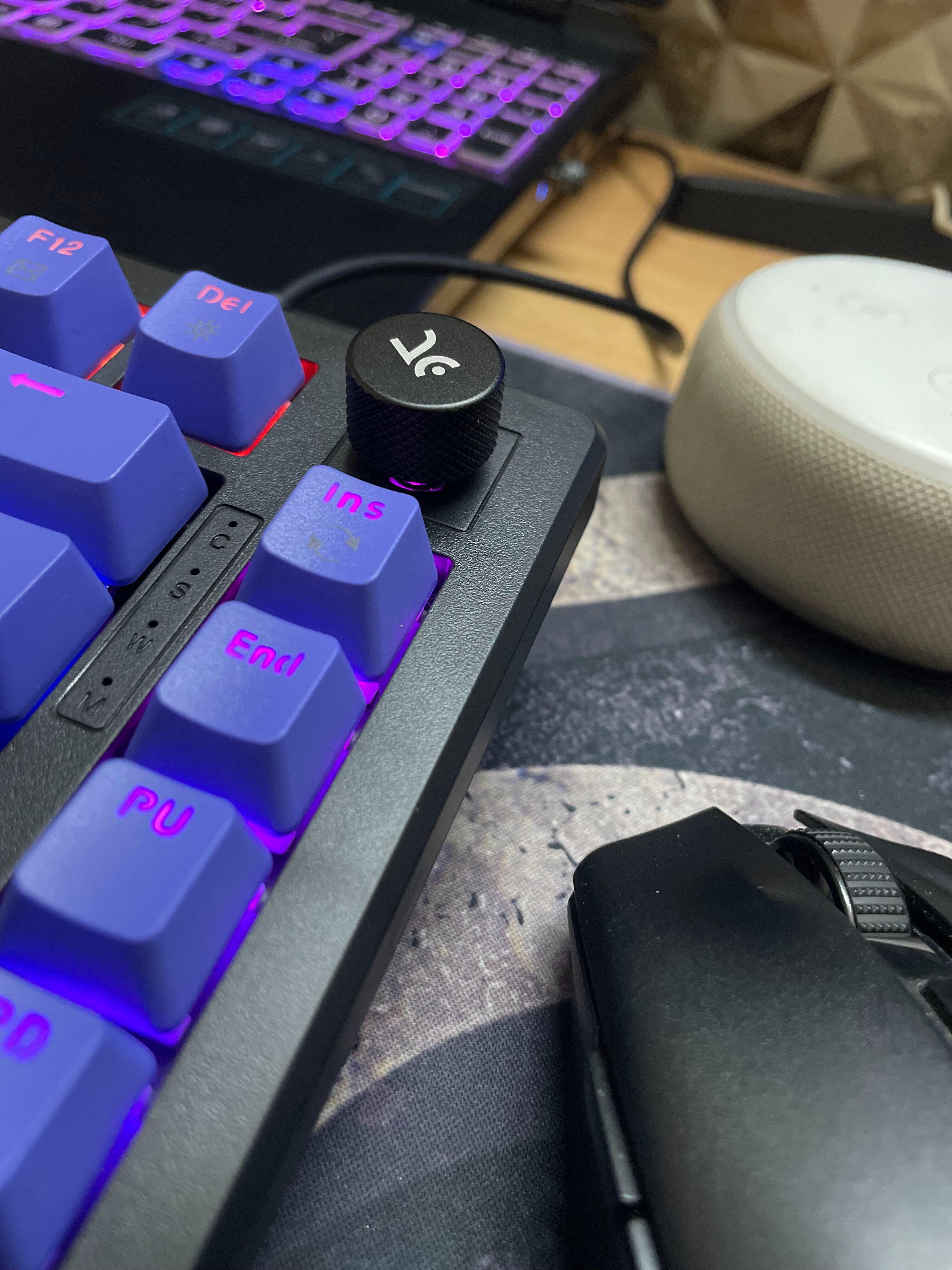
Volume Knob

OUTEMU Switches

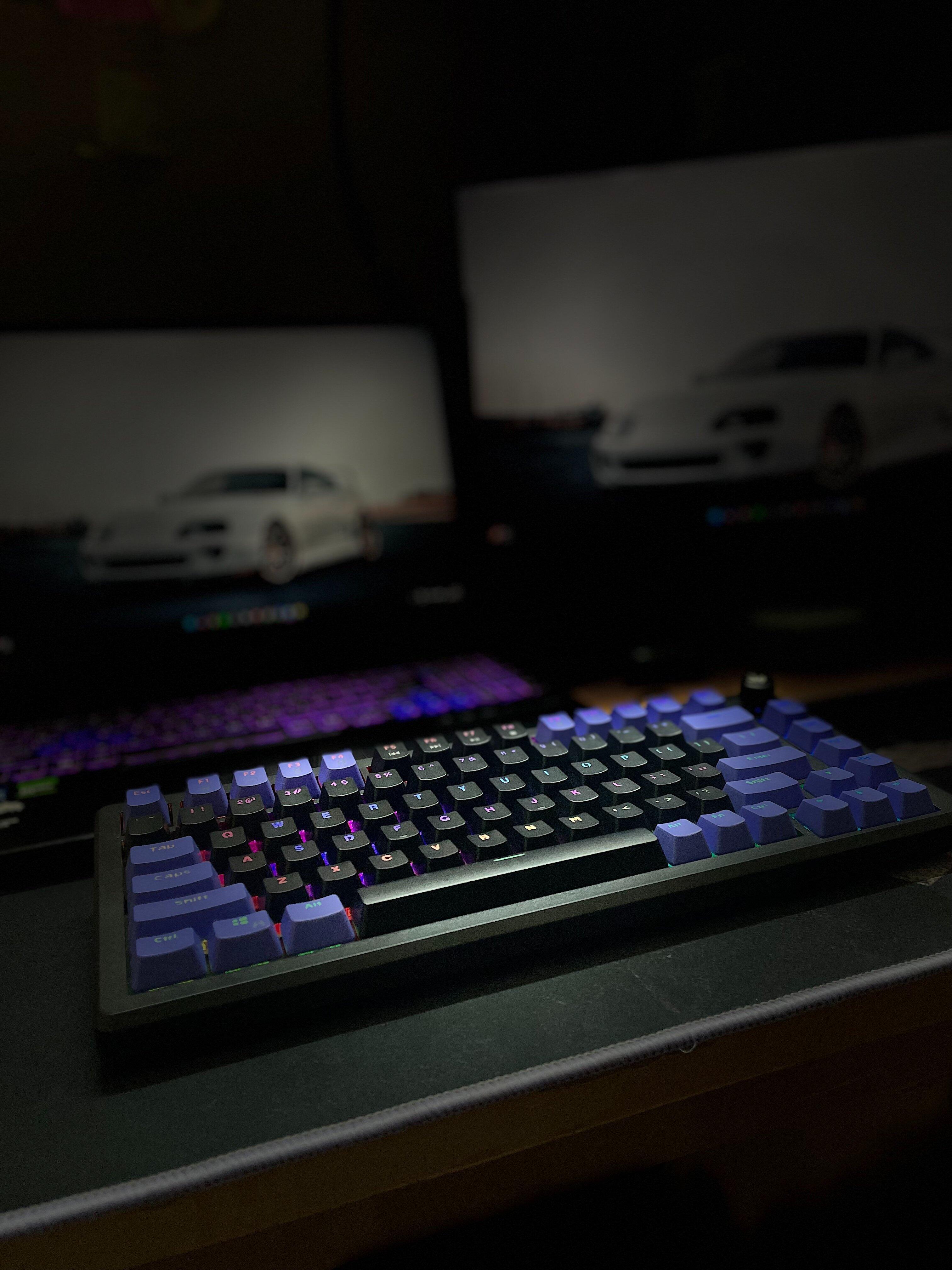
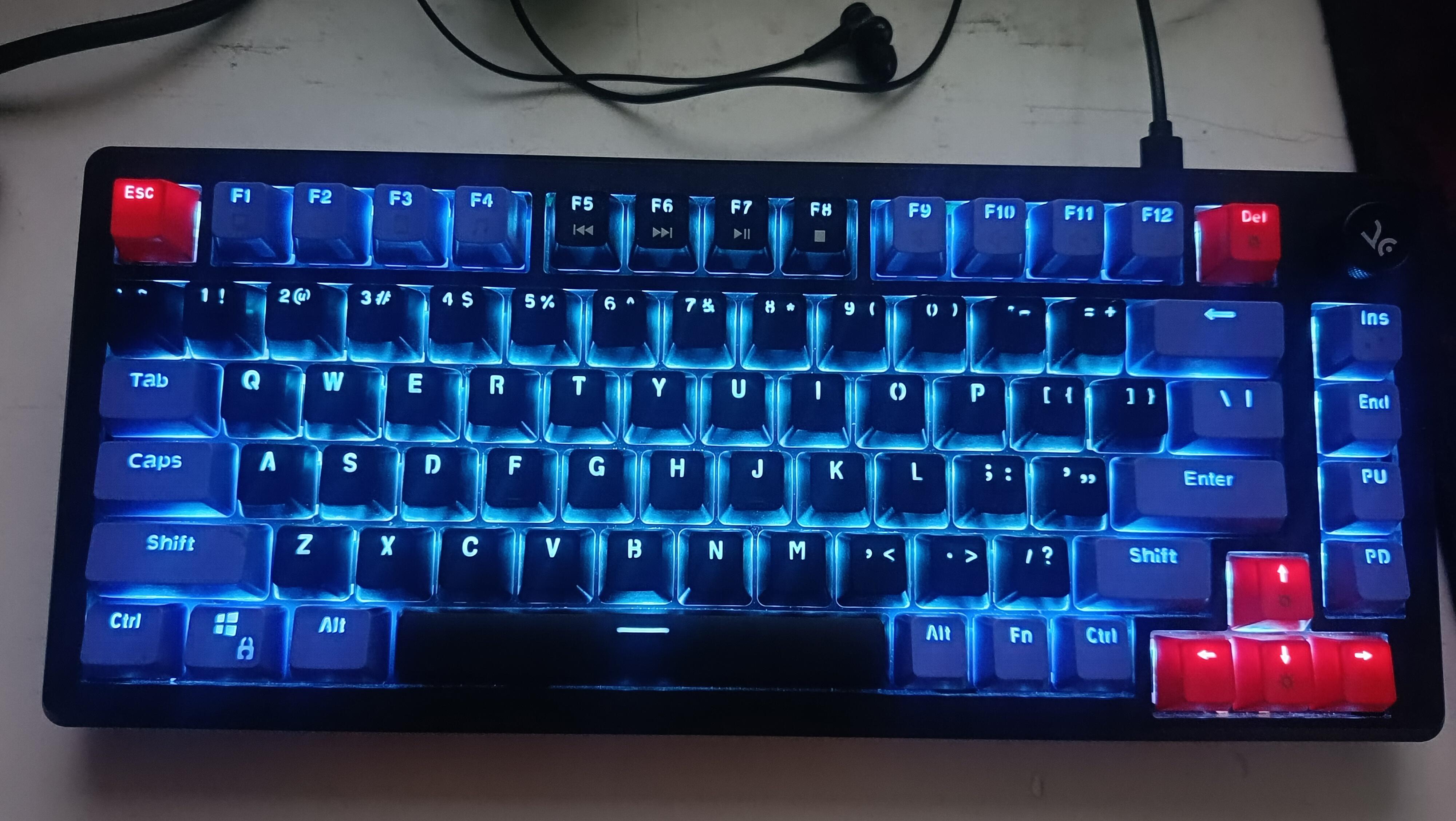
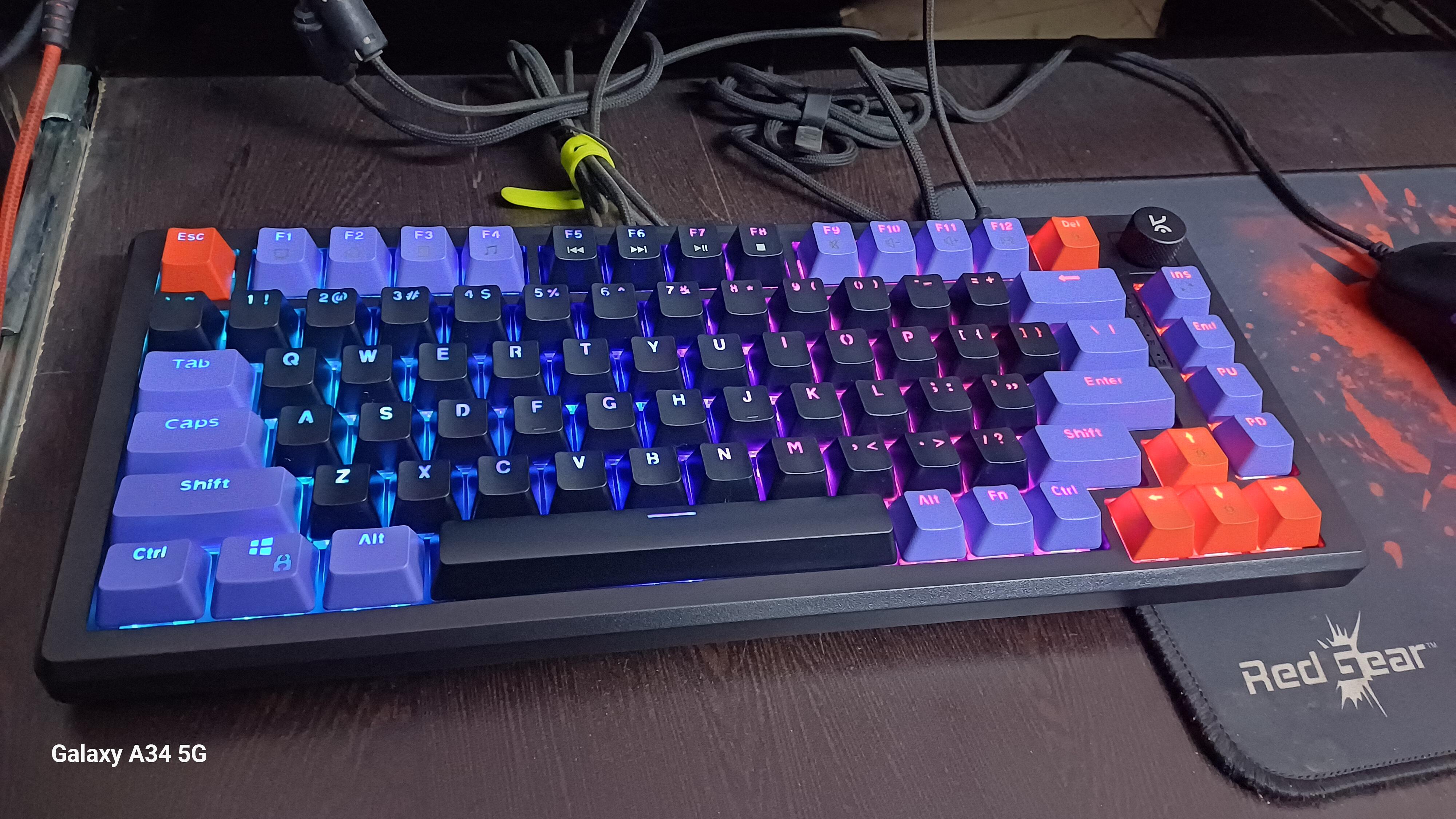
RGB Lighting

Software Support

Hot Swappable
If you have any questions, you are always welcome to contact us. We'll get back to you as soon as possible, within 24 hours on weekdays.
-
Shipping Information
Use this text to answer questions in as much detail as possible for your customers.
-
Customer Support
Use this text to answer questions in as much detail as possible for your customers.
-
FAQ’s
Use this text to answer questions in as much detail as possible for your customers.
-
Contact Us
Use this text to answer questions in as much detail as possible for your customers.
RGB Modes
Key Layout
Polling Rate

Outemu Red
Factory Lubed: No Type: Linear Operating Force: 44 gf
Total Travel: 3.9 mm Pre-Travel: 1.9 mm
Bottom-out Force: 60 gf Pin Type: 3-pin
Bottom Housing: Nylon Stem: POM Cover: Polycarbonate
Switch Life: 50 million presses
Buy this if you want a smooth, fast linear feel for gaming with low noise and consistent keypresses.

Outemu Browns
Factory Lubed: No Type: Tactile Operating Force: 40 gf
Total Travel: 3.9 mm Pre-Travel: 1.9 mm
Bottom-out Force: 60 gf Pin Type: 3-pin
Bottom Housing: Nylon Stem: POM Cover: Polycarbonate
Switch Life: 50 million presses
Buy this if you enjoy a soft tactile bump for feedback without loud clicks, ideal for both typing and gaming.


General Info
Connectivity
Ergonomics
Customization
Build & Durability
Software
Compatibility
In The Box
Switches
Keycaps
Backlighting
Other Features
Mount Design
Foam & Sound Dampening
-
SSamson Joshua JDecember 18, 2025Hive75 Black - Purple Wired Gaming Keyboard
-
KKartik RavalNovember 07, 2025Red Switch IssueI love the keyboard and I will never regret my decision of buying it over other keyboards. The only issue I had was that even though it hasn't been a full month since I bought the keyboard I got an issue with the switch of the left control button and I had to replace it with the new one you gave in the box. I mean it's concerning that I had to do the switch replacement this early...
-
MMUHAMMED HASHIRNovember 01, 2025Liked itSmooth and accurate. Led is awesome
-
VVedansh MishraOctober 30, 2025Support for linuxIf possible can you make the software for this keyboard linux supported as well plz it would be really helpful for many users of this keyboards as msot of them are tech savy.....
-
VVedaant WaliaOctober 08, 2025Hive75 Black - Purple Wired Gaming Keyboard
-
DdawnshotMay 24, 2025Definitely lived up to my expectationsThe keyboard was delivered within 2 days and in really good condition as well. I got the brown switches and they sound absolutely lovely. It's a pleasure to click away. I love the many different RGB modes and can't have enough of playing around with it. 10/10, would definitely recommend.
-
PPrince .May 21, 2025Hive Black - Purple Wired Gaming Keyboard
-
SSagnik SarkarApril 28, 2025Love the writing experience
-
VVidhu ShekharApril 22, 2025CrazySince it is my first mechanical keyboard..I am very pleased with it but my typing speed has gone to the gutters... I press keys accidentaly and that also factors in the size of this keyboard. Plus it is on a higher side so my wrists kind of hurt while typing... But that should not be the problem for everyone out there. RGB modes and lookmaxxing is great. The setup looks good with this!!
-
MMaaz BaigApril 17, 2025Hive Black - Purple Wired Gaming Keyboard
You asked, we answered!
If the issue persists, contact our support team.
Why are the Alt and Windows keys swapped on my keyboard?
If the Alt and Windows keys are swapped, press Fn + S and Fn + A to restore their default functions.
How do I turn Scroll Lock on or off
Press Fn + I to toggle Scroll Lock on or off.
What should I do if a key is double-clicking or a switch isn't working?
Follow these steps:
- Hold Fn + Esc for a few seconds to reset your keyboard.
- Remove the keycap and clean the switch and PCB using a soft brush, cloth, or compressed air.
- If the issue continues, try replacing the switch with a spare one.
If none of these steps work, please contact our support team.
My RGB lighting isn't working. What can I do?
- Hold Fn + Esc for a few seconds to reset the keyboard.
- Check and adjust the RGB settings in the Hive software, which can be downloaded from the Kreo official website.
How do I reset my Kreo Hive keyboard?
To perform a full reset, simply hold Fn + Esc for a few seconds. This resolves most common issues.