

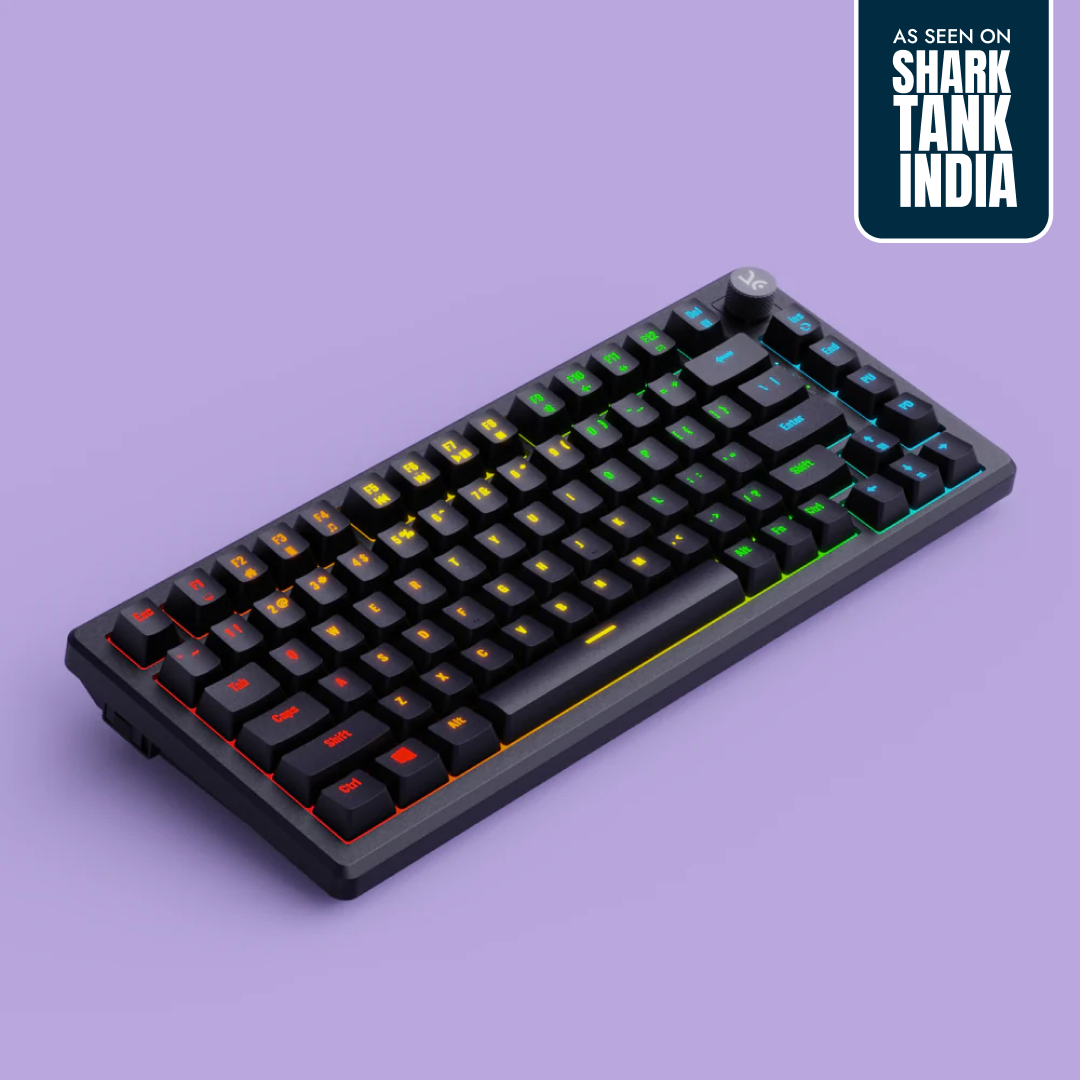
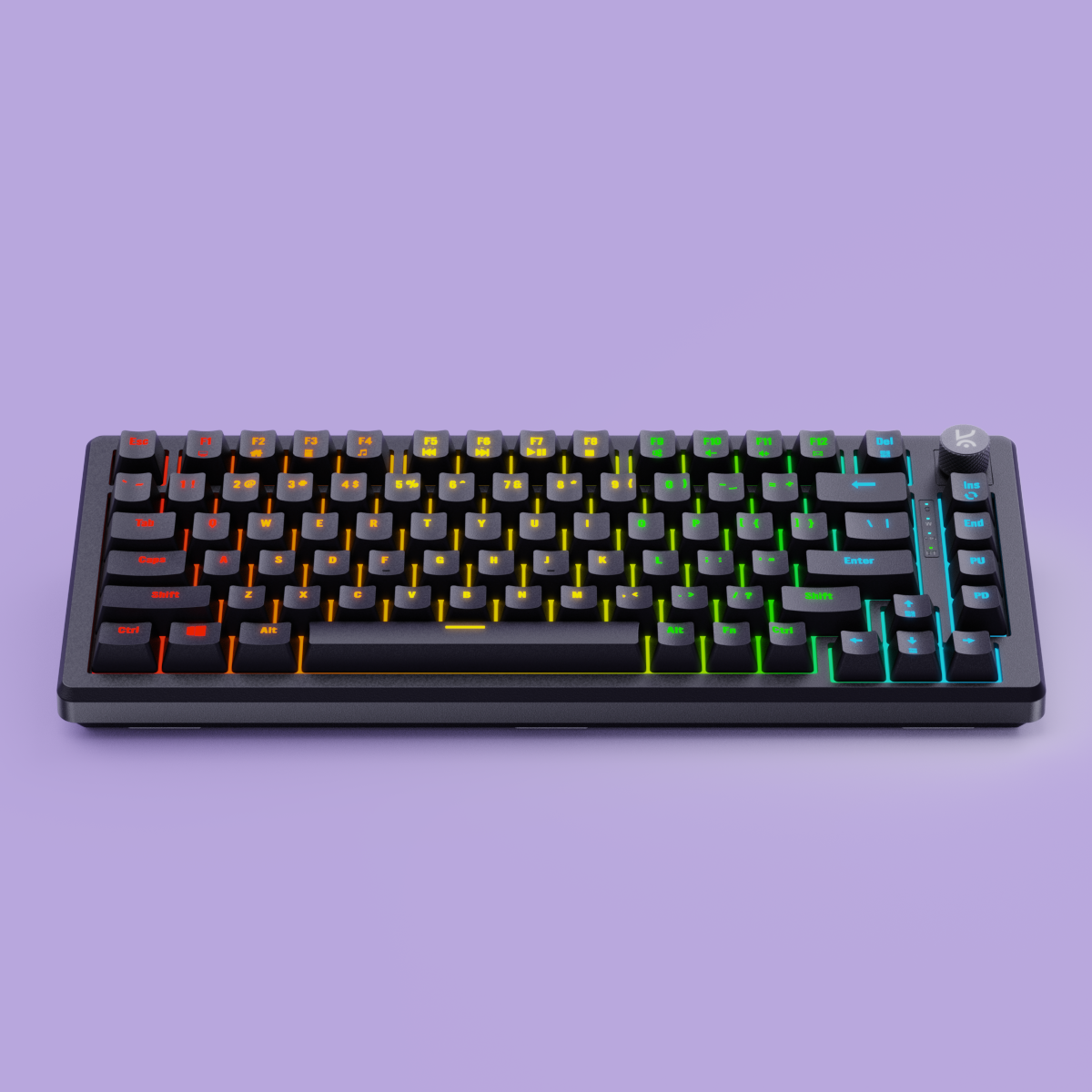
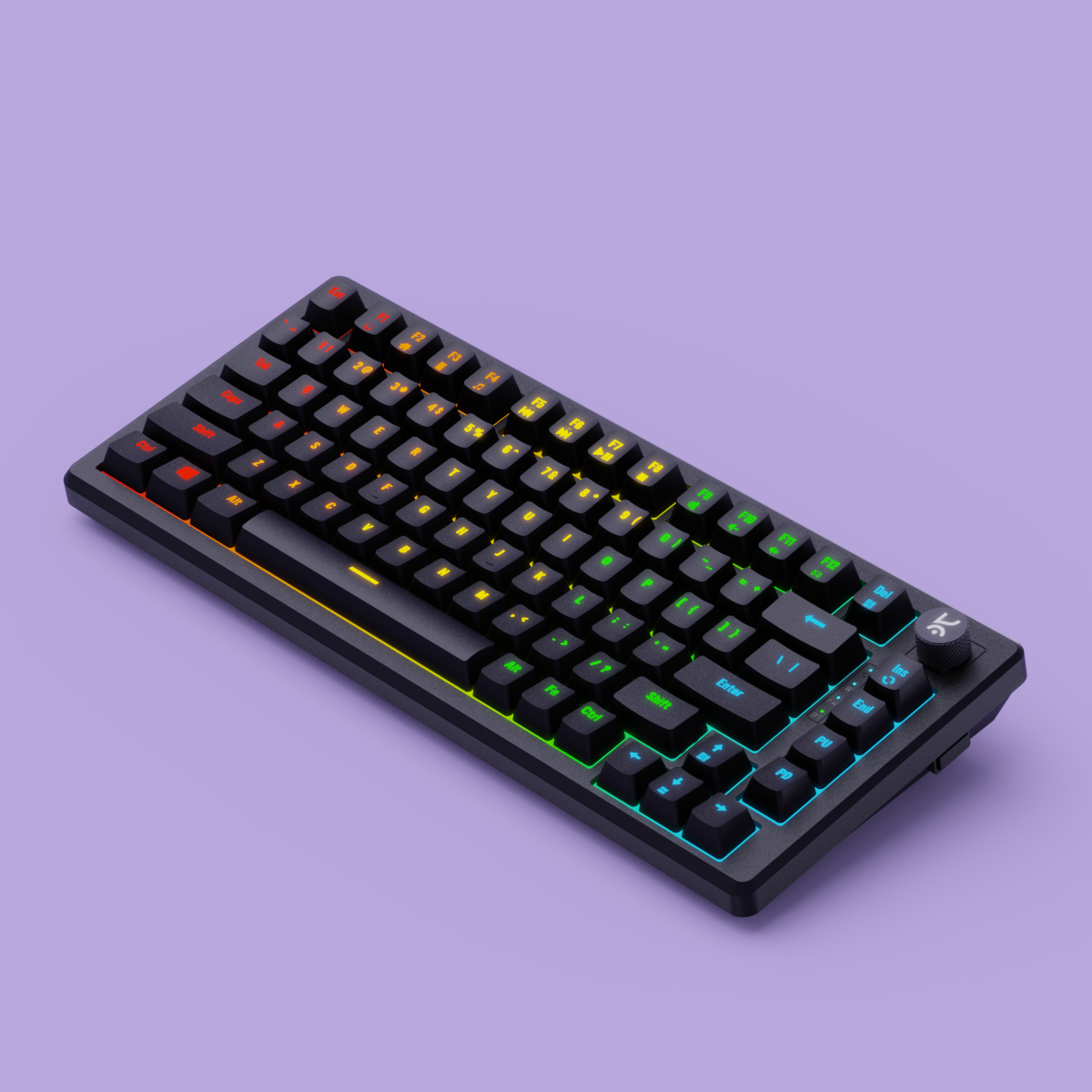
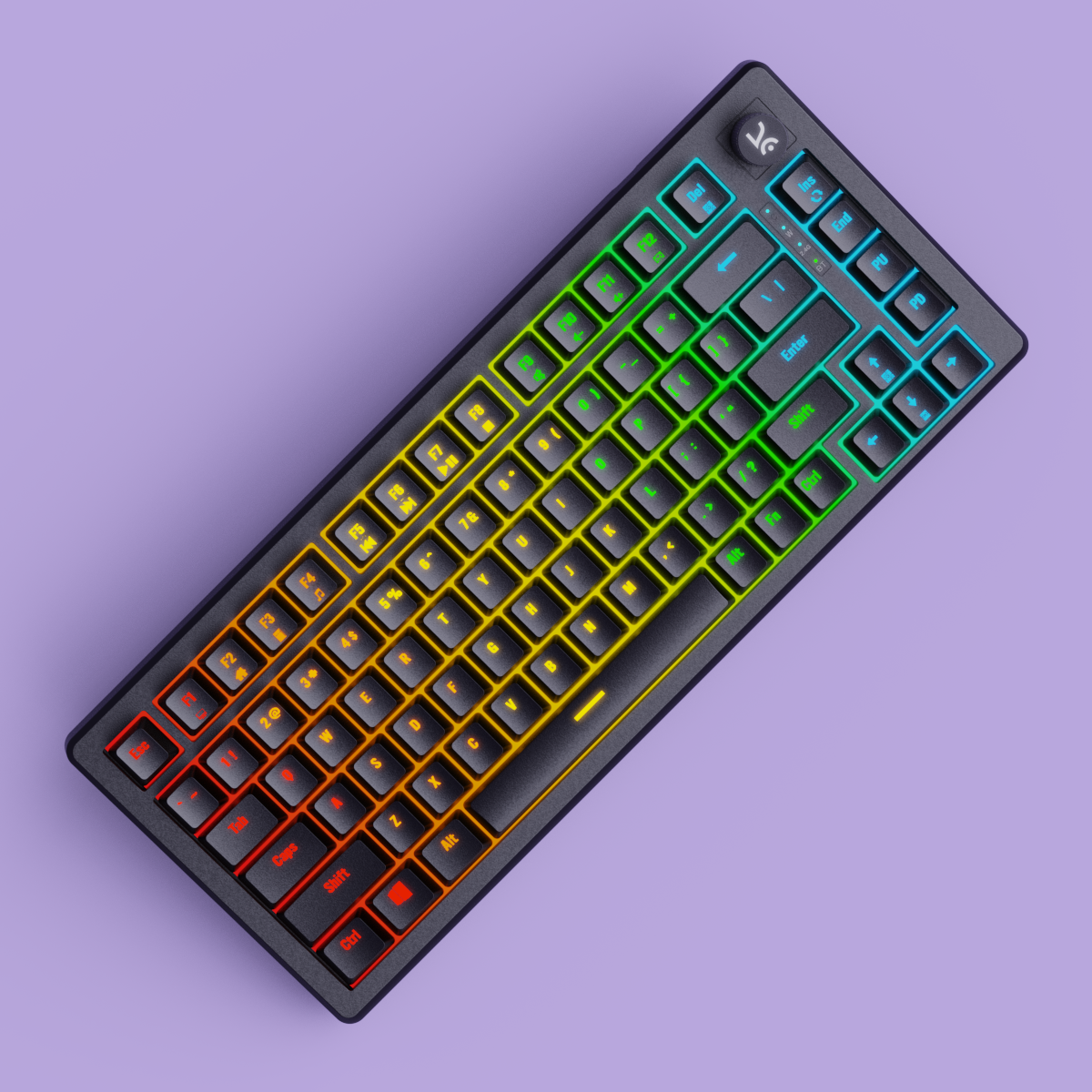
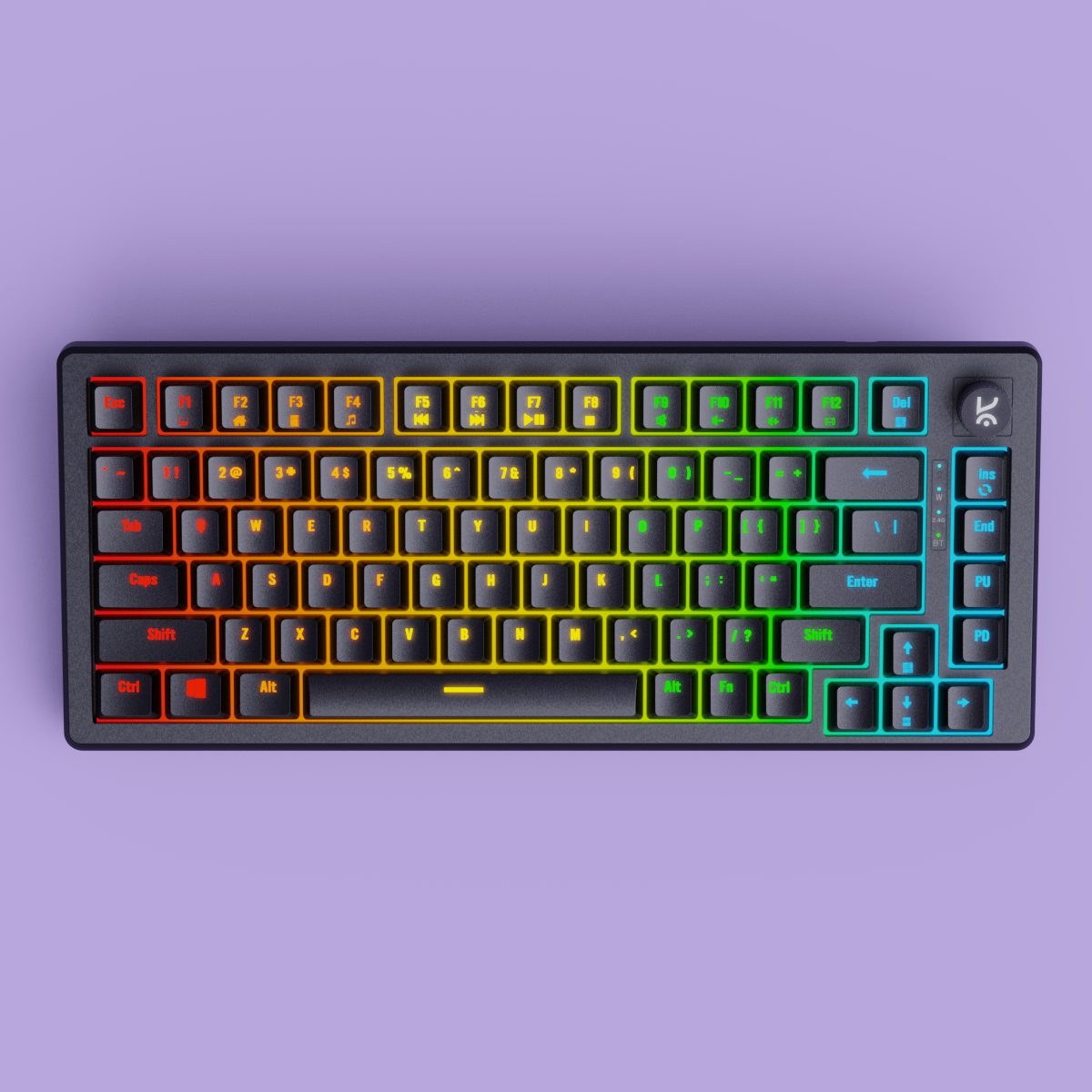
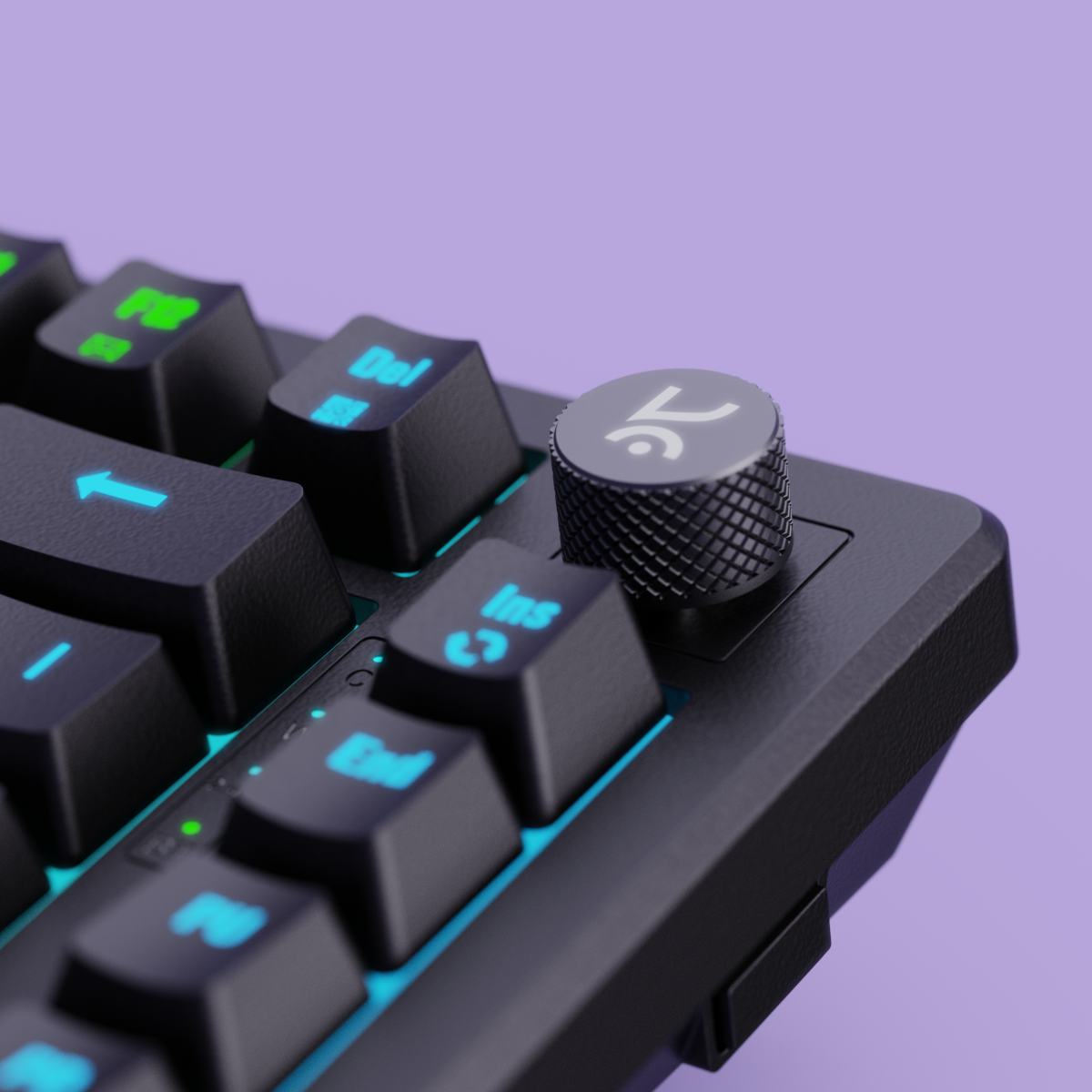
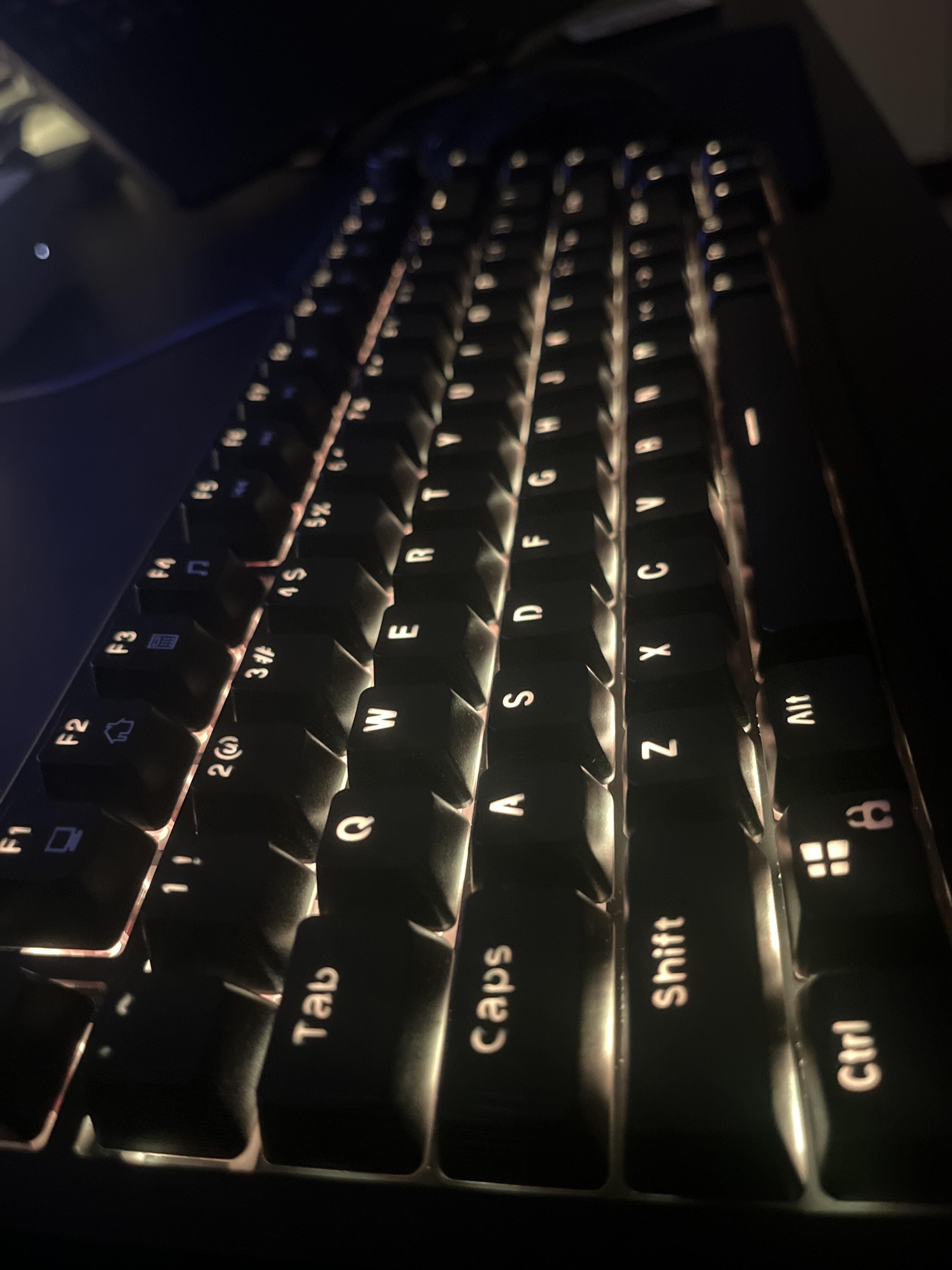
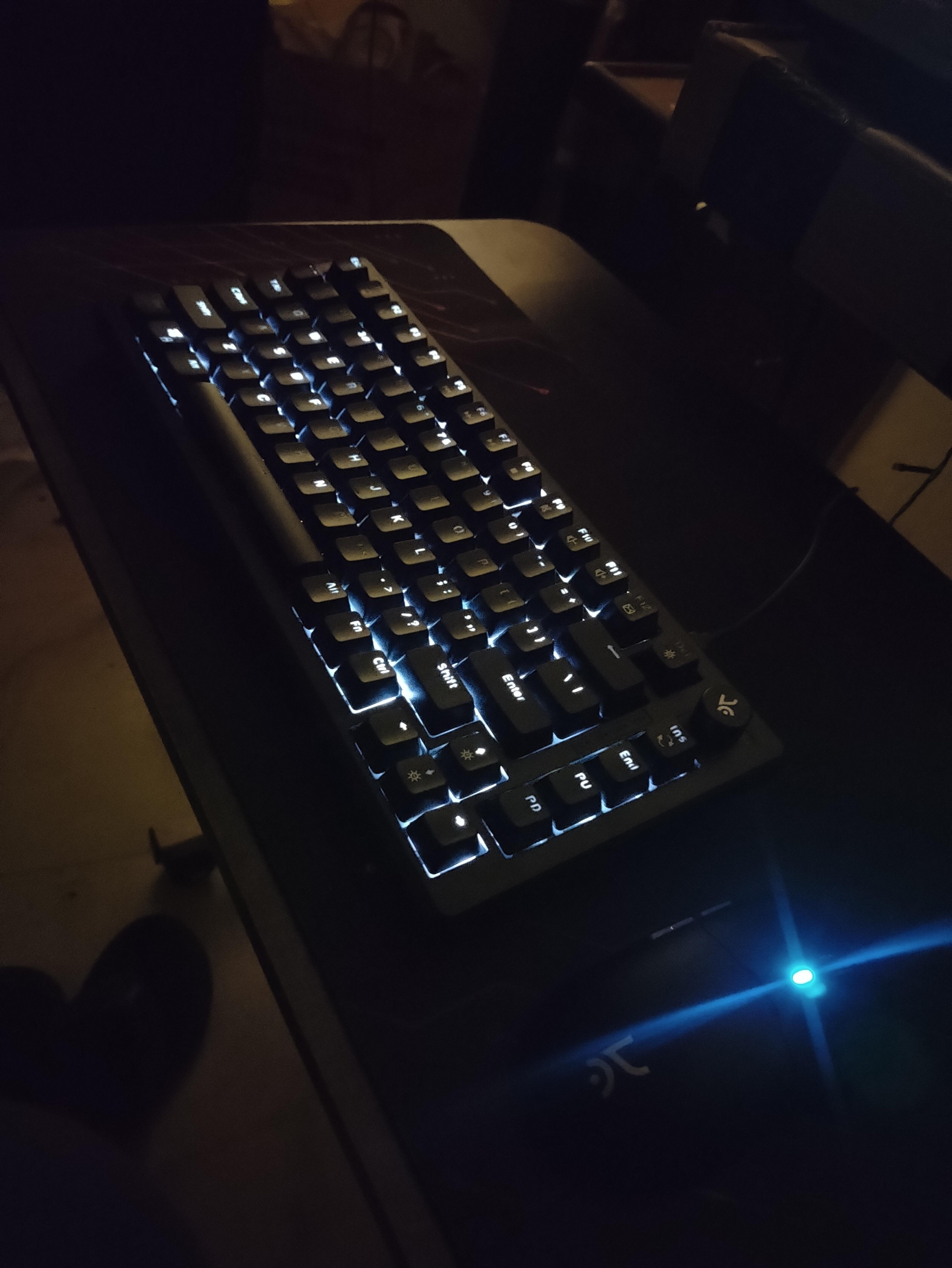
Hive75 All Black RGB Wired Gaming Keyboard
5K+ Hive75 keyboards sold 🚀
- Switch Type:
- Red - Linear
- Compact 75% Layout:
Saves desk space without sacrificing essential keys—ideal for gaming and productivity. - Outemu Red/Brown Switches: Tactile feedback with 60 million keystroke durability.
- Detachable USB-C Cable:
Easy to plug in, pack, and move—perfect for flexible setups - Per-Key RGB Lighting:
Individually customizable keys with vivid, dynamic lighting effects. - Hot- Swappable Switches: 5 Pin Hot Swappable PCB, Swap switches with ease.
- Sound-Dampening Foam:
Reduces keystroke noise and vibration for a smoother typing experience. - Durable & Travel-Ready:
Built to last and designed for portability, without compromising performance.

TKL Layout

Volume Knob

OUTEMU Switches

RGB Lighting

Software Support

Hot Swappable
If you have any questions, you are always welcome to contact us. We'll get back to you as soon as possible, within 24 hours on weekdays.
-
Shipping Information
Use this text to answer questions in as much detail as possible for your customers.
-
Customer Support
Use this text to answer questions in as much detail as possible for your customers.
-
FAQ’s
Use this text to answer questions in as much detail as possible for your customers.
-
Contact Us
Use this text to answer questions in as much detail as possible for your customers.
RGB Modes
Key Layout
Polling Rate

Outemu Red
Factory Lubed: No Type: Linear Operating Force: 44 gf
Total Travel: 3.9 mm Pre-Travel: 1.9 mm
Bottom-out Force: 60 gf Pin Type: 3-pin
Bottom Housing: Nylon Stem: POM Cover: Polycarbonate
Switch Life: 50 million presses
Buy this if you want a smooth, fast linear feel for gaming with low noise and consistent keypresses.

Outemu Browns
Factory Lubed: No Type: Tactile Operating Force: 40 gf
Total Travel: 3.9 mm Pre-Travel: 1.9 mm
Bottom-out Force: 60 gf Pin Type: 3-pin
Bottom Housing: Nylon Stem: POM Cover: Polycarbonate
Switch Life: 50 million presses
Buy this if you enjoy a soft tactile bump for feedback without loud clicks, ideal for both typing and gaming.


Features & Specs
General Info
Connectivity
Ergonomics
Customization
Build & Durability
Software
Compatibility
In The Box
Switches
Keycaps
Backlighting
Other Features
Mount Design
Foam & Sound Dampening
-
RRohaan ZafarOctober 26, 2025Product is great in budgetKeys feels a bit wobbly but are better than expected
-
JJustin AjiOctober 09, 2025pretty good for the pricebought this a few months back. its held up very good so far . i've bought similarly priced keyboards before and they've all had some malfunctioning happen after a month or two . its also great that they give you spare switches in case some issue does happen . no major complaints so far. the glue on the rubber pad on the stand could've been stronger tho . one of the pads on mine has already gotten unstuck . but ya other than that , no issues
-
TToms georgeJuly 05, 2025Hive75 All Black RGB Wired Gaming Keyboard
-
JJerin RajanJuly 03, 2025Absolute fckin amazing,Thank you so muchhhh for making these equipment, can't stop thanking u for it, selling these for the prices they are, you guys are amazingggg. Luv u sooooo mucchhhh
-
RRaunak BhattacharjeeMay 30, 2025Keyboardi really liking the keyboard, the blue key switches but I really hate about a function that's frustrating i.e (Fn + A) it literally switches the key mapping. Pls remove this functionality.
-
ZZamin Askari RizviApril 19, 2025Hive All Black RGB Wired Gaming Keyboard
-
TTanmay PundirApril 18, 2025Hive All Black RGB Wired Gaming Keyboard
-
MMartin JoseApril 18, 2025Hive All Black RGB Wired Gaming Keyboard
-
HHarsh SinghApril 16, 2025Excellent productVery good typing experience and ergonomically excellent
-
BBhubaneswar .March 31, 2025Hive All Black RGB Wired Gaming Keyboard
You asked, we answered!
If the issue persists, contact our support team.
Why are the Alt and Windows keys swapped on my keyboard?
If the Alt and Windows keys are swapped, press Fn + S and Fn + A to restore their default functions.
How do I turn Scroll Lock on or off
Press Fn + I to toggle Scroll Lock on or off.
What should I do if a key is double-clicking or a switch isn't working?
Follow these steps:
- Hold Fn + Esc for a few seconds to reset your keyboard.
- Remove the keycap and clean the switch and PCB using a soft brush, cloth, or compressed air.
- If the issue continues, try replacing the switch with a spare one.
If none of these steps work, please contact our support team.
My RGB lighting isn't working. What can I do?
- Hold Fn + Esc for a few seconds to reset the keyboard.
- Check and adjust the RGB settings in the Hive software, which can be downloaded from the Kreo official website.
How do I reset my Kreo Hive keyboard?
To perform a full reset, simply hold Fn + Esc for a few seconds. This resolves most common issues.