

800days
Limited warranty
Panel, electronics, backlight, adapter, cables and stand — all covered from the date of purchase.

Kreo Pixel Promise
Strong early protection plus clear long-term coverage on every Obsidian monitor.
Panel, electronics, backlight, adapter, cables and stand — all covered from the date of purchase.
1 or more bright dots within 400 days qualifies your monitor for replacement.
Even 1 dead pixel qualifies for replacement in the first 60 days for early purchases.


If you have any questions, you are always welcome to contact us. We'll get back to you as soon as possible, within 24 hours on weekdays.
Shipping Information
Use this text to answer questions in as much detail as possible for your customers.
Customer Support
Use this text to answer questions in as much detail as possible for your customers.
FAQ’s
Use this text to answer questions in as much detail as possible for your customers.
Contact Us
Use this text to answer questions in as much detail as possible for your customers.

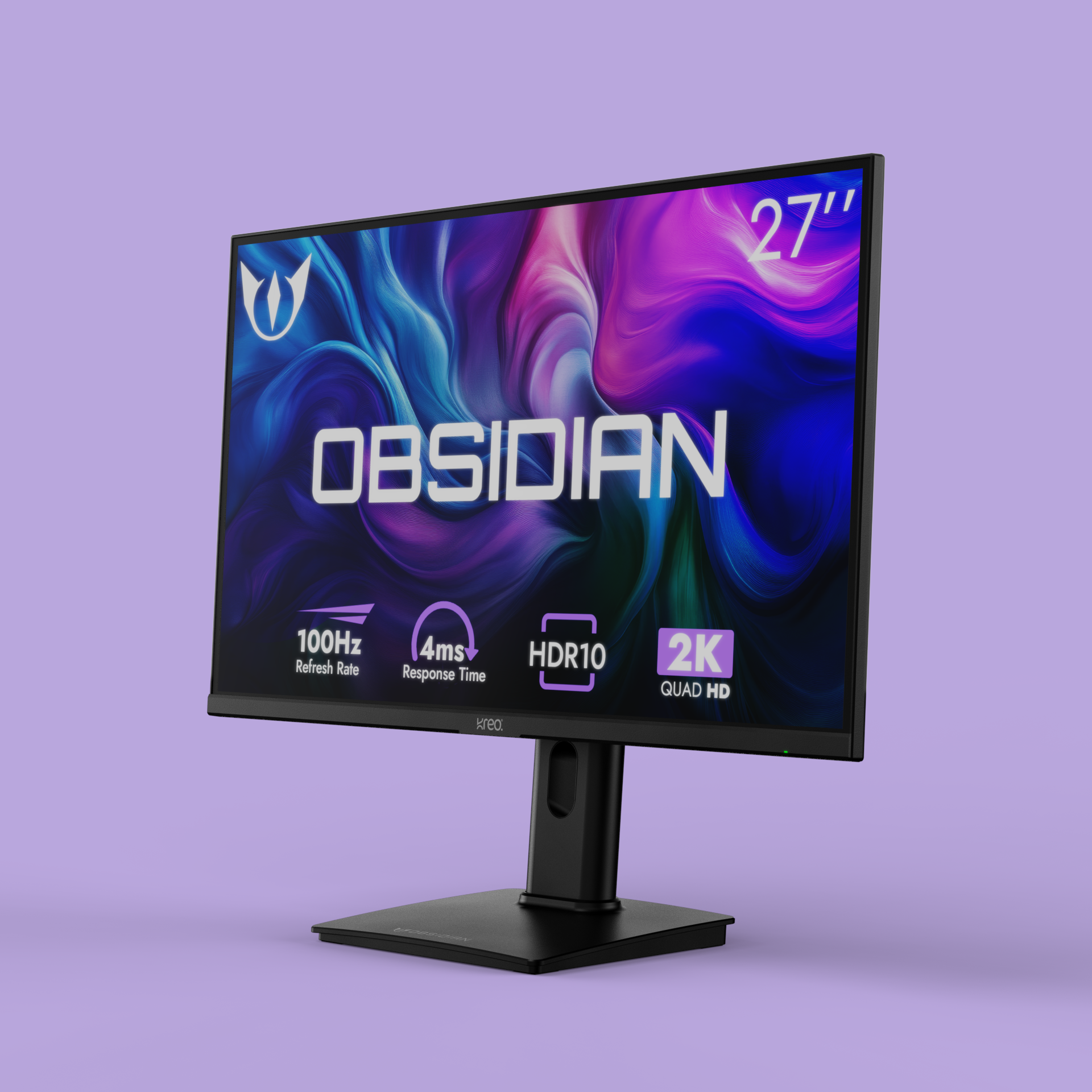
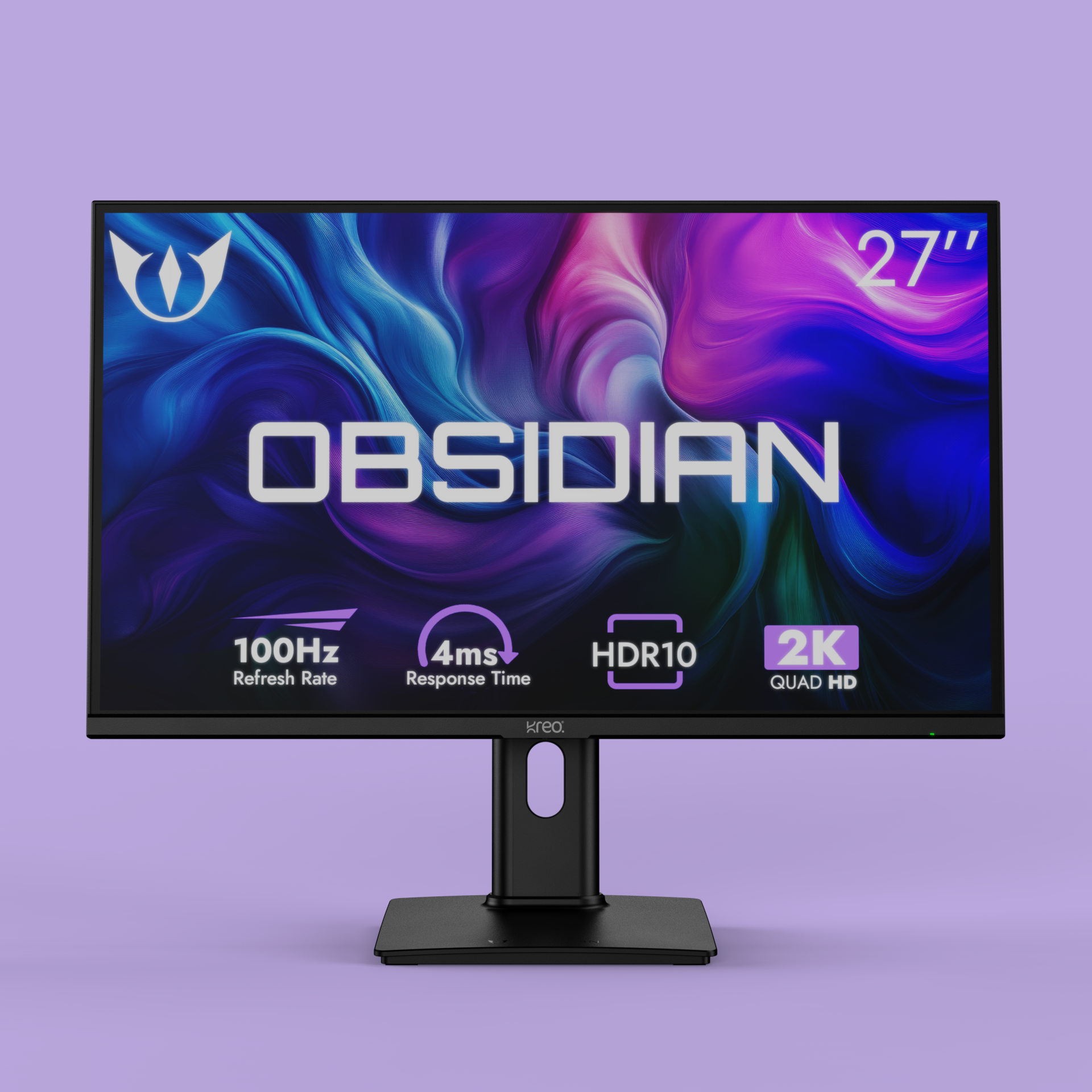
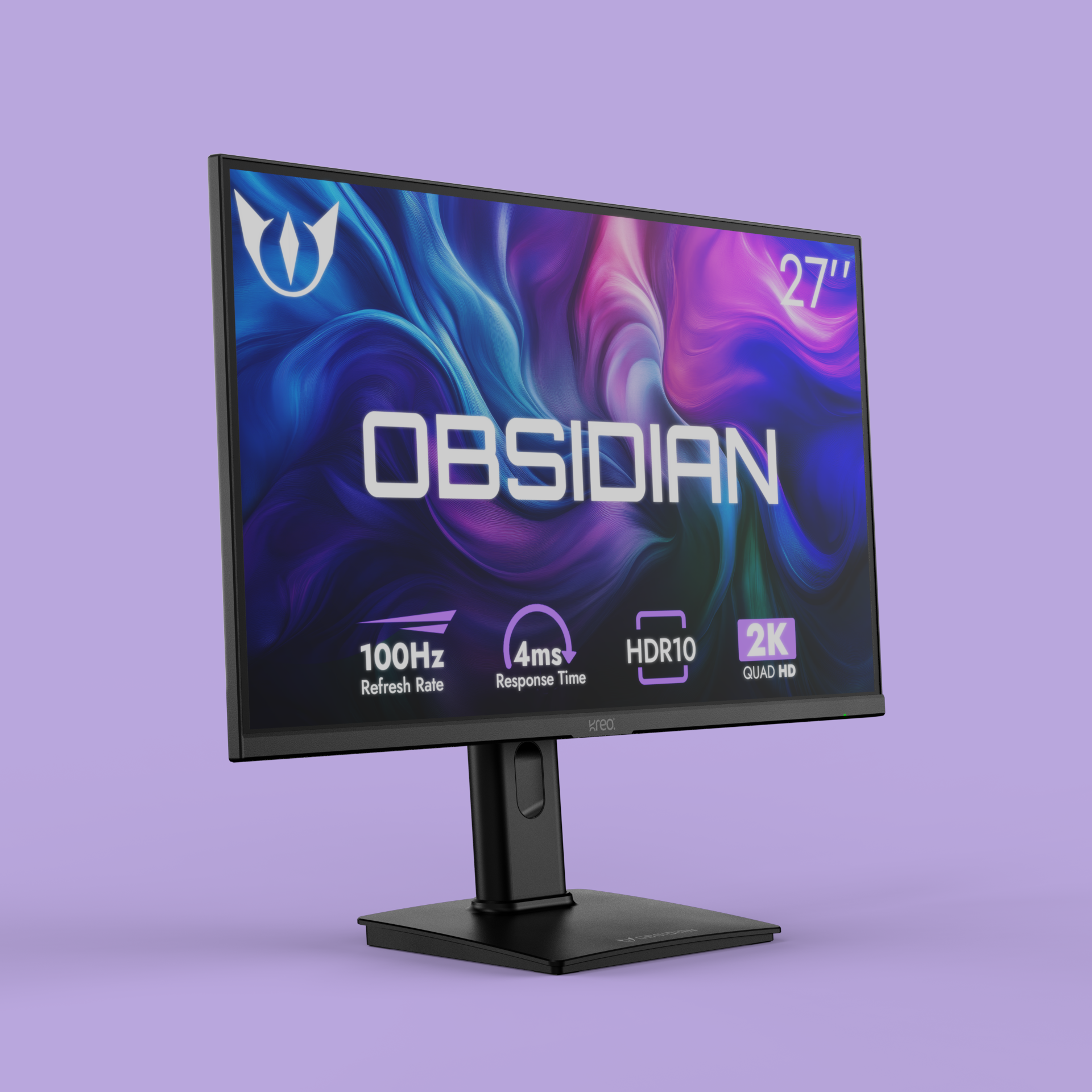
The 27 inch IPS Screen of Obsidian is just the extension you require to take your work beyond limits
The Obsidian 27i100q comes with 100% SRGB that gives you unmatched color accuracy. Perfect for Designers and Editors


Height adjustment
Find your perfect eye level with smooth vertical adjustment. So you sit better work longer and stay comfortable.

Tilt adjustment
Tit adjust the way you like to cur glare and get the best viewing angle, wither you're working or watching.

Pivot adjustment
Switch between horizontal and vertical viewing with smooth pivot adjustment. It gives you the flexibility to work, read, and create more comfortably.


Even one dead pixel within 60 days? We'll replace your Obsidian. After 60 days, a 4-pixel replacement policy applies through the warranty period.


Enjoy smoother scrolling, fluid cursor movement, and improved motion clarity compared to 60Hz displays. Enhances comfort during long working hours.

Experience sharper visuals with 78% more pixels than Full HD, delivering crisp text and refined image clarity. Perfect for multitasking, design precision, and immersive productivity workflows.



With the launch of Obsidian we're supporting the Make in India initiative. This not only supports local jobs and skill development but also ensures Indian gamers get world-class technology.
If the issue persists, contact our support team.
The monitor runs at QHD 2560 × 1440 resolution with a native 100Hz refresh rate on both HDMI and DisplayPort inputs. Response time is up to 4ms with overdrive enabled.
Yes. The Obsidian 27I100Q ships with factory sRGB calibration and covers 100% of the sRGB color space on an 8-bit IPS panel (16.7 million colors). This makes it well-suited for photo editing, web design, graphic design, and SDR video color grading right out of the box — no post-purchase calibration required. For workflows that rely on wider gamuts like Adobe RGB or DCI-P3, a wide-gamut display would be more appropriate.
On a 27-inch panel, 1080p stretches to roughly 81 PPI, which makes text look soft and pixels noticeable at normal viewing distances. QHD delivers 109 PPI on the same 27-inch size — about 78% more pixels overall — giving you razor-sharp text for code and documents, finer detail in creative work, and enough screen real estate to comfortably fit two full browser windows or a video timeline alongside your tools. Most users find this the sweet spot between clarity and GPU demand for 27-inch displays.
Absolutely. Even outside gaming, 100Hz makes scrolling through documents, spreadsheets, and web pages visibly smoother compared to 60Hz. Cursor movement feels more responsive, window dragging is less choppy, and long reading or editing sessions tend to cause less eye fatigue thanks to the gentler motion transitions. It's also ideal for casual gaming and console play without needing a high-end GPU.
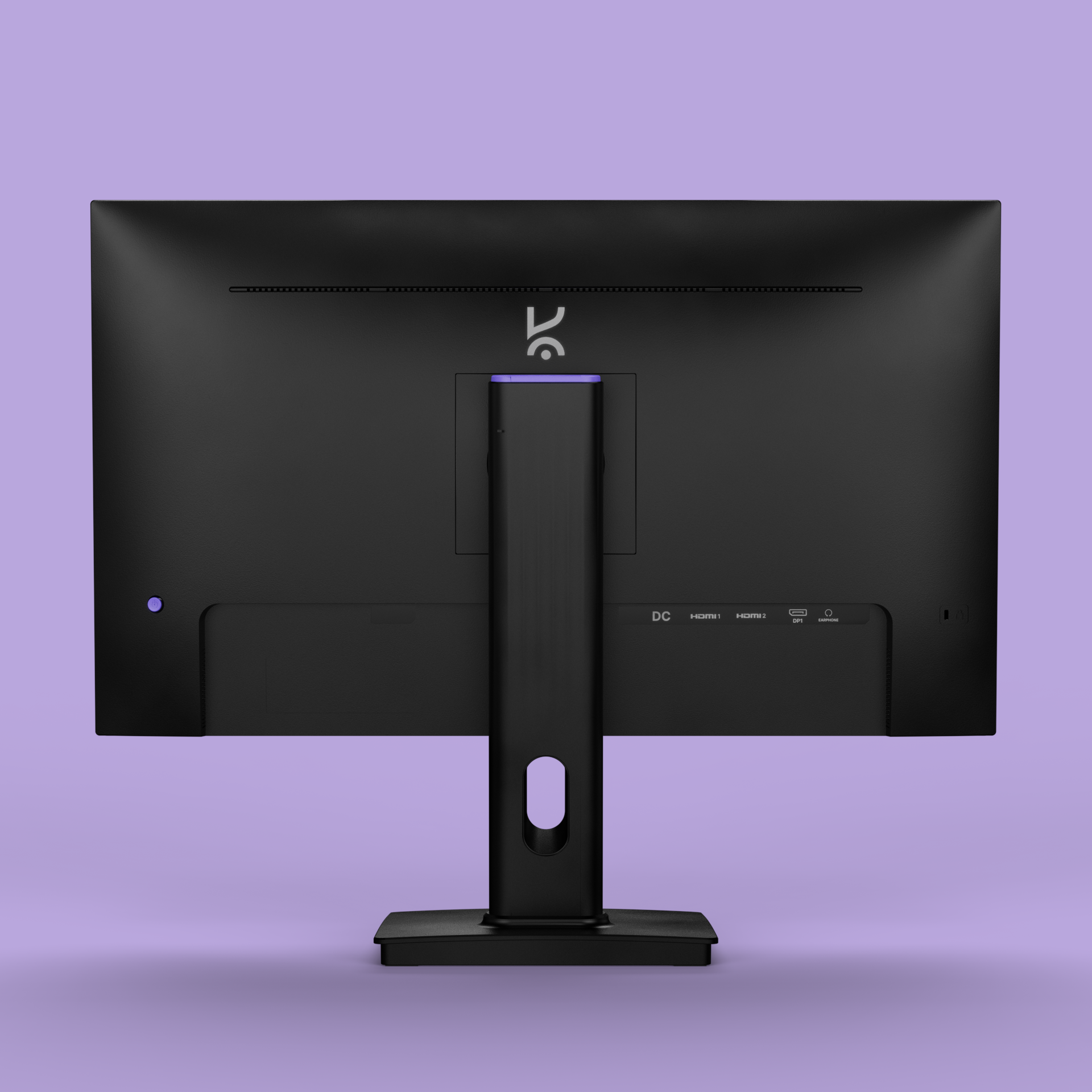
The monitor includes 2× HDMI 2.0, 1× DisplayPort 1.4, and a 3.5mm headphone jack. It also has built-in 2W × 2 stereo speakers for video calls and casual multimedia use. The dual HDMI inputs let you connect a desktop and laptop simultaneously and switch between them via the OSD.
Yes. The Obsidian 27I100Q supports the VESA 100 × 100mm mounting standard, so it's compatible with most monitor arms, wall mounts, and multi-monitor setups. The included stand can be removed to reduce desk footprint or to switch to a portrait orientation via an aftermarket arm.
The included stand supports height adjustment and tilt (forward/backward), so you can position the screen at proper eye level and angle it to reduce glare. Combined with the IPS panel's 178° viewing angles, this makes long 8+ hour work sessions significantly more comfortable and reduces neck and eye strain.
Yes. The Obsidian 27I100Q features flicker-free technology at all brightness levels, which eliminates the imperceptible PWM flicker that causes eye fatigue on many standard monitors. Combined with the IPS panel's consistent brightness, 300 nits max output suited for typical indoor lighting, and the smoother 100Hz motion, it's engineered specifically for extended daily use — whether that's coding, document work, design, or video calls.