

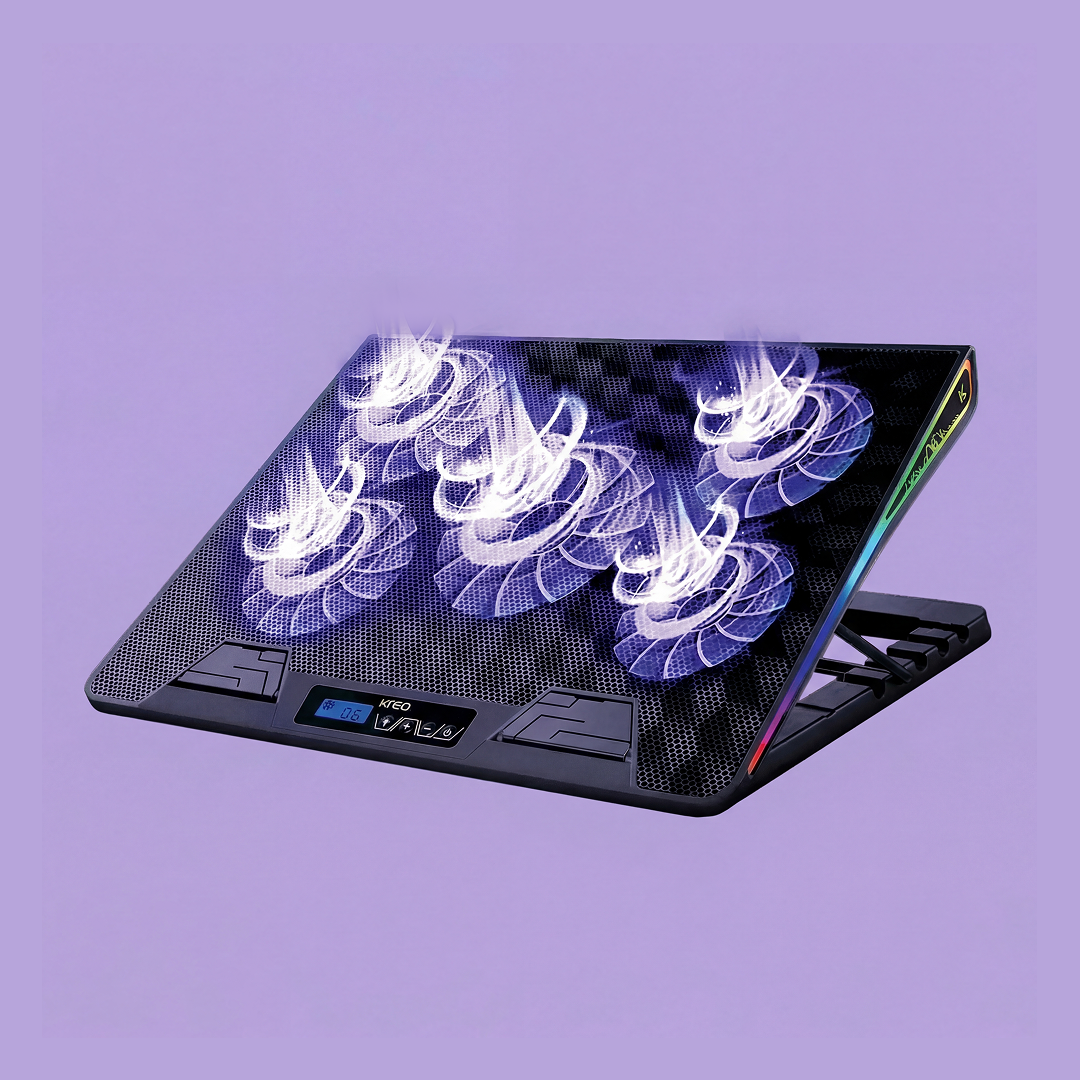
Thermal Reality: High-performance gaming laptops with RTX 40-series GPUs and Intel Core i7/i9 chips routinely hit 95°C+ in ambient Indian temperatures (35°C–42°C), causing automatic CPU down-clocking and aggressive in-game frame drops. Dual high-RPM turbo coolers with sealed acoustic foam lower internal temperatures by 12°C–18°C.
Understanding Thermal Throttling in Gaming Laptops
Modern gaming laptops pack immense processing power into slim chassis under 20mm thick. When heat pipes cannot evacuate thermal load fast enough, the processor engages clock throttling to protect silicon, halving your in-game FPS in titles like Cyberpunk 2077, GTA V, or Valorant. Independent hardware reviews on Hardware Unboxed confirm active forced airflow is the single most effective way to eliminate thermal ceilings.
Why Traditional USB Fans Don't Work vs. Pressurized Cooling
Cheap flat cooling pads use slow 800 RPM generic fans that simply blow scattered ambient air against the laptop's plastic underbelly. Professional cooling pads like the Kreo Arctik Pro utilize high-speed 3000 RPM twin turbine fans surrounded by a high-density silicone/foam sealing ring that forces concentrated static air pressure directly through the intake vents.
Shop High-Performance Laptop Cooling:
Dual 125mm Turbo Fans | 3000 RPM Max Speed | Foam-Cushioned Seal | Precision Speed Dial
🛒 D2C: Shop Official Store | 📦 Amazon: Check Price on Amazon
140mm High-Airflow Turbo Fan | 2200 RPM | Ergonomic Angle Stand | Dual USB Pass-Through
🛒 D2C: Shop Official Store | 📦 Amazon: Check Price on Amazon
Kreo Mouse Guide: The Beginner’s Path to Pro-Level Gaming Performance
The Ultimate Ring Light Guide: Kreo Halo 12’s Technical Edge in Performance and Durability