

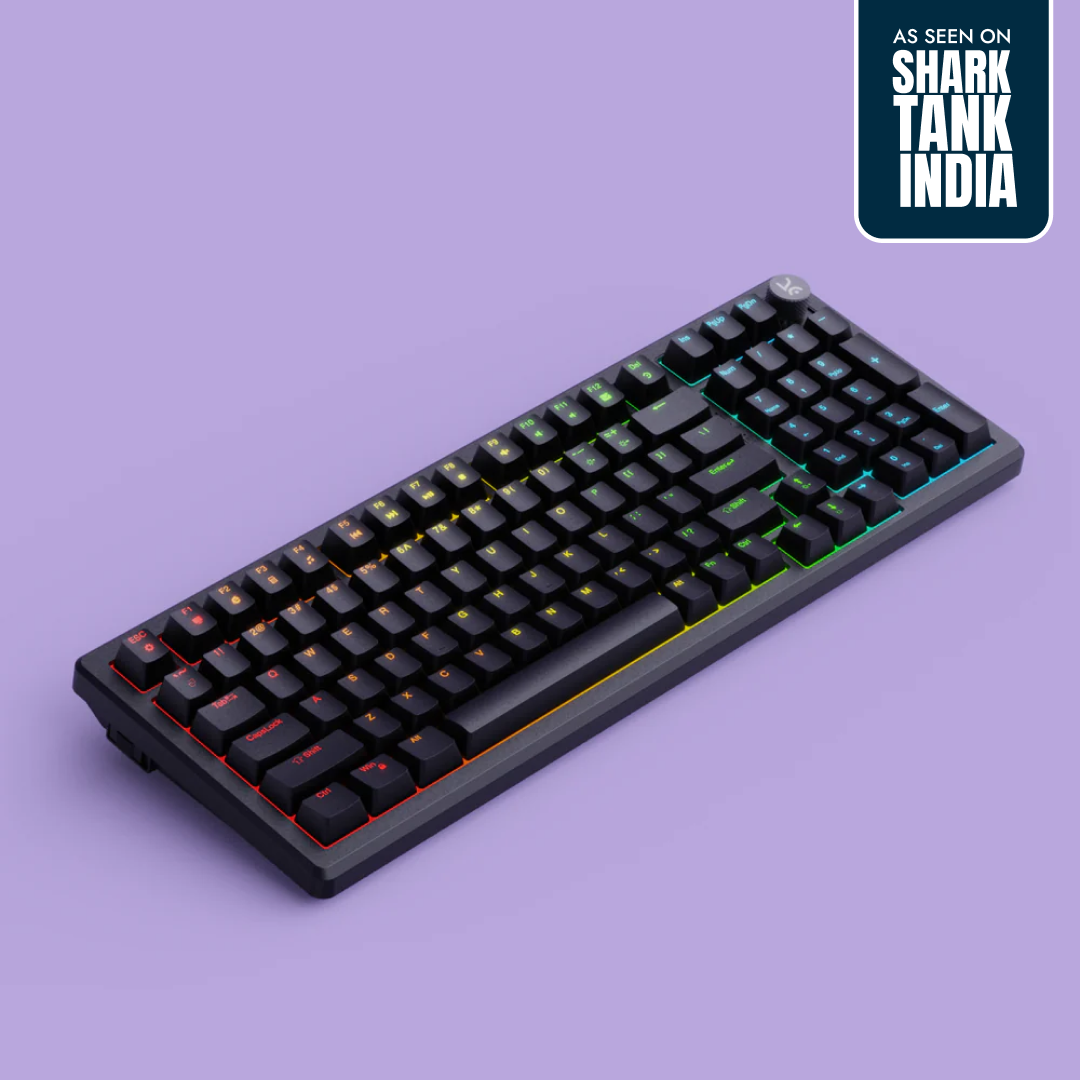
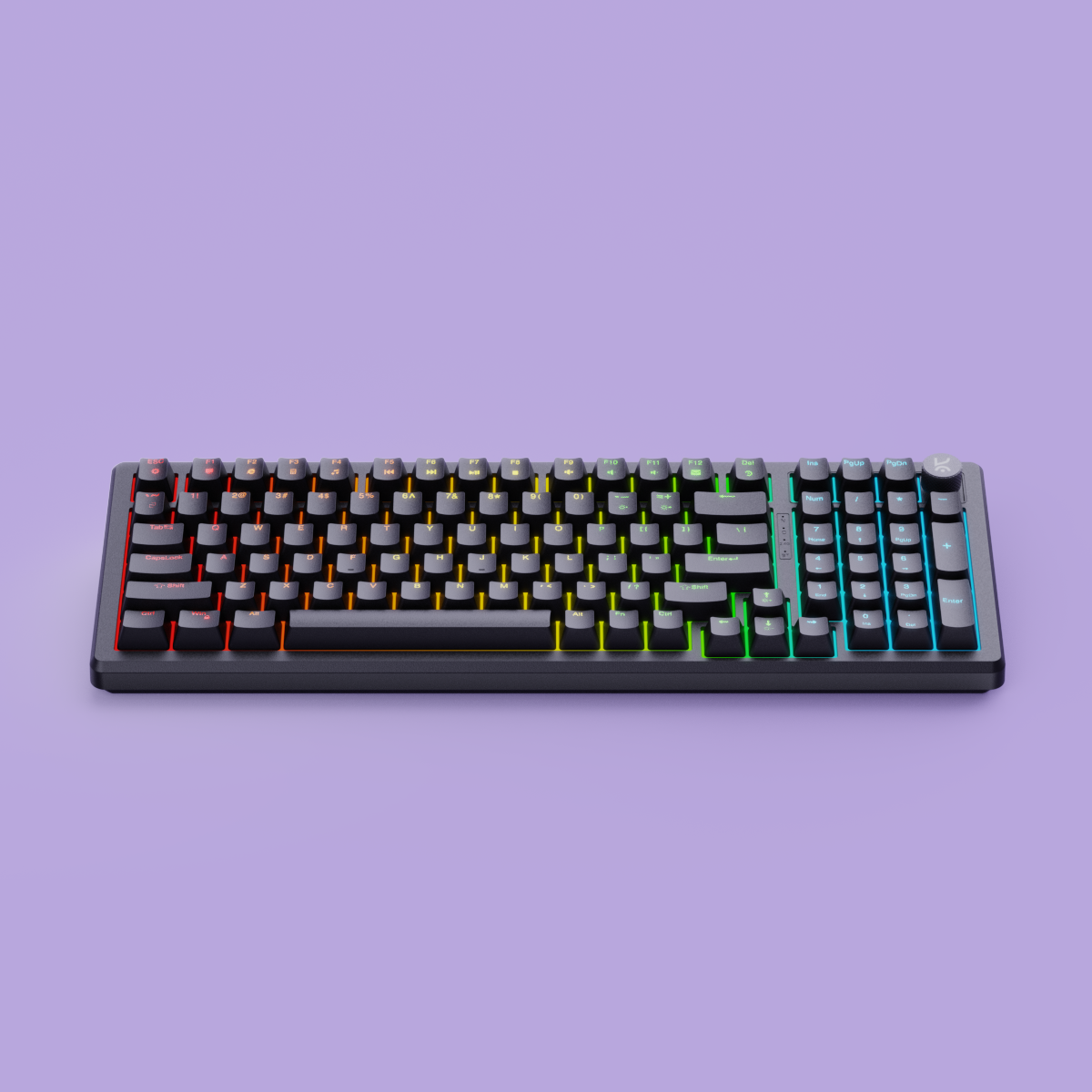
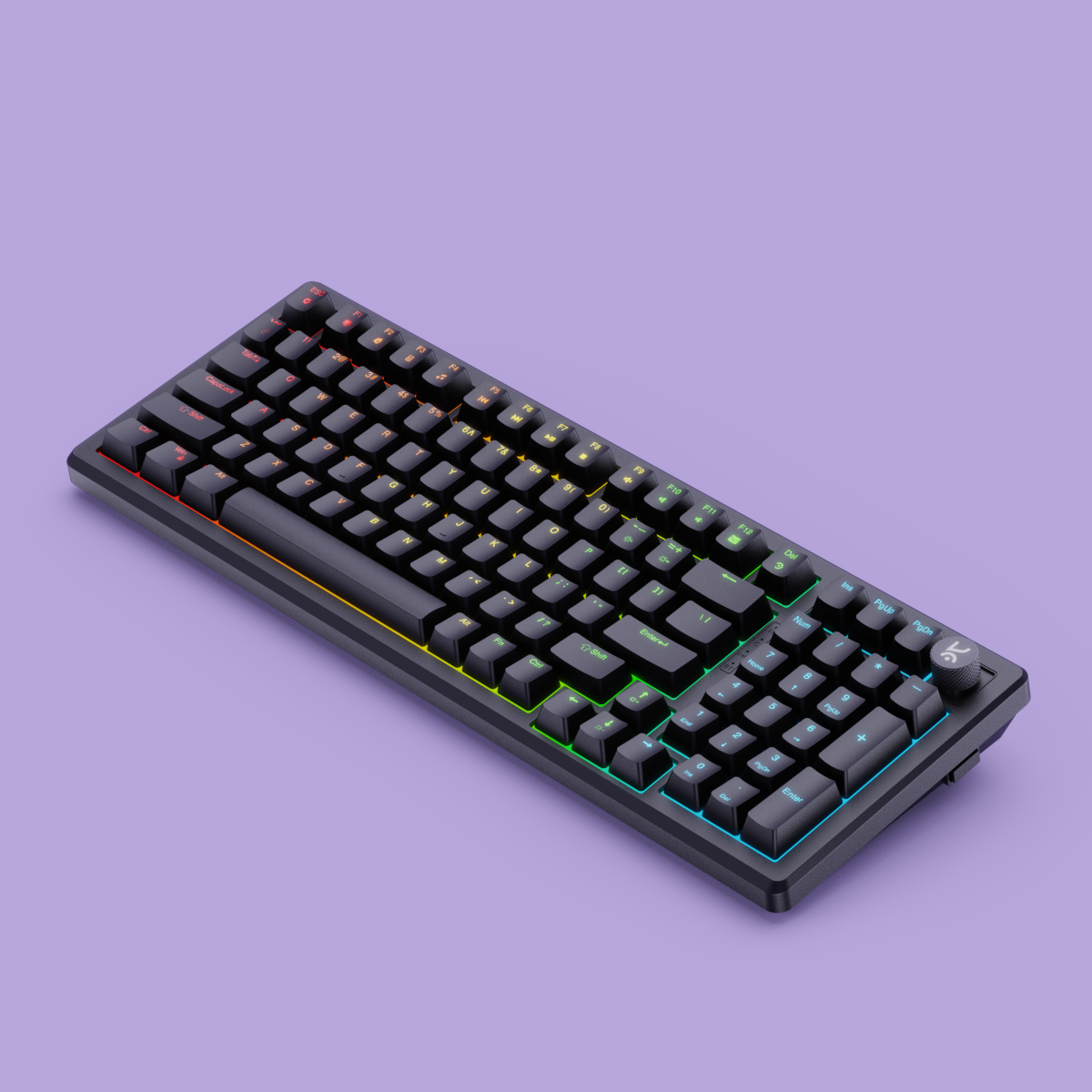
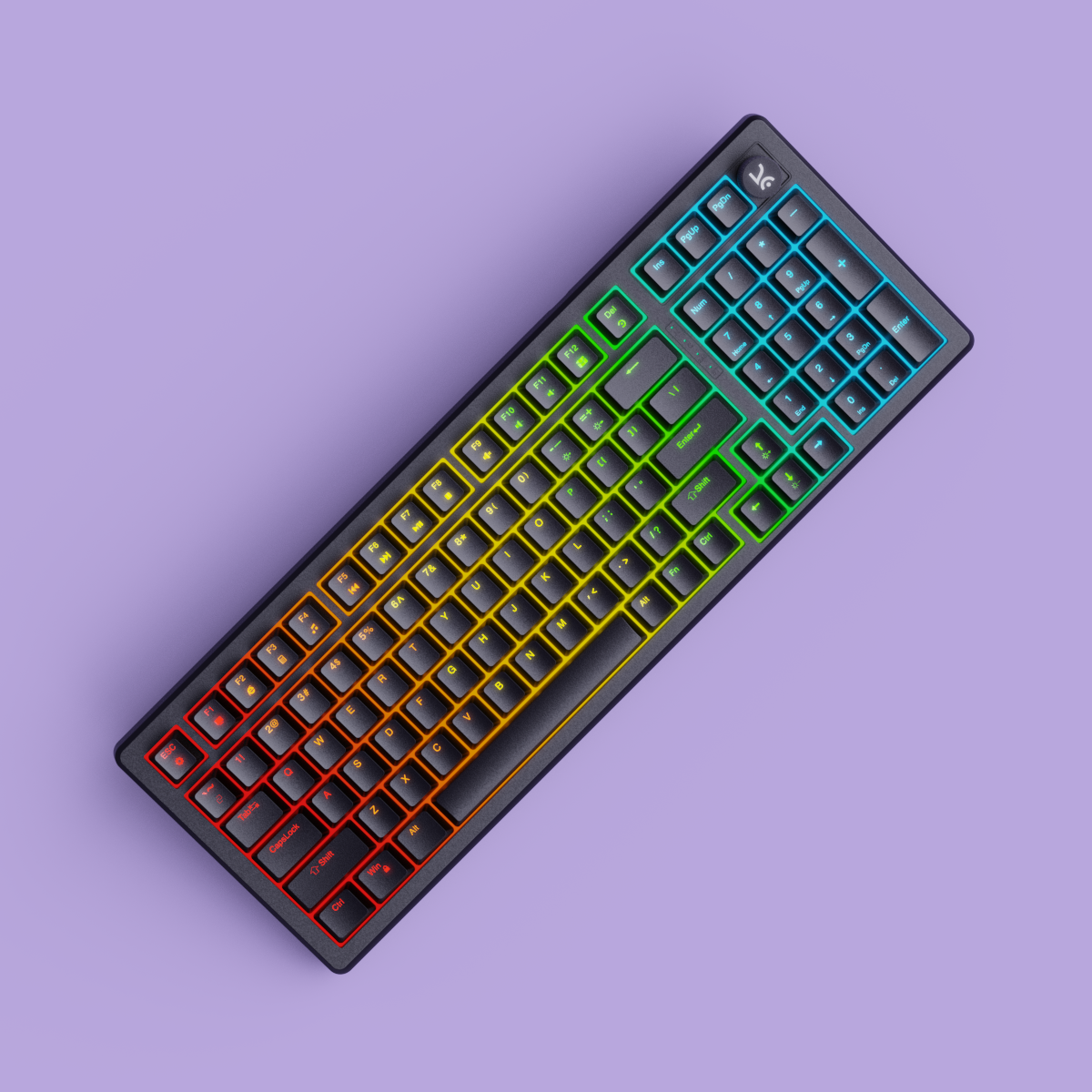
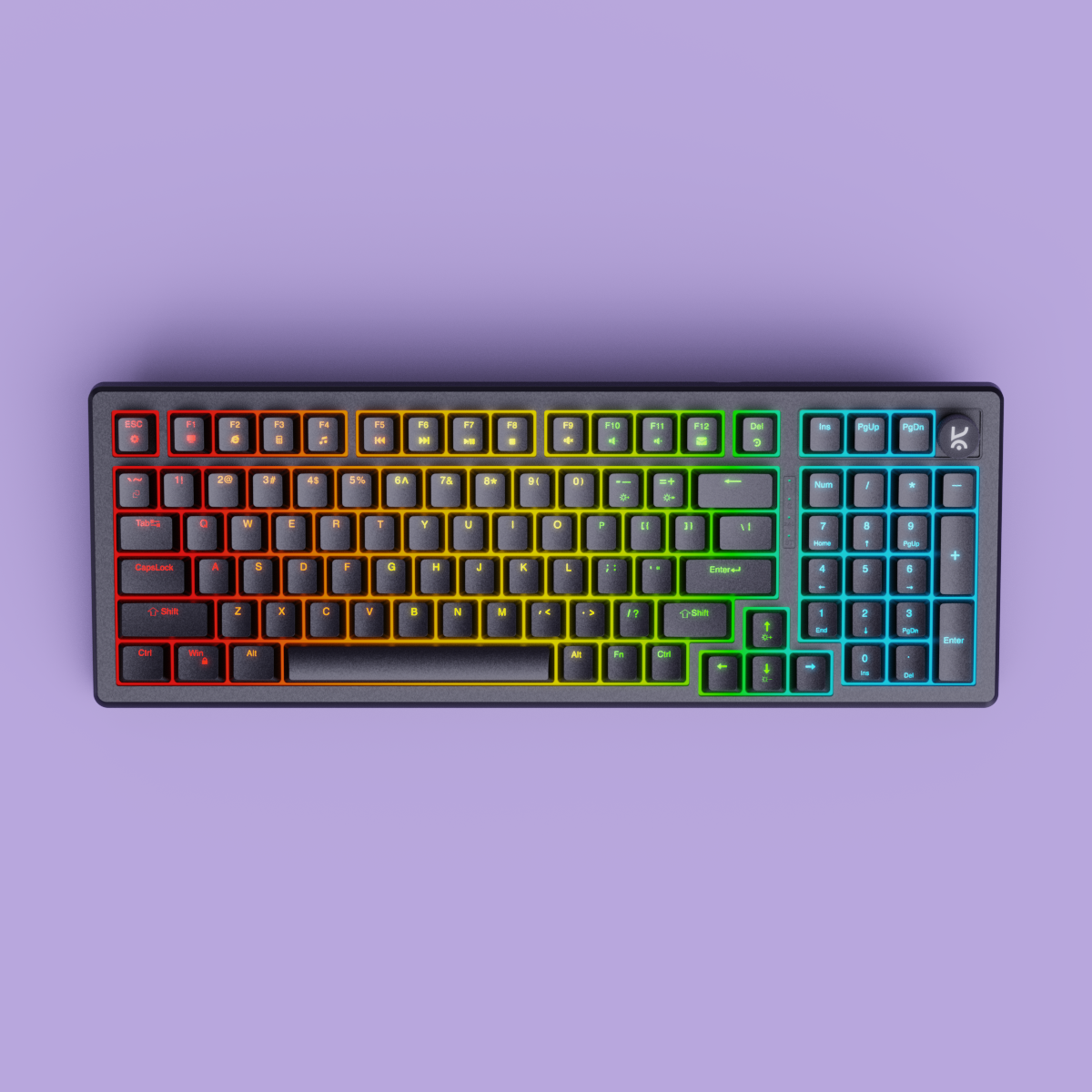
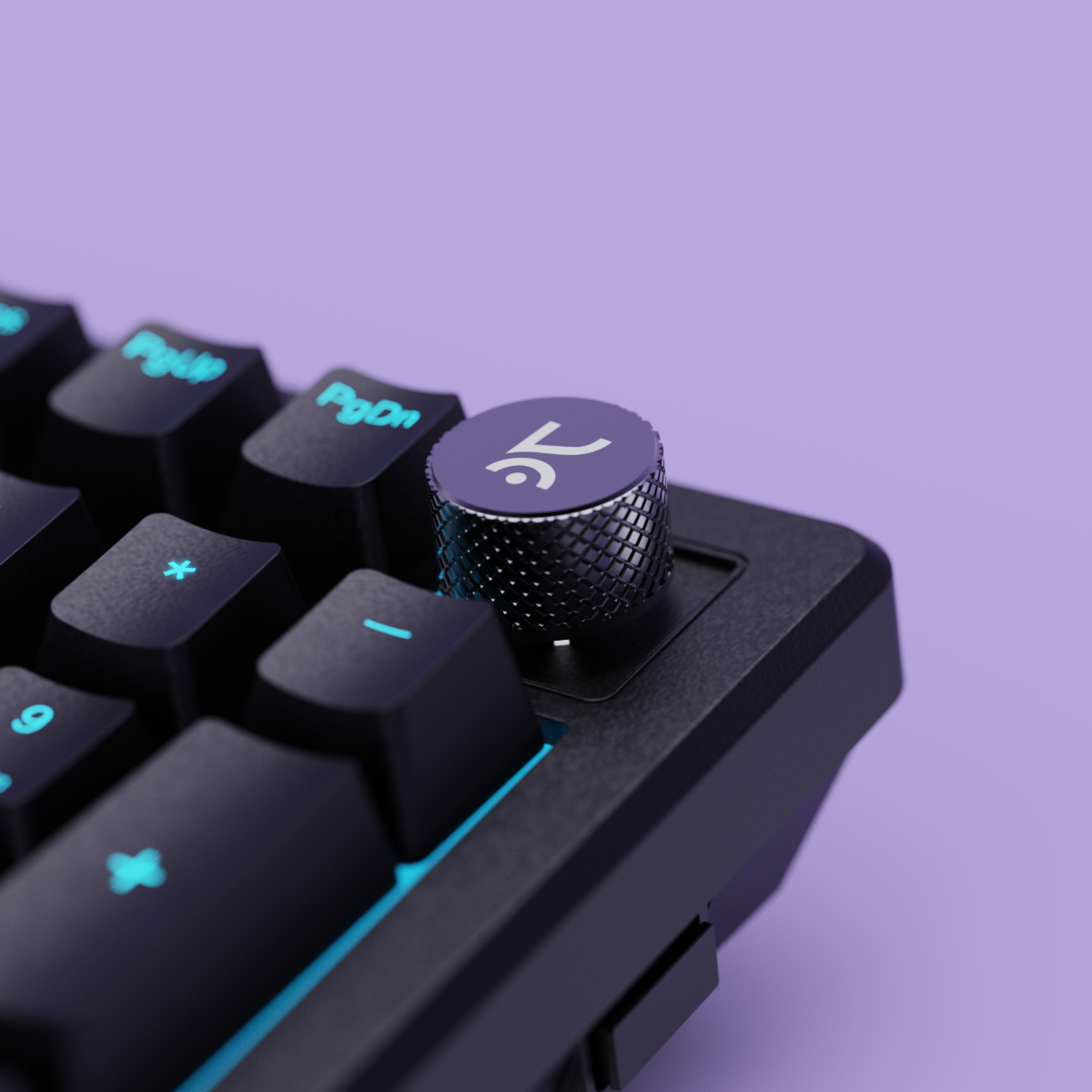

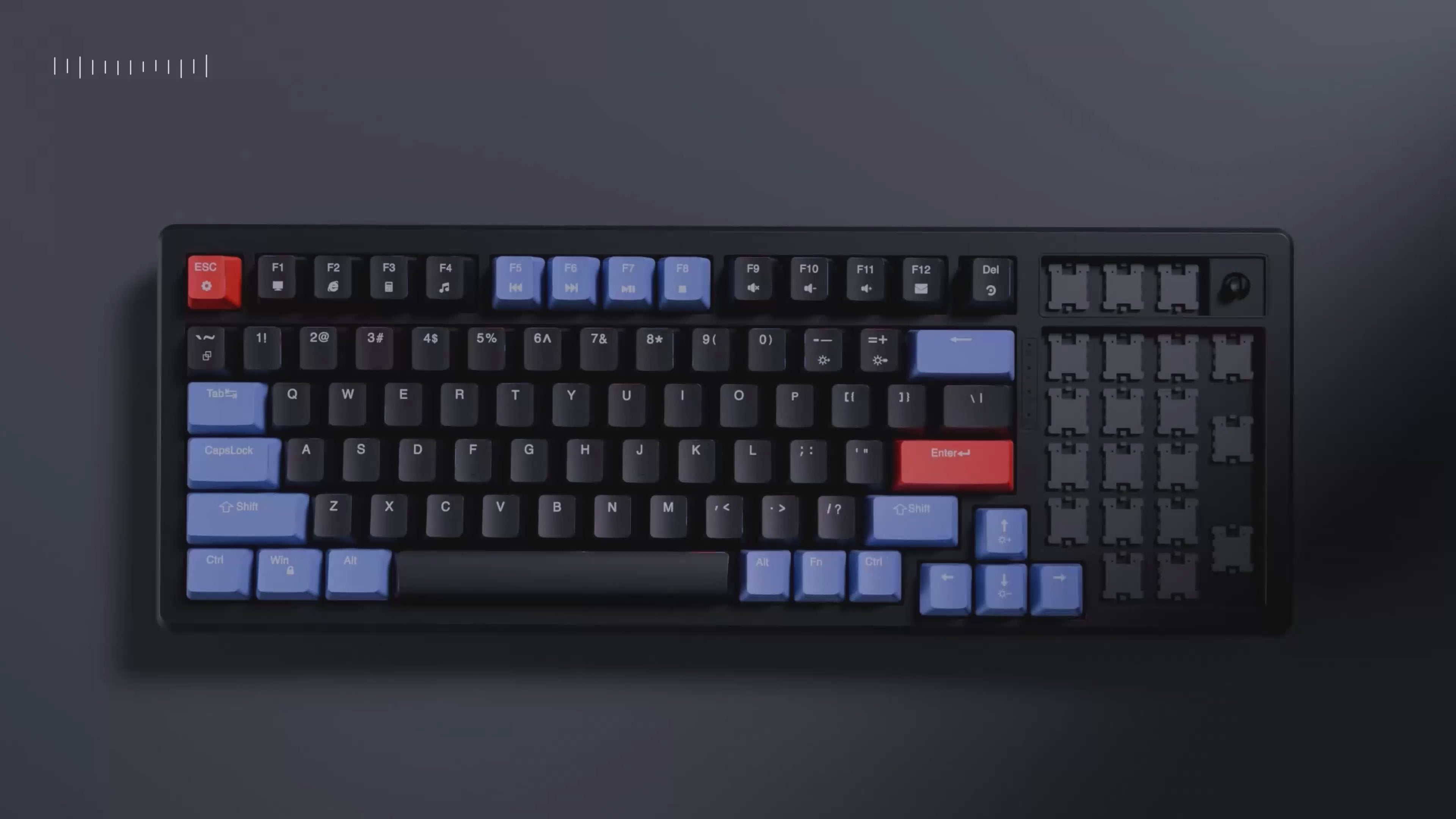
Full Size Layout

Volume Knob

OUTEMU Switches

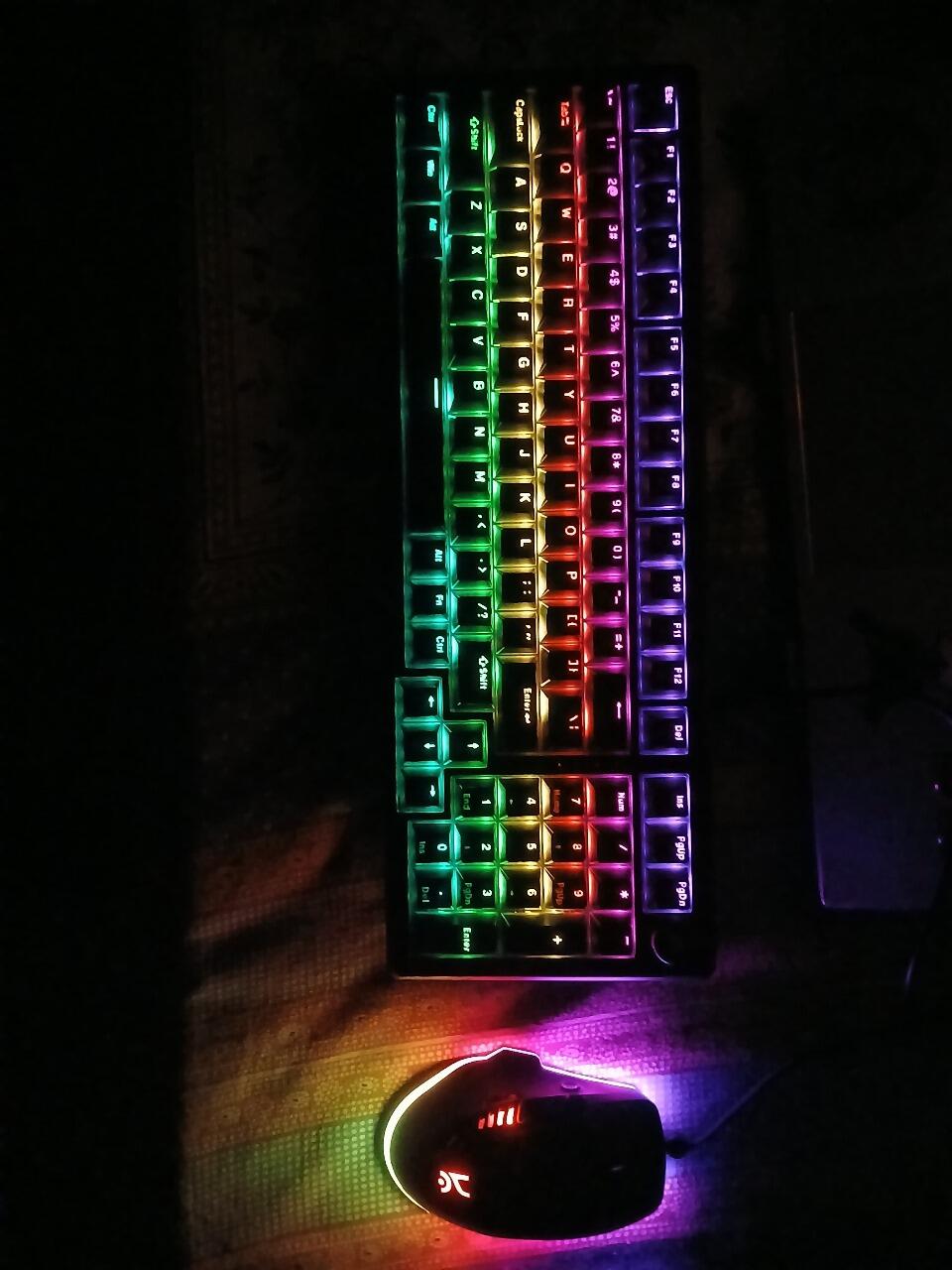
RGB Lighting

Software Support

Hot Swappable
If you have any questions, you are always welcome to contact us. We'll get back to you as soon as possible, within 24 hours on weekdays.
-
Shipping Information
Use this text to answer questions in as much detail as possible for your customers.
-
Customer Support
Use this text to answer questions in as much detail as possible for your customers.
-
FAQ’s
Use this text to answer questions in as much detail as possible for your customers.
-
Contact Us
Use this text to answer questions in as much detail as possible for your customers.
RGB Modes
Key Layout
Polling Rate

Outemu Red
Factory Lubed: No Type: Linear Operating Force: 44 gf
Total Travel: 3.9 mm Pre-Travel: 1.9 mm
Bottom-out Force: 60 gf Pin Type: 3-pin
Bottom Housing: Nylon Stem: POM Cover: Polycarbonate
Switch Life: 50 million presses
Buy this if you want a smooth, fast linear feel for gaming with low noise and consistent keypresses.

Outemu Browns
Factory Lubed: No Type: Tactile Operating Force: 40 gf
Total Travel: 3.9 mm Pre-Travel: 1.9 mm
Bottom-out Force: 60 gf Pin Type: 3-pin
Bottom Housing: Nylon Stem: POM Cover: Polycarbonate
Switch Life: 50 million presses
Buy this if you enjoy a soft tactile bump for feedback without loud clicks, ideal for both typing and gaming.



General Info
Connectivity
Ergonomics
Customization
Build & Durability
Software
Compatibility
In The Box
Switches
Keycaps
Backlighting
Other Features
Mount Design
Foam & Sound Dampening
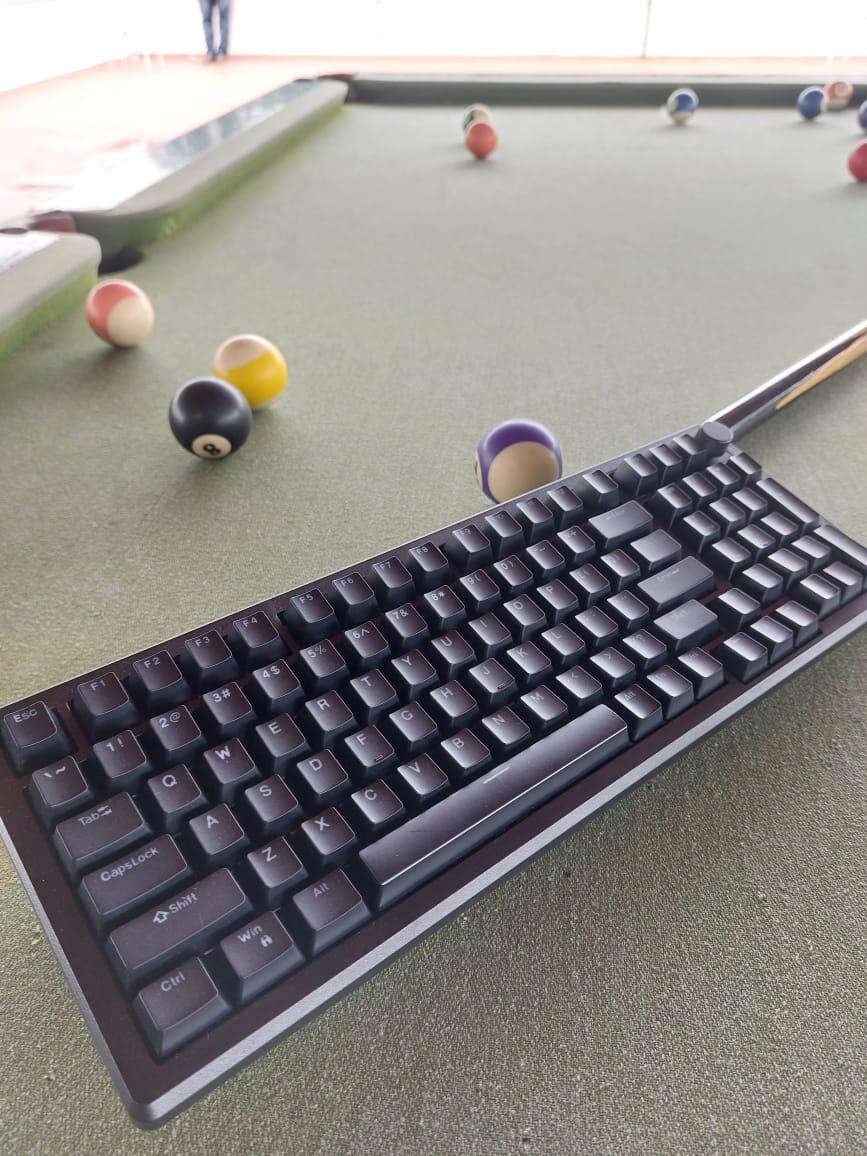
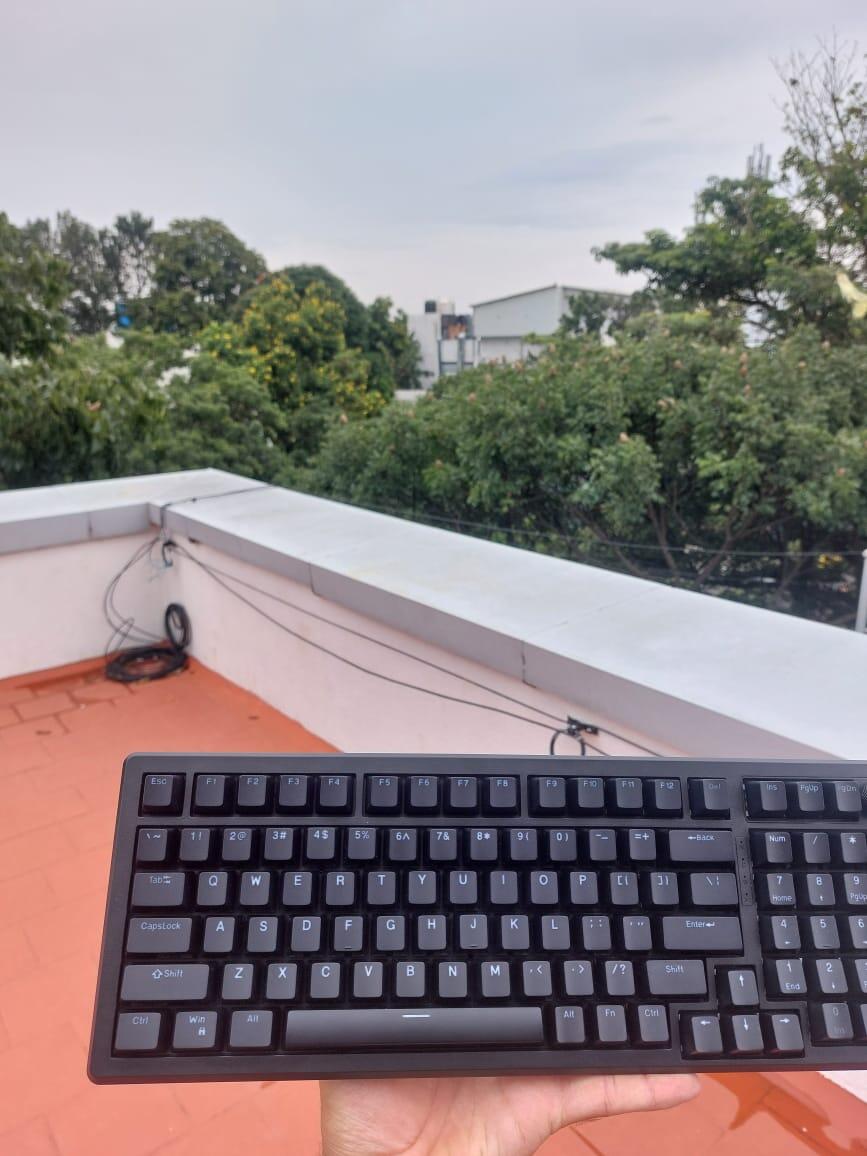
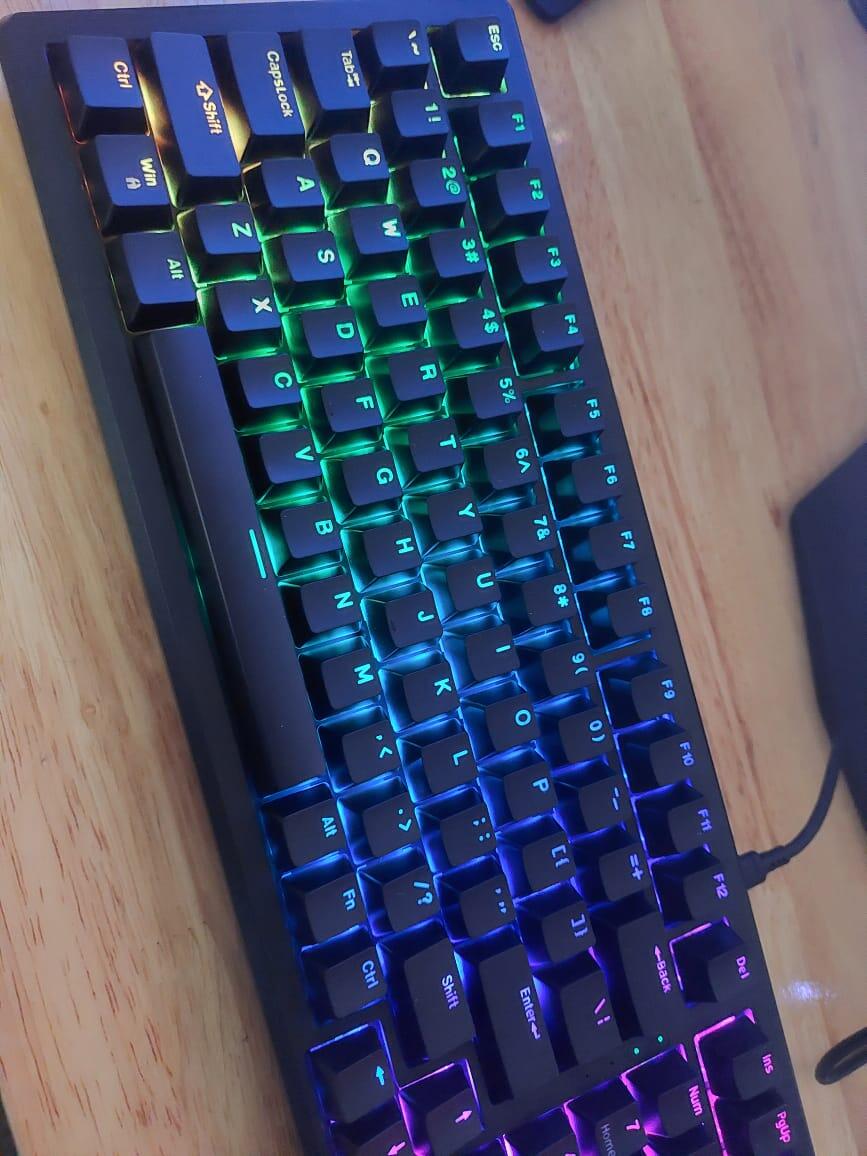
-
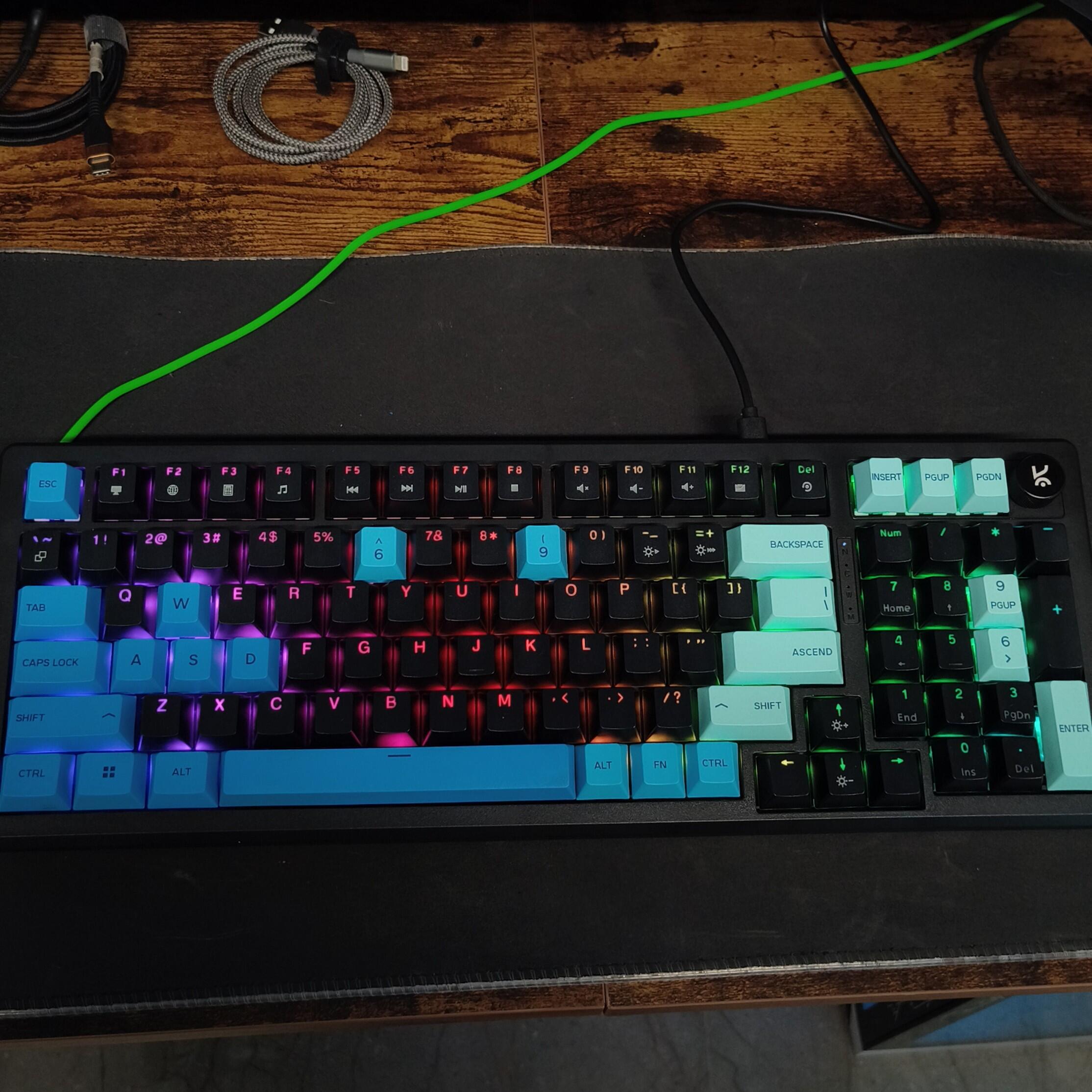
JJatin GhetiyaDecember 13, 2025May recommend this keyboard to everyone, with its flaws.What I didnt like is: - no MACOS rgb software! - Key surface area is slightly less. - Only 1 model with num keys? See how many of other models you have for other ones. While buying I felt like I am stuck with just one and didn't have any option or I didn't look at other brands enough, but I saw the founders before checkout. It's not all bad—you guys are doing God's work. Your company's existence is paramount; do not ever give up....Thanks.
-
IILAMBARITHI.N .November 01, 2025SuperIt is very nice keyboard
-
AAkshay HadoltikarOctober 07, 2025Hive98 Full-Size Wired Gaming KeyboradThis is amazing product... I used it for Gaming as well as office work and it very smooth typing experience.. But cost is somewhat expensive compared to other Gaming Keyborads.
-
AAmit VishwakarmaSeptember 30, 2025Good product! But the cost could've been better!I've been using it for two weeks, and I must say it performs beyond my expectations. Now the only question is longevity! I hope it performs reliably in these conditions for at least 3 years.
-
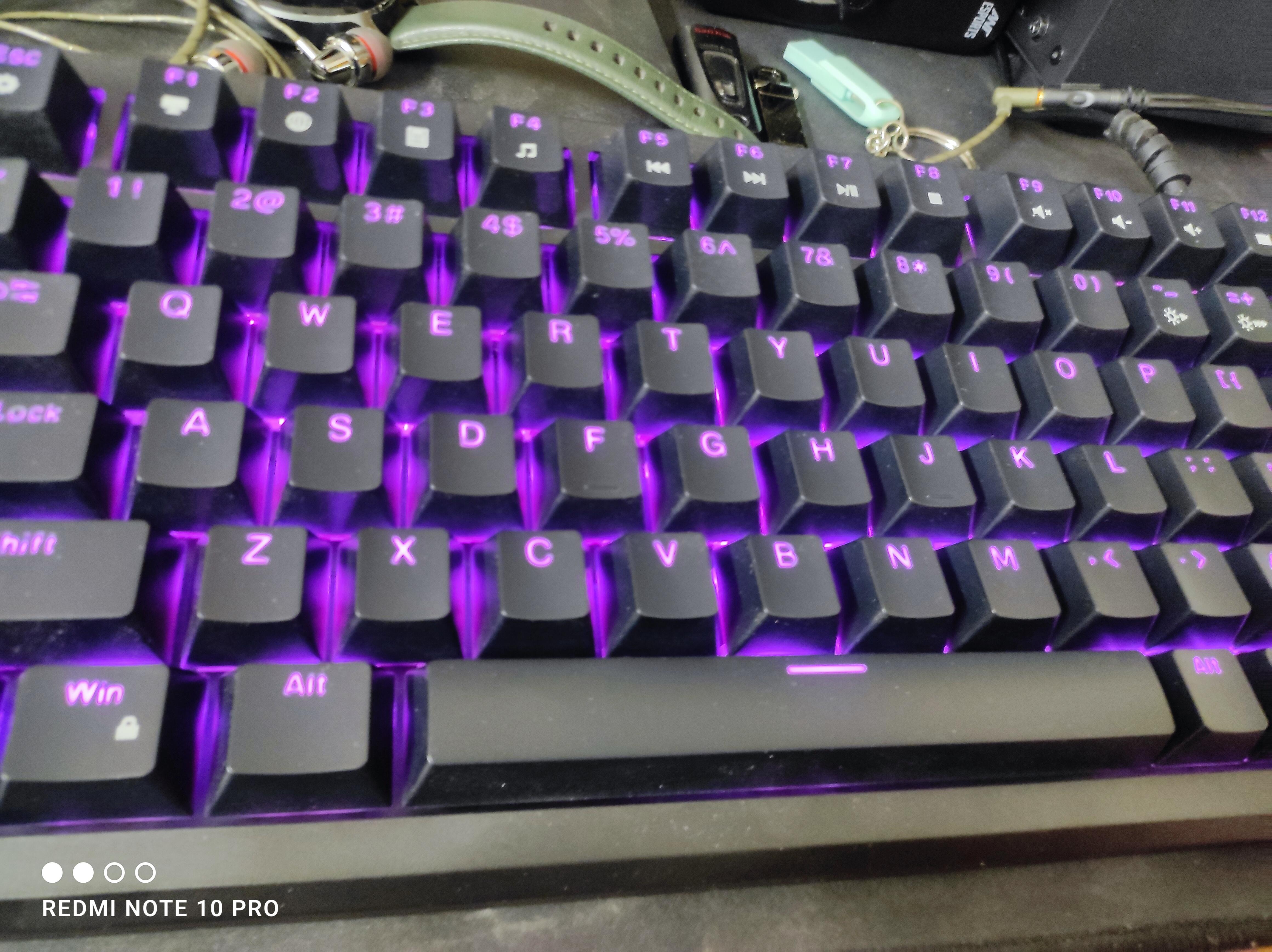
PPranjal dethaliyaSeptember 19, 2025Kreo hive 98 black broqnt switchThe space bar feedback can be better also the keycaps letters are blurry when using backlight otherwise the keyboard is very good.
-
MMuditJuly 18, 2025My first mechanical keyboard and i loved it 😌Best keyboard under my budget
-
SShanoy LemosJune 20, 2025Really fun to game onBeen gaming on this since I got it and I've been enjoying it.
-
AAneesh T AJune 17, 2025Excellent after serviceFirst I got a keyboard with left arrow key issue and then I raised the issue with the customer service and they just replaced a new one within a week
-
JJoyGoldar JoyGoldarJune 17, 2025Good ProductHi, So I am satisfied with this product.
-
NNiravMay 31, 2025Blue switch all black keyboard needI need a blue switch all black keyboard I am waiting for it from long time but I didn't get it
You asked, we answered
If the issue persists, contact our support team.
Why are the Alt and Windows keys swapped on my keyboard?
If the Alt and Windows keys are swapped, press Fn + S and Fn + A to restore their default functions.
How do I turn Scroll Lock on or off?
Press Fn + I to toggle Scroll Lock on or off.
What should I do if a key is double-clicking or a switch isn't working?
Follow these steps:
- Hold Fn + Esc for a few seconds to reset your keyboard.
- Remove the keycap and clean the switch and PCB using a soft brush, cloth, or compressed air.
- If the issue continues, try replacing the switch with a spare one.
If none of these steps work, please contact our support team.
My RGB lighting isn't working. What can I do?
- Hold Fn + Esc for a few seconds to reset the keyboard.
- Check and adjust the RGB settings in the Hive software, which can be downloaded from the Kreo official website.
How do I reset my Kreo Hive keyboard?
To perform a full reset, simply hold Fn + Esc for a few seconds. This resolves most common issues.