

See exactly when this arrives


- Hot-Swappable Switches: Swap between tactile or silent clicks for left and right buttons.
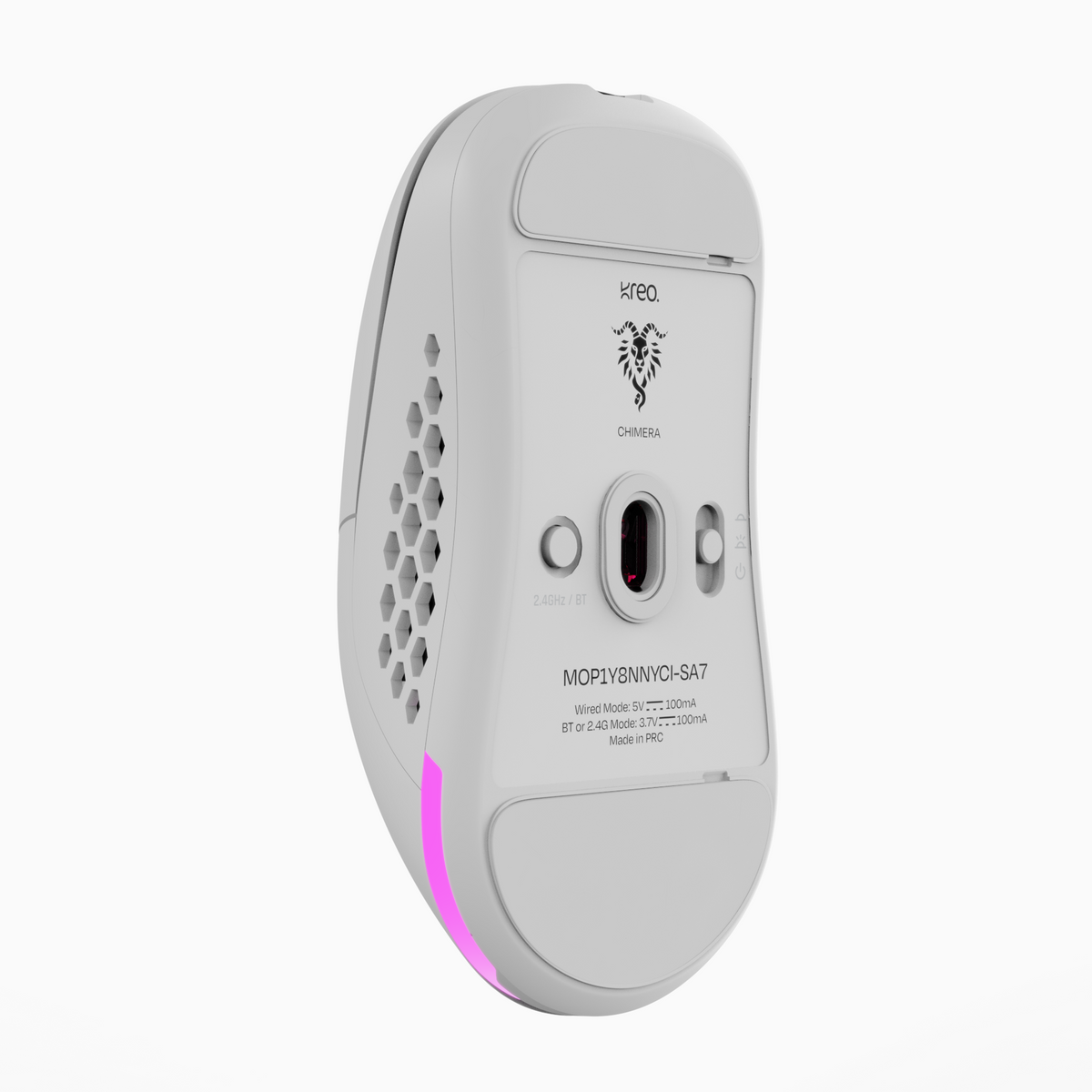
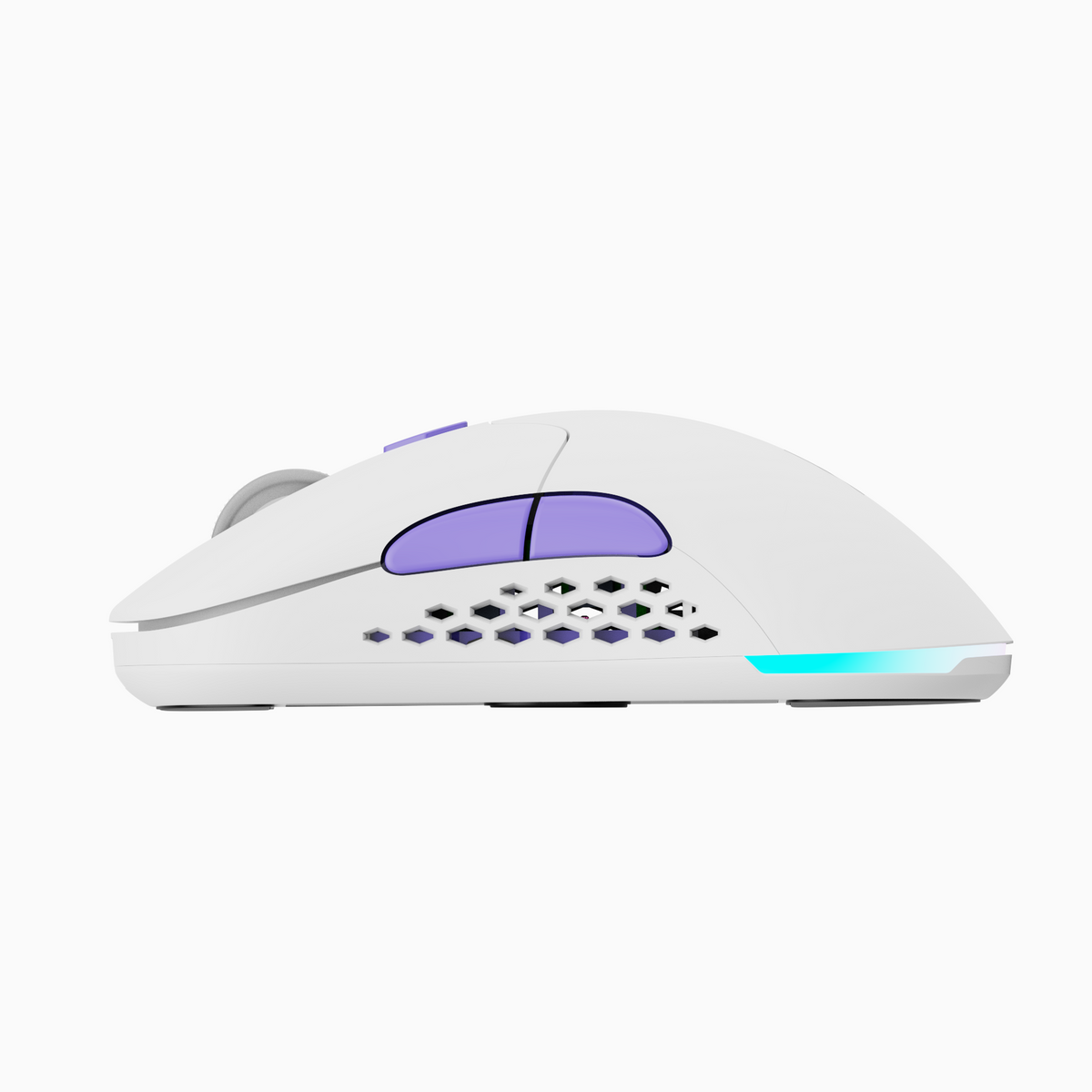
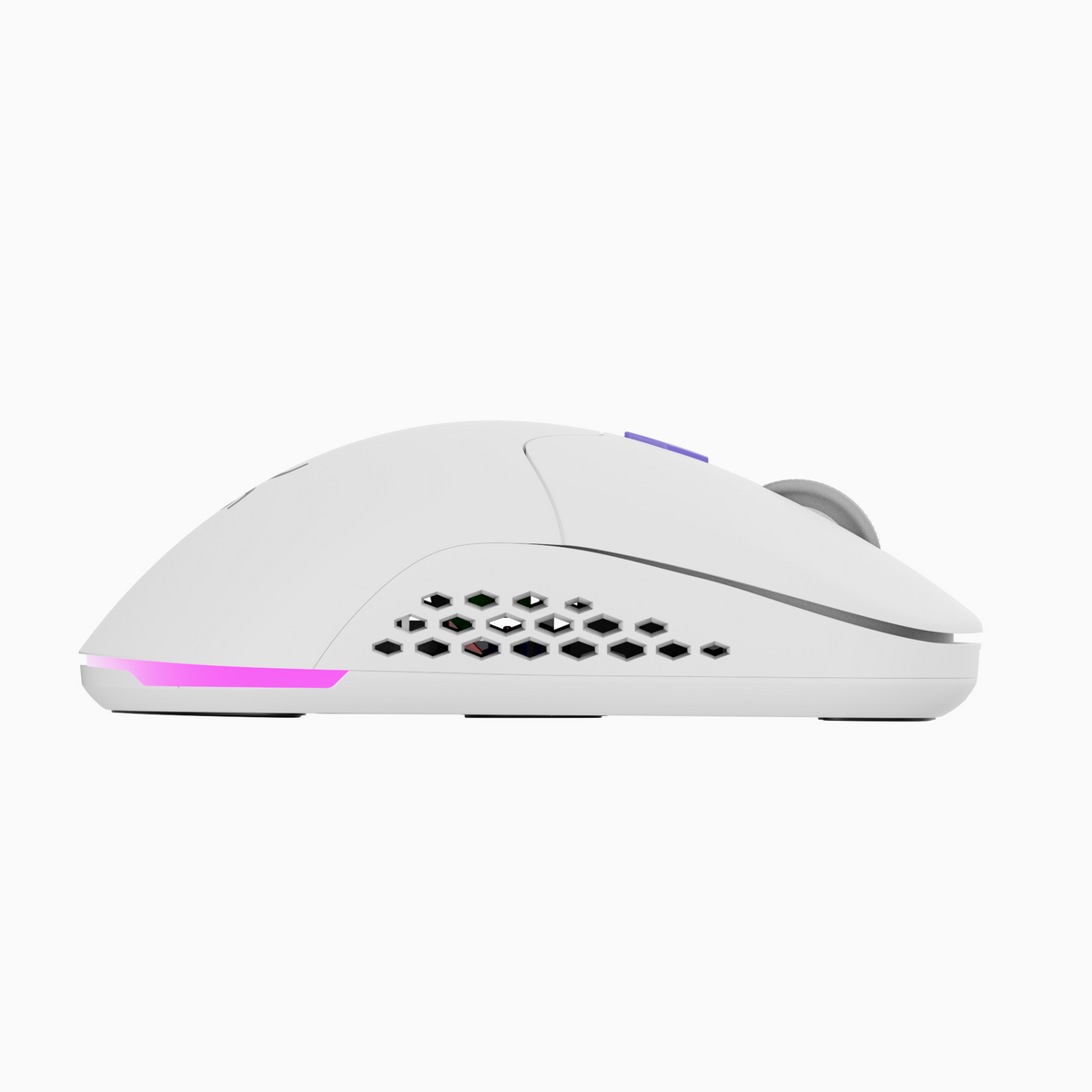
- Interchangeable Shells: Choose between solid and honeycomb shells for the perfect fit.
- 6 Programmable Buttons: Customize your setup using the Kreo Chimera software.
- 6 DPI Levels (200–12000): Instantly switch between precision and speed.
- Custom RGB Lighting: Sync lighting with your setup for a pro gaming look.
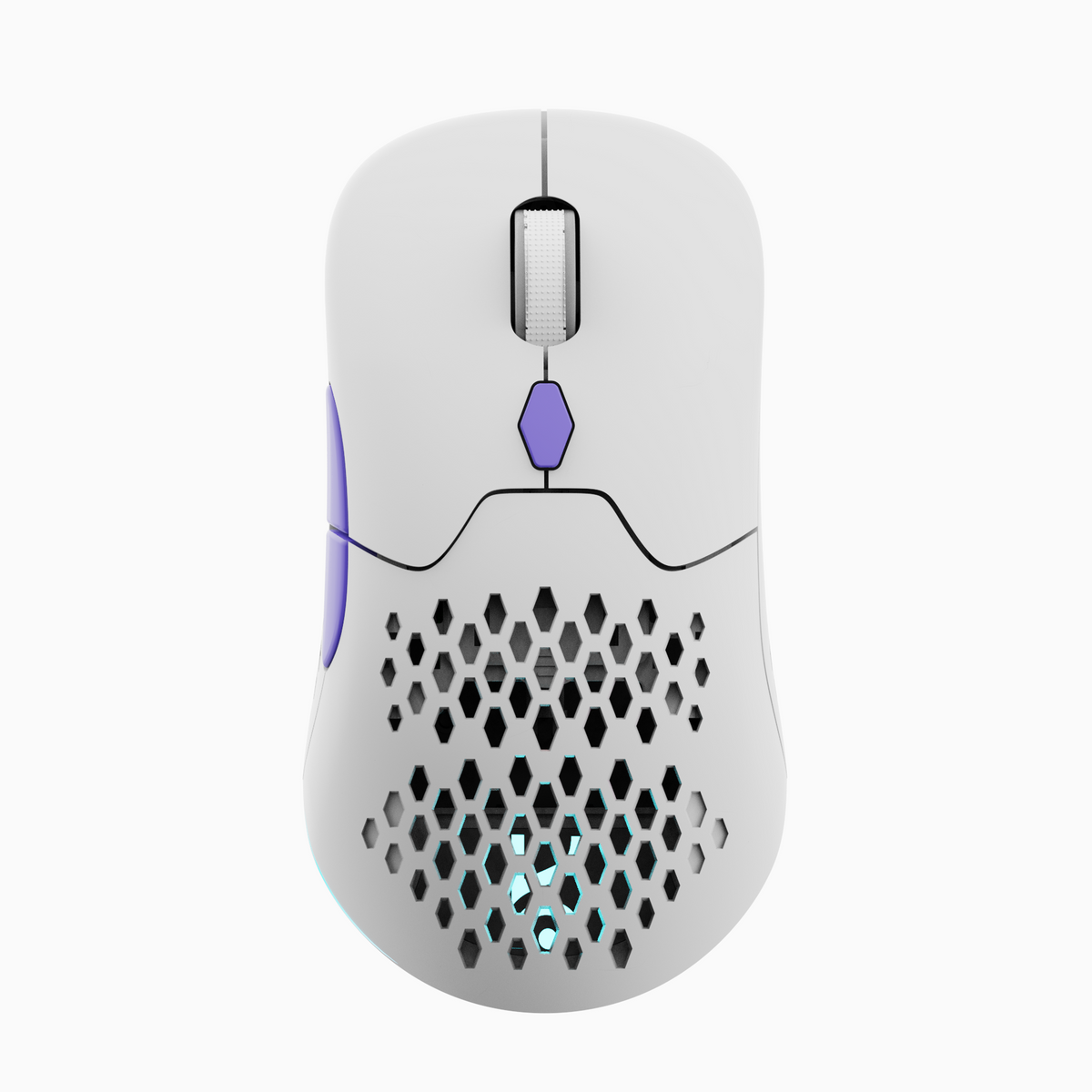
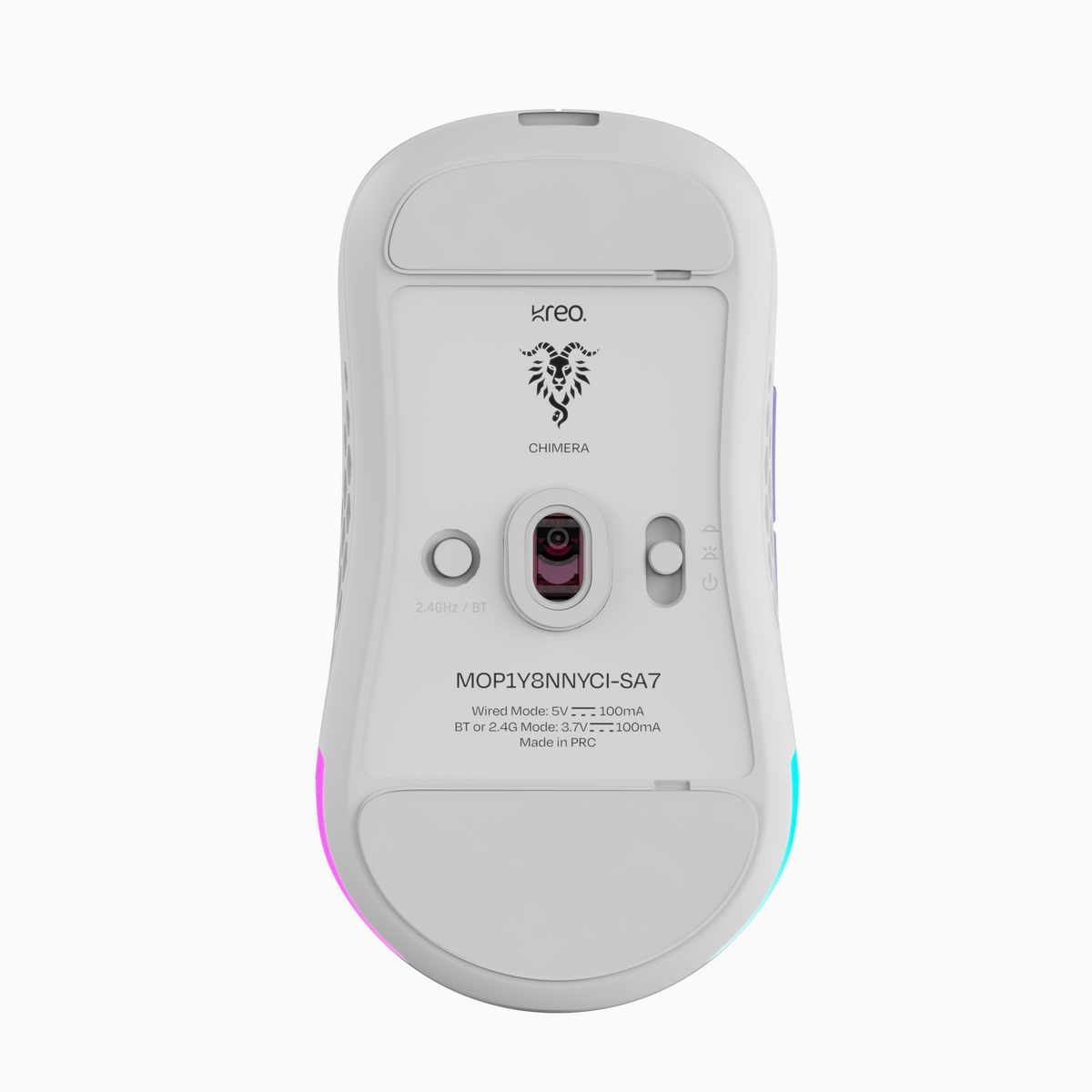
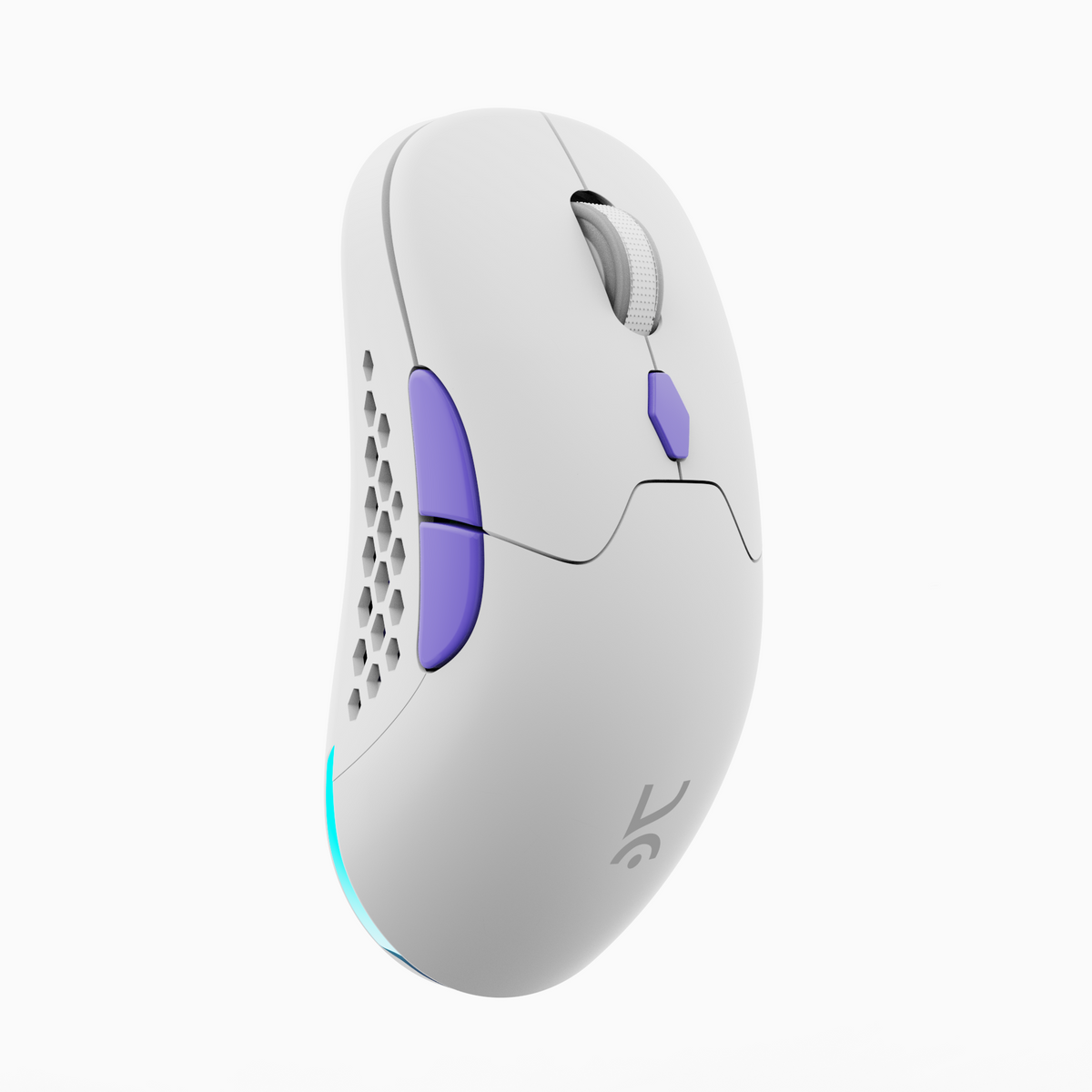
Chimera V2 White Wireless Gaming Mouse
Community Reviews

78g

Pixart 3315 Sensor

HUANO Silent and Tactile Switches

70+ Hours battery life

Software Support

BT, 2.4GHz or Wired
If you have any questions, you are always welcome to contact us. We'll get back to you as soon as possible, within 24 hours on weekdays.
-
Shipping Information
Use this text to answer questions in as much detail as possible for your customers.
-
Customer Support
Use this text to answer questions in as much detail as possible for your customers.
-
FAQ’s
Use this text to answer questions in as much detail as possible for your customers.
-
Contact Us
Use this text to answer questions in as much detail as possible for your customers.


Online Web Software
All-in-one online software that lets you configure almost every aspect of your Kreo Gear — key bindings, sensor settings, and DPI settings—with seamless cross-platform support for Windows, macOS, and Linux.
Suits every hand size and grip
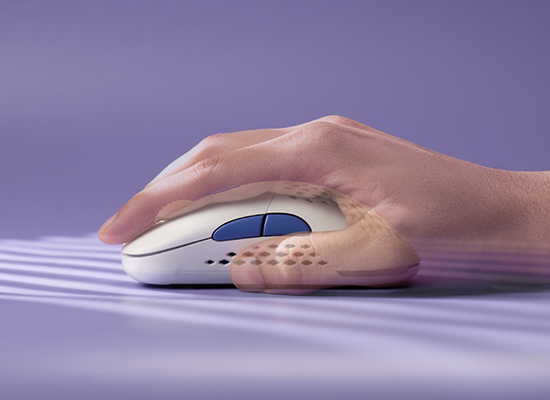
Palm
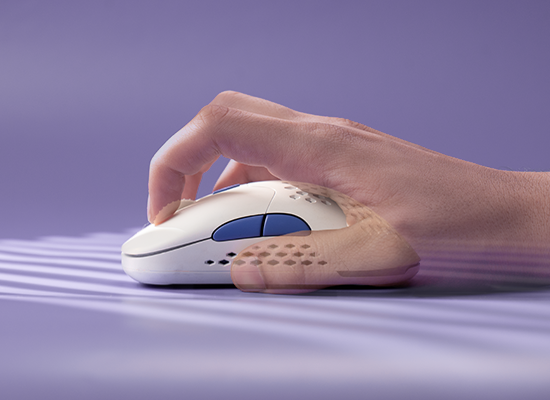
Claw
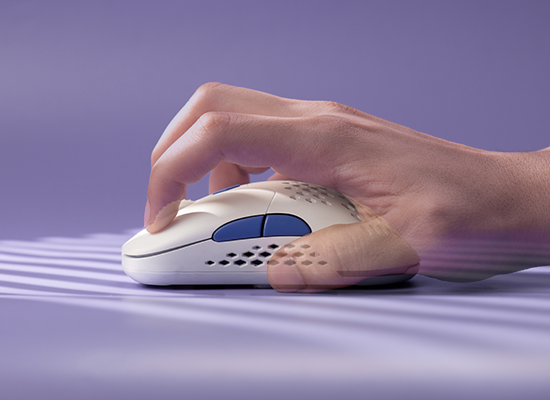
Fingertip


Features & Specs
General Info
Sensors
Buttons
Connectivity
Battery
Ergonomics
Customization
Build & Durability
Software
Compatibility
In The Box
FAQs
If the issue persists, contact our support team.
Why is my Chimera disconnecting in wired mode or not charging?
- Double-check that the cable is firmly connected. Even if it seems plugged in, remove and reconnect it securely.
- Also, make sure the protective film on the mouse feet has been removed, as it may interfere with performance.
How do I check the battery percentage on Chimera?
- Due to a known software limitation, the battery percentage is only visible in Bluetooth mode from your device’s Bluetooth tab.
- If the battery is below 10%, a constant red light will blink under the scroll wheel.
What's new in the Chimera V2 compared to the original Chimera?
The V2 is a significant upgrade across the board. It uses the newer PixArt PMW3315 sensor (faster, more accurate, and more power-efficient than the original 3325), a new Compx CX52850P MCU for more stable wireless and better battery life, and 50M-rated Huano primary switches (up from 10M). Battery life has improved by more than 3x with RGB off, the feet are now 100% zero-additive PTFE for smoother glide, and the updated web software adds dedicated macro, lighting, remapping, and power management modes including a sleep timer.
What does "hot-swappable switches" actually mean, and why should I care?
The Chimera V2 lets you replace the main click switches without soldering or disassembly — just pop out the old switch with the included switch puller tool and drop in a new one. The mouse ships with two switch types in the box: 30M Huano tactile switches with a satisfying audible click, and 10M Huano silent switches for quieter environments like offices, late-night gaming, or shared spaces. You can swap between them in under a minute to match your mood, setting, or preference — something virtually no mouse at this price point offers.
Do I need to install software to customize the mouse?
No. Kreo uses a web-based software that works across multiple operating systems without any installation — just open it in a browser and configure DPI, macros, RGB lighting, button remapping, and power management settings. Your settings can be accessed from any PC, which is especially convenient if you use the mouse across work and personal machines.
Best mouse in budget of 2000

Good in hand feel , accurate sensor and bottoms , lightweight and wirless feels awesome 😎
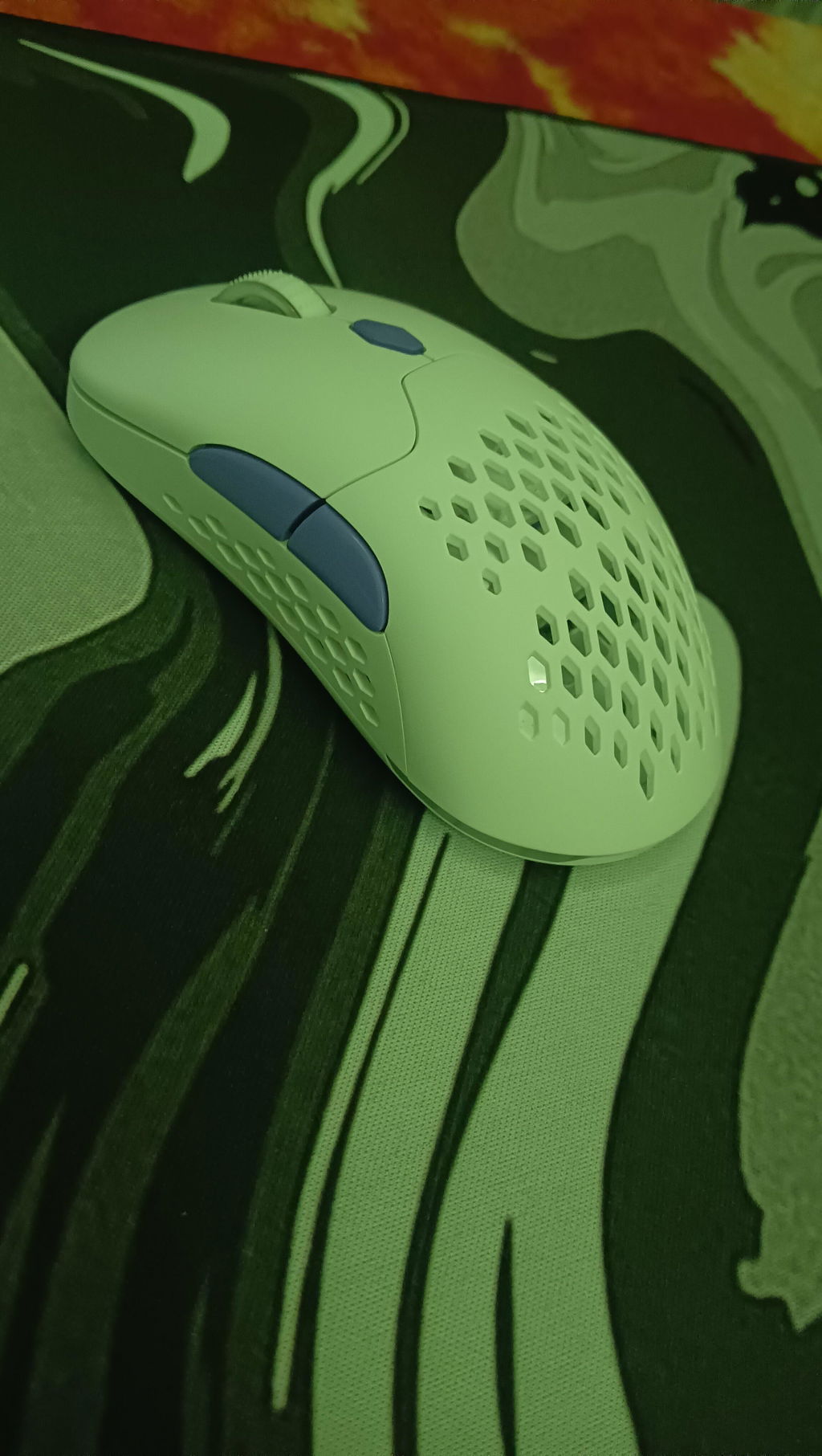
Seriously this mouse is actually beast not even kidding, it's so premium Definitely gonna recommend
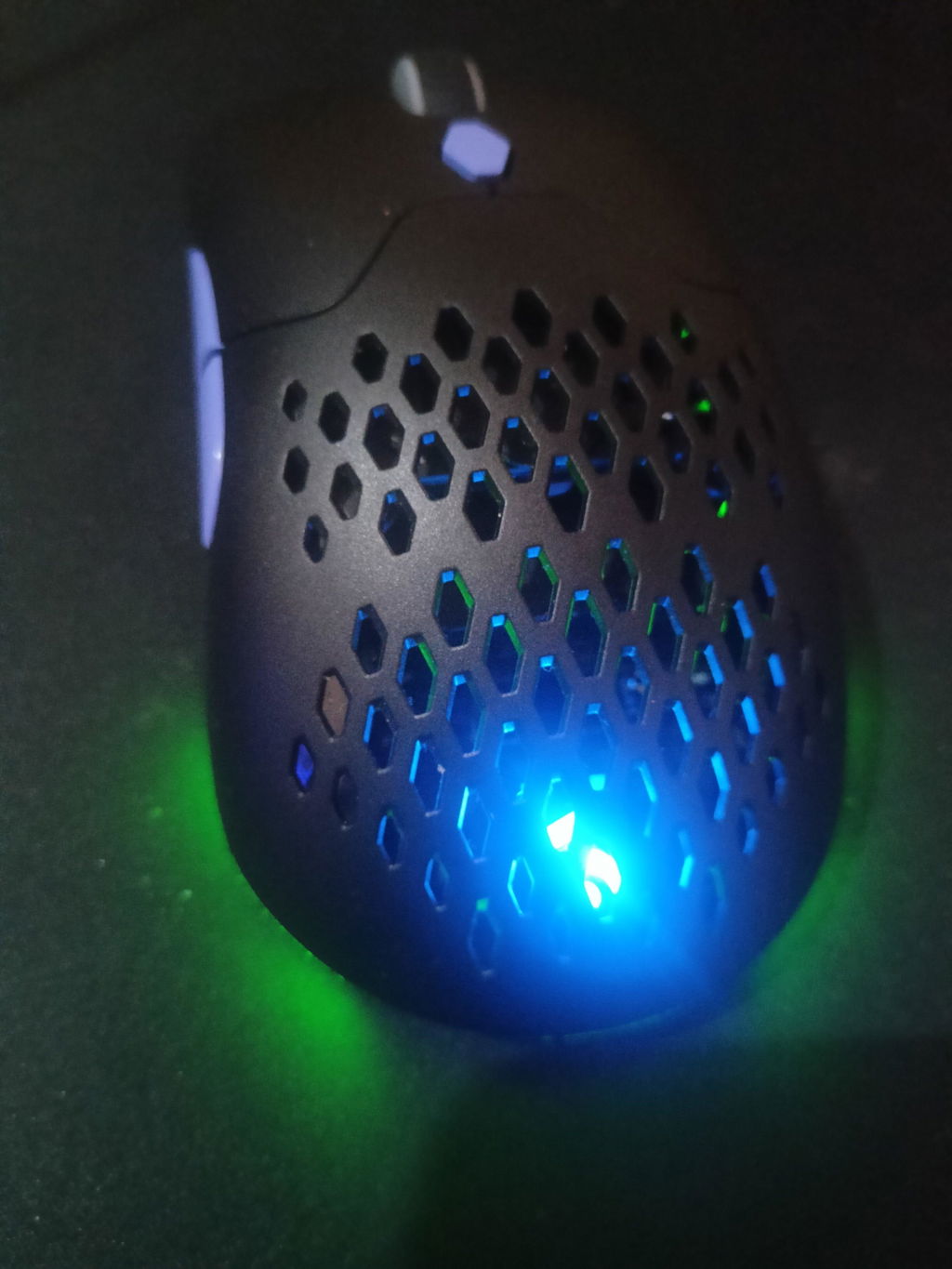
Good Quality Mouse
Must Buy
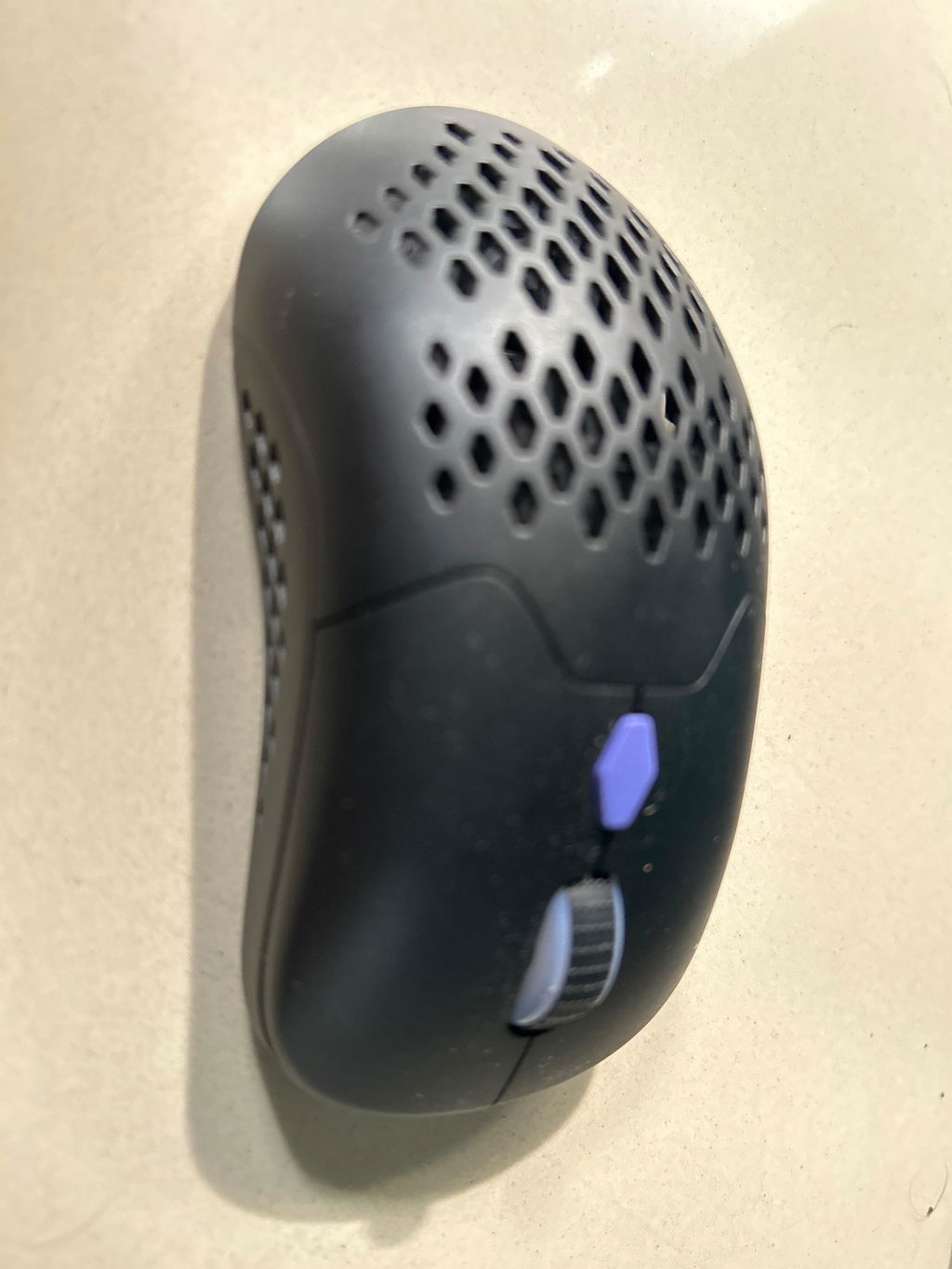
Got this mouse for ₹1699 and after using for a week it’s been working as expected. Battery life is decent and its also suitable for gaming. Scroll wheel is bit sturdy but I hope it works for a long time as almost every previous gaming mouse I have used had scroll wheel issue after a year or two of usage.
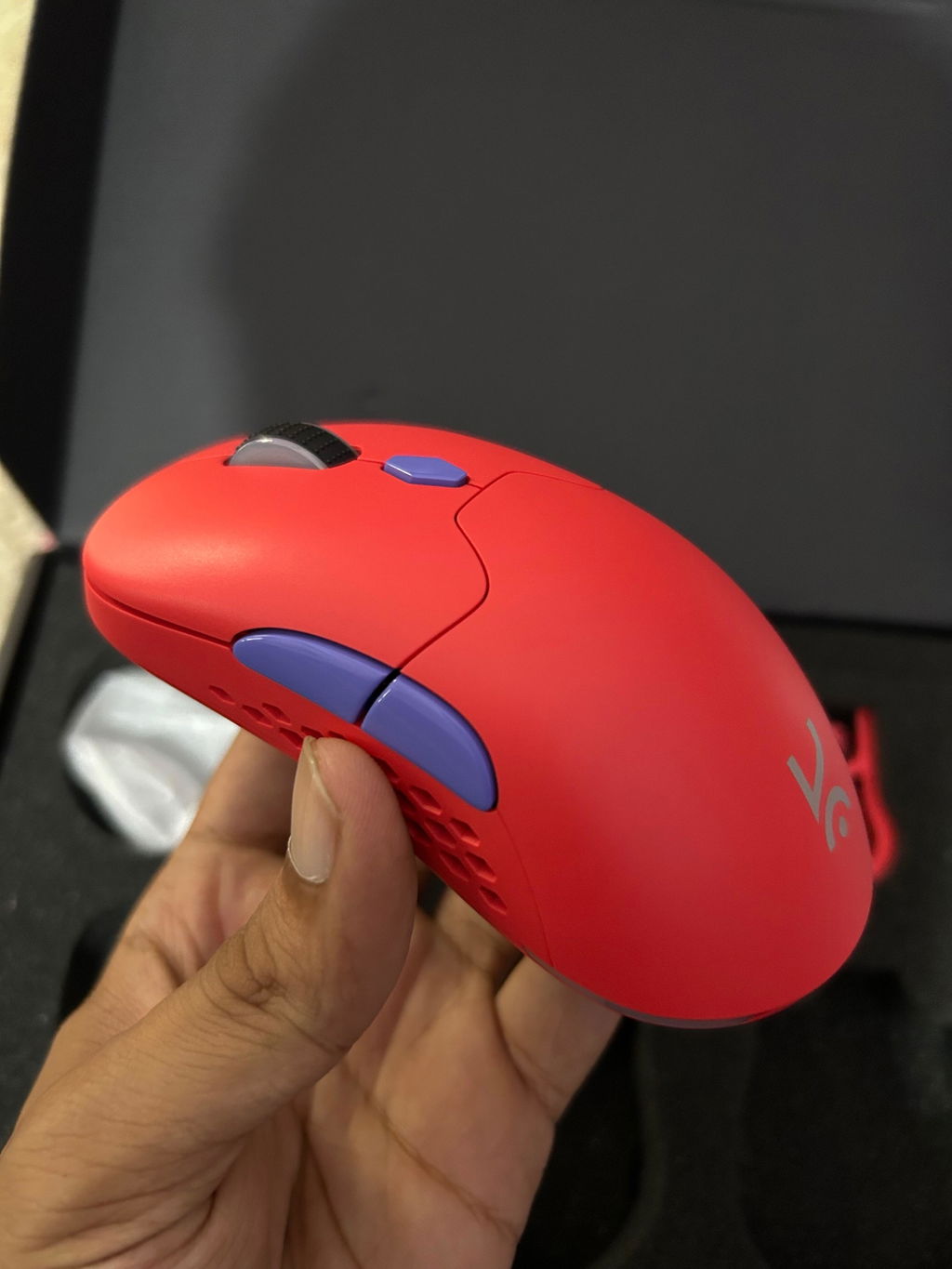
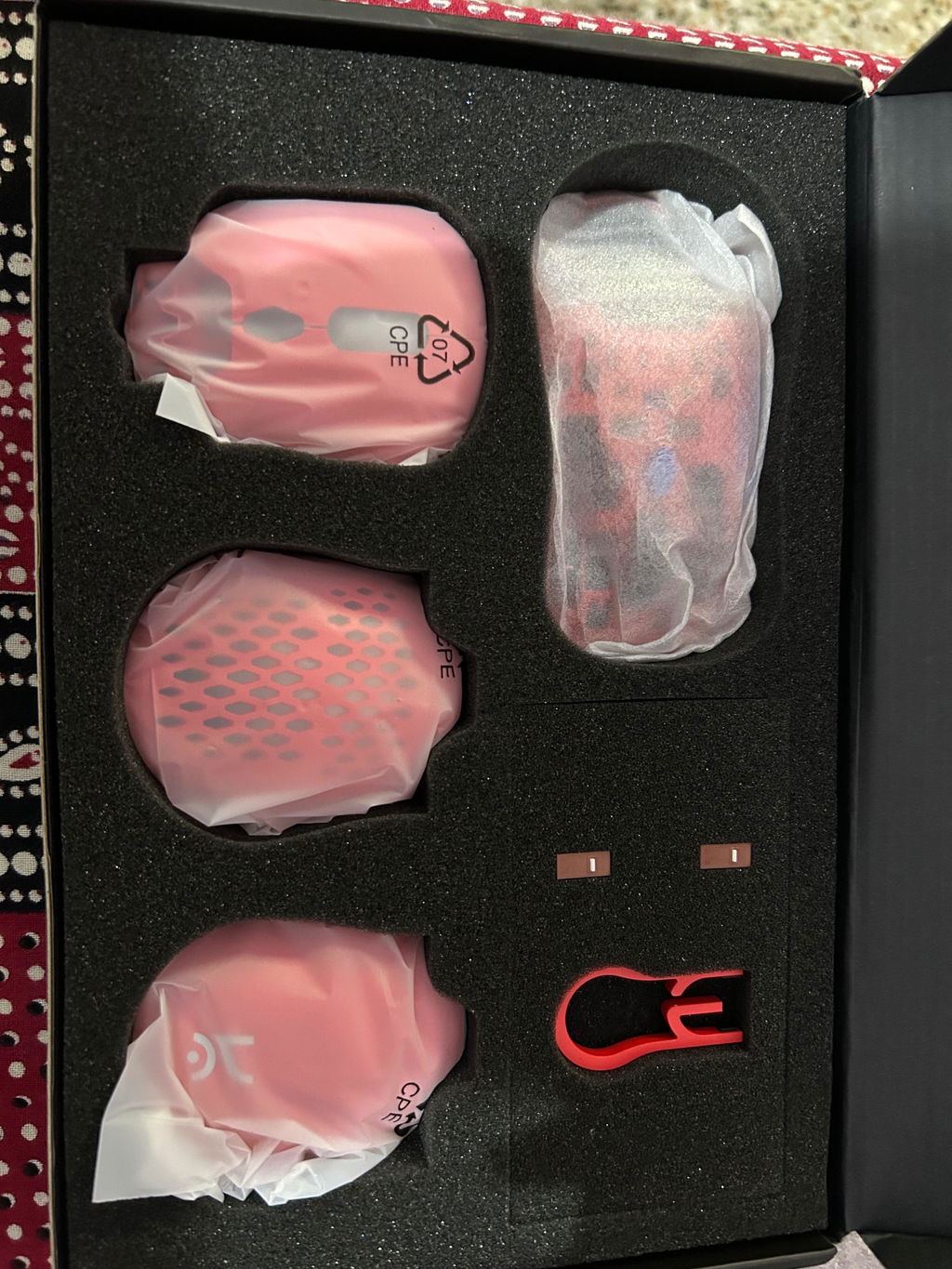
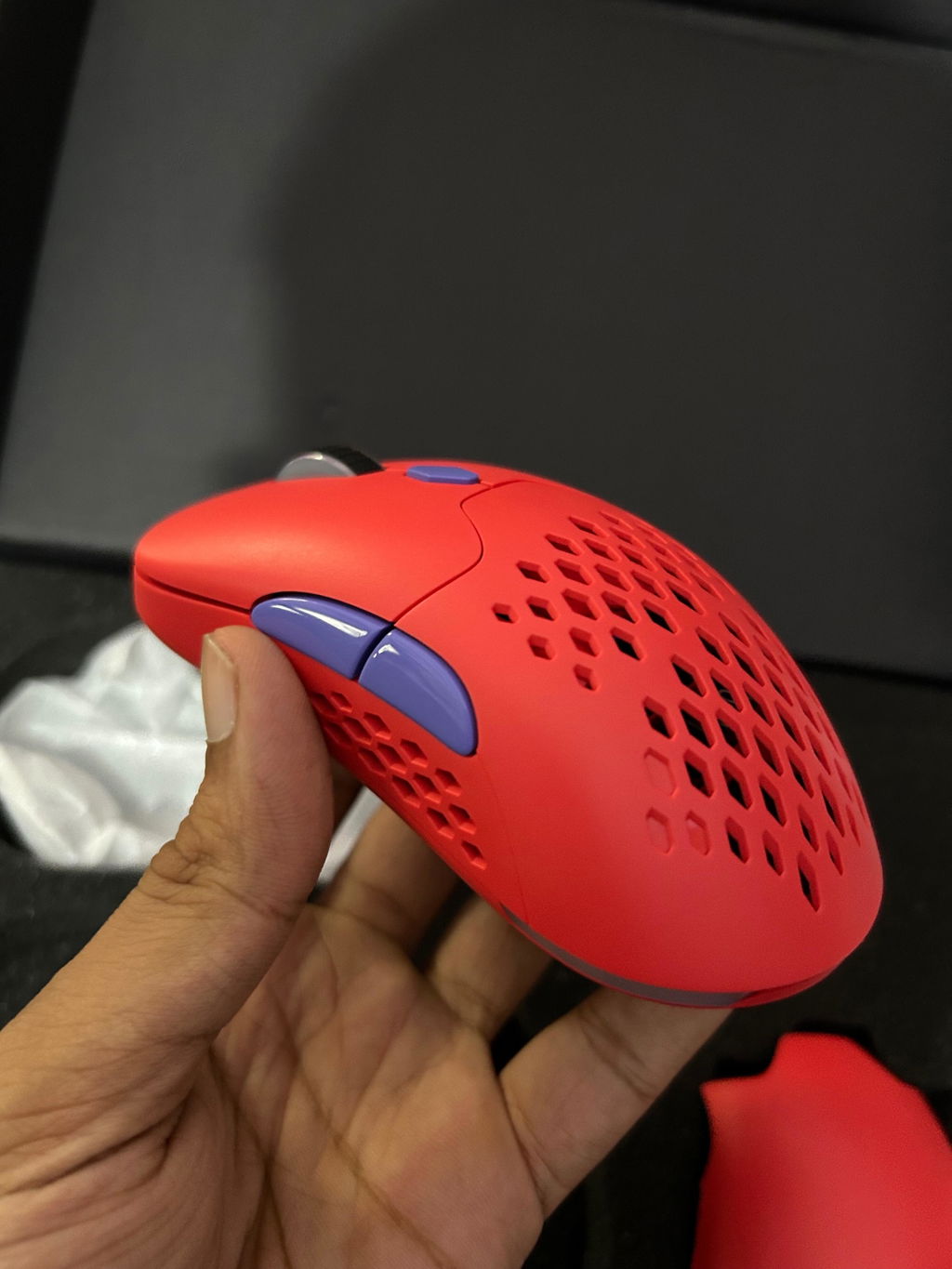
Under 2200₹ the chimera mouse is the great product. It's offering a bunch of customization. And it feel very premium also in looks. And it also quite light weight *75g. I'm satisfied with this mouse.
If you're budget is 2000₹ then definitely go for it.
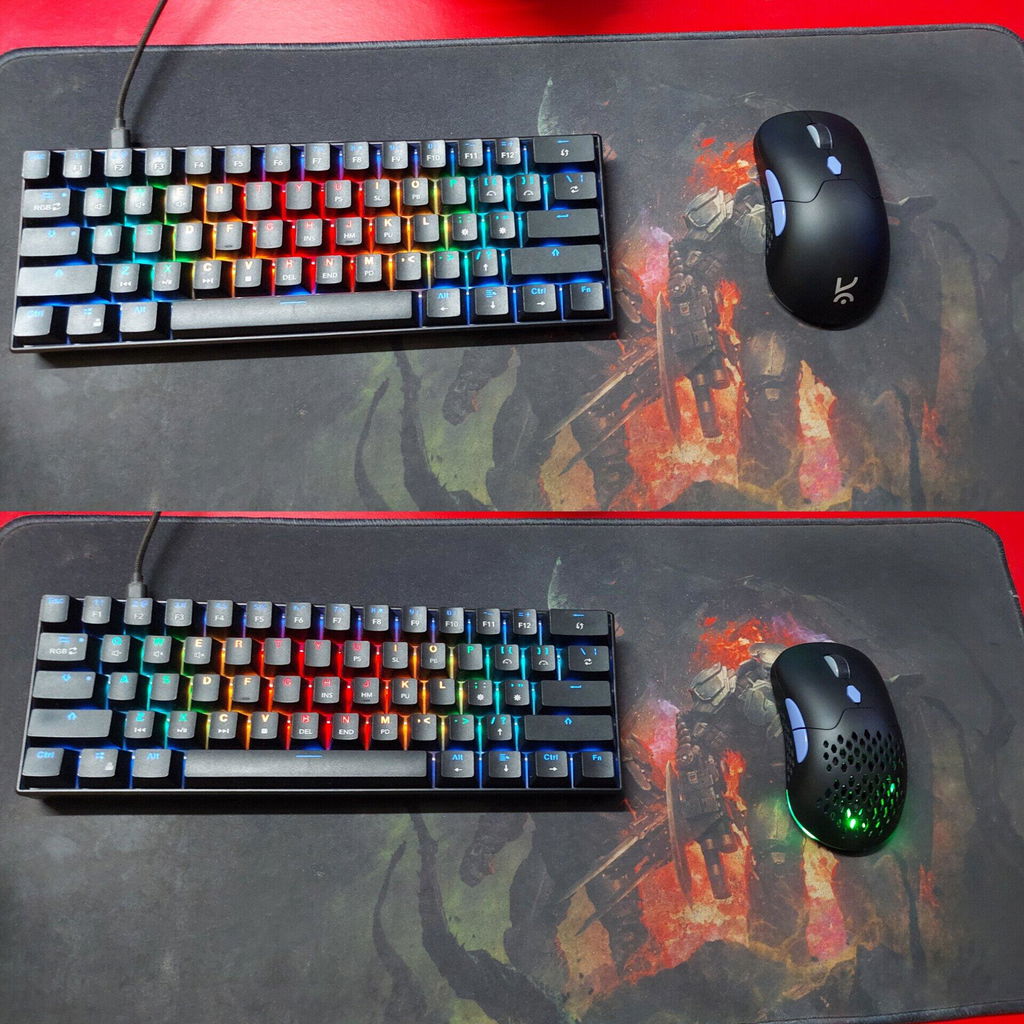
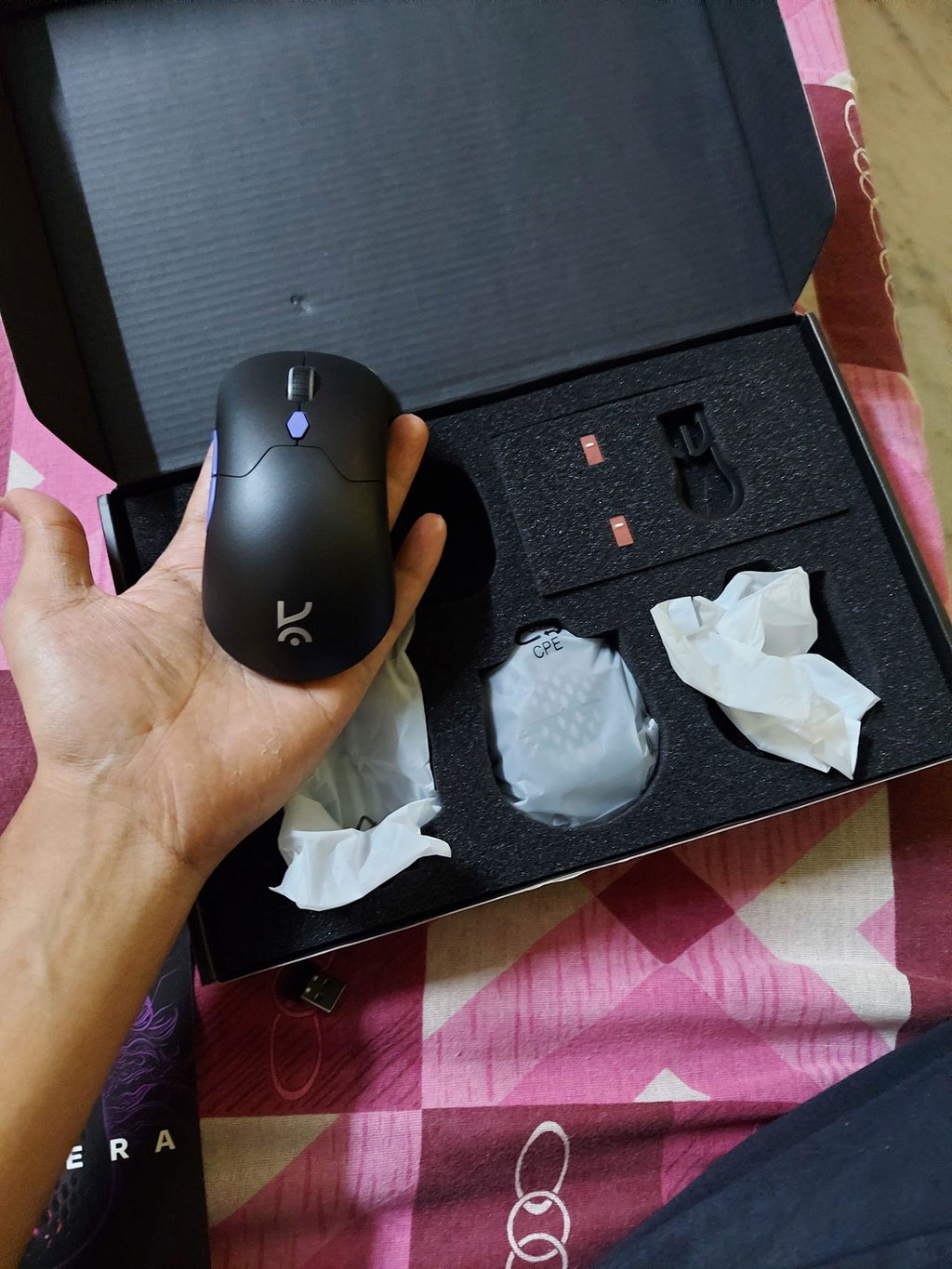
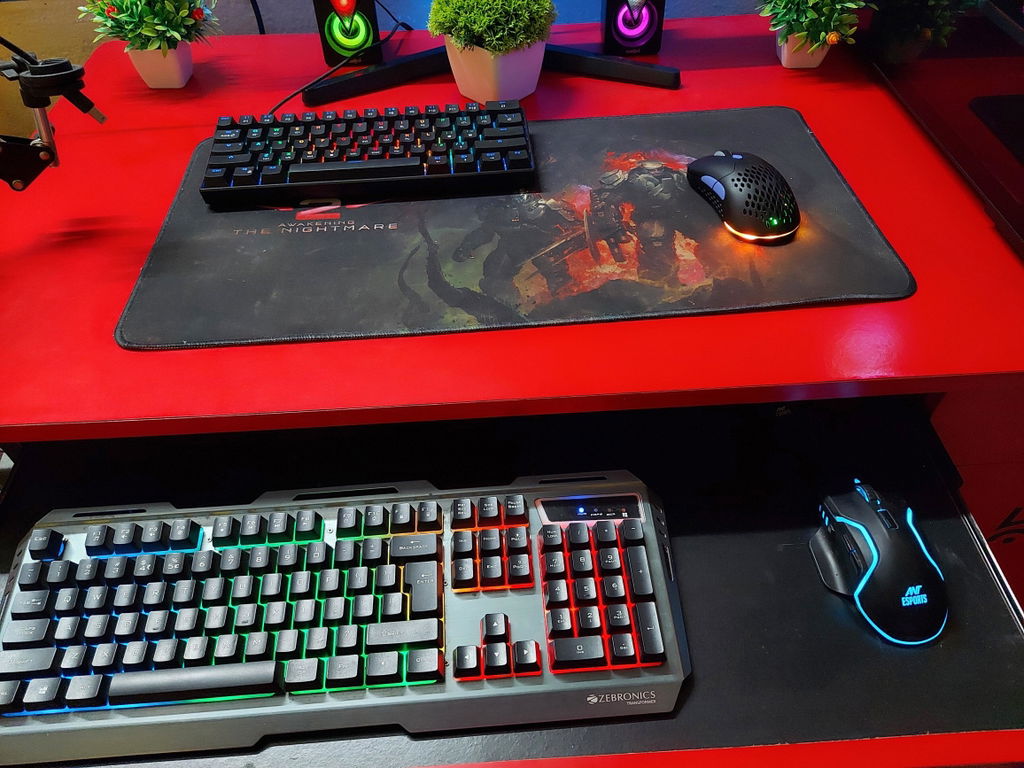
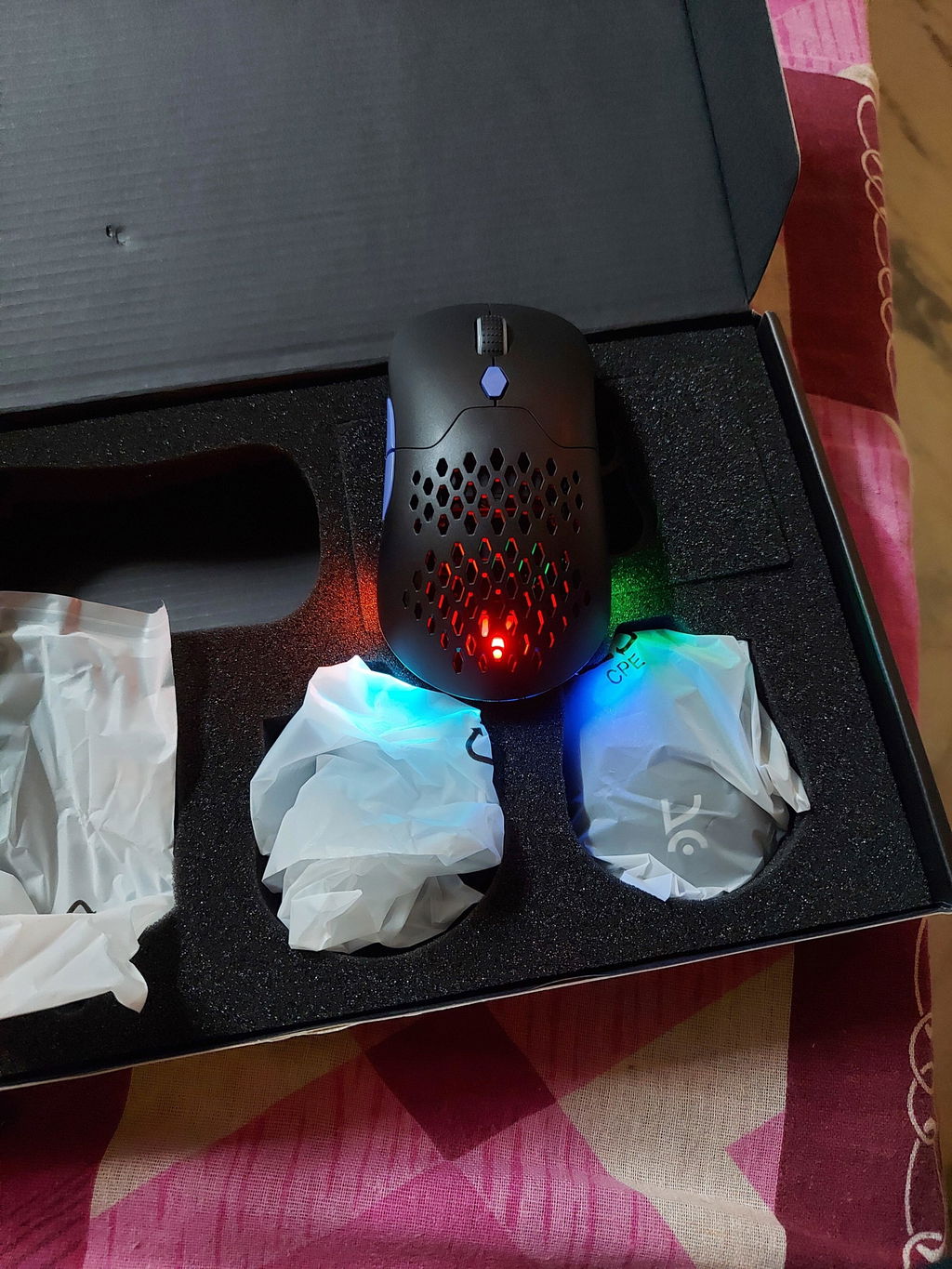
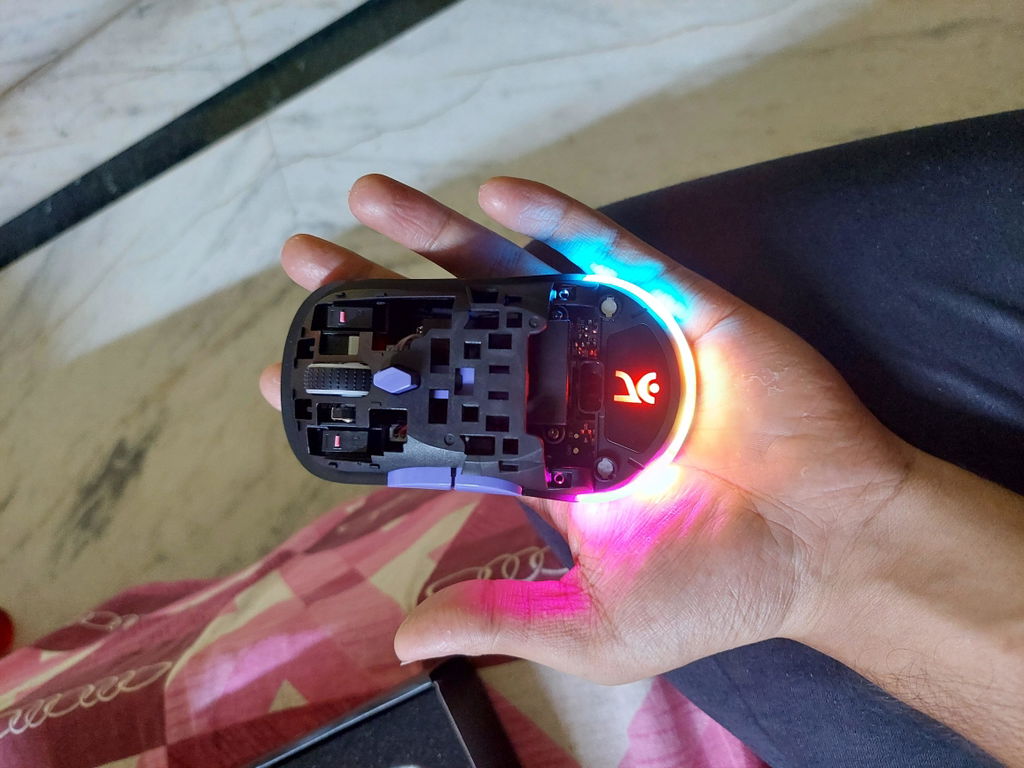
Overall decent mouse, the RGB light has only presets and they aren't great. Mouse gets the job done, but one month in the middle click has started double clicking. You can also see that the mouse wheel is a little off centre in the attached pictures
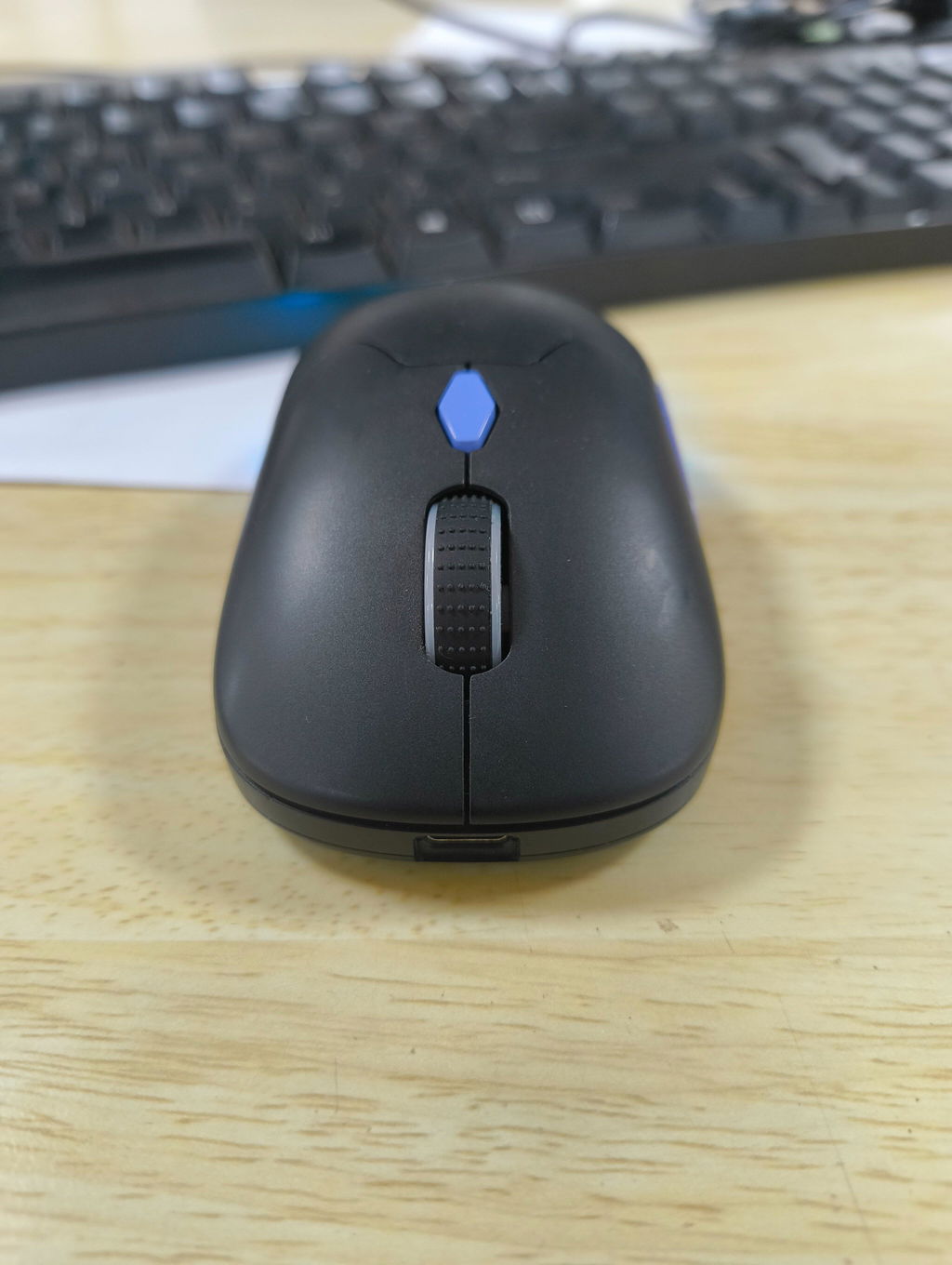
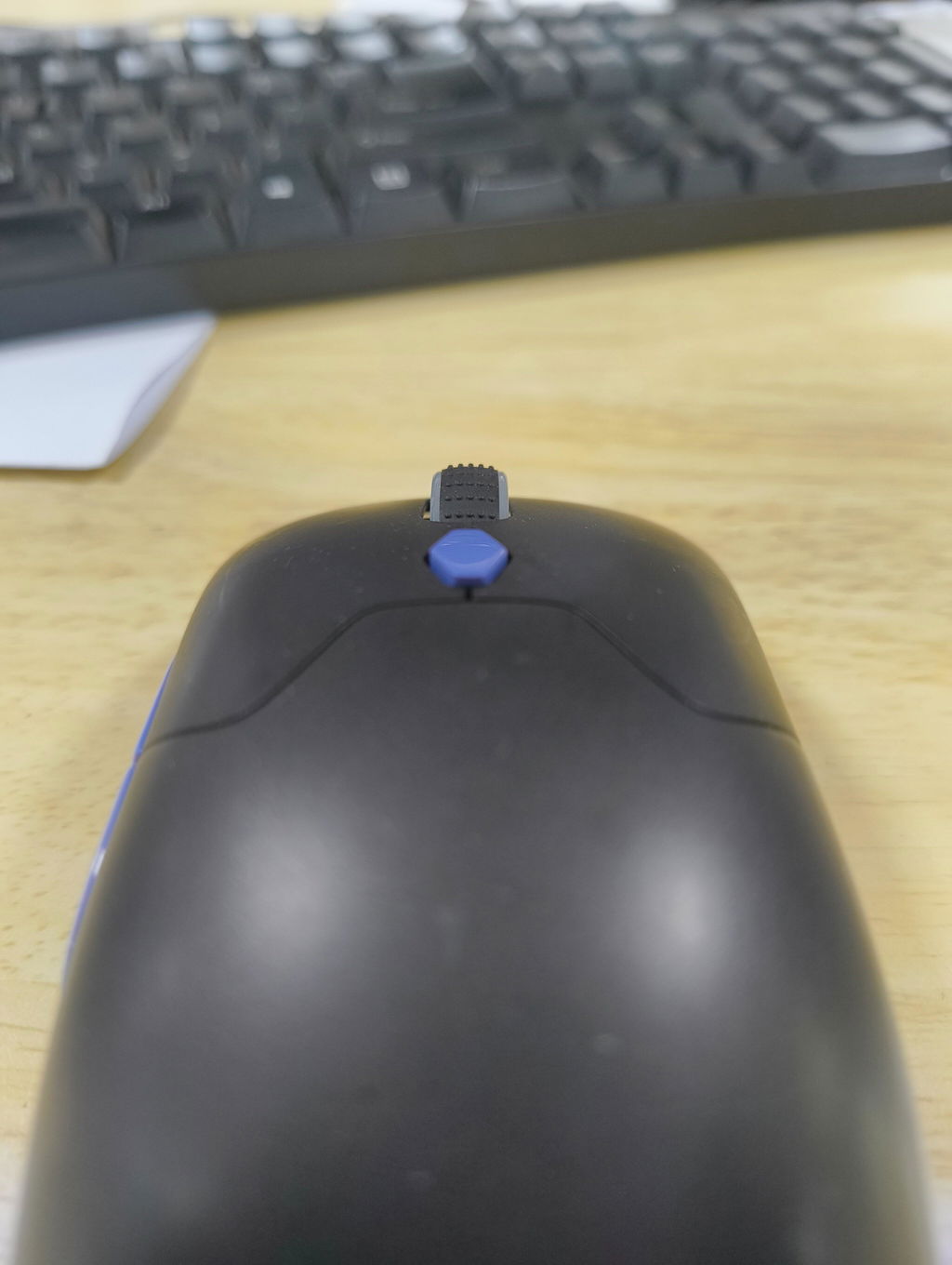
The Kreo Chimera Wireless Gaming Mouse is an excellent choice for gamers looking for an affordable, customizable, and versatile mouse. Its lightweight build, hot-swappable switches, and multiple connectivity options make it stand out in the budget category.
If you’re a competitive esports player, you might want a higher-end sensor. But for casual and mid-level gamers, this mouse offers great value for money.
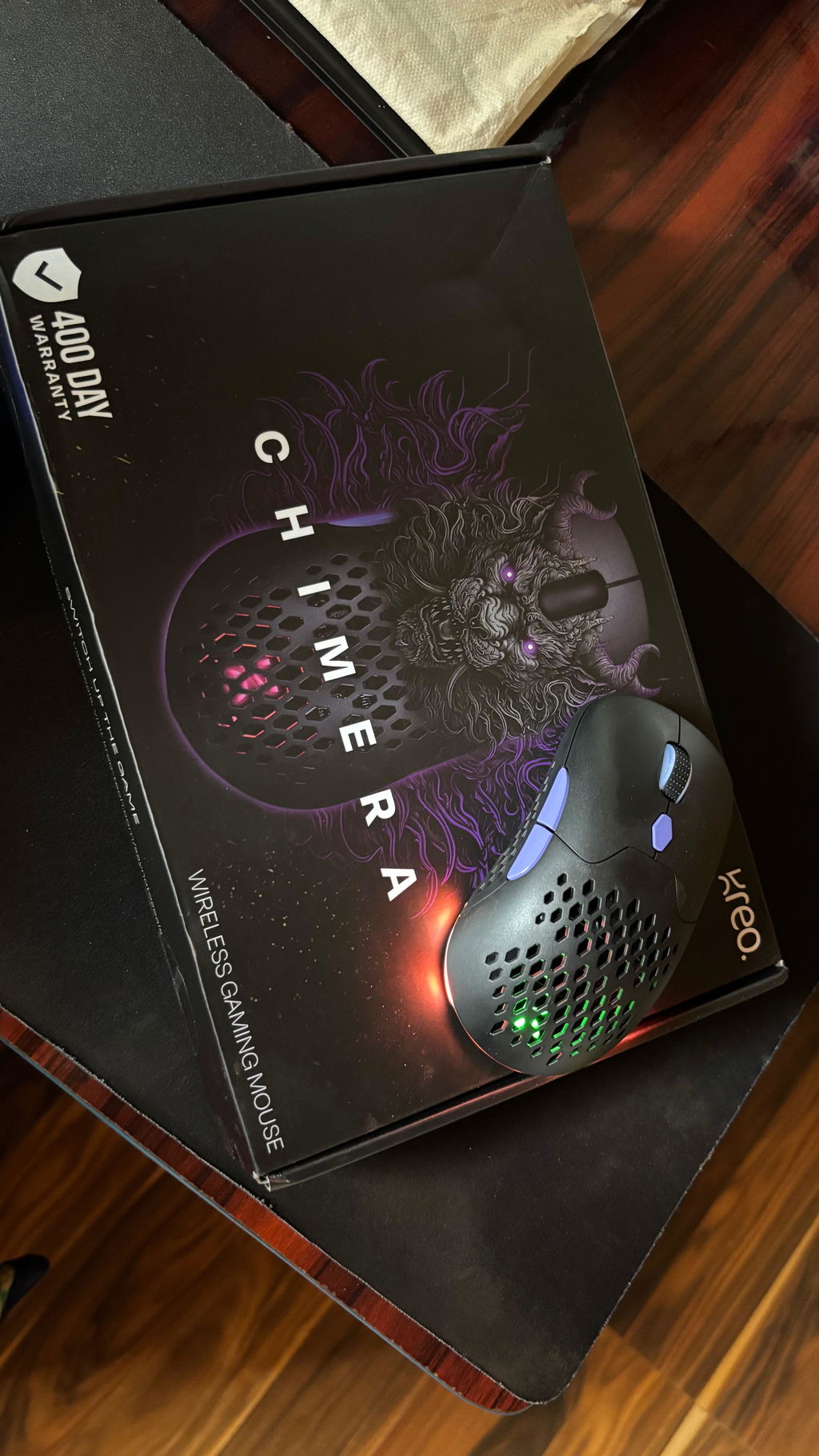
I love this mouse. I really like the grip and how light it is. And the rgbs💗💗
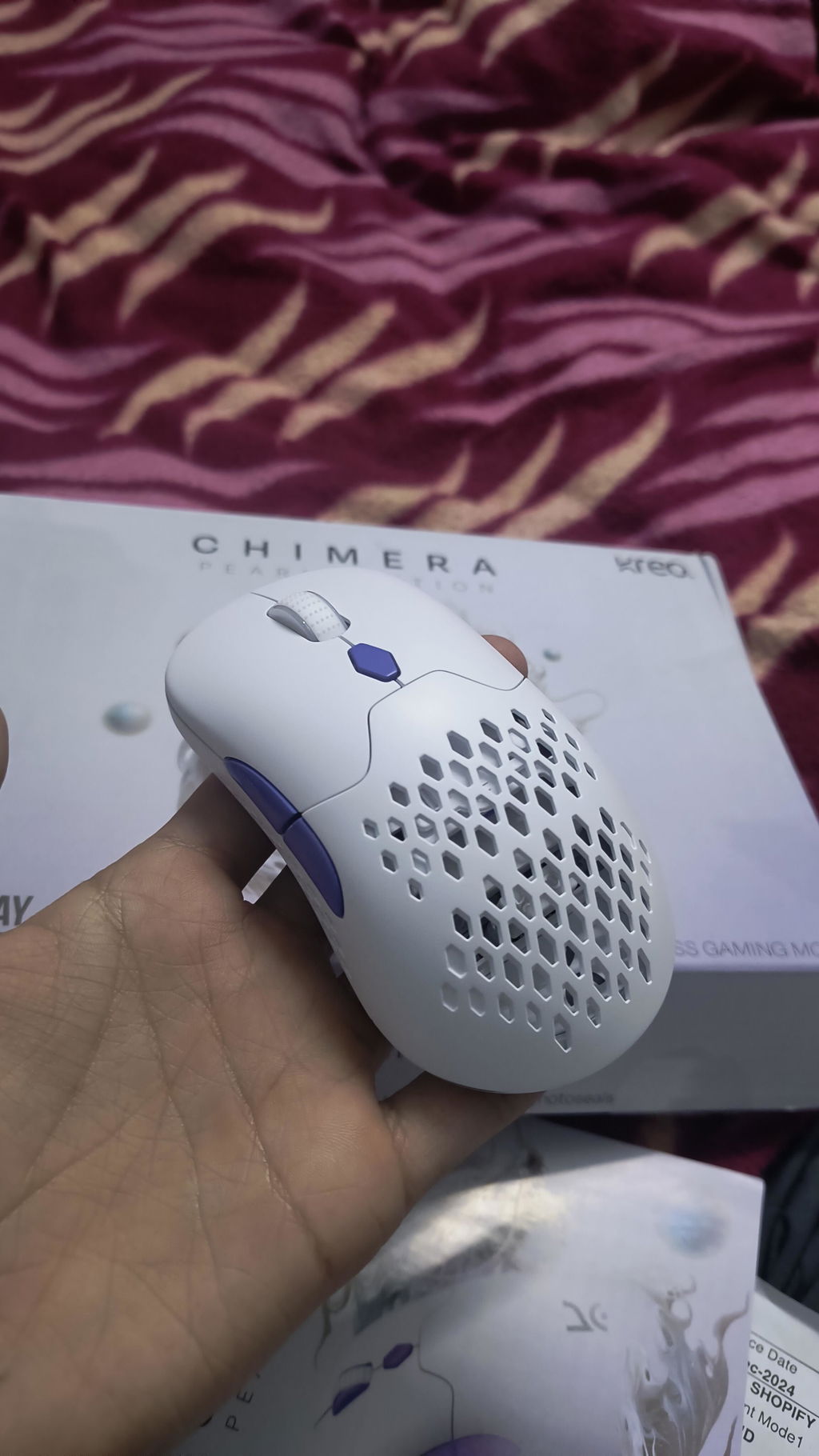
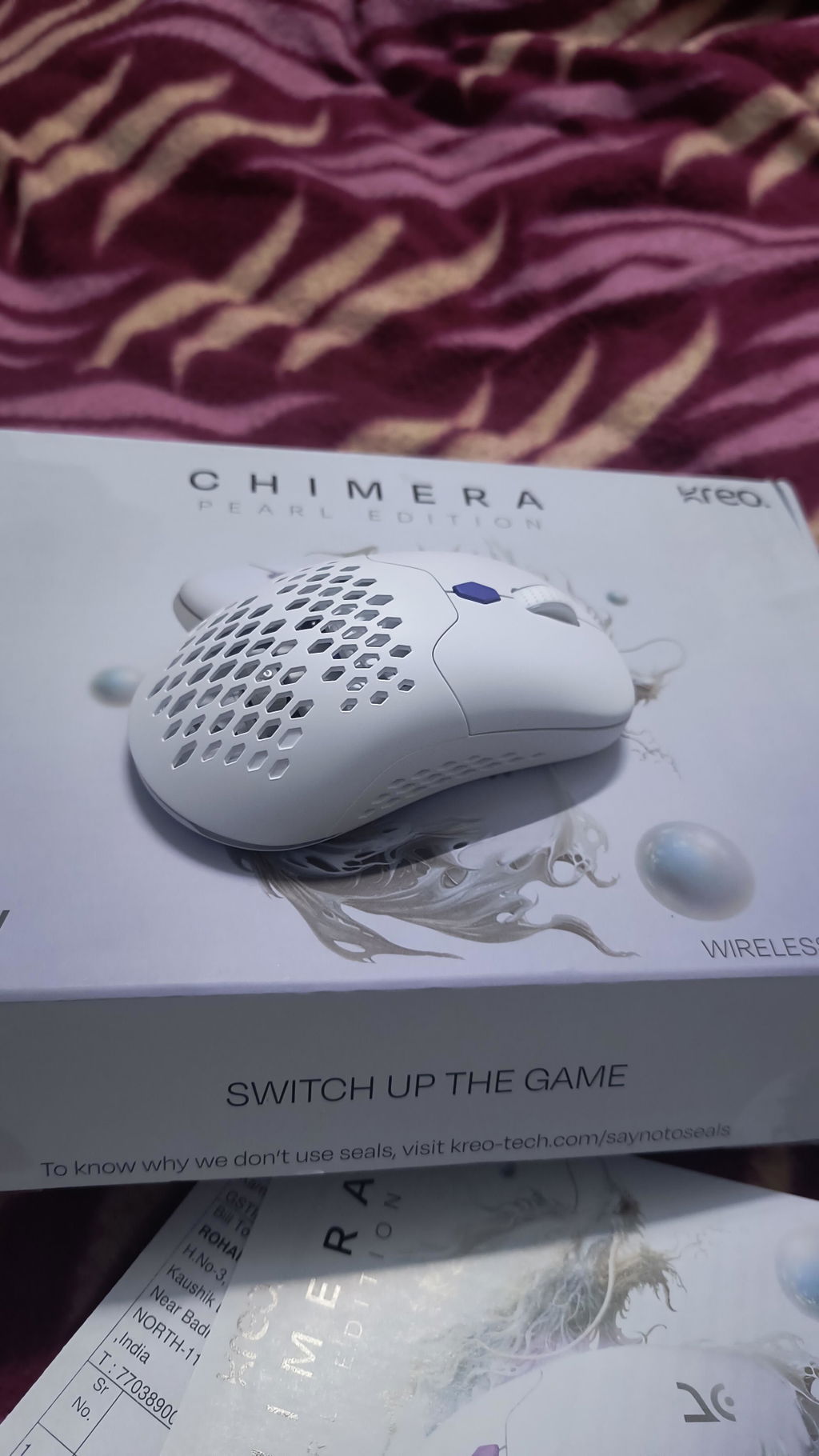
Thank you, Kreo! This is my first product from Kreo, and today I can confidently say that I’ve become a permanent customer of Kreo.
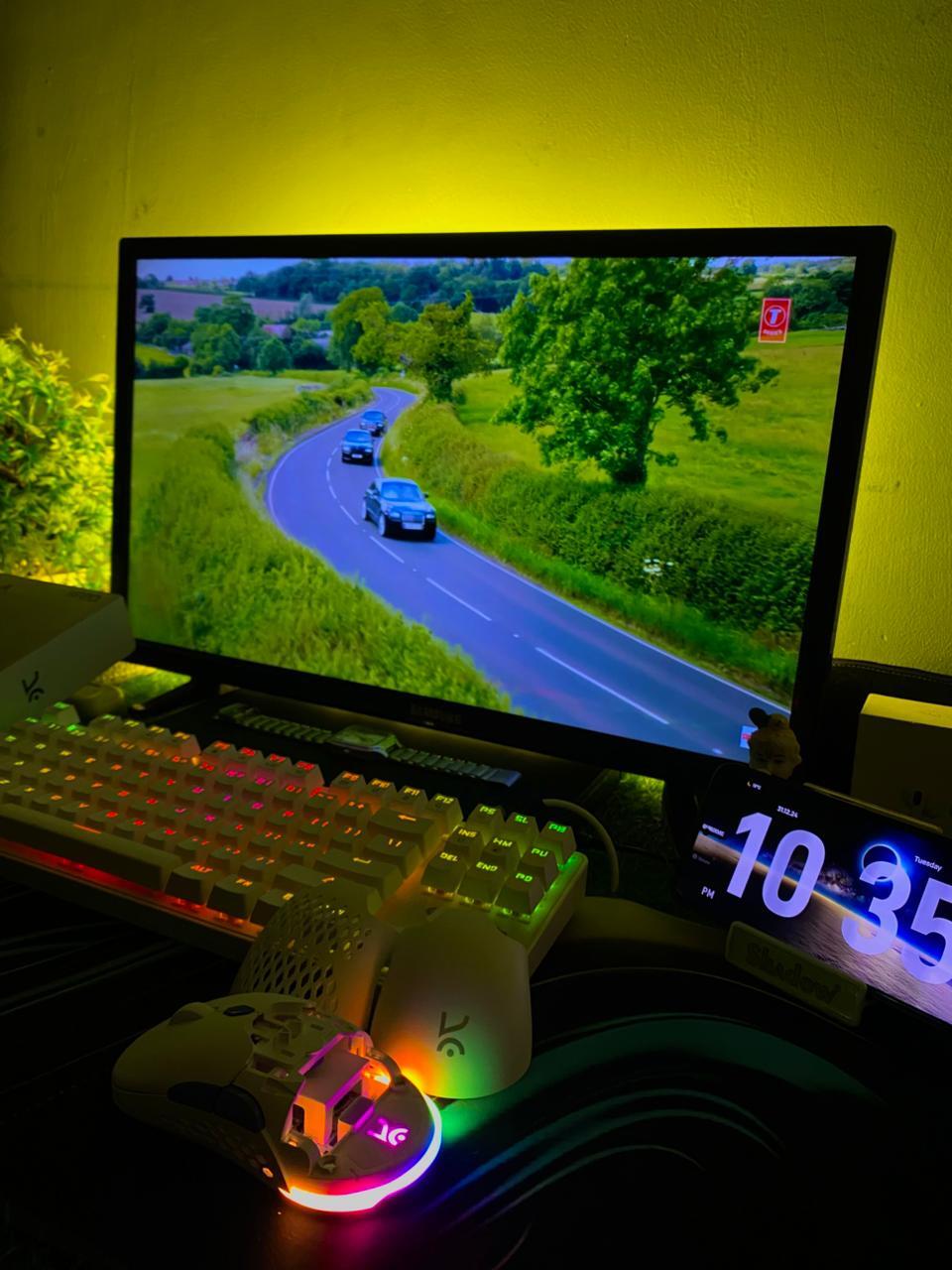
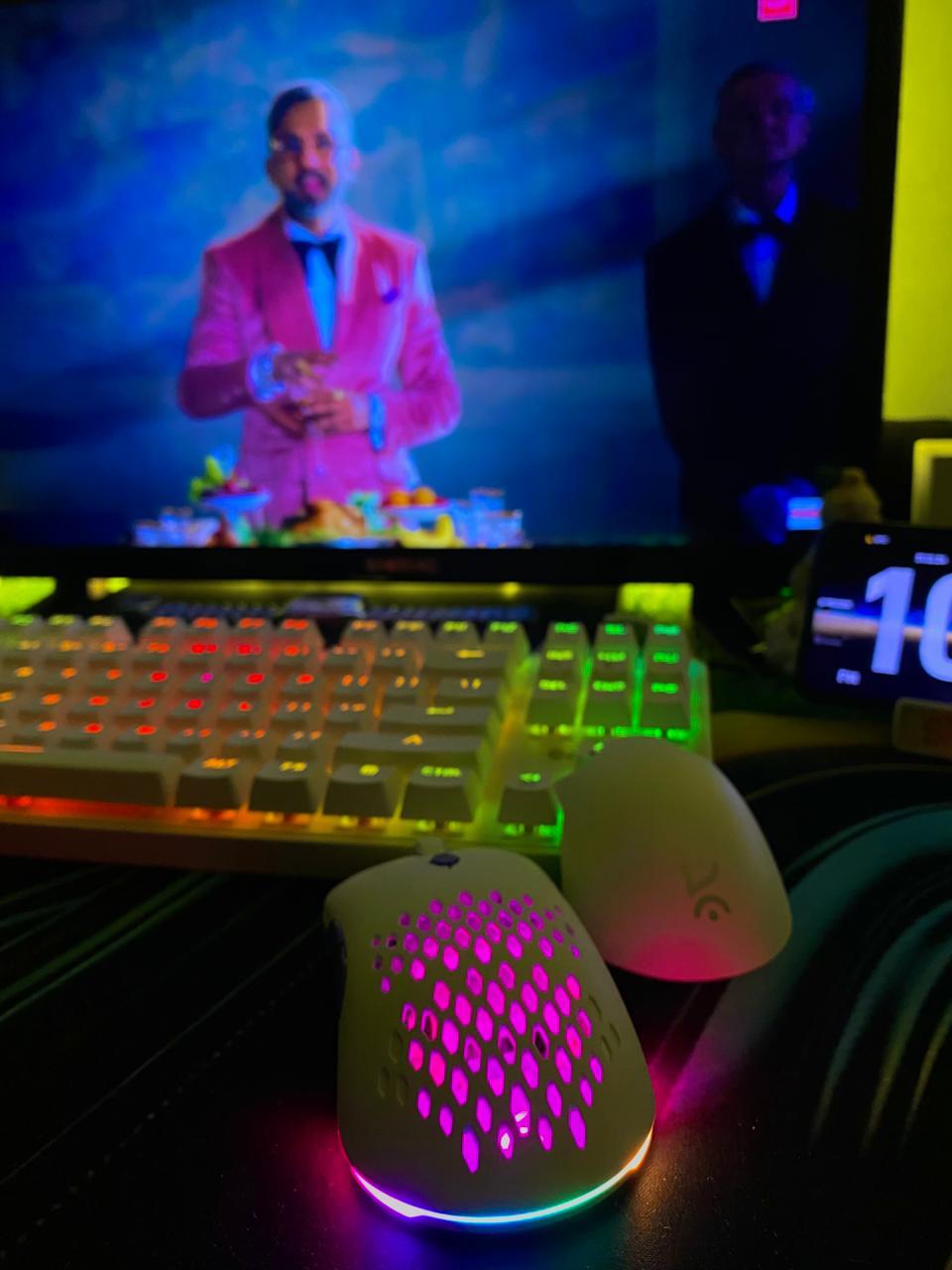
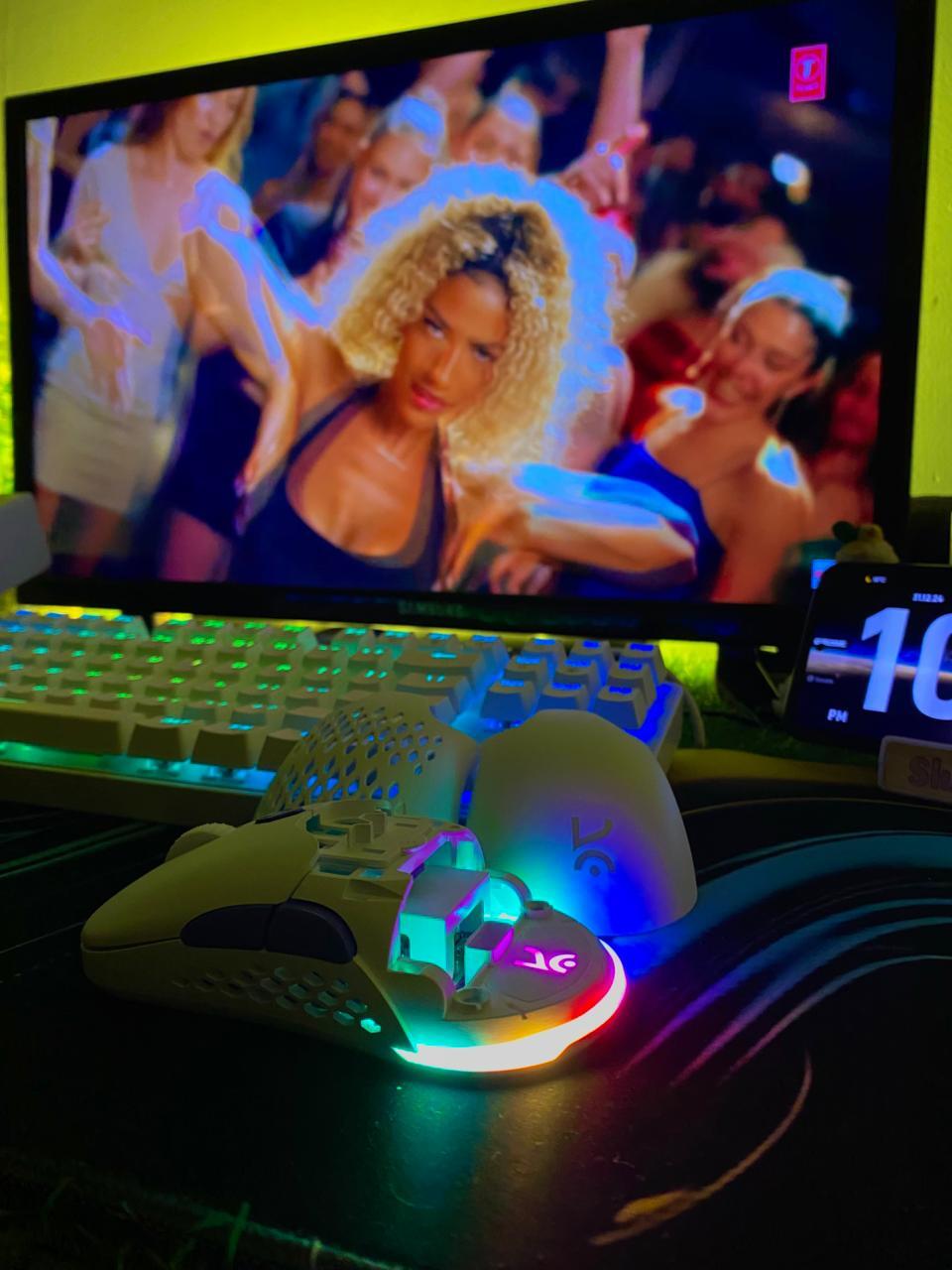
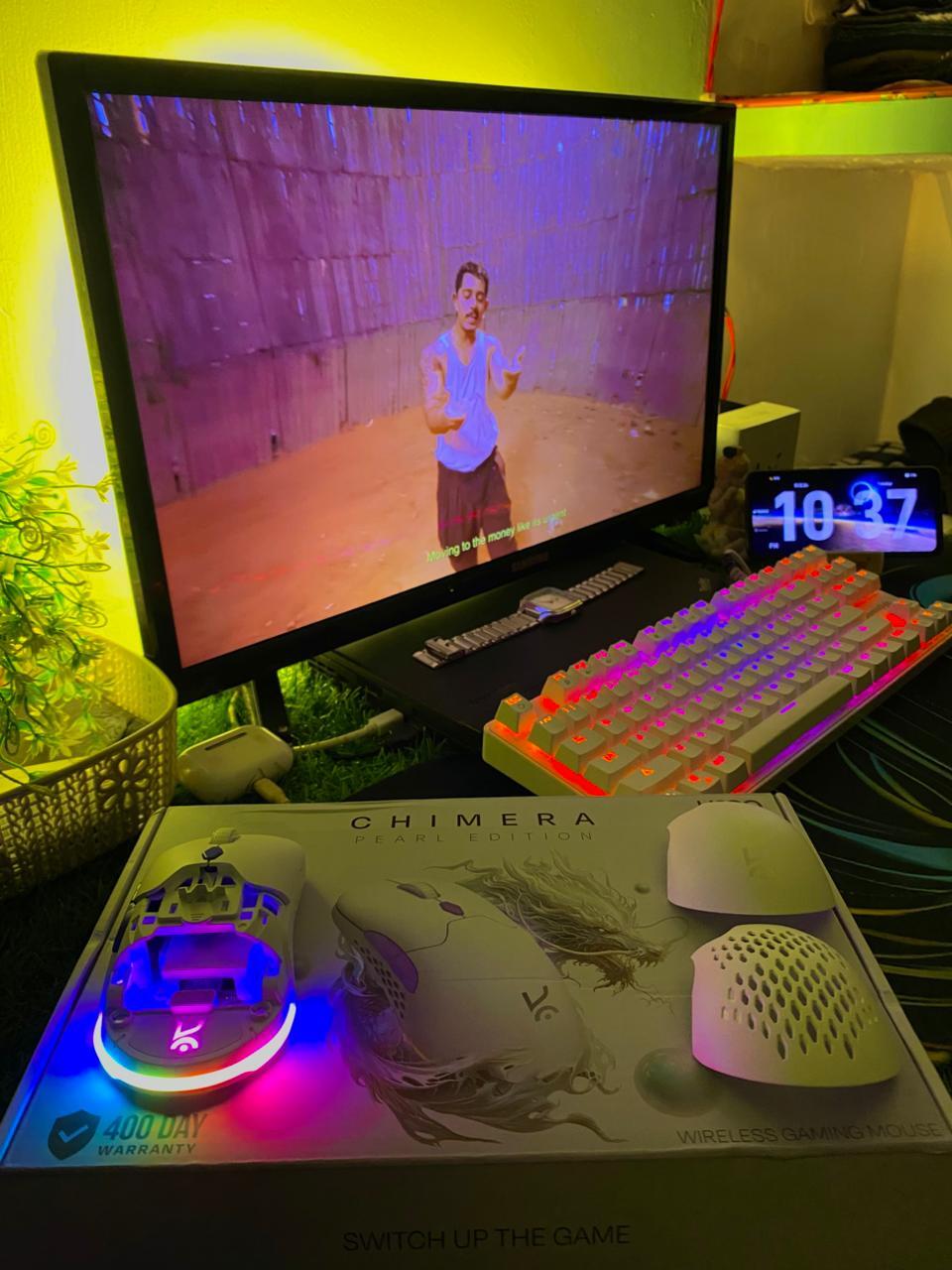
Build Quality: The Chimera is good mouse , good build quality, good to hold and use. I found a left switch area a little tilted I don't know if this is just in the unit I recieved or something else, it's slightly off not straight.
Usage: I Tried using the mouse in wireless and bluetooth mode and switching forth there is a little hassle when switching to bluetooth mode it doesn't pair swiftly, while the wired mode is faster than the other two modes but obvious nice good quality paracord cable out of the box gives a wireless like feel.
Software: Software is very basic , could have been better not so polished imo. there is always a room for improvement do look for spelling mistakes.
RGB lights: Don't have settings for controlling the RGB lights on scroll wheel , I.doubt if the scroll wheel has RGB lights on it although it feels like there should be one. The RGB doesn't go completely off there is always a dim RGB glowing when we use the mouse, off when idle.
Overall good one Kreo! But the other brands like Cosmic Byte has launched products under 2000 which can easily outshadow your product. So I was checking both though although I found a better offering and i decided to go with Kreo.
My genuine opinion if this was priced a little less it could have been a havoc. I would like to see a made in India product next time. Give it a thought. Make sure to enter the correct price on website it's misleading what is printed on retail box and oj website doesn't match , you can check Amazon listing it's correct there do rectify the same at the earliest.
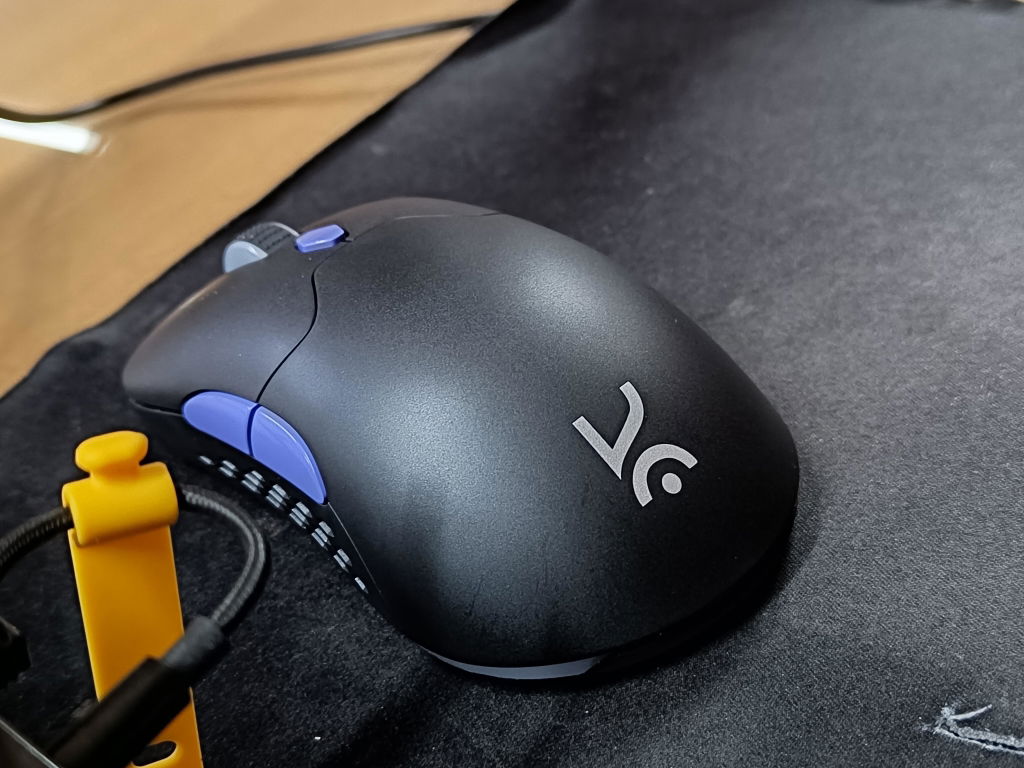
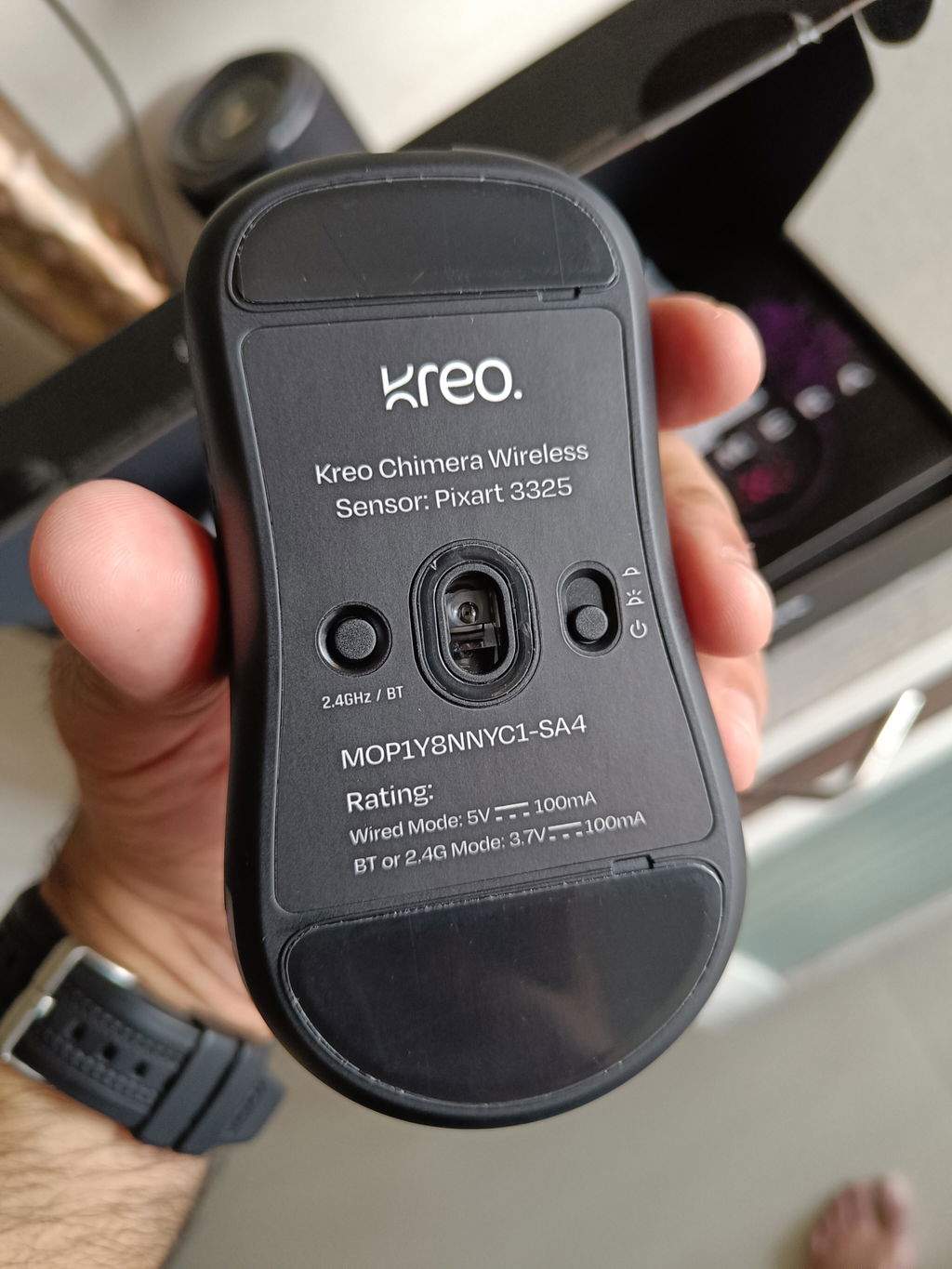
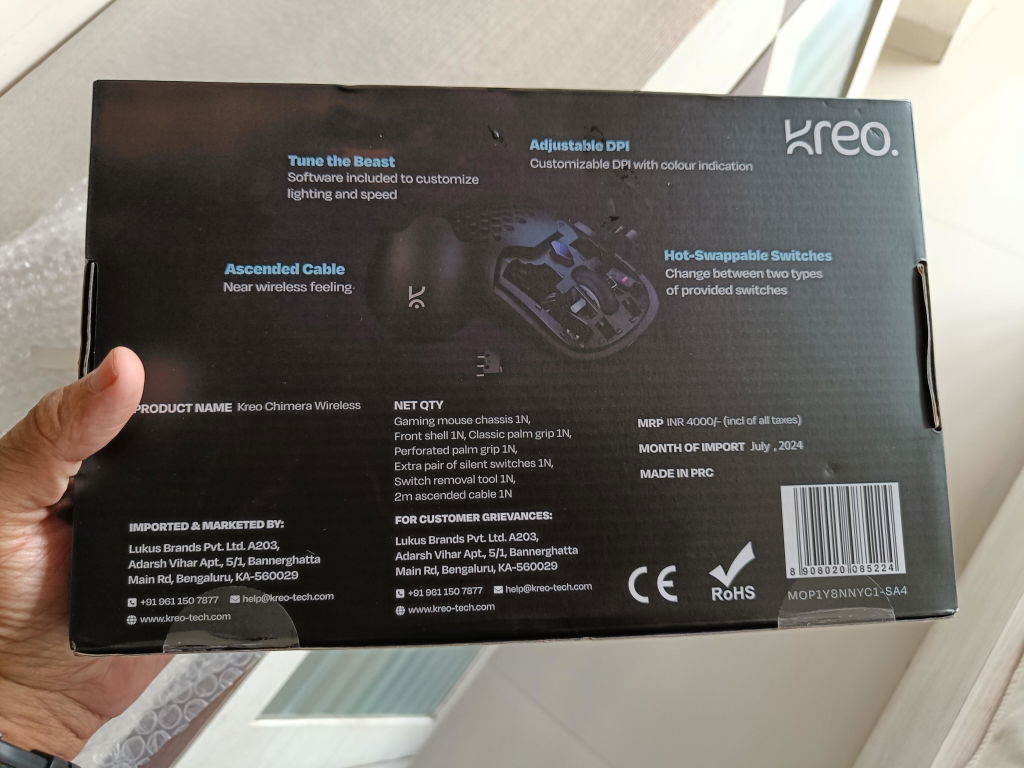
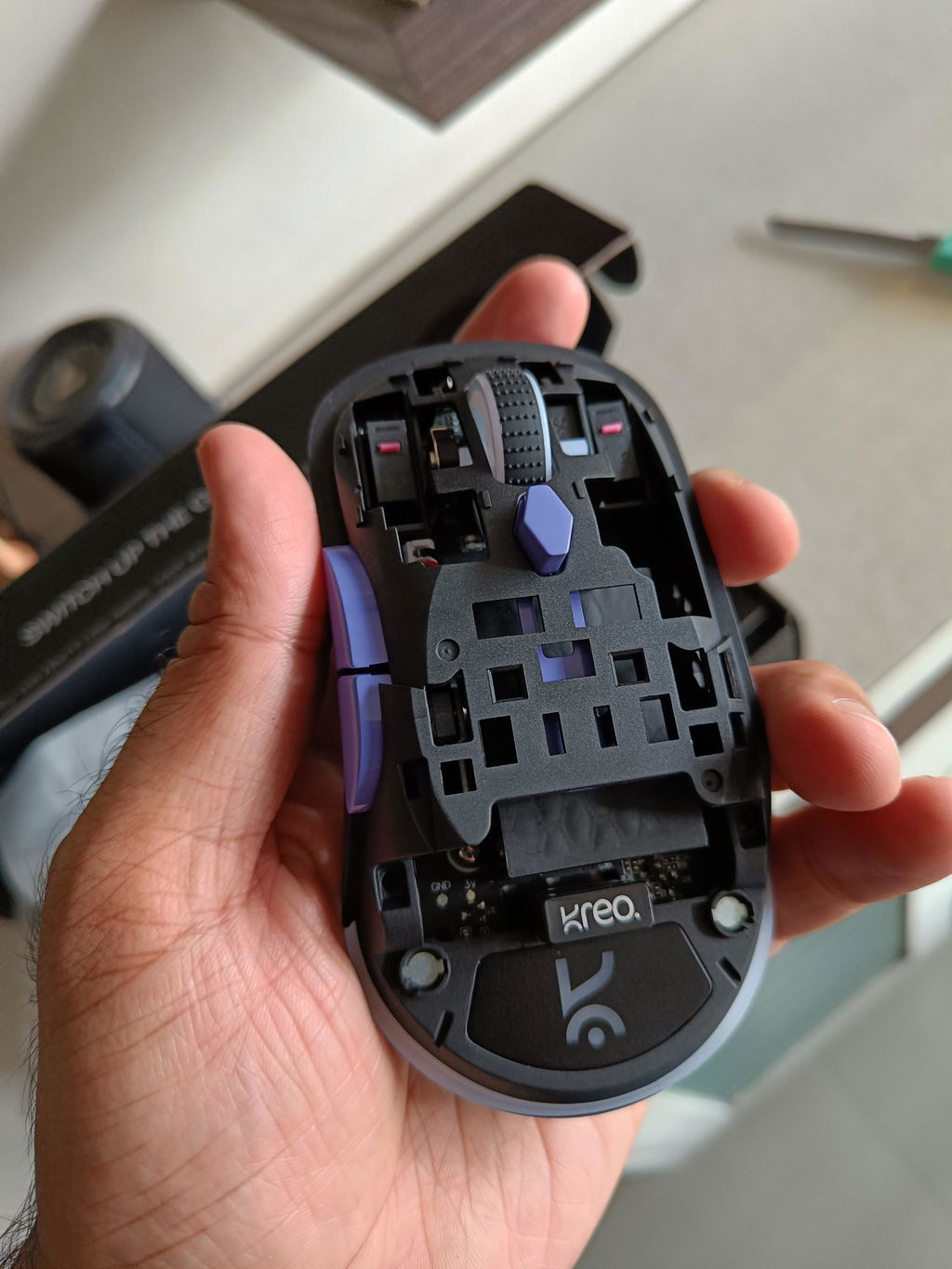
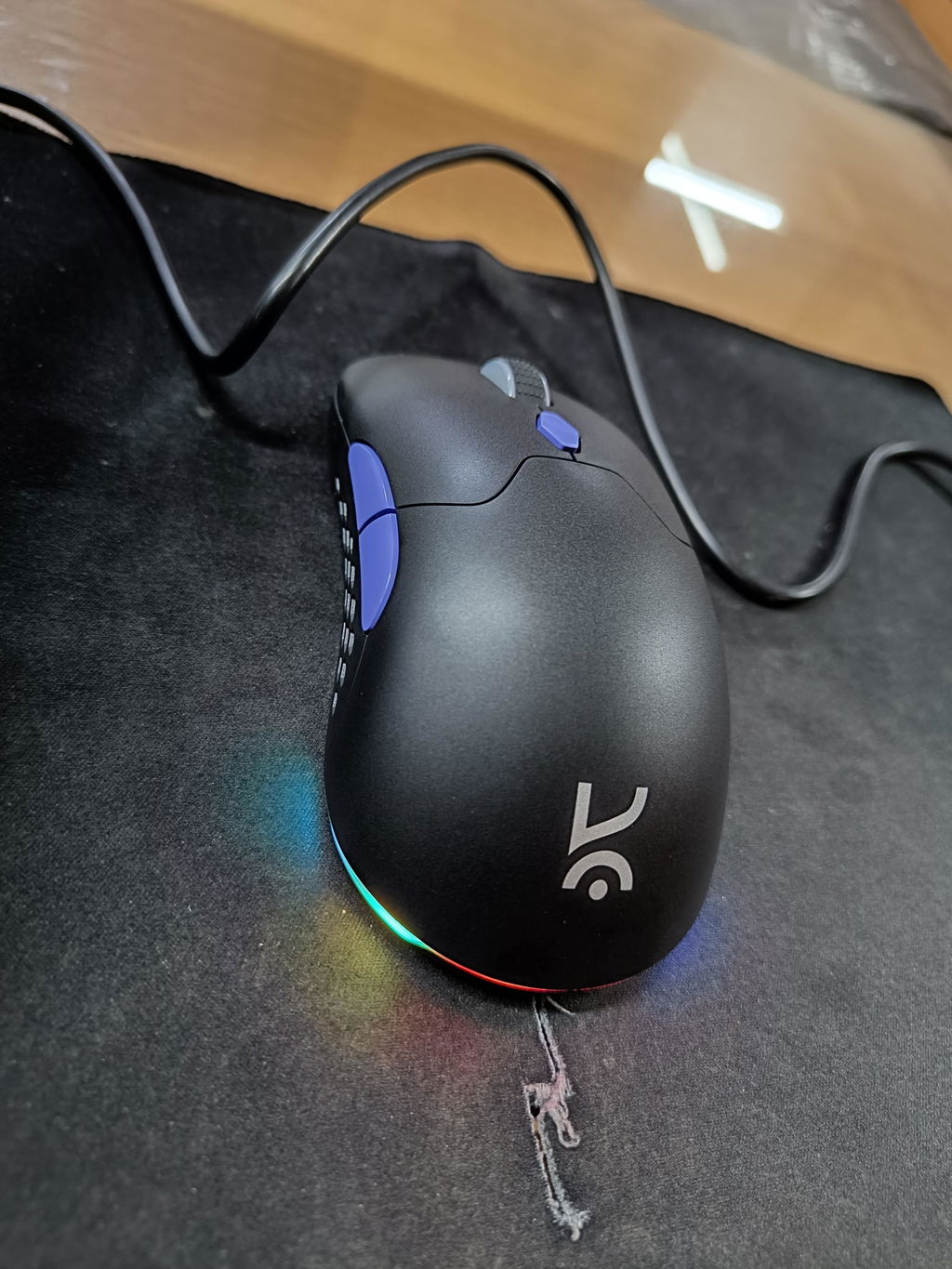
The mouse is great. It's good for gaming and productive tasks. If you anyone loves to play fps games with premium specs in budget, you can definitely go for it. However, this mouse is not for hardcore gamers.
Cons : 1. No battery indication indedicated
software.
2. Bluetooth connection requires forced connection by pressing (left+right click + scrollwheel buttons) together for 3 seconds
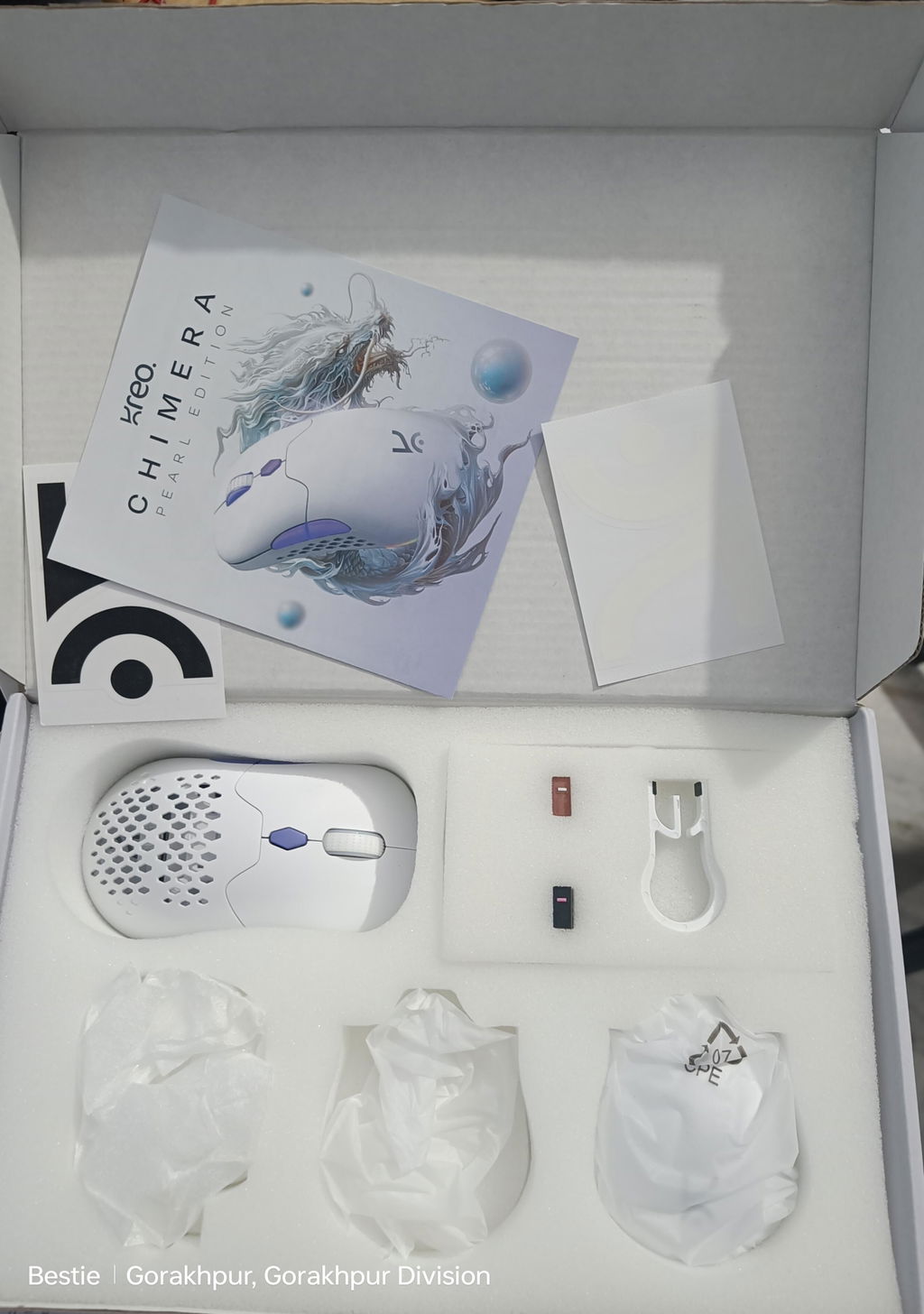
Mouse works nice , I got the mango edition,it looks sweet , recommended👍
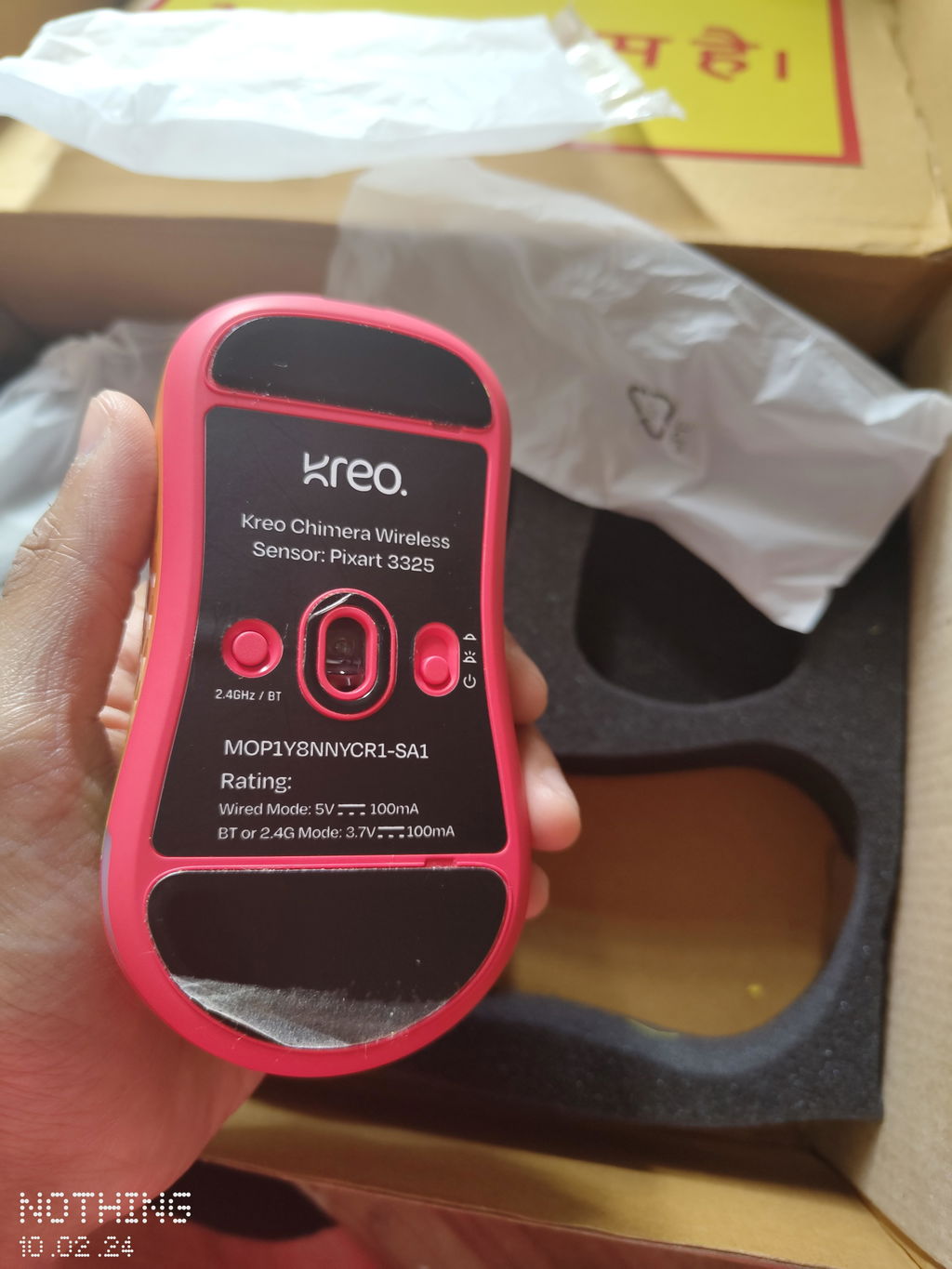
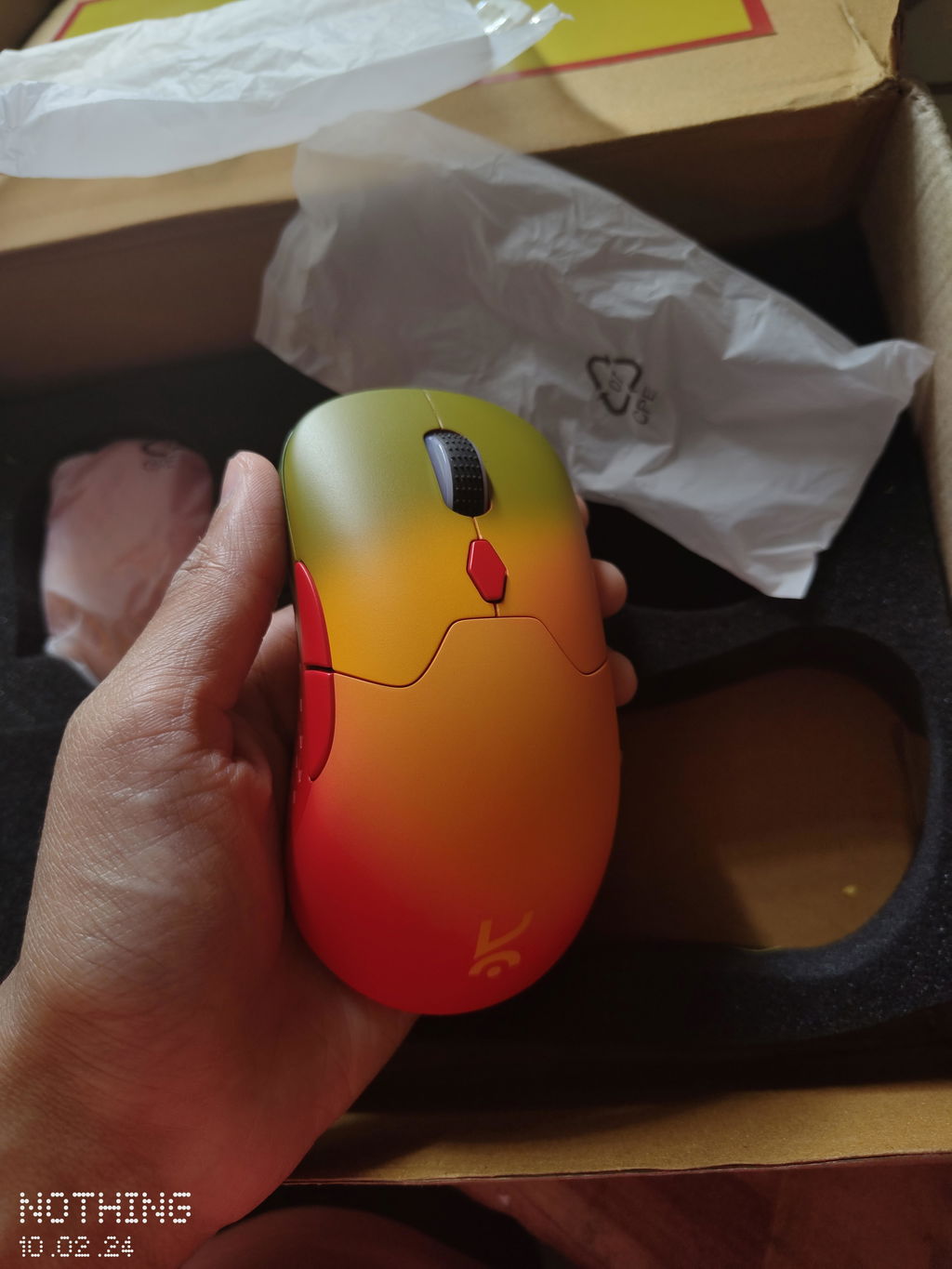
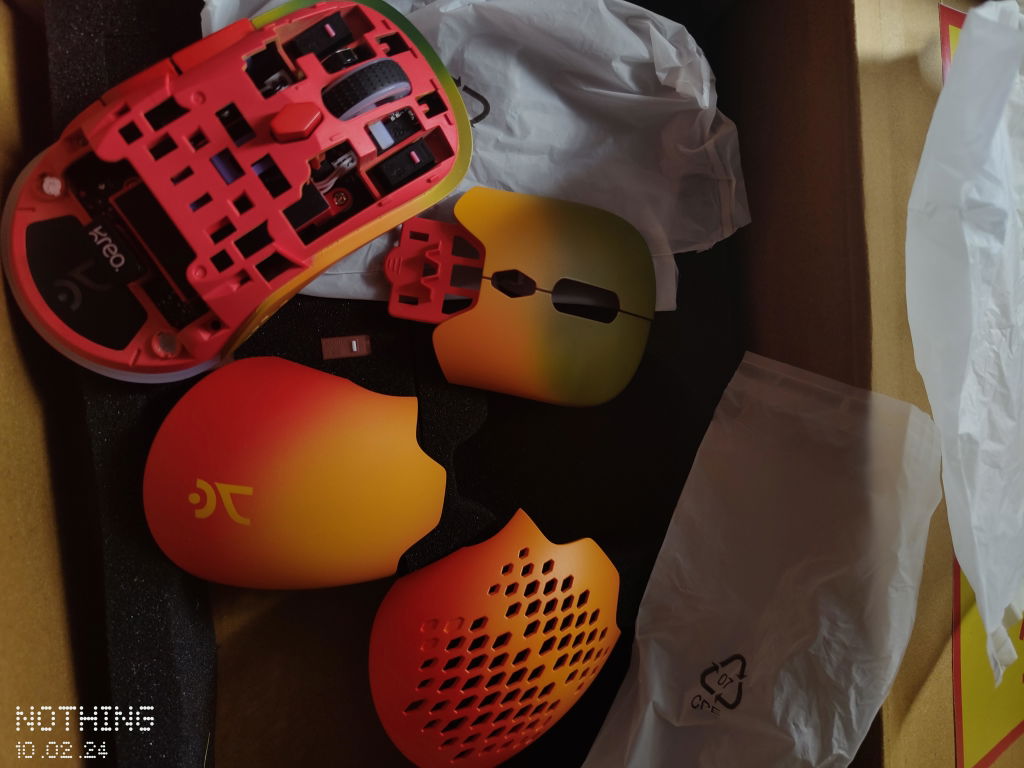
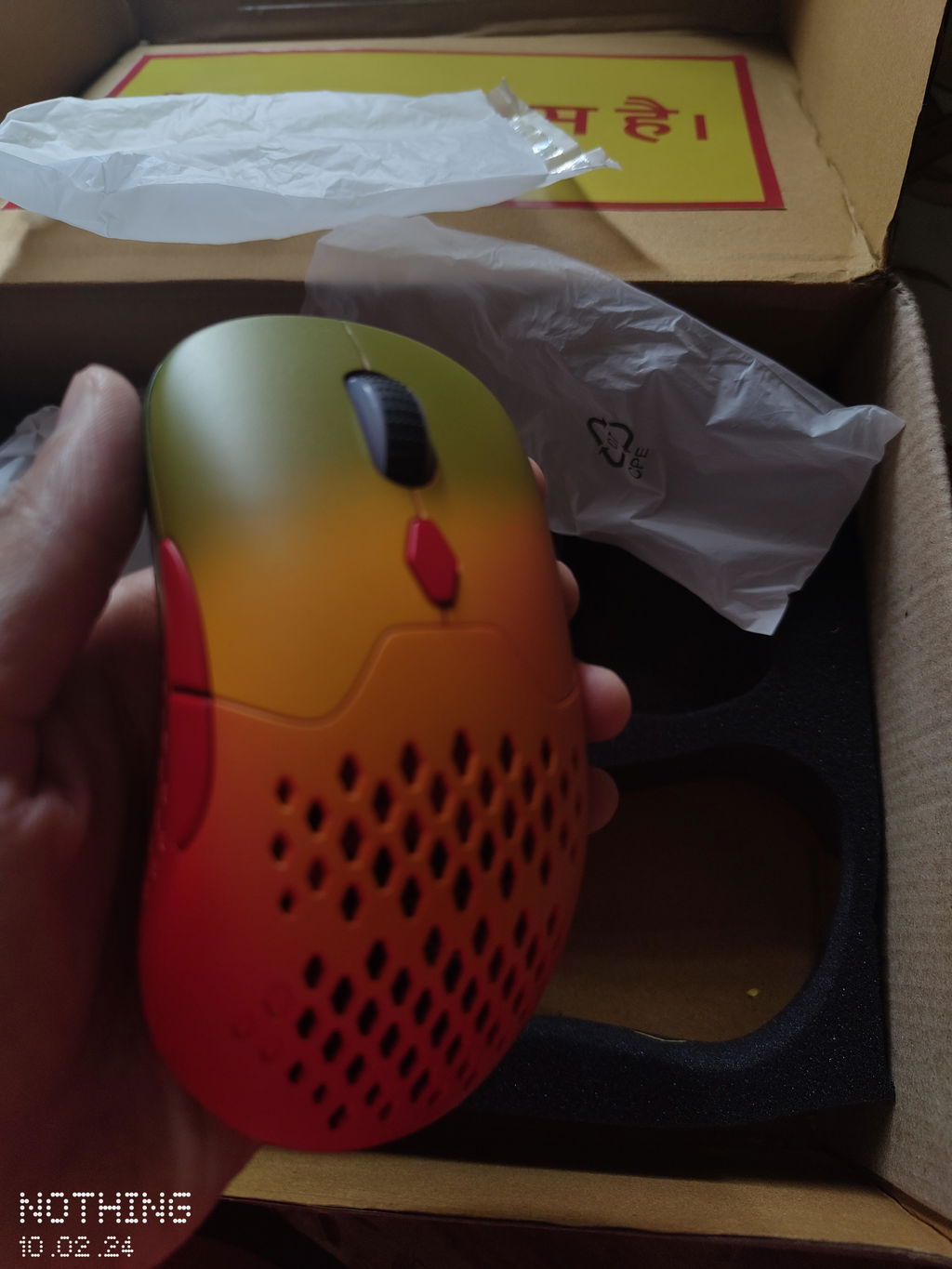
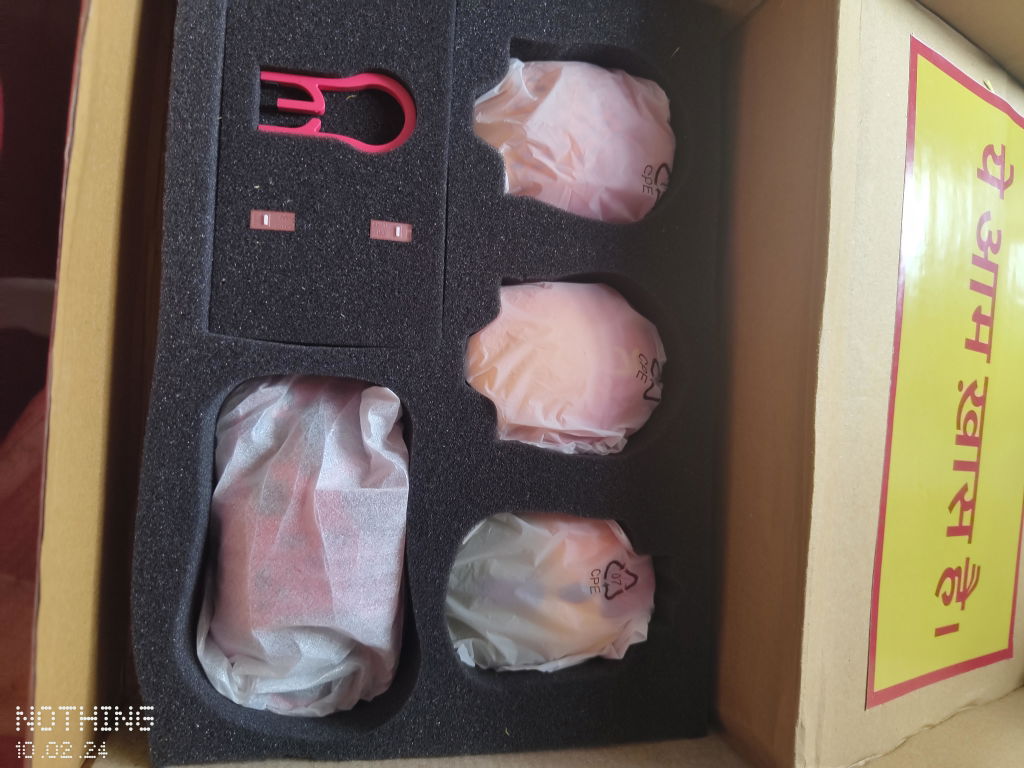
The Chimera Lucid Wireless Gaming Mouse is an absolute game-changer! From its sleek design to its top-notch performance, this mouse has exceeded all my expectations. The hot-swappable switches and 7 programmable buttons provide incredible customization options, allowing me to tailor the mouse to my exact preferences. The adjustable DPI up to 12400 ensures precise control, whether I'm gaming or working on detailed tasks.
One of the standout features is its lightweight design and ergonomic grip making long gaming sessions comfortable and strain-free. The RGB lighting adds a stylish touch, and the various lighting modes keep things visually interesting. Connectivity is seamless, and the battery life is impressive, lasting through extended use without needing frequent recharges.
Overall, the Chimera Lucid Wireless Gaming Mouse offers exceptional value for its price. It's a must-have for any serious gamer or professional looking for a reliable and customizable mouse. Highly recommended!
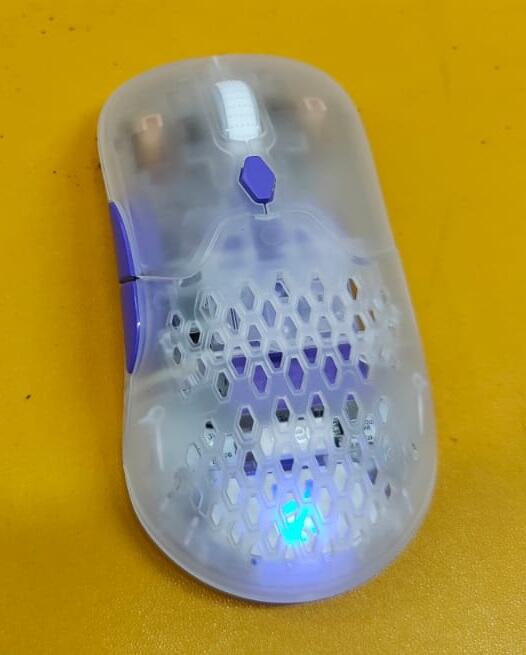
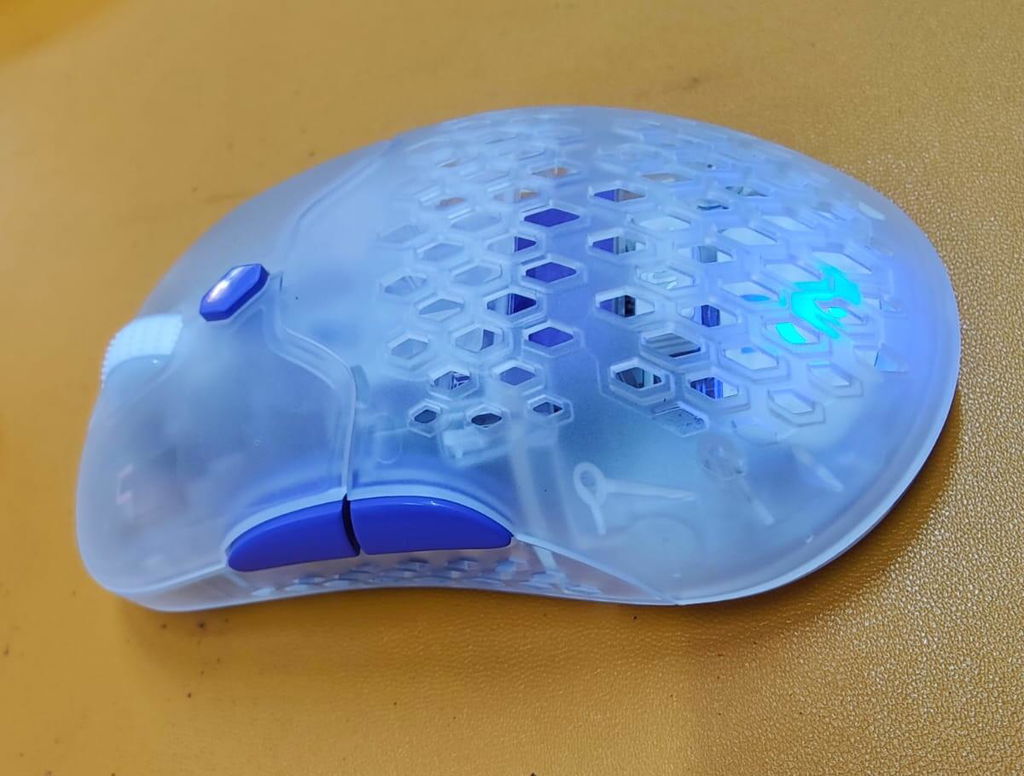
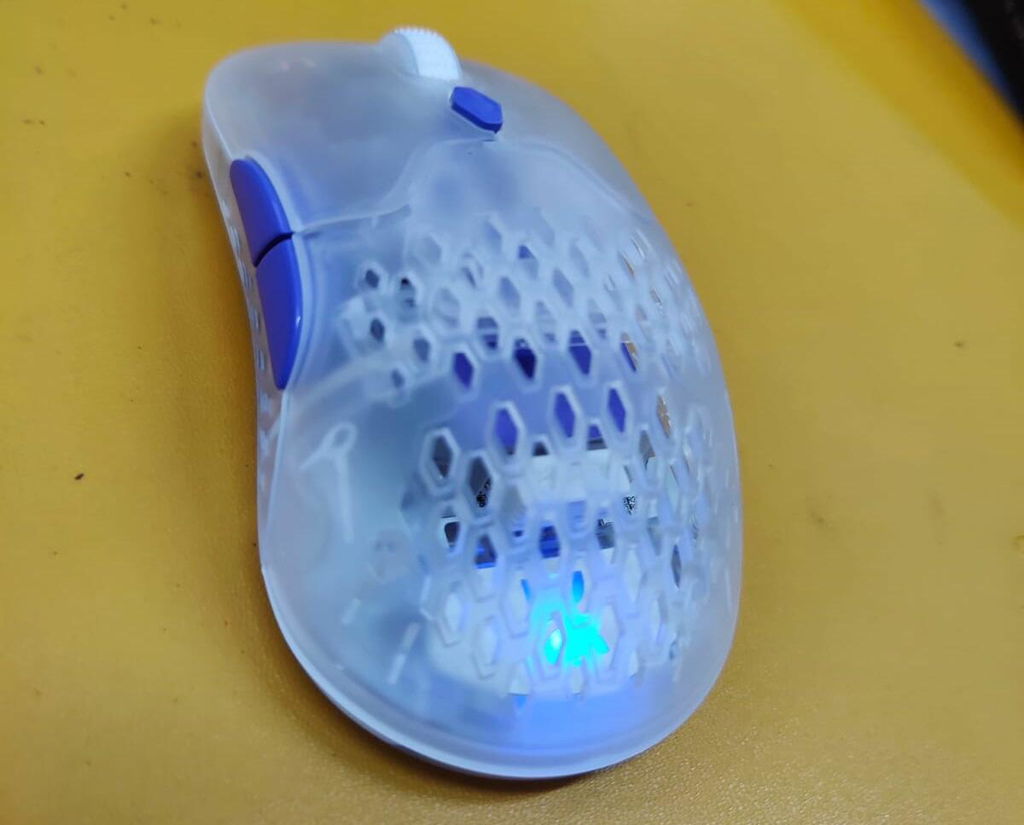
Probably one of my best purshases related to mouse, relly amazing and has some crazy customizability
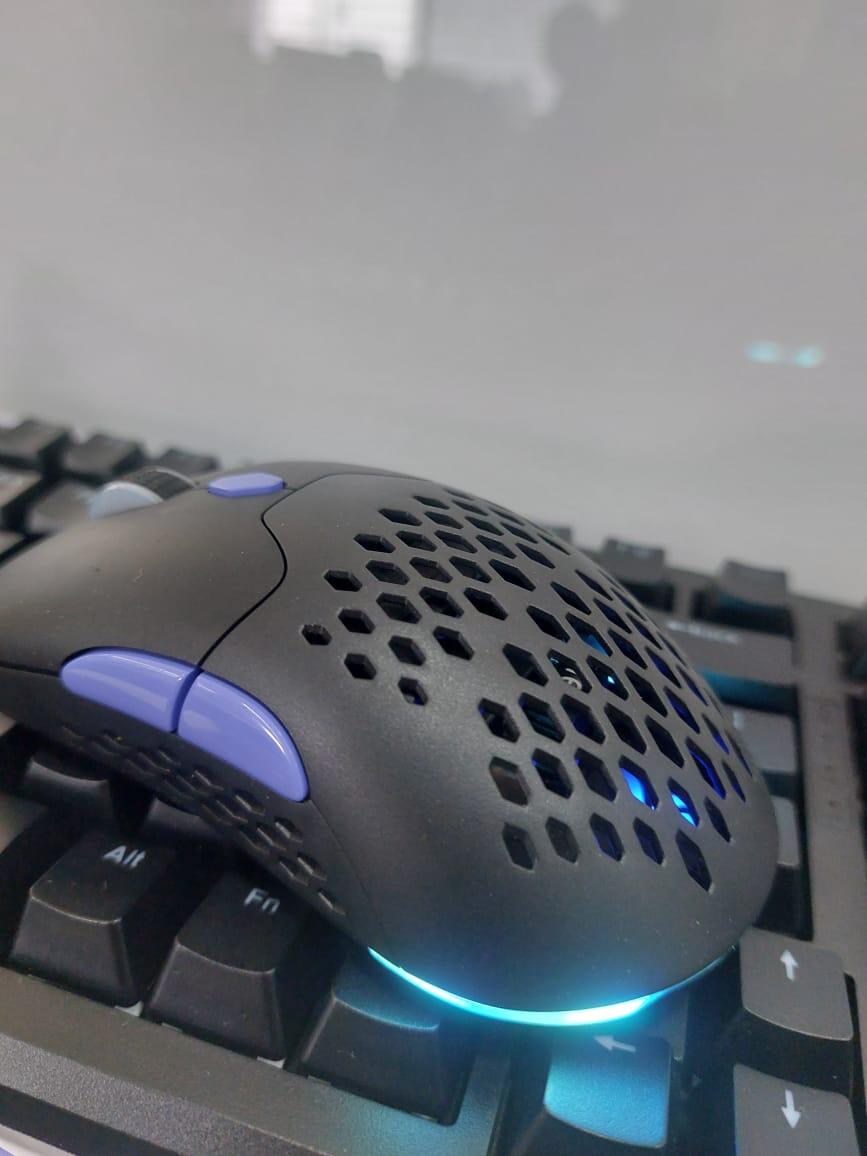
I am saying best because, not a lot of mouse in this price range which i have tried are even close to what this mouse has on the table. The shell customizabilty, the silent switches, everything too good.
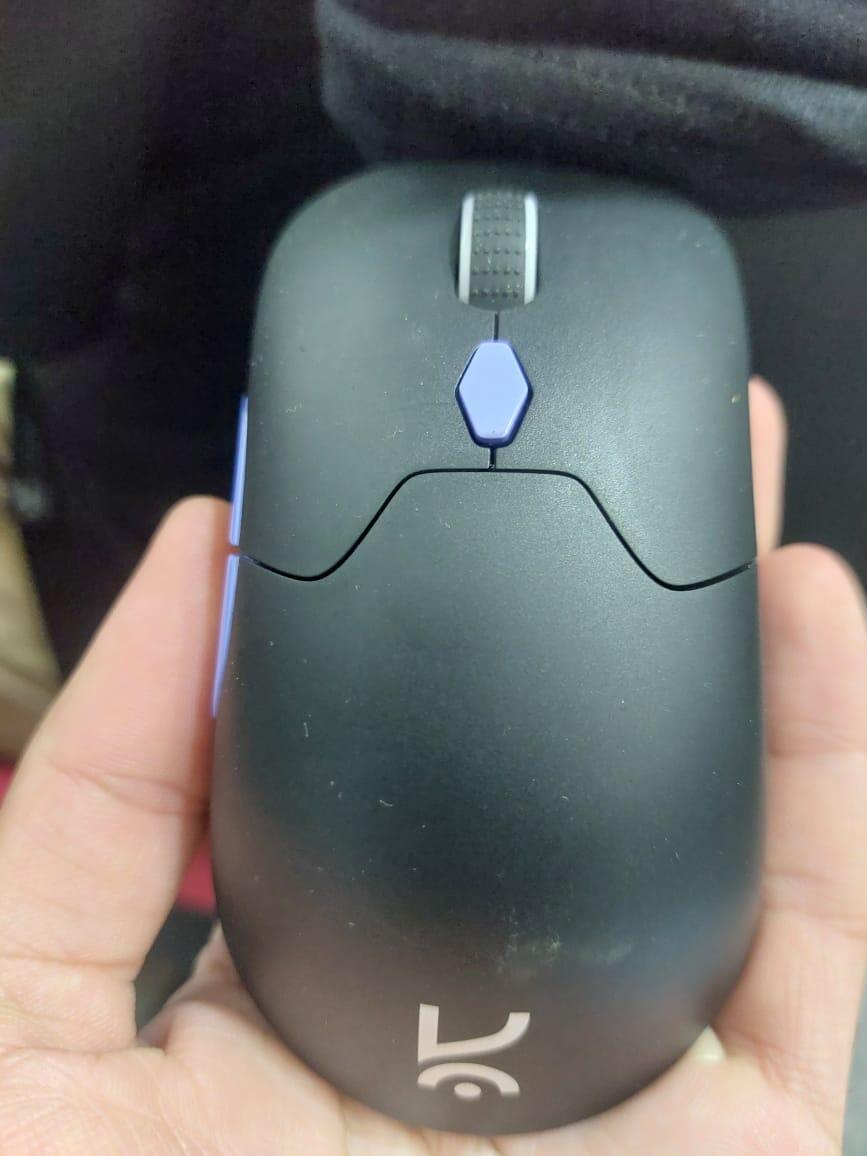
Got this mouse for such a crazy deal, and totally worth every penny, the silent switches and the RGB too good
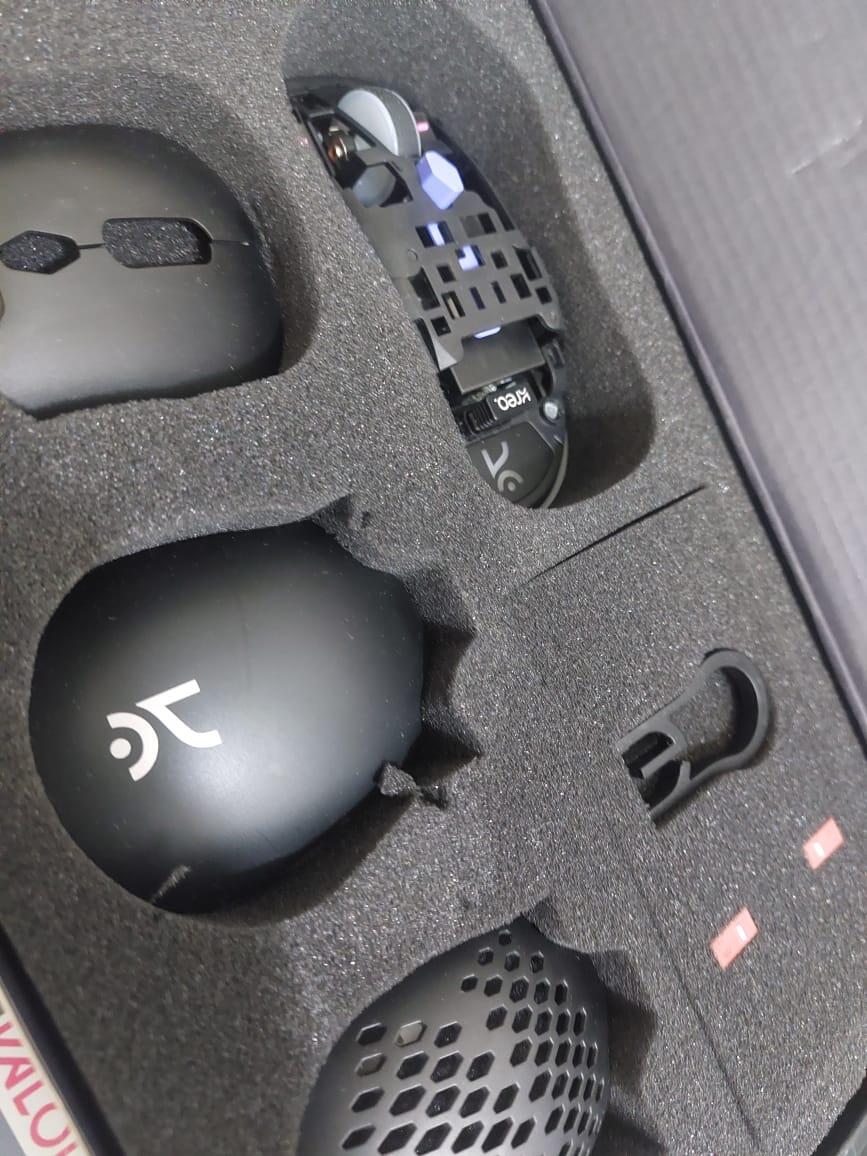
best budget gaming mouse, really amazing customizability and the silent switches are best ever.
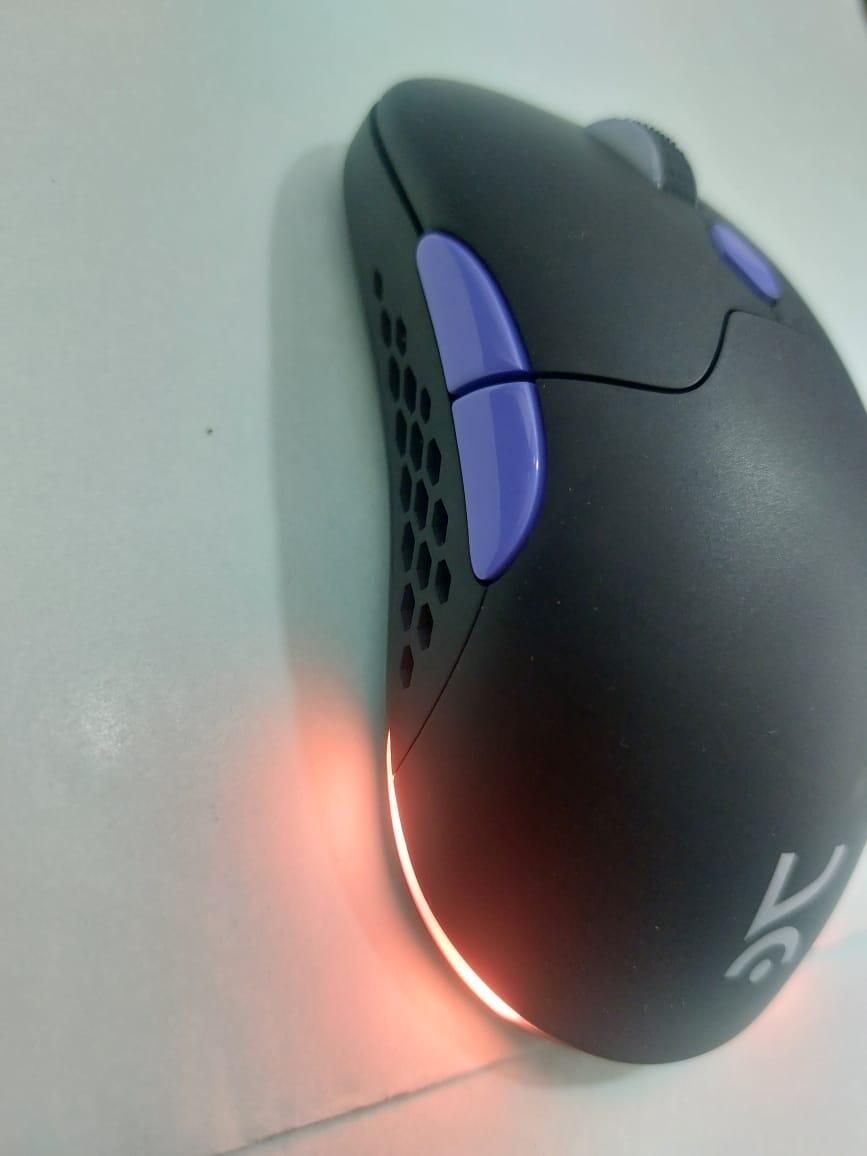
Bro trust me this mouse kills it, the design is very simple, and the entire mouse is customisable, from the shells to the switches everything.