
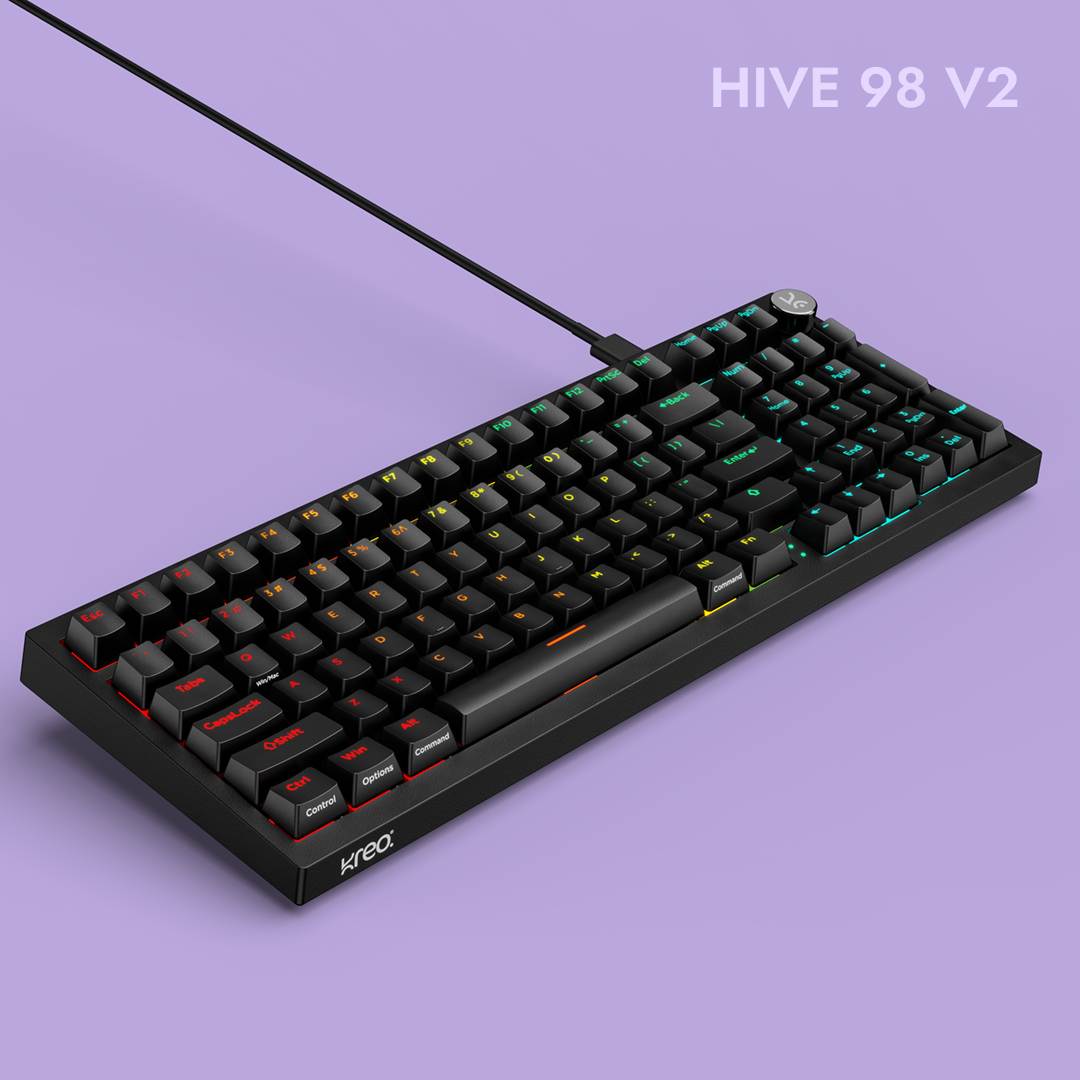


Hive98 V2 All Black Wired Mechanical Gaming Keyboard
See exactly when this arrives


- Compact 98-Key Layout: A streamlined full-size layout that retains the function row, arrow keys, navigation cluster, and numpad for productivity and gaming without the extra bulk of a traditional keyboard.
- True Gasket-Mounted Design + Polycarbonate Plate: Silicone dampeners suspend the plate and PCB inside the case for softer keystrokes, reduced vibration, and a cushioned premium typing feel.
- Dual-Layer Ultra-Soft Latex Foam: Strategically placed foam reduces case hollowness and dampens high-frequency noise for a deeper, cleaner, and more consistent sound profile.
- KTT Content Mechanical Switches: Available in Red Linear for smooth, fast keystrokes or Brown Tactile for added typing feedback with controlled noise.
- Double-Shot ABS Shine-Through Keycaps: Durable OEM-profile keycaps with legends that won’t fade, while shine-through characters stay clear and visible in low-light setups.
- 5-Pin Hot-Swap PCB: Supports both 3-pin and 5-pin switches, making it easy to swap switches without soldering and customize feel over time.
- Per-Key RGB with 16 Built-In Effects: Individual RGB lighting on every key with sixteen preset effects, plus Windows software support for deeper customization.
- Metal Volume Knob: CNC-machined metal knob delivers smooth, tactile volume control for quick adjustments during gaming or work.
- Windows Software Support: Customize RGB effects, remap keys, create macros, and manage multiple profiles for different use cases.
- Windows Key Lock: Prevents accidental Windows key presses during gameplay or focused work sessions for uninterrupted performance.
- Detachable USB-C Connection: Reliable wired connectivity with a removable cable that is easy to replace, carry, or customize.
- Two-Step Adjustable Feet: Dual-angle height adjustment helps improve comfort and reduce wrist strain during long sessions.
- Color Options: Available in White Purple, Black Purple, and All Black to match both minimal and bold desk setups.
Hive98 V2 All Black Wired Mechanical Gaming Keyboard


KTT Content Red
Factory Lubed: No Type: Linear Operating Force: 45 gf
Total Travel: 3.9 mm Pre-Travel: 1.9 mm
Bottom-out Force: 53 gf Pin Type: 3-pin
Bottom Housing: Nylon Stem: POM Cover: Polycarbonate
Switch Life: 50 million presses
Buy this if you want a smooth, fast linear feel for gaming with low noise and consistent keypresses.

KTT Content Brown
Factory Lubed: No Type: Tactile Operating Force: 43 gf
Total Travel: 3.9 mm Pre-Travel: 1.9 mm
Bottom-out Force: 53 gf Pin Type: 3-pin
Bottom Housing: Nylon Stem: POM Cover: Polycarbonate
Switch Life: 50 million presses
Buy this if you enjoy a soft tactile bump for feedback without loud clicks, ideal for both typing and gaming.


Ultimate Switch Compatibility
Supports both 3-pin and 5-pin mechanical switches, giving you the freedom to customize your typing feel without soldering.

Built to last pass-through keyacps
Crafted using a double-shot molding process, these pass through keycaps feature fade-proof legends that stay sharp even with heavy use.
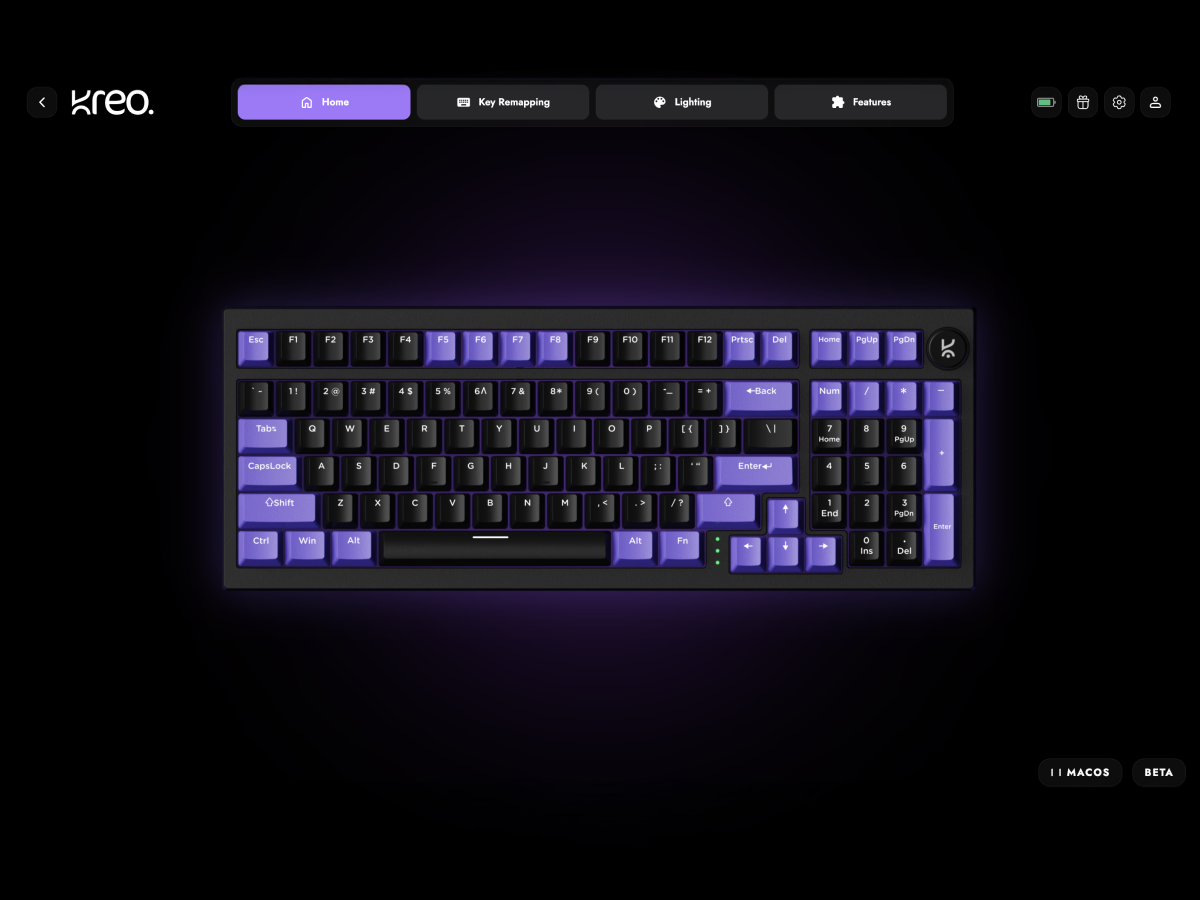
Online Web Software
All-in-one online software that lets you configure almost every aspect of your Kreo Gear — key bindings, sensor settings, and DPI settings—with seamless cross-platform support for Windows, macOS, and Linux.

Control at Your Fingertips
Precision-machined metal knob for instant and intuitive volume adjustment.

Plug. Pack. Go.
Detachable cable for easy portability and reliable connectivity.

Comfort That Adapts
Dual-angle adjustable feet for ergonomic typing over long sessions.

Compare the range
Which HIVE is yours?
Same build language, three sizes. The differences that actually change how the board feels are below.
| Feature | 
HIVE 65 View — HIVE 65 |

HIVE 75 V2 View — HIVE 75 V2 |

HIVE 98 V2 You're viewing |
|---|---|---|---|
| Price | ₹ 2,499 | ₹ 3,149 | ₹ 3,399 |
| Layout & Keys | 65%64 Keys | 75%80 Keys | 96%96 Keys |
| Numpad | No | No | Yes |
| Function Row | Function Layer | Dedicated | Dedicated |
| Volume Knob | Metal | CNC Metal | CNC Metal |
| Mounting & Plate | Gasket | True GasketPC Plate | True GasketPC Plate |
| Foam Dampening | 2-Layer Foam | Dual Latex Foam | Dual Latex Foam |
| Switch Type | KREO Linear | KTT Linear / Tactile | KTT Linear / Tactile |
| Hot-Swap Support | 3/5 Pin | 3/5 Pin | 3/5 Pin |
| Keycaps | Double-Shot ABSShine-Through | Double-Shot ABSOEM | Double-Shot ABSOEM |
| RGB Lighting | Full RGB | Per-Key16 Effects | Per-Key16 Effects |
| Software (Macros · Remap) | Yes | Yes | Yes |
| Win Mode / Mac Mode | Yes | Yes | Yes |
| Connectivity | Detachable USB-C | Detachable USB-C | Detachable USB-C |
| Color Options | 2 Colorways | 3 Colorways | 3 Colorways |
Features & Specs
General Info
Connectivity
Ergonomics
Customization
Build & Durability
Software
Compatibility
In The Box
Switches
Keycaps
You asked, we answered
If the issue persists, contact our support team.
Why are the Alt and Windows keys swapped on my keyboard?
If the Alt and Windows keys are swapped, press Fn + S and Fn + A to restore their default functions.
How do I turn Scroll Lock on or off?
Press Fn + I to toggle Scroll Lock on or off.
What should I do if a key is double-clicking or a switch isn't working?
Follow these steps:
- Hold Fn + Esc for a few seconds to reset your keyboard.
- Remove the keycap and clean the switch and PCB using a soft brush, cloth, or compressed air.
- If the issue continues, try replacing the switch with a spare one.
If none of these steps work, please contact our support team.
My RGB lighting isn't working. What can I do?
- Hold Fn + Esc for a few seconds to reset the keyboard.
- Check and adjust the RGB settings in the Hive software, which can be downloaded from the Kreo official website.
How do I reset my Kreo Hive keyboard?
To perform a full reset, simply hold Fn + Esc for a few seconds. This resolves most common issues.
What is a 96% layout, and how is it different from a full-size keyboard?
A 96% layout gives you all the functionality of a full-size keyboard — including the numpad, function row, and navigation keys — but with the gaps and spacing compressed to save desk space. You get everything you actually use from a 100% keyboard in a footprint closer to a TKL, which means more room for mouse movement and a cleaner setup without sacrificing the numpad for data entry or productivity work.
What's the difference between the Red Linear and Brown Tactile switches?
The KTT Red Linear switches offer smooth, uninterrupted keystrokes with low actuation force — ideal for fast-paced gaming where rapid repeated presses matter. The KTT Brown Tactile switches have a subtle tactile bump at the actuation point, giving you clearer typing feedback without the noise of clicky switches. Reds suit gamers; Browns suit typists and mixed-use setups.
What does "gasket-mounted" mean, and why does it matter?
Most budget keyboards use tray mounting, where the plate is rigidly screwed to the case, resulting in harsh bottom-out and a hollow sound. The Hive 96 uses a true gasket mount — the plate and PCB are suspended between silicone dampeners, isolating them from the case. Combined with the flexible polycarbonate plate, this produces a softer, cushioned keystroke and a deeper, more refined sound profile. It's the same construction technique used in enthusiast custom keyboards that cost several times more.
Can I change the switches without soldering?
Yes. The Hive 96 features a 5-pin and 3-pin hot-swap PCB, so you can pull out the stock switches and drop in different ones — linear, tactile, clicky, silent, or boutique variants — without any tools beyond a switch puller. It's perfect if you want to experiment with different typing feels over time.
Will the keycap legends fade over time?
No. The keycaps use a double-shot ABS molding process, where the legends are made from a separate piece of plastic rather than printed on top. They will never fade, wear off, or shine through, even after years of heavy use. The shine-through design also ensures RGB lighting illuminates the legends clearly in low-light environments.
This Kebs is perfect in terms of this price, build quality solid, brown switches and keycaps is good but in the keycaps shine through should be improved
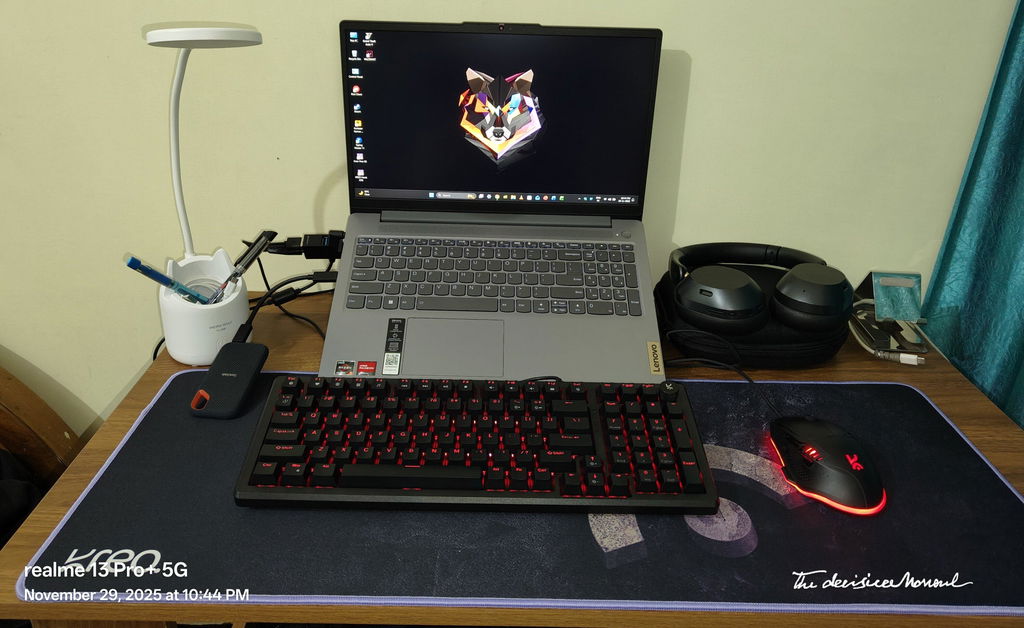
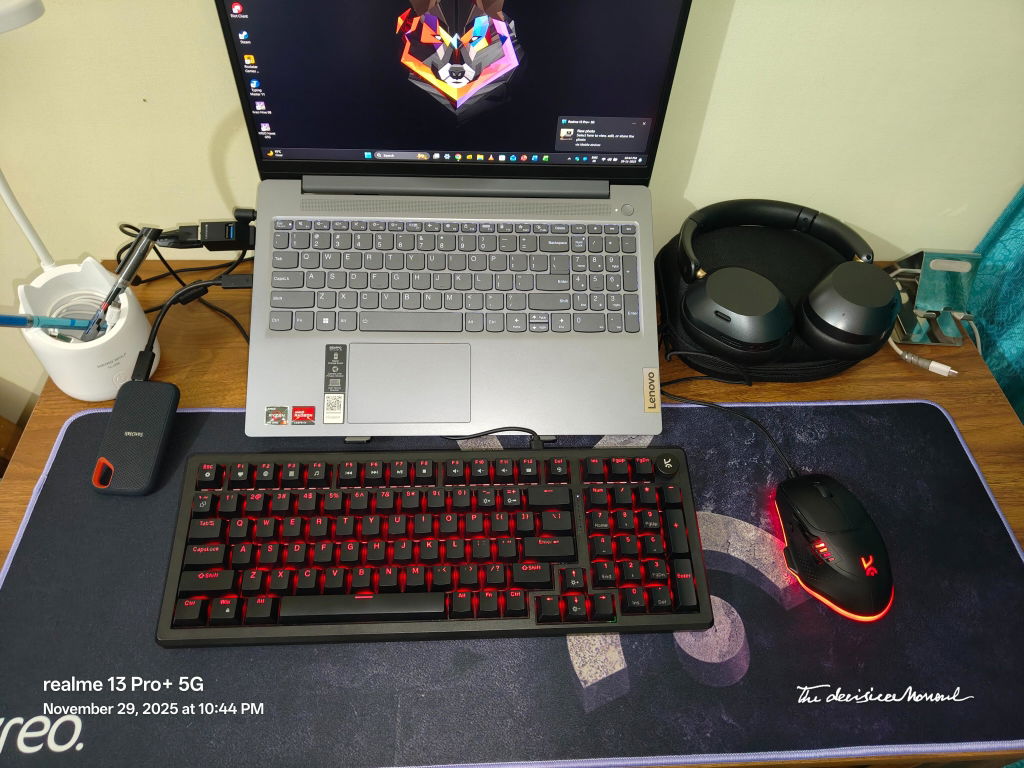
I bought the keyboard in diwali sale and I got the free keyboard chain this is good keyboard is so clicky and feel good and the support team is also good nice behaviour
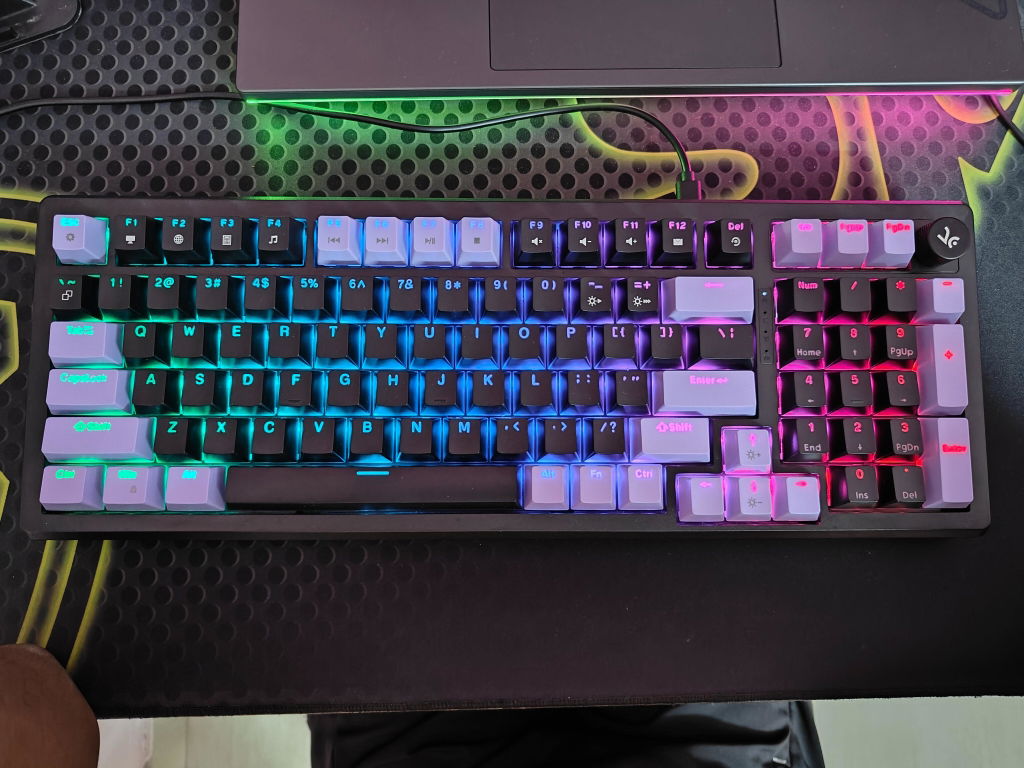
Really good product value for money product and delivery is also good
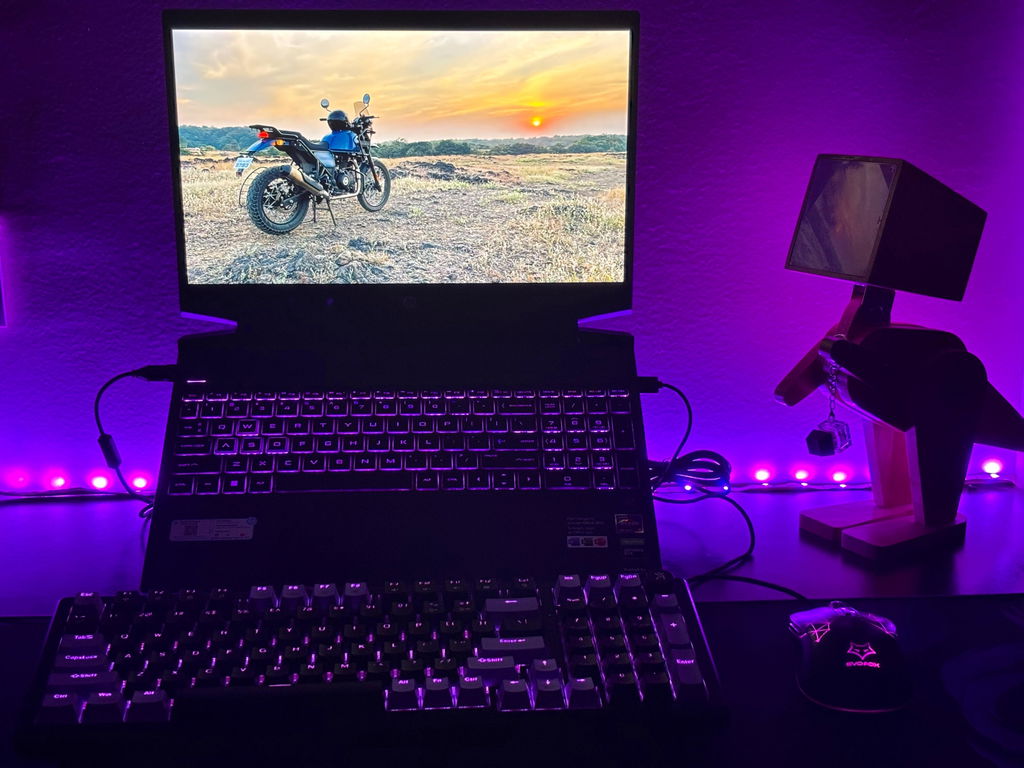
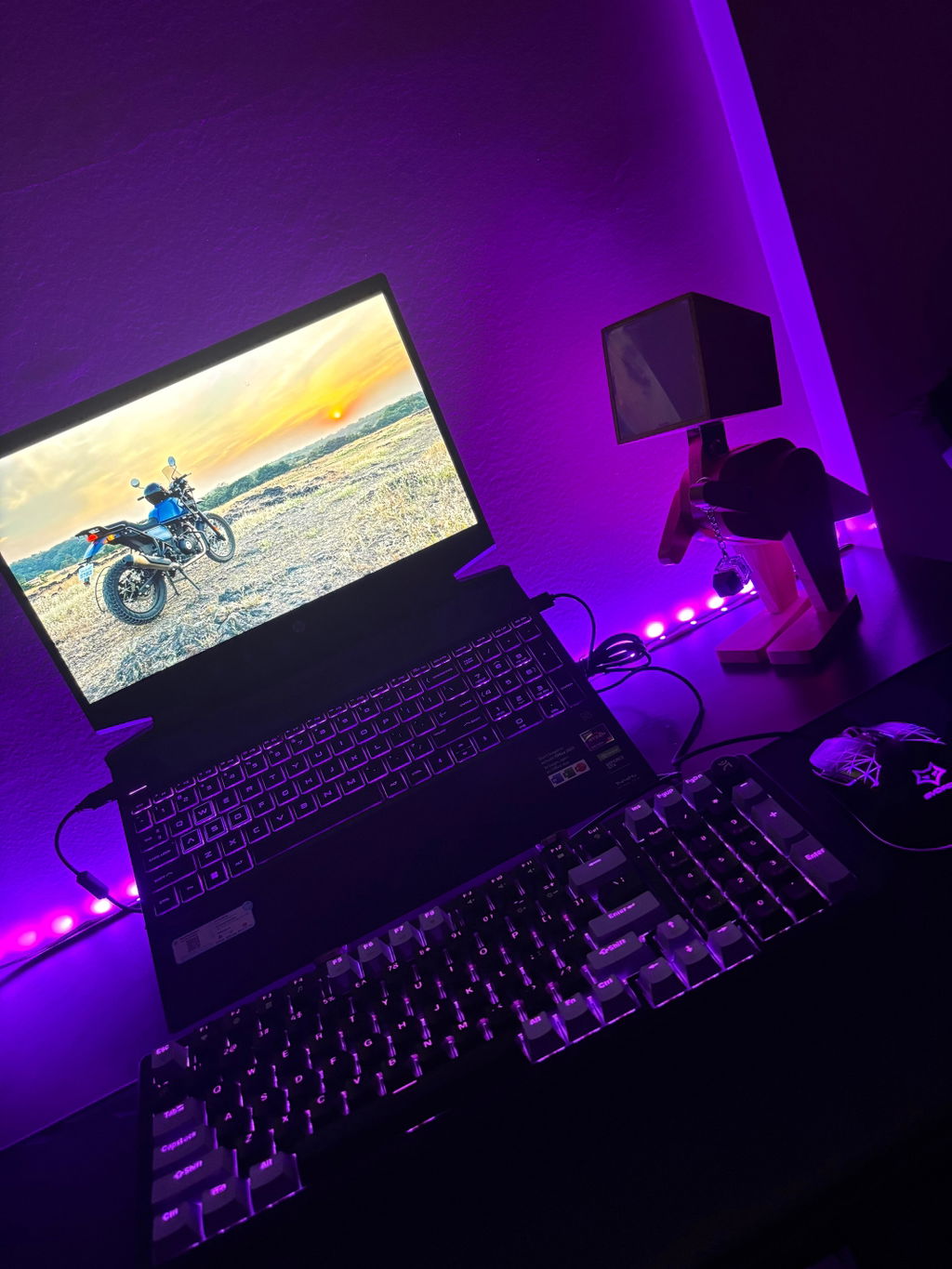
This is amazing product... I used it for Gaming as well as office work and it very smooth typing experience.. But cost is somewhat expensive compared to other Gaming Keyborads.
Most of the keys are not working, including important ones like "Alt" and "Windows". Additionally, the customer support service is not responding or helping with the issue.
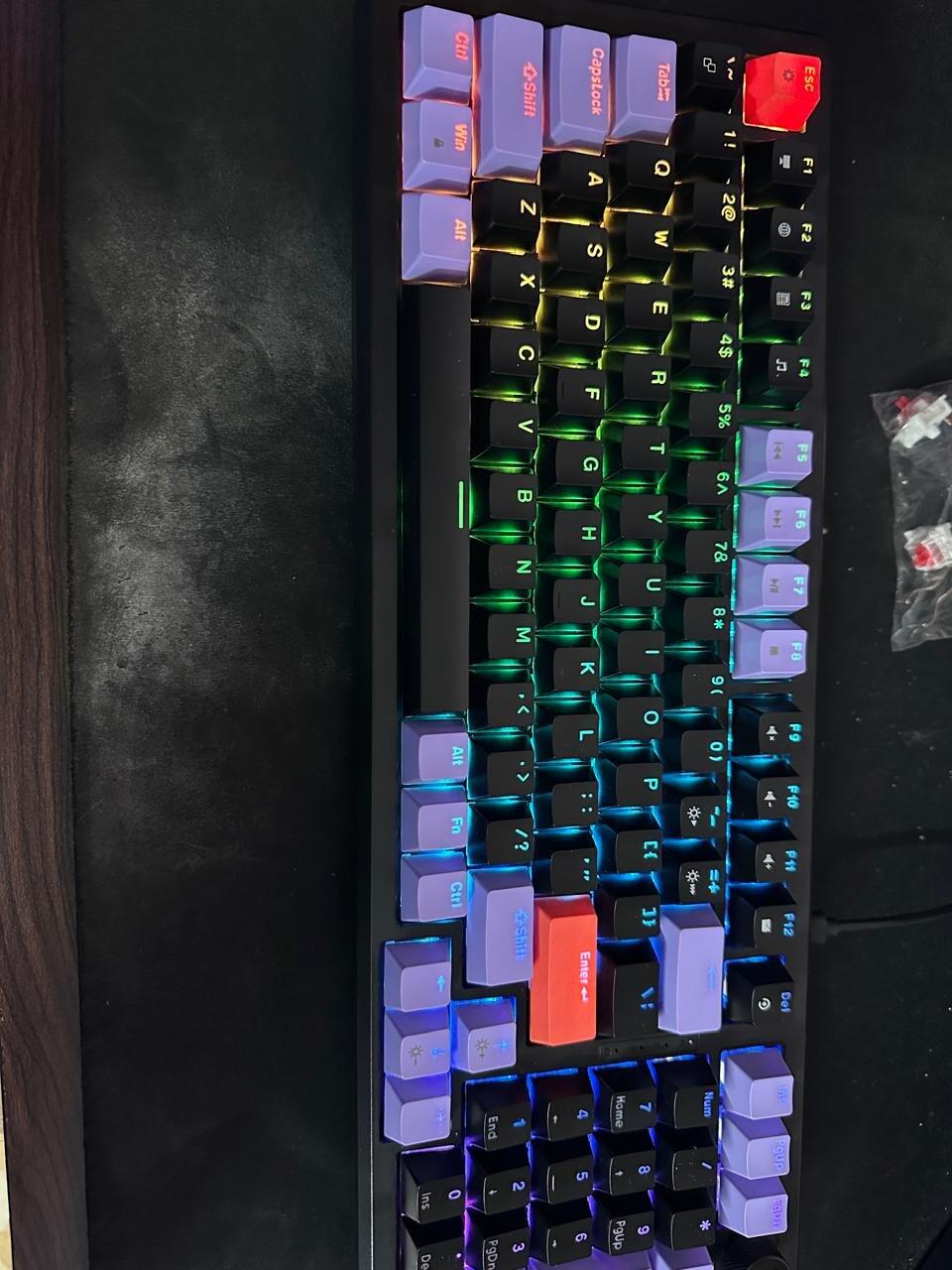
It's beautiful to look at and a charm to use
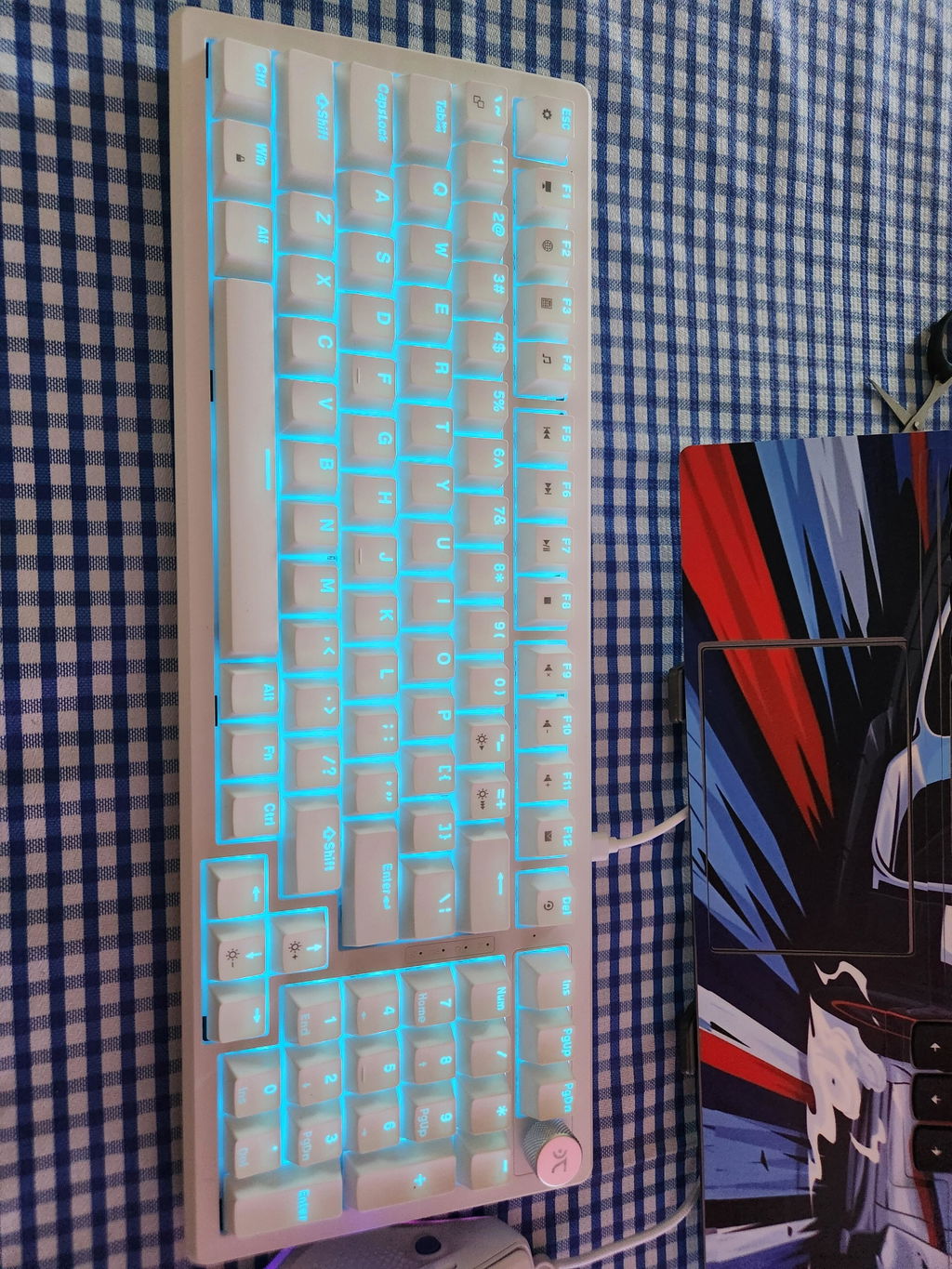
Truly the best Cutomizable Mechanical keyboard at a good budget.
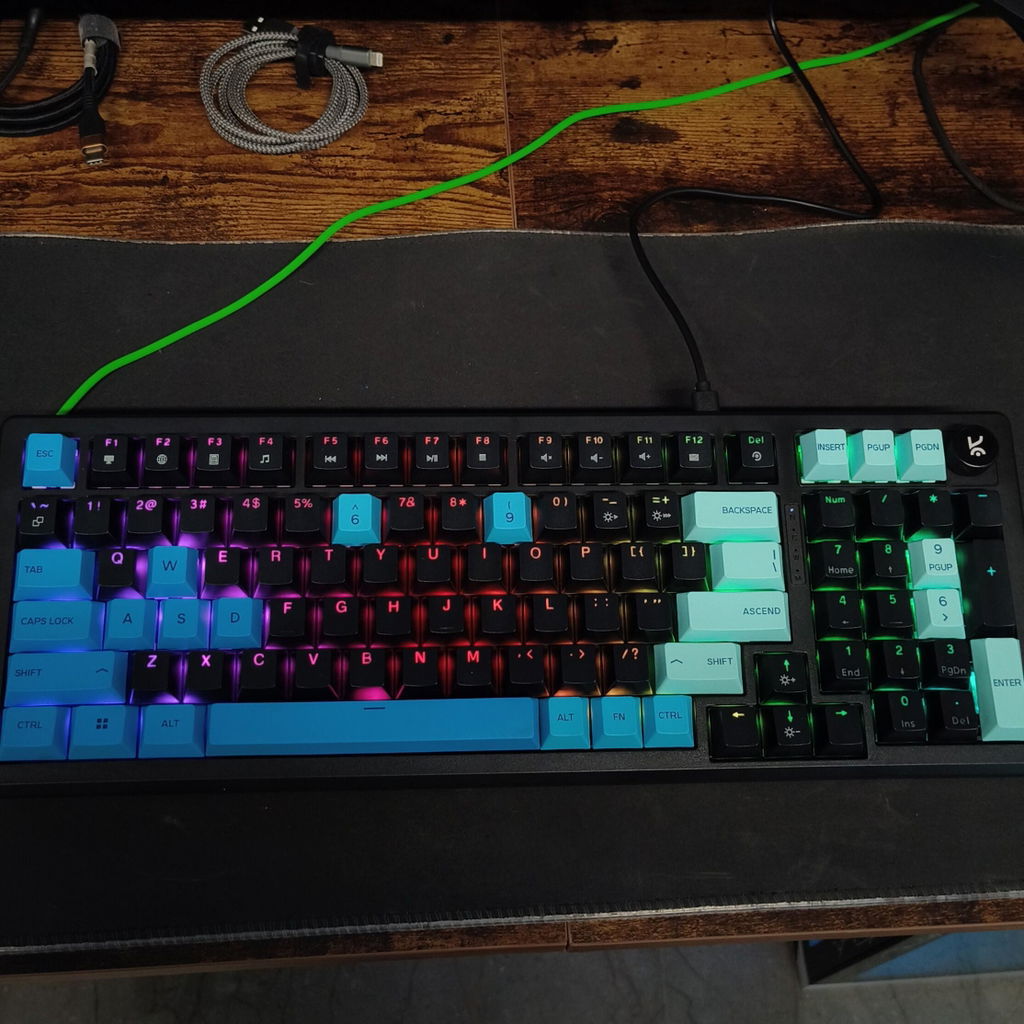
It's a excellent keyboard been using from last 15 days. Small concern is ny default elevation is not that good, but there are elevation clips to adjust. Everything is great
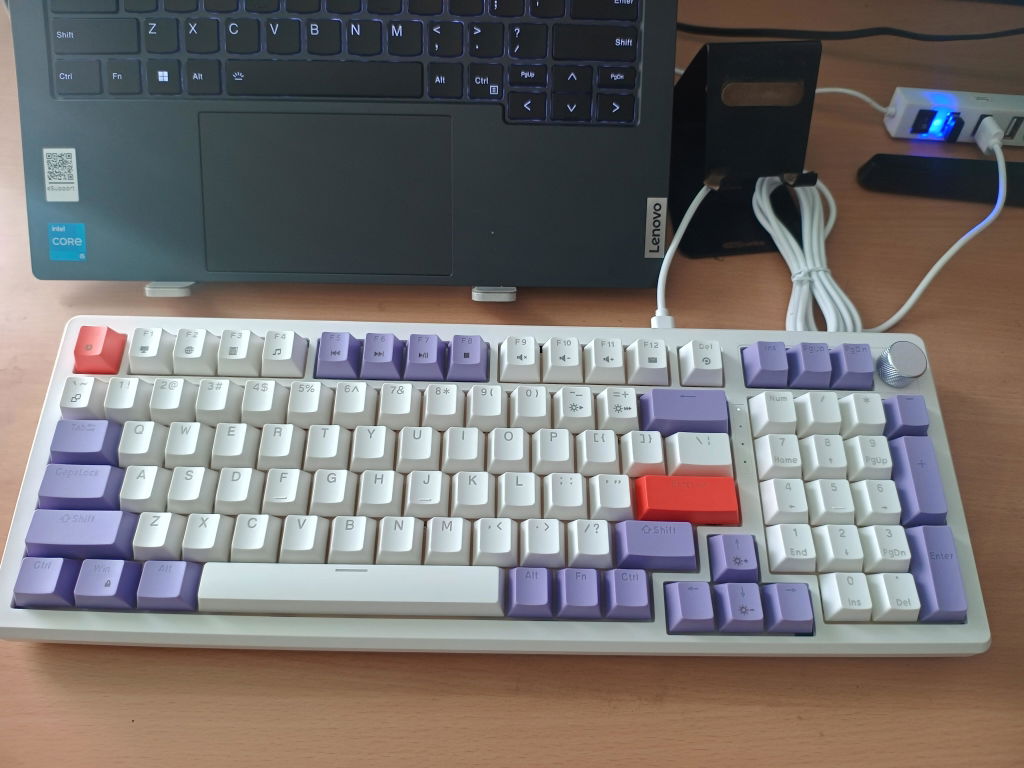
Got the brown switch variant in diwali sale.....over all keyboard is good and quality is superb in this price segment.....tactile feedback is great and the RGB is also good not the one that gives irritation to the eyes.....software support is a plus and i'm with this product from kreo........Only if it has wireless version than it would've been a complete package 📦......but it has detachable type C to A cable and that too is around 1.5 m i guess so it's acceptable.......good that kreo thought it through and gave type-C port in keyboard.... definitely a plus point.
Overall you can go for it if you like to play games and want a compact and a good keyboard with 1000Hz polling rate too....... Definitely a steal deal i got for 2700 in the sale.
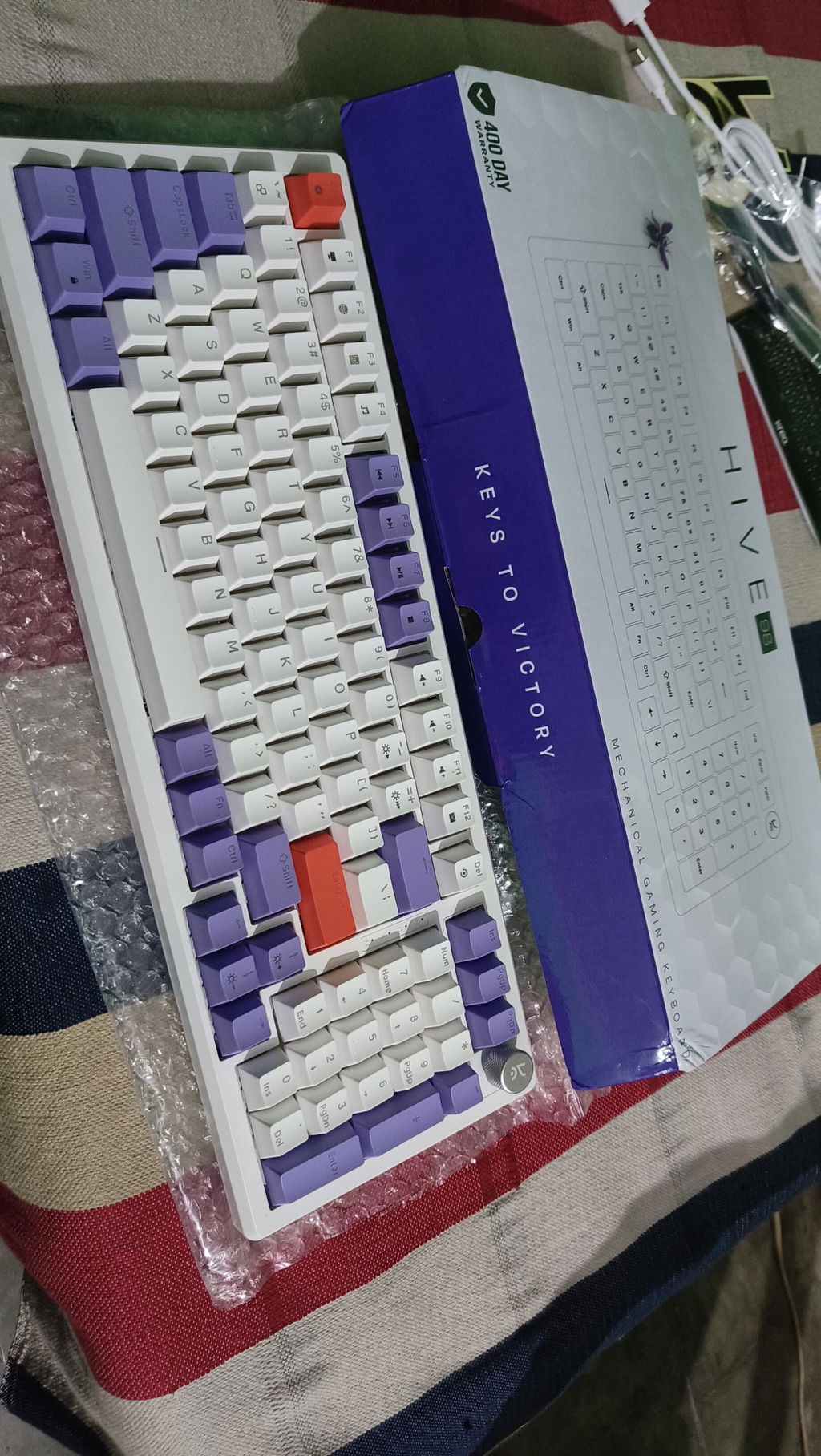
A great budget mechanical keyboard ❤️
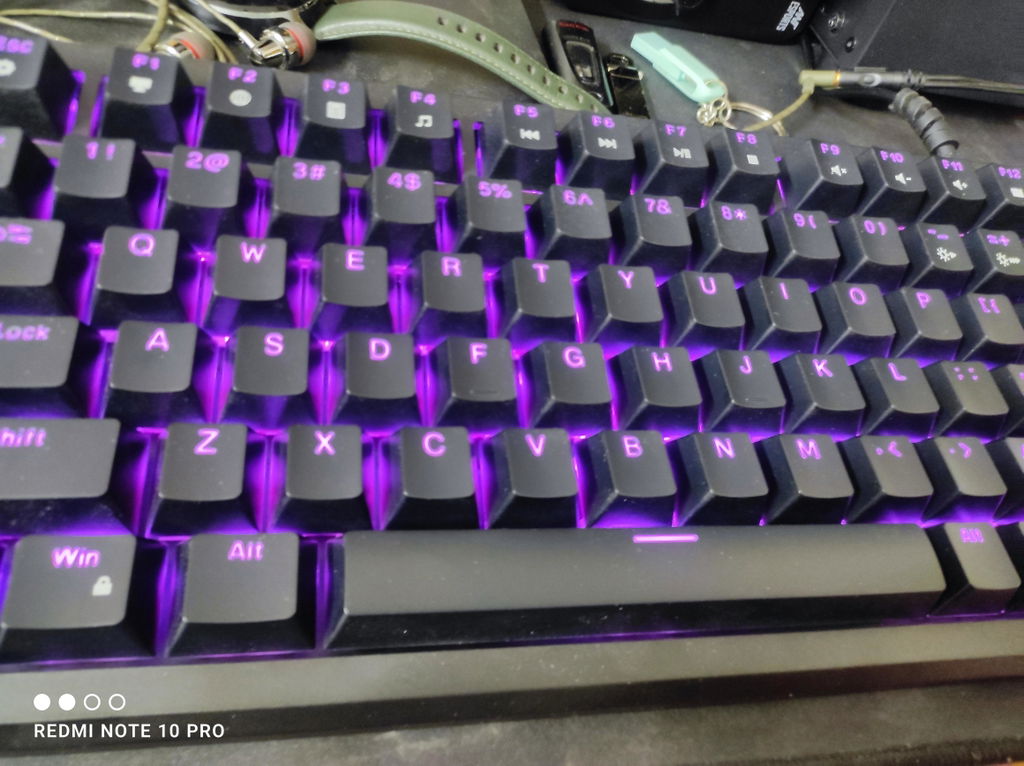
The keyboard itself is created very intellectually and the light RGB is very unique in this price range also the sound and typing experience is very great. Must recommended keyboard.
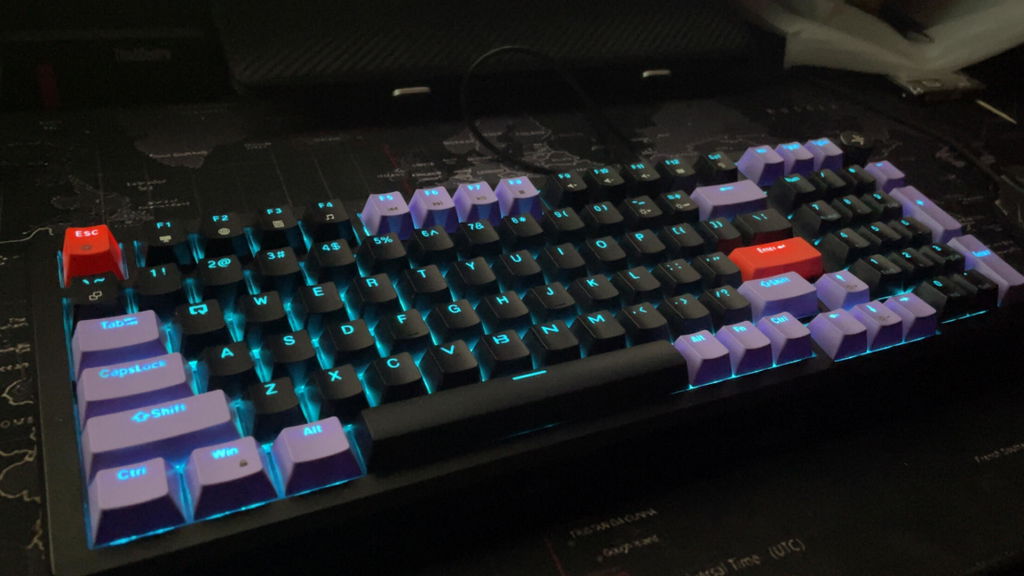
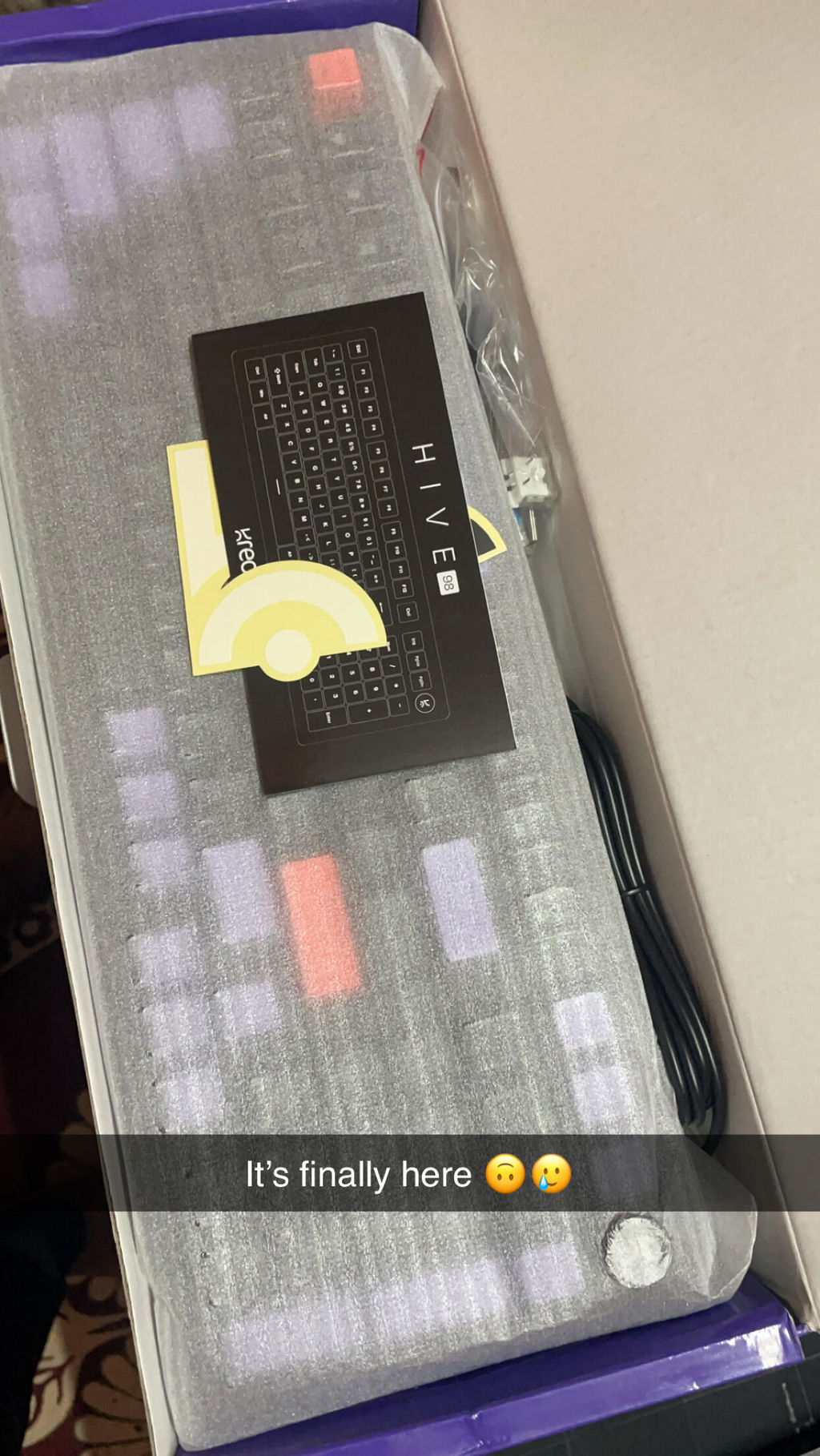
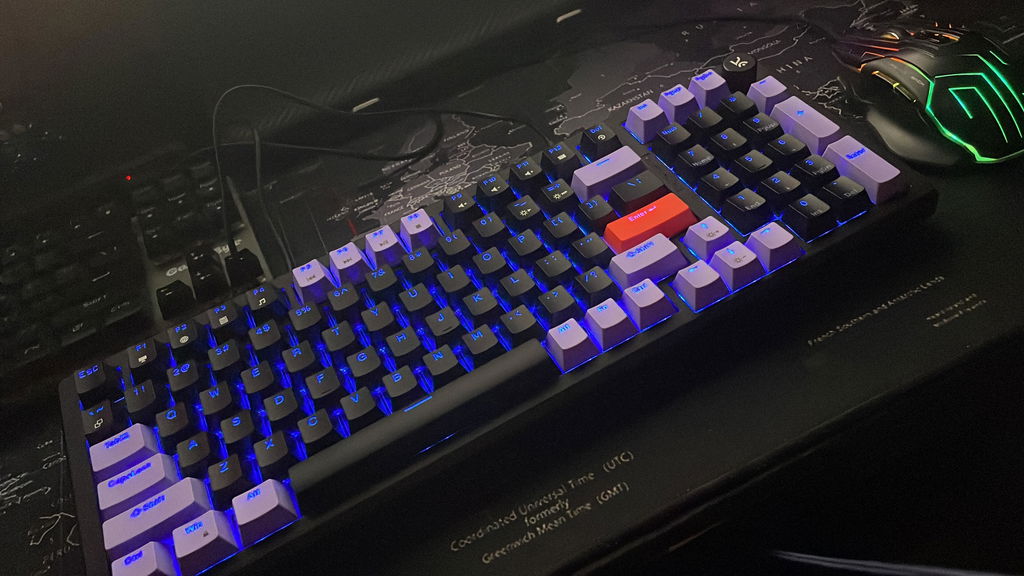
Got this as a gift for a friend. Needless to say, he loved it! The brown switches are the best ones as per him, and this is the best deal on the brown switches one can get in India.
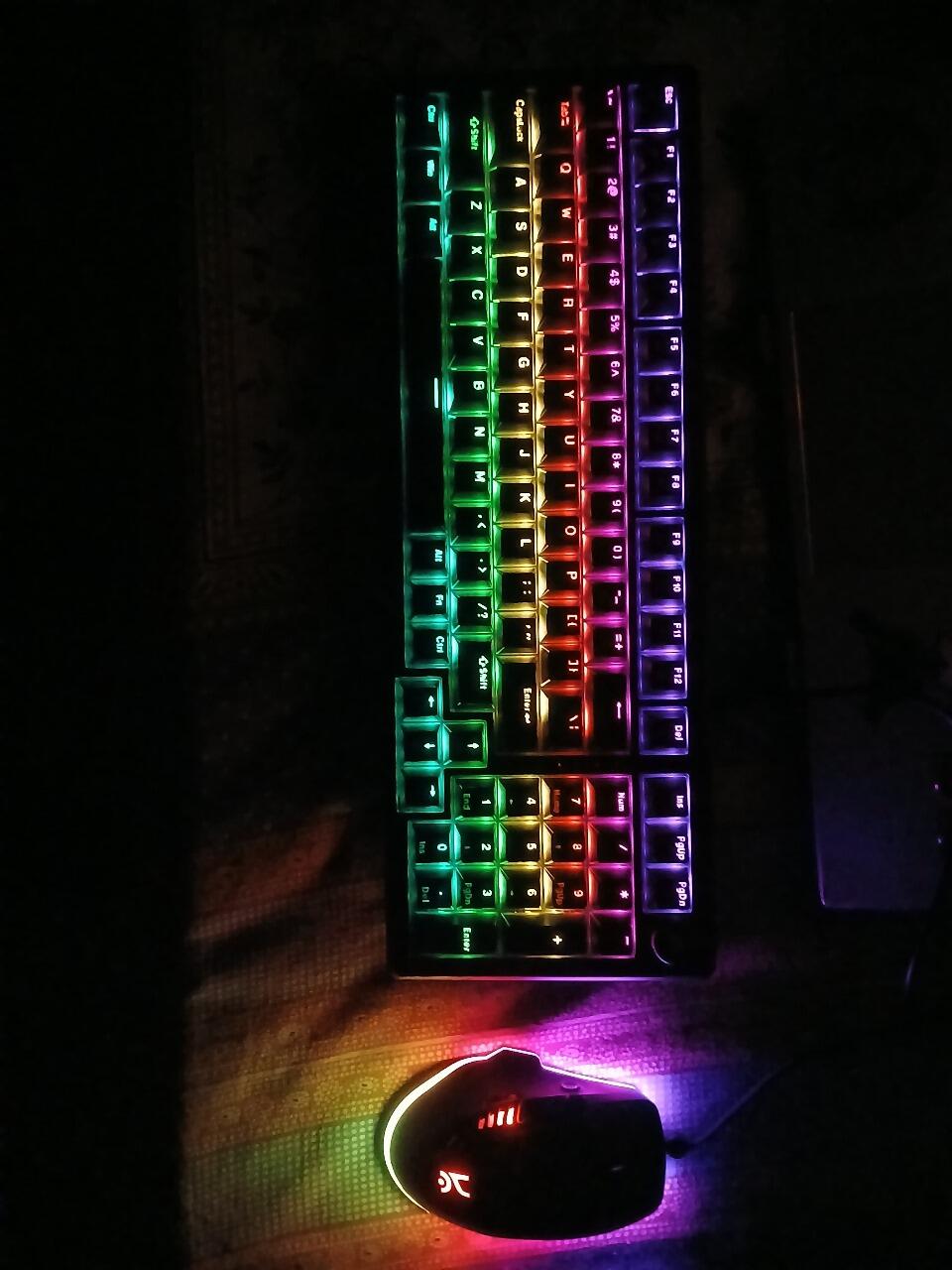
Love the white color & RGB functioning is good
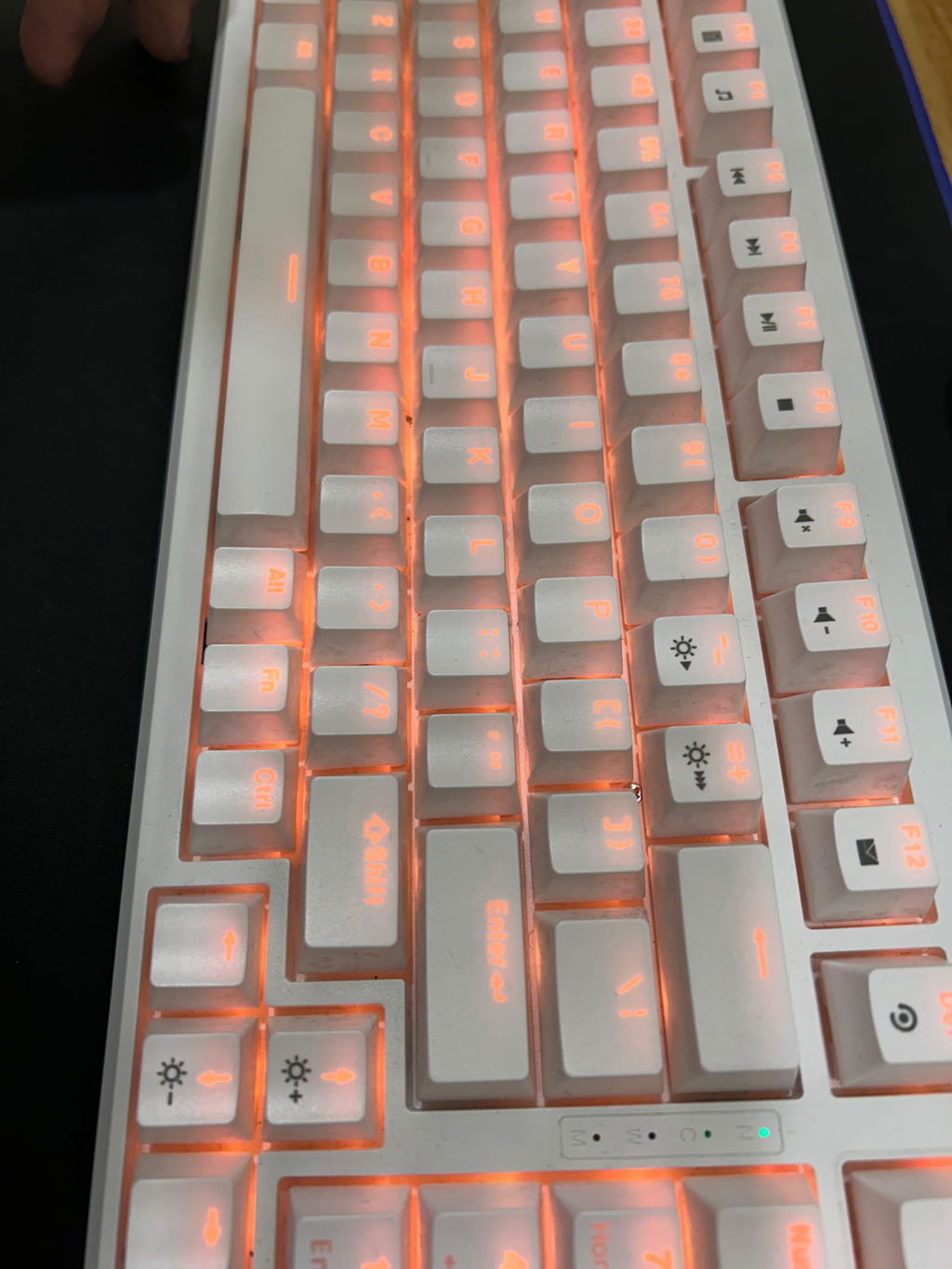
Love the design & white is my favourite color so very happy with the keyboard
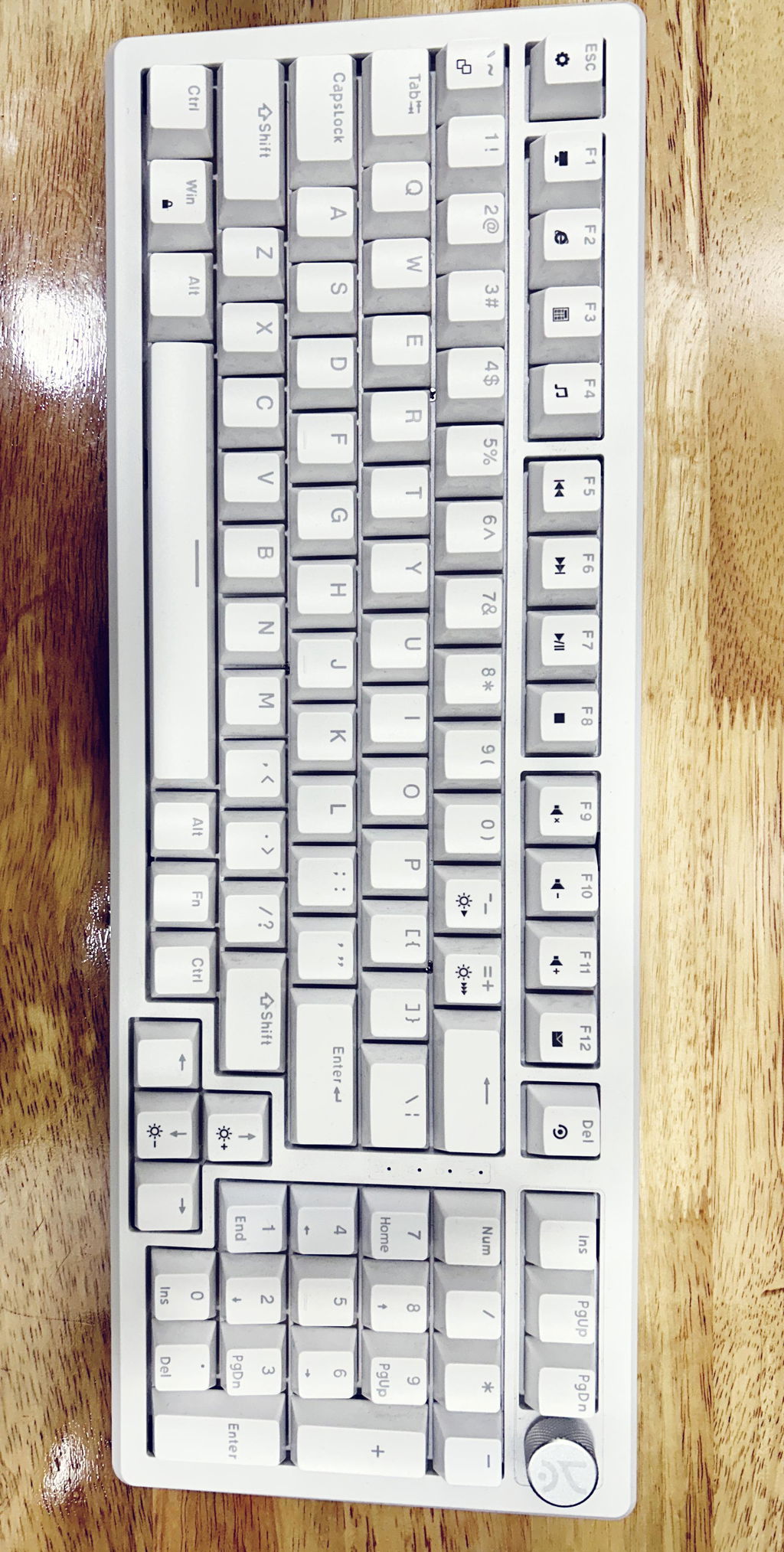
I am designer & need a full size ky , & my search stopped here, best for my work & gaming & i love the Knob feature they have added
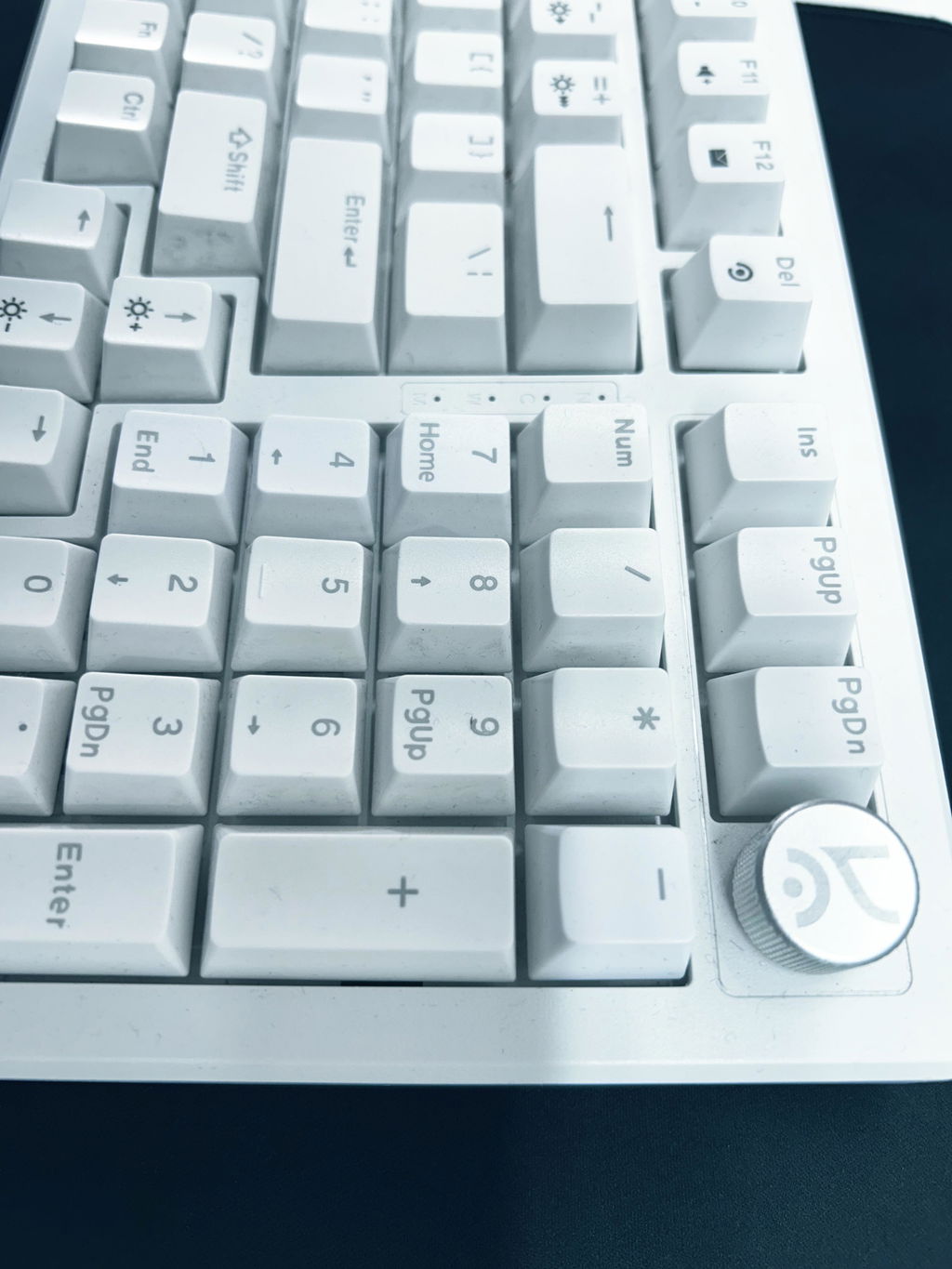
I just received it and well compared to my previous keyboard it’s way better but there are some cons to it. It’s a plastic body but it won’t feel hallow cuz of the foam used and it’s relatively heavy lol so it feels premium 😂.
About the keycaps well as others mentioned too it’s not that great, bcz of the material they used the texts kinda feel blurry when the lights are on but it’s not a issue to stop you from buying this. ( unless you're someone who needs to see the keys every time you type 🙃 )
Overall it’s a good product price is also reasonable and delivery was surprisingly fast got it in like 3 days. The knob works as they say and it does click where it mute the sounds, the book says you can change the function in the software but I couldn’t find it anywhere to change it :( . The keycaps are swappable so you can customise to your needs :) they say the switches are hot-swappable but these way too tightly placed like they are soldered and it may break your switches when you try to remove it so be careful with it. Oh I bought the one with brown switches and it does feel good. Well that’s all I had to say. May update the review after using for some months. For now it’s good ;)
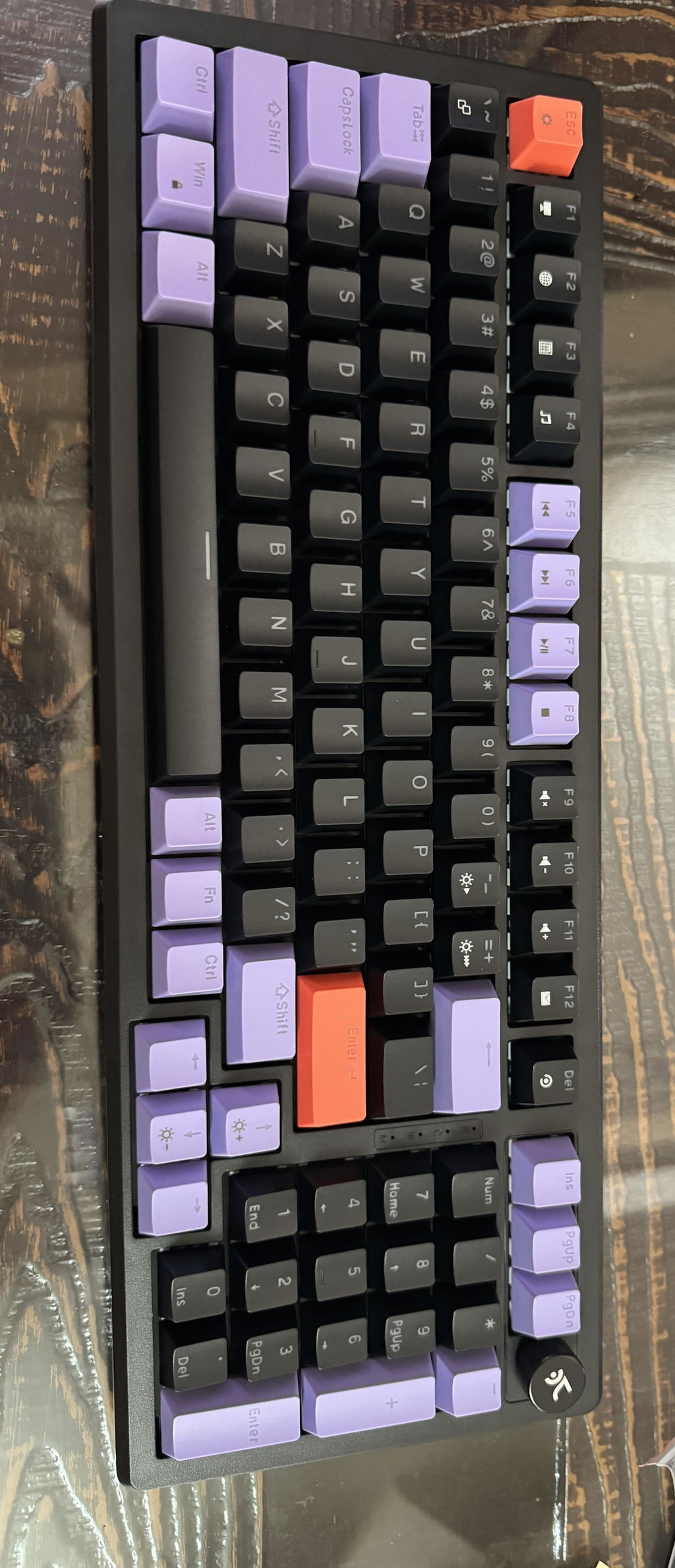
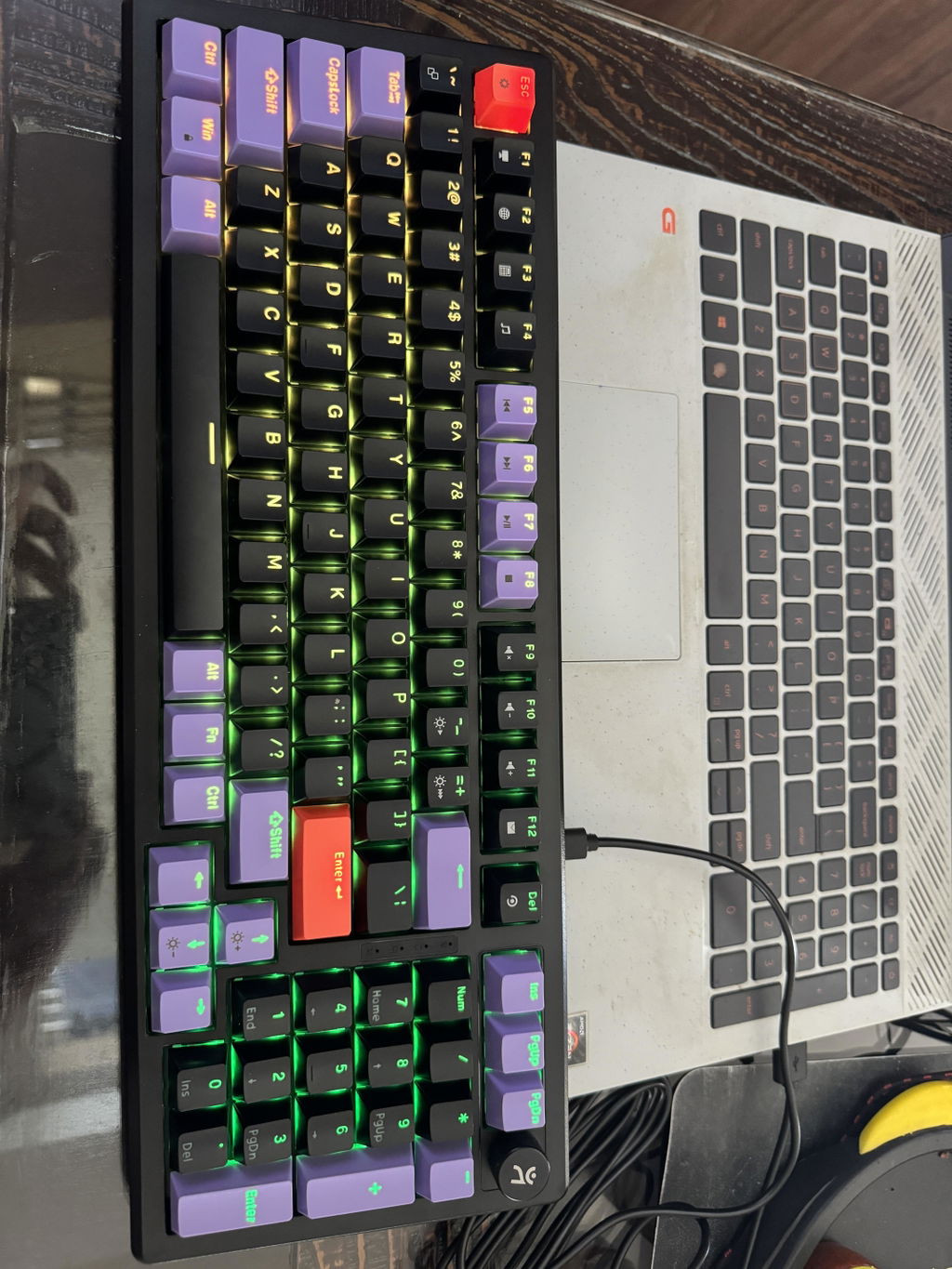
This keyboard speaks for itself, the RGB, fell of the keys and the colour feels very premium
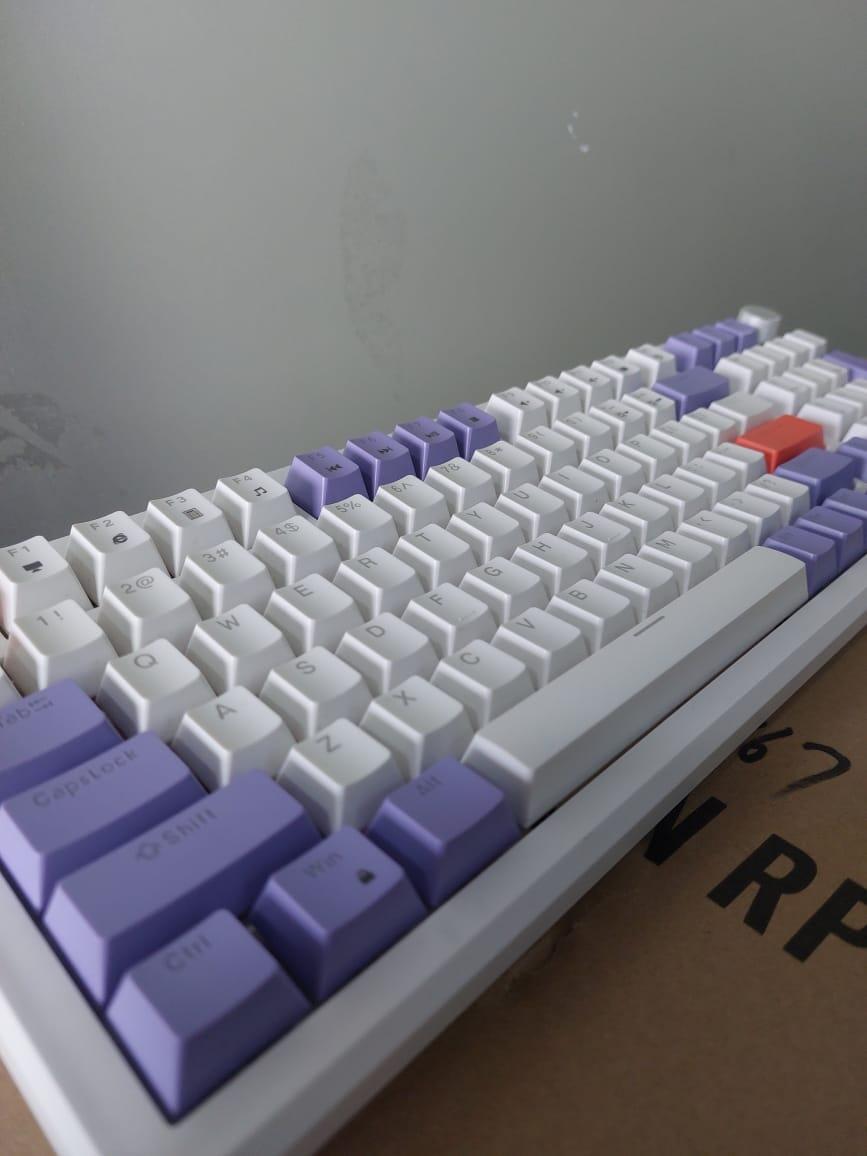
bhai kya mast keyboard he, vo bhi itne sahi price me, bohot mast lights he
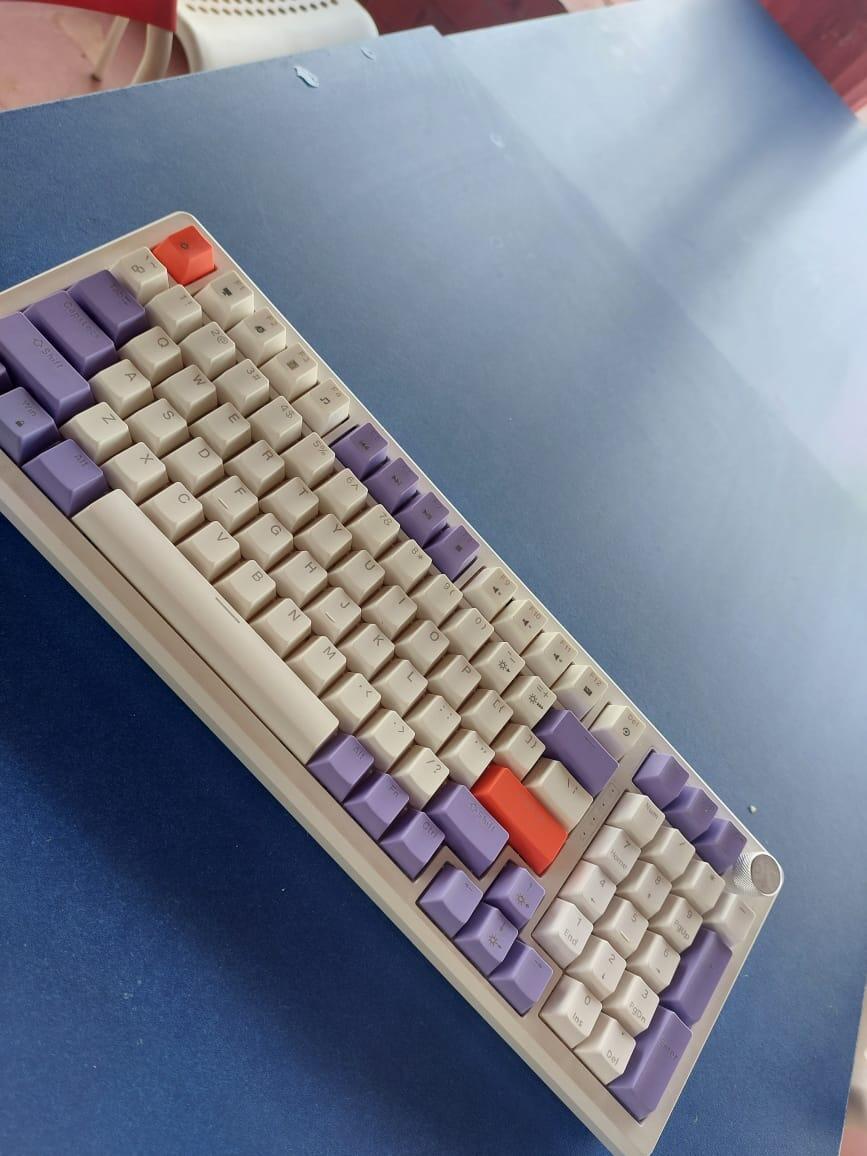
Totally in love witht he keyboard, love the layout of the keys anf the RGB is amazing
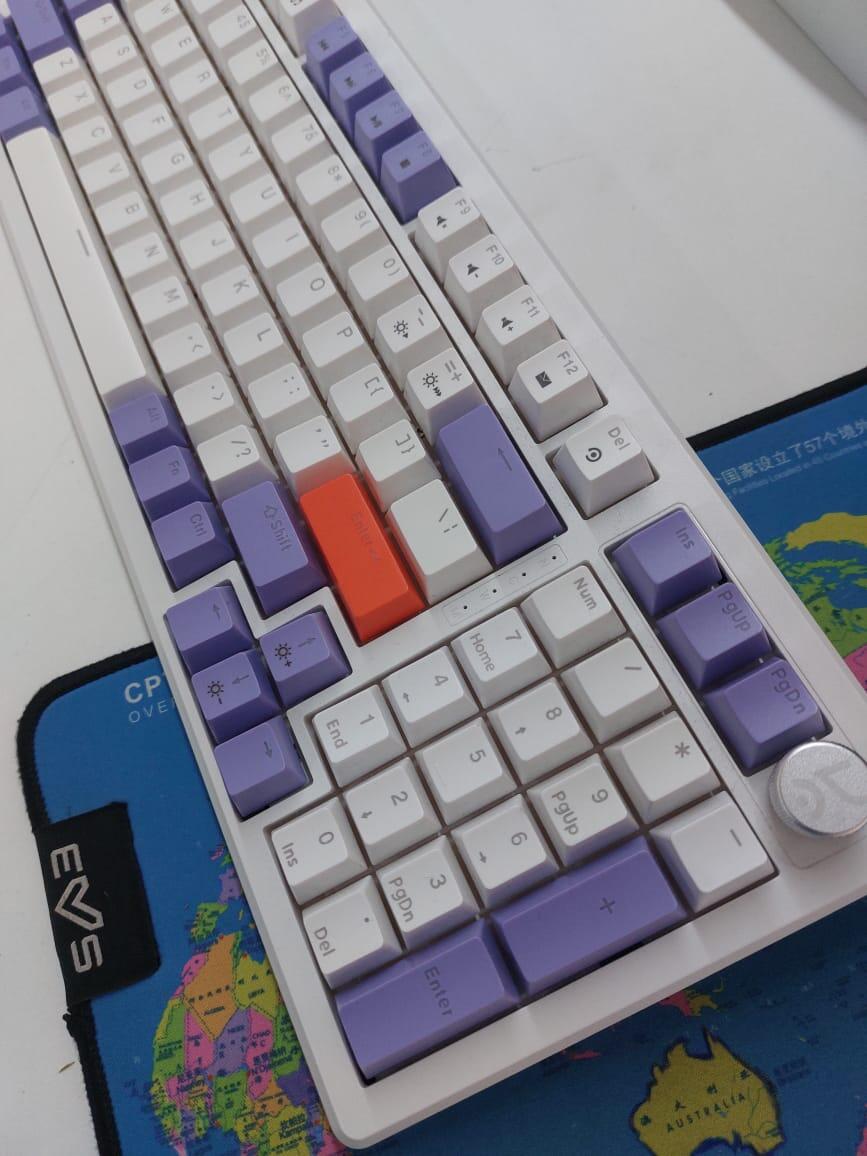
Man what a keyboard, its a steal for this price, absolutely worth it
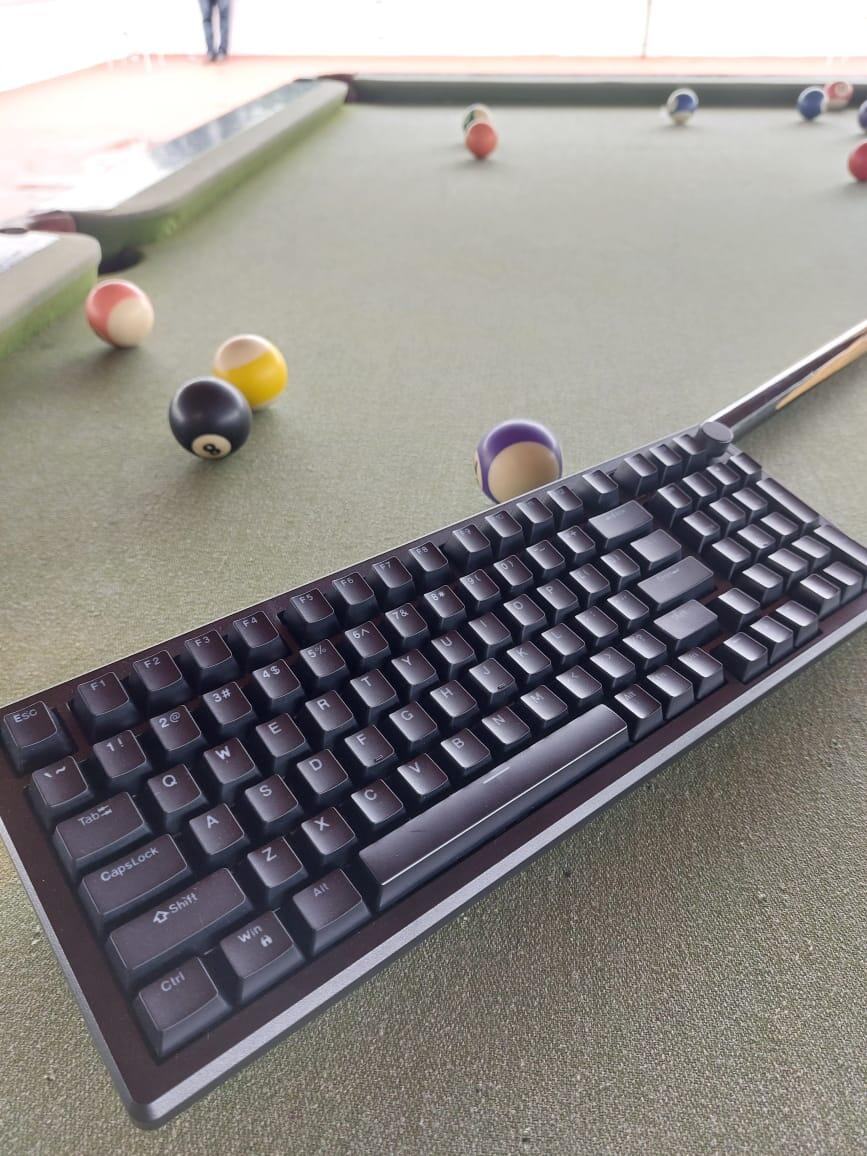
One of the best purshases till now, really happy with the product
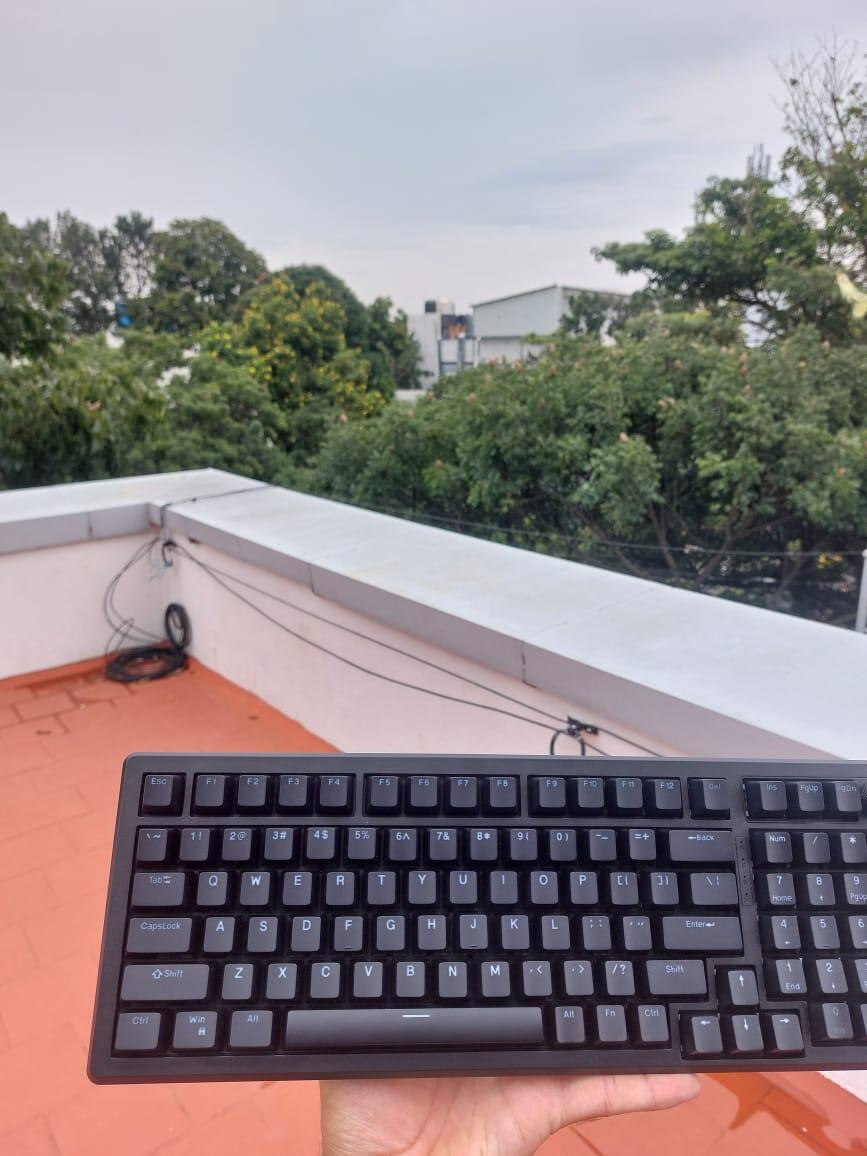
Amazing keyboard for any user, can use it for gaming as well as nay personal use
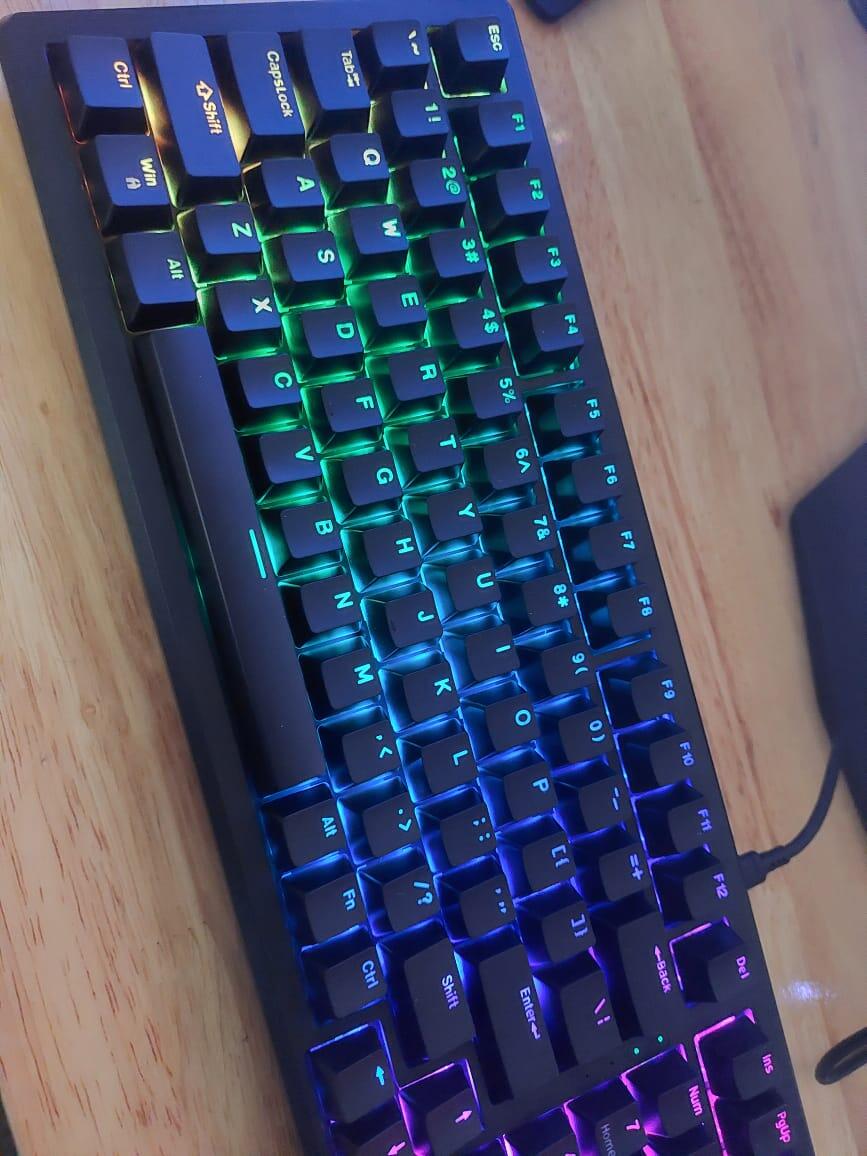
If you're looking for a new keyboard in the market, even if you don't need one and have a lot to spend, this keyboard might be the best choice. However, If u have no keyboard and need one urgently this might not be the product for you. The delivery was delayed due to some issues; mine arrived after 8 days, and I had to pick it up from the warehouse myself. Not the best experience.
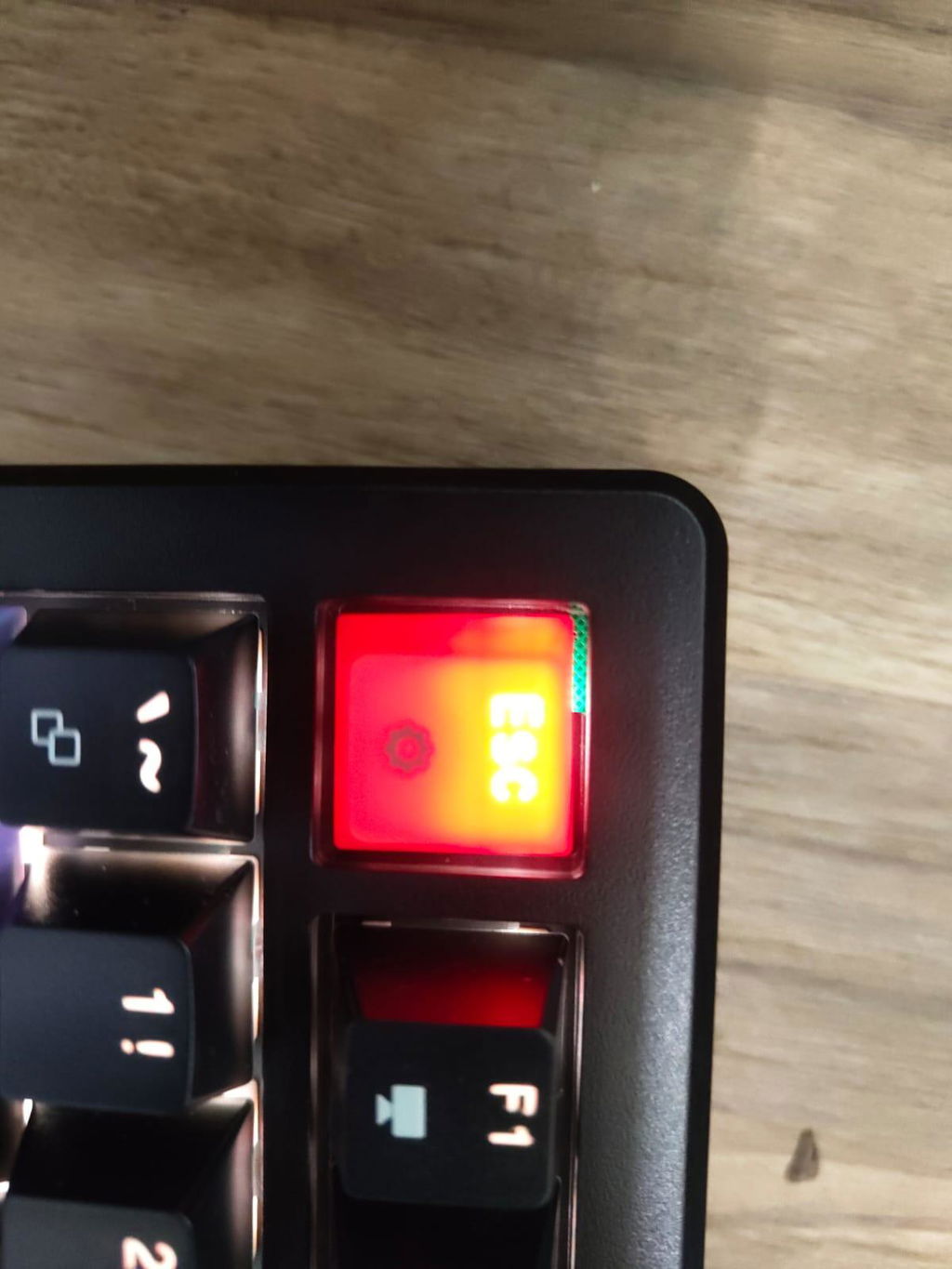
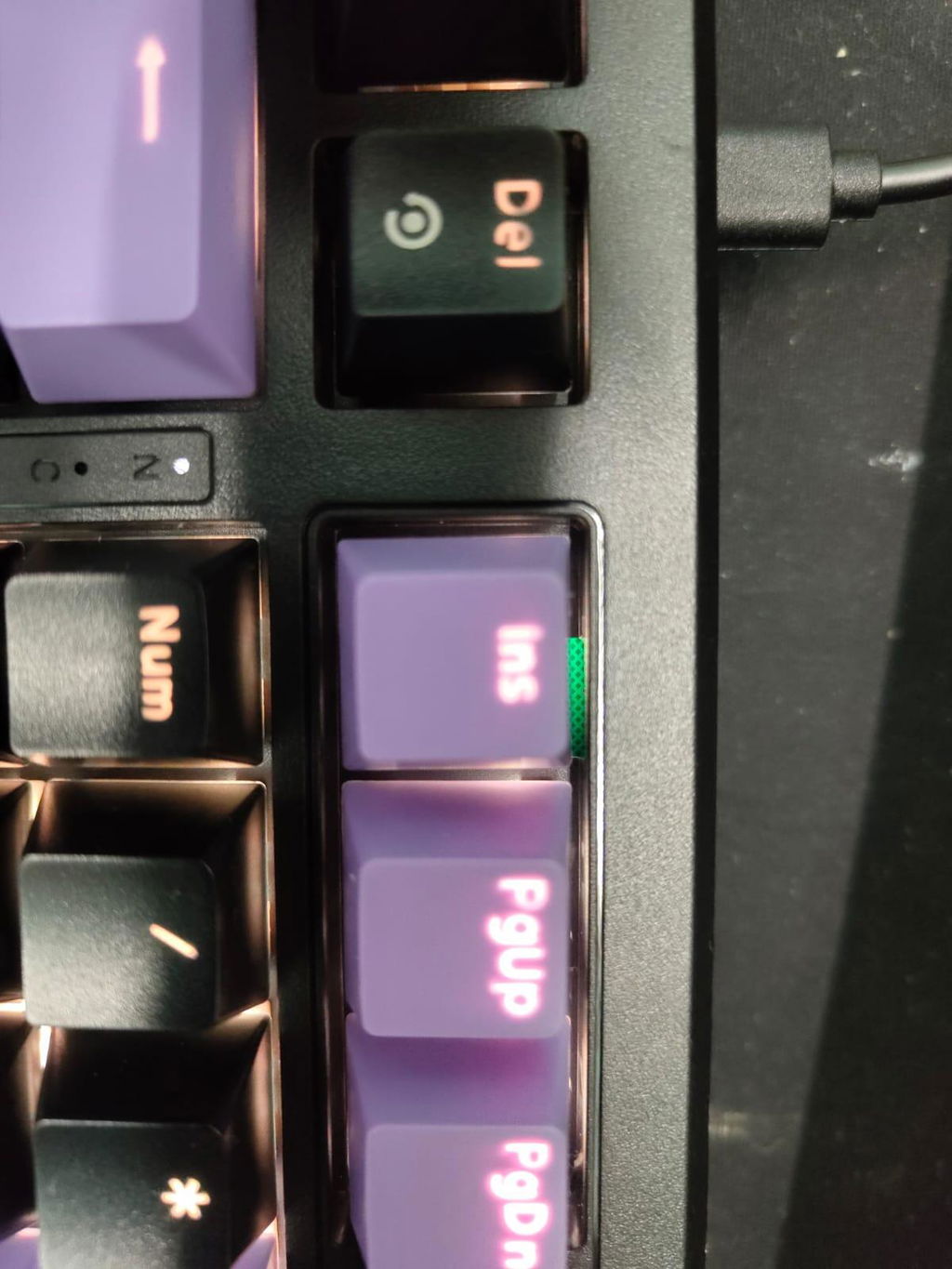
The keyboard's appearance is stylish, but it has a plastic body that feels flimsy and flexible. You can even see the PCB for some reason, as shown in the pictures. Overall, it's a keyboard that's very similar to others that are priced much lower. If you have money to spend, I'd recommend getting a good Cherry MX keyboard instead. Otherwise, settle for something less expensive because, at this price, it's neither a complete premium product nor a budget-friendly one.