

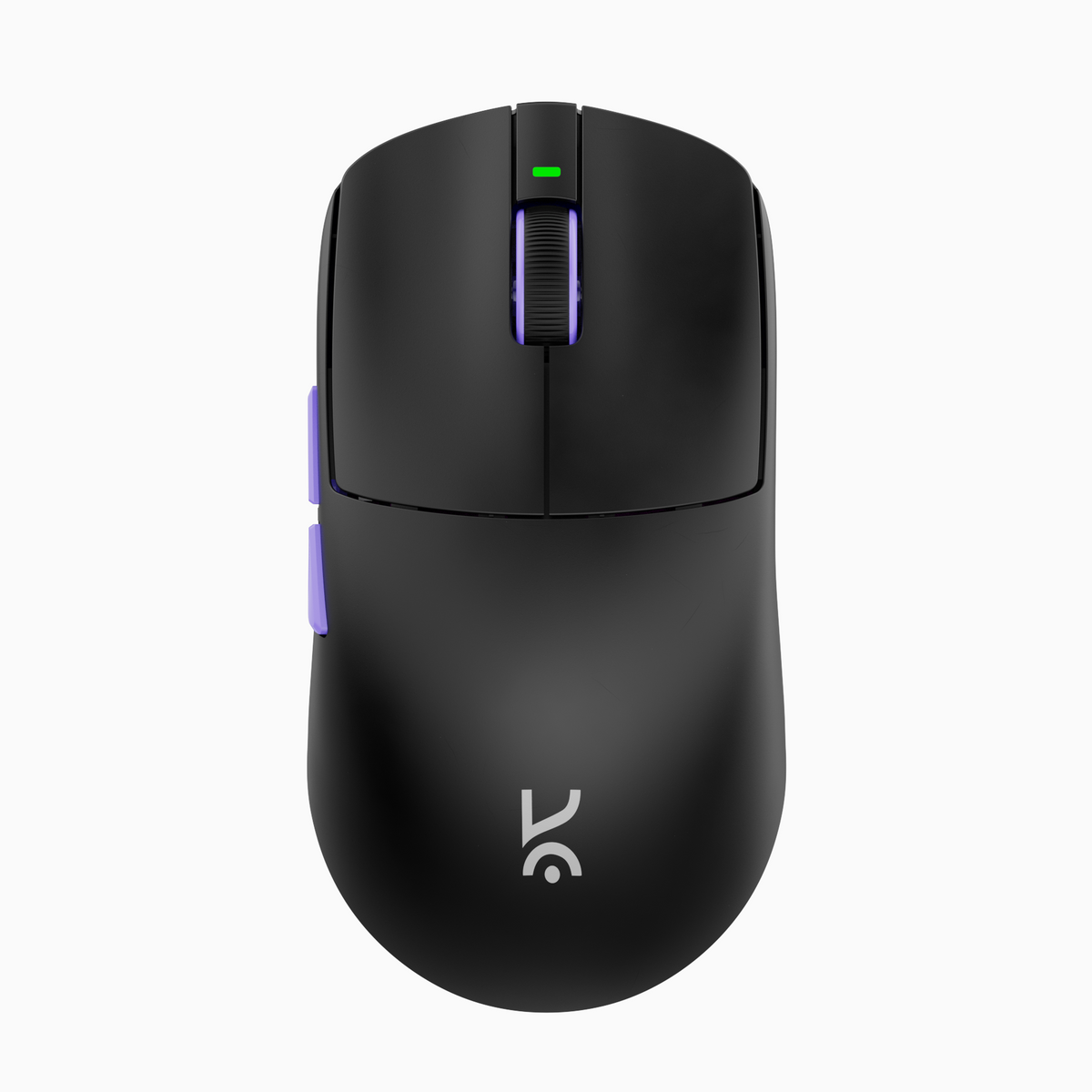
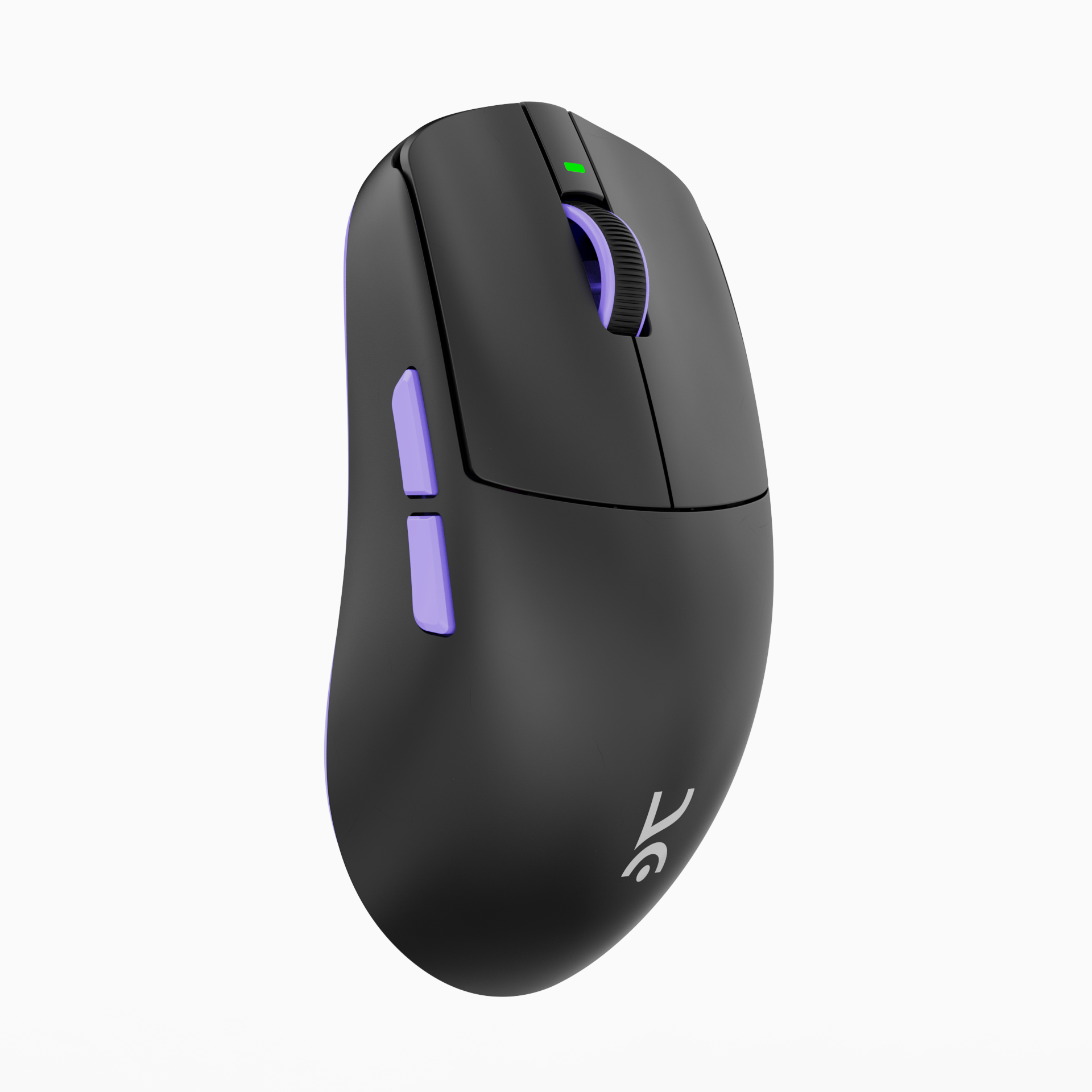
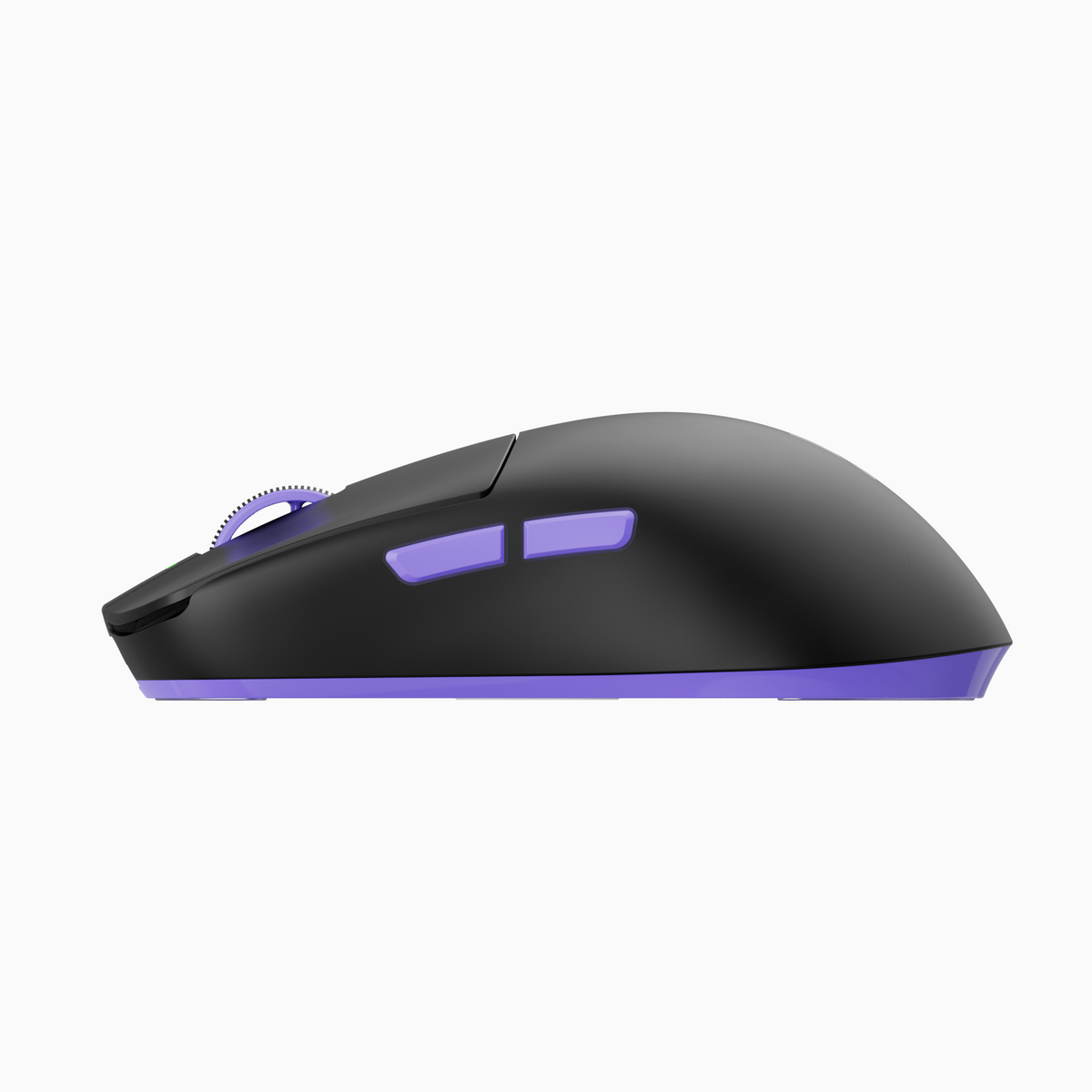
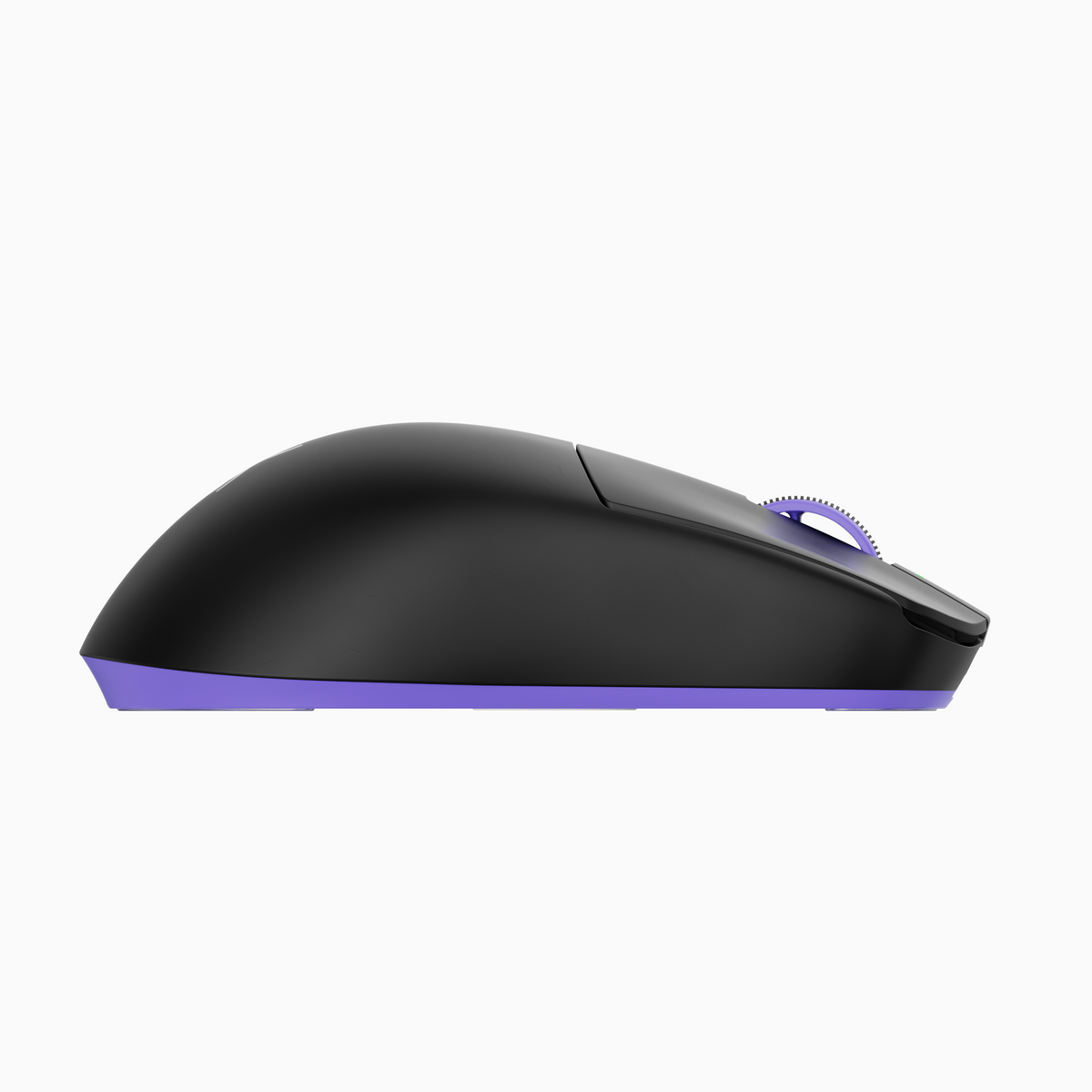

Arma Black 49g Ultralight Wireless Performance Mouse
See exactly when this arrives


- Flagship PAW3395 Performance: 26,000 CPI, 650 IPS, 50G acceleration with Motion Sync and zero smoothing for pure, tournament-grade precision.
- ARXPoint Low-Latency Wireless: Custom 2.4GHz system with stable 1000Hz polling and strong RF interference resistance for consistent competitive play.
- Triple-Mode Versatility: Seamlessly switch between 2.4GHz wireless, Bluetooth 5.0, and wired USB-C for esports, multi-device use, or charging.
- Ultra-Light 49g Control: Featherweight symmetrical design (small–medium hands) optimized for palm and claw grip, faster flicks, and effortless micro-adjustments.
- 90M Huano Switches + TTC Gold Encoder: Crisp mechanical clicks and defined, dust-proof scroll steps built for long-term durability.
- Endurance & Glide: 400mAh battery delivering up to 110 hours on BT and 85+ on 2.4Ghz, paired with 100% PTFE feet and an ultra-soft paracord cable for a near-frictionless feel.
- Tournament Stability: Programmable 1mm/2mm lift-off distance and stable tracking engineered for high-pressure FPS performance.
Arma Black 49g Ultralight Wireless Performance Mouse
Community Reviews

Ultimate Precision
Tracking Speed
Acceleration

49 Grams. So light, your aim does all the talking.
Less weight. More control. ARMA's 49g frame lets your aim do the talking — faster flicks, cleaner tracking, zero drag holding you back.
OUR LIGHTEST WIRELESS MOUSE
49g with 400mah Battery to provide 85+ hours of uninterrupted play
ARMA is crafted with the intent and discipline of a finely tuned bow — a tool built not just to
shoot, but to hit exactly where the player aims. Every component, curve, and choice of
material mirrors the qualities of a bow designed for mastery: stability under tension,
unwavering accuracy, and the instinctive confidence that follows each release.

49g

Pixart 3395 Sensor

Huano Purple Shell

85+ Hours battery life

Online Software Support

BT, 2.4GHz or Wired
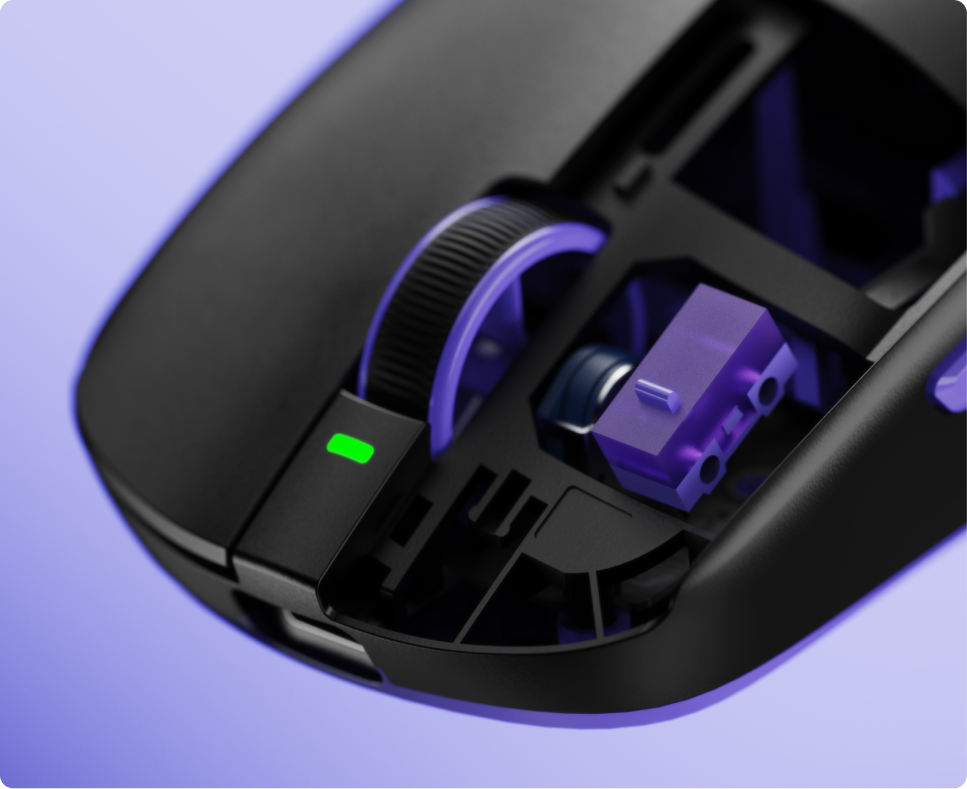
90M RATED HUANO SWITCHES
Rated for 90 million clicks, Huano mechanical switches deliver a crisp, tactile response every single time — so your shots register the moment you pull the trigger, match after match, year after year.

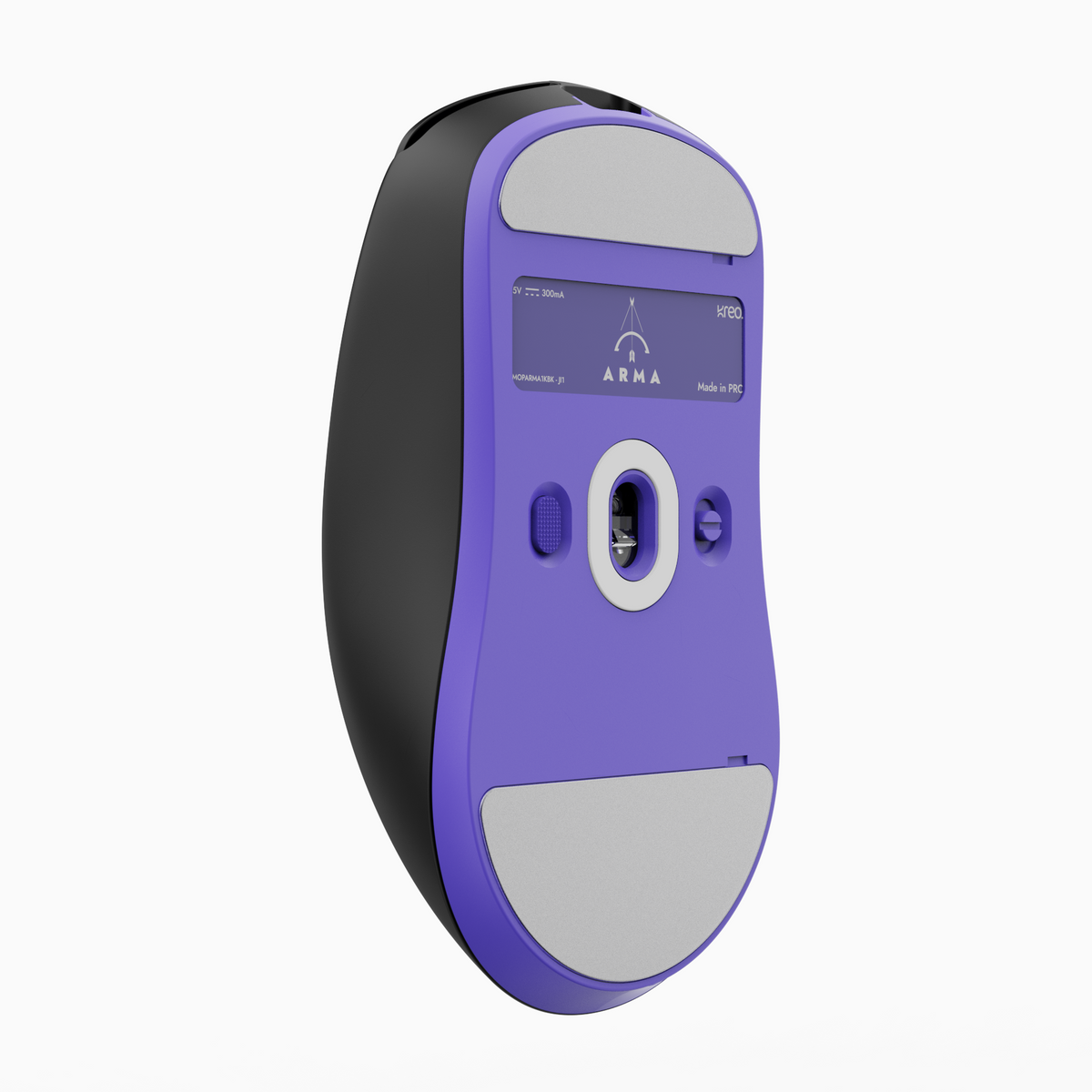
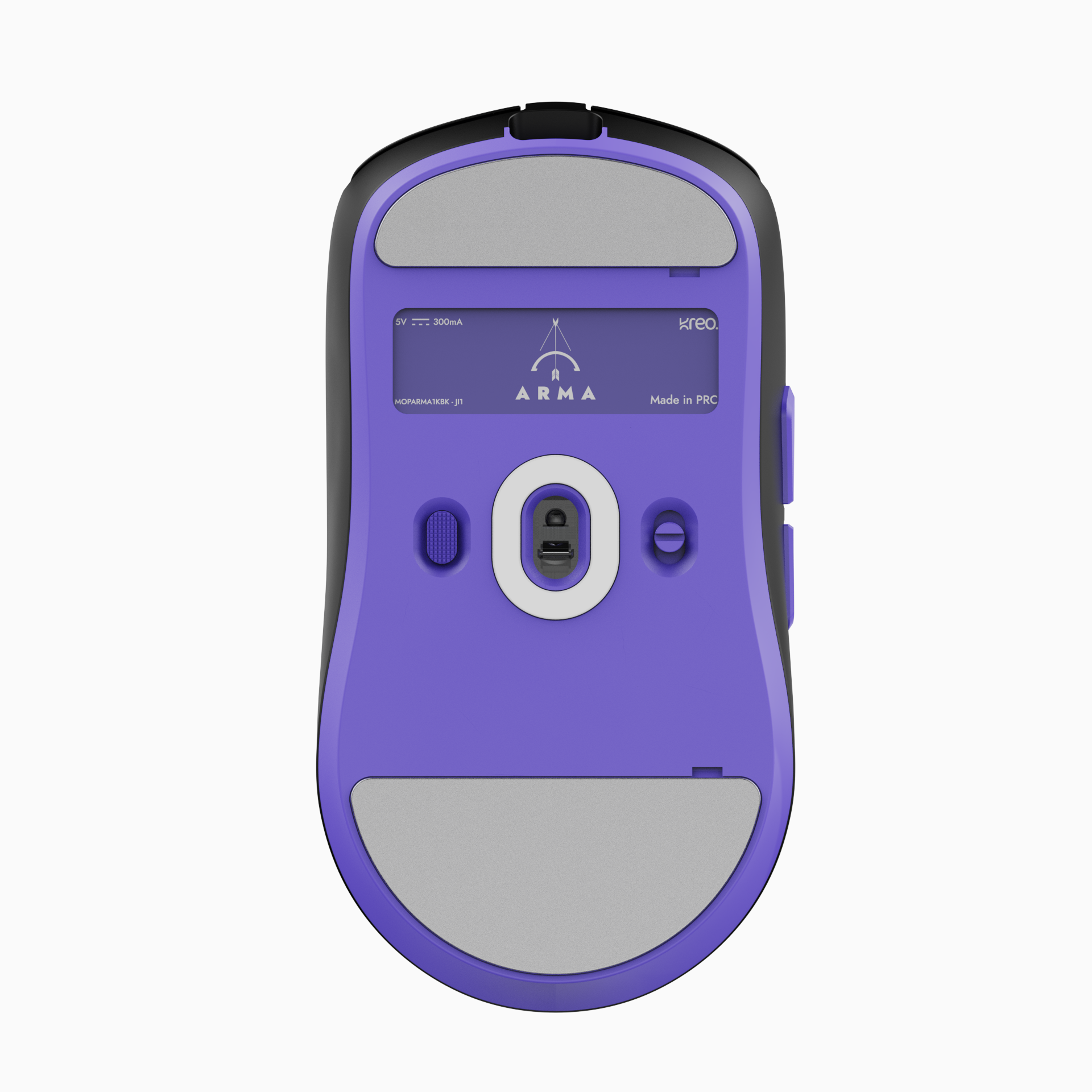
SENSOR ANGLE ADJUSTMENT
Fine-tune the sensor angle to match your natural grip and wrist rotation — so every swipe translates into pixel-perfect tracking, built around how you play, not the other way around.
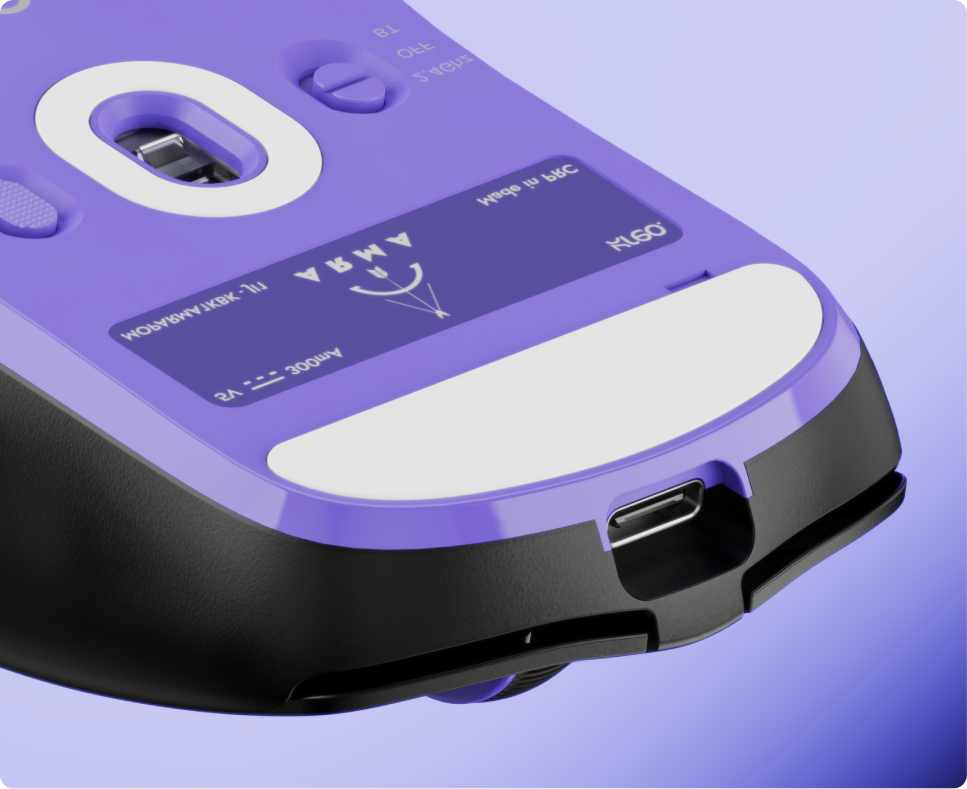
GLOSSGLIDE PTFE SKATES
100% PTFE semi-transparent feet deliver a silent, ultra-smooth glide across any surface — so your aim flows exactly where you intend, with zero drag interrupting your movement.

PIXART PAW 3395
When your aim is everything, your sensor can't afford to guess. The PAW 3395 tracks every flick, swipe, and micro-adjustment at 650 IPS with 50G acceleration — delivering pixel-perfect accuracy whether you're dragging across a mousepad or snapping to a head. No lag. No compromise. Just the purest connection between your hand and your crosshair.

TTC GOLD DUST PROOF ENCODER
The dust-proof TTC encoder ensures every scroll step is crisp, tactile, and consistent — whether you're switching weapons mid-fight or navigating menus after thousands of hours of use.
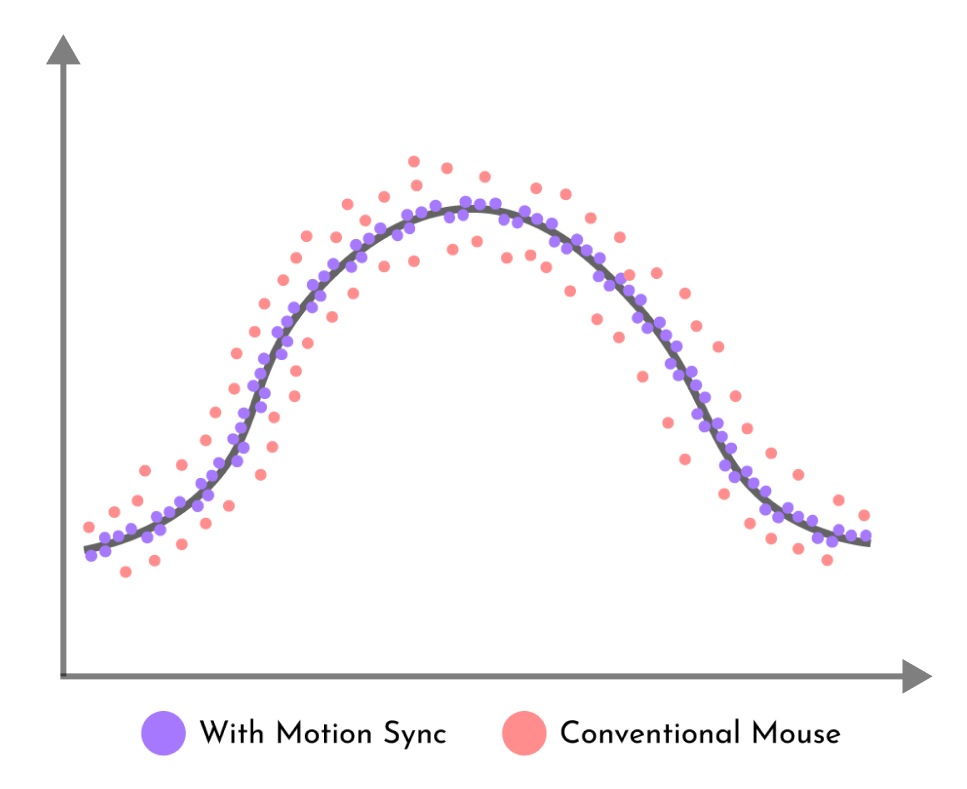
MOTION SYNC TECHNOLOGY
Motion Sync synchronizes sensor data reporting so your cursor movement matches your hand in real time — eliminating the micro-delays that cost you kills, and giving you the smoothest, most consistent tracking curve possible.

ADJUSTABLE LOD
With programmable 1mm or 2mm lift-off distance, ARMA stays locked to your surface when you're tracking and cuts instantly when you lift — so repositioning your mouse never throws off your crosshair placement.

Online Web Software
All-in-one online software that lets you configure almost every aspect of your Kreo Gear — key bindings, sensor settings, and DPI settings—with seamless cross-platform support for Windows, macOS, and Linux.
Suits every hand size and grip
Ergonomic Design
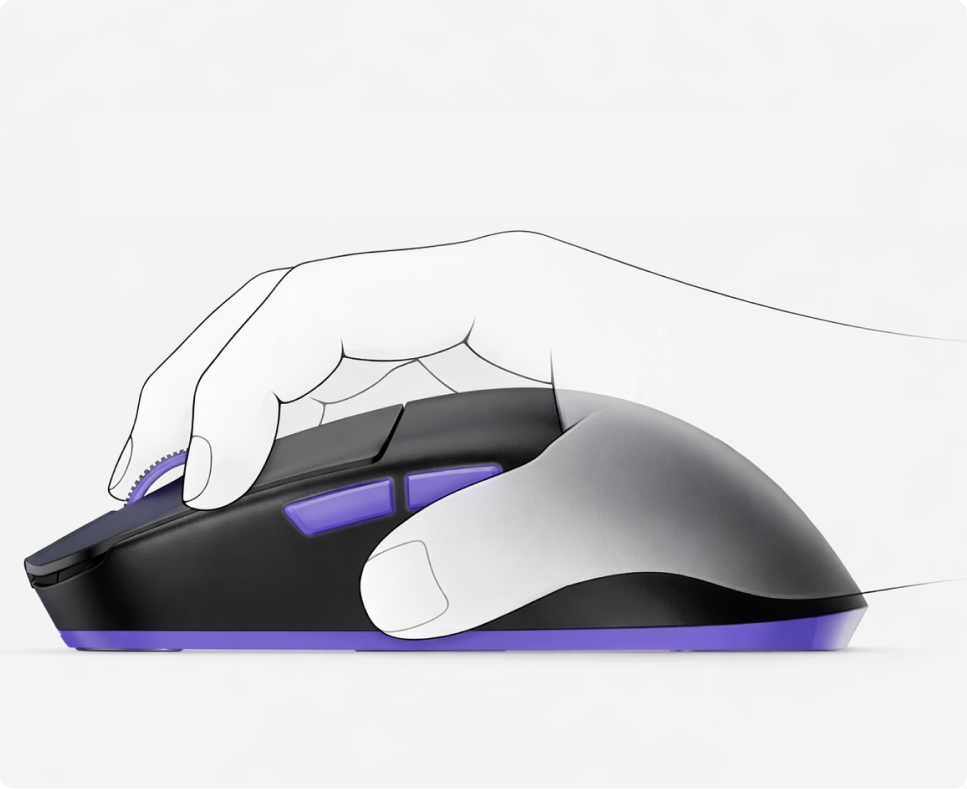
Claw
Explosive clicks and rapid flicks — built for aggressive, high-speed play
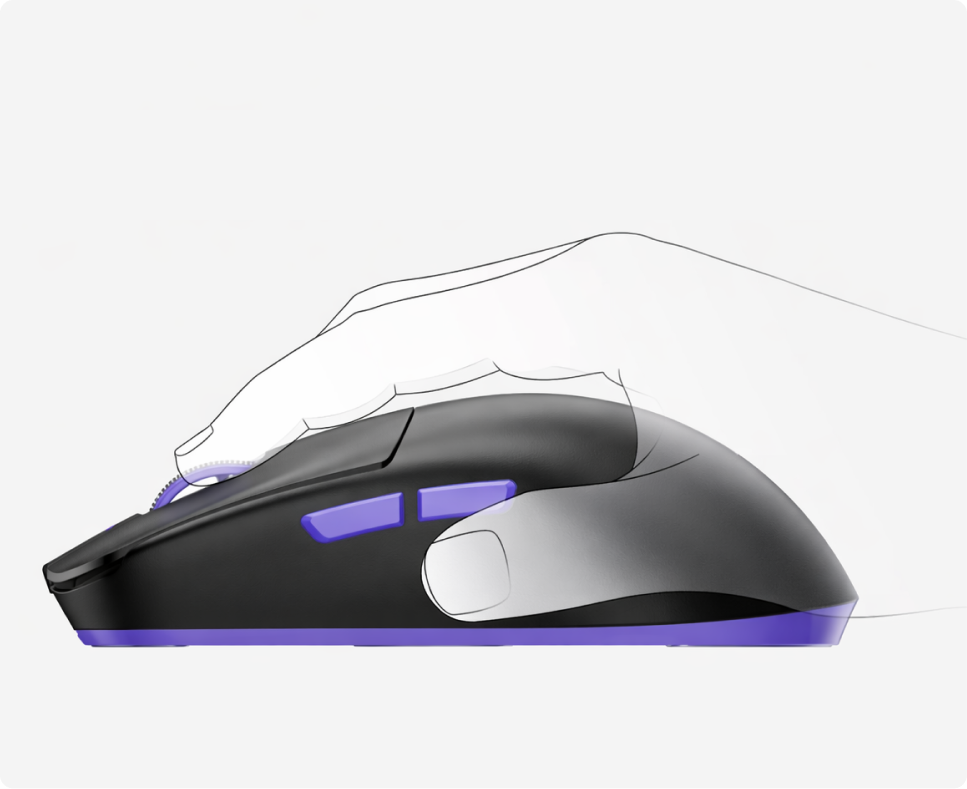
Palm
Full hand contact for steady, controlled aim during long sessions.
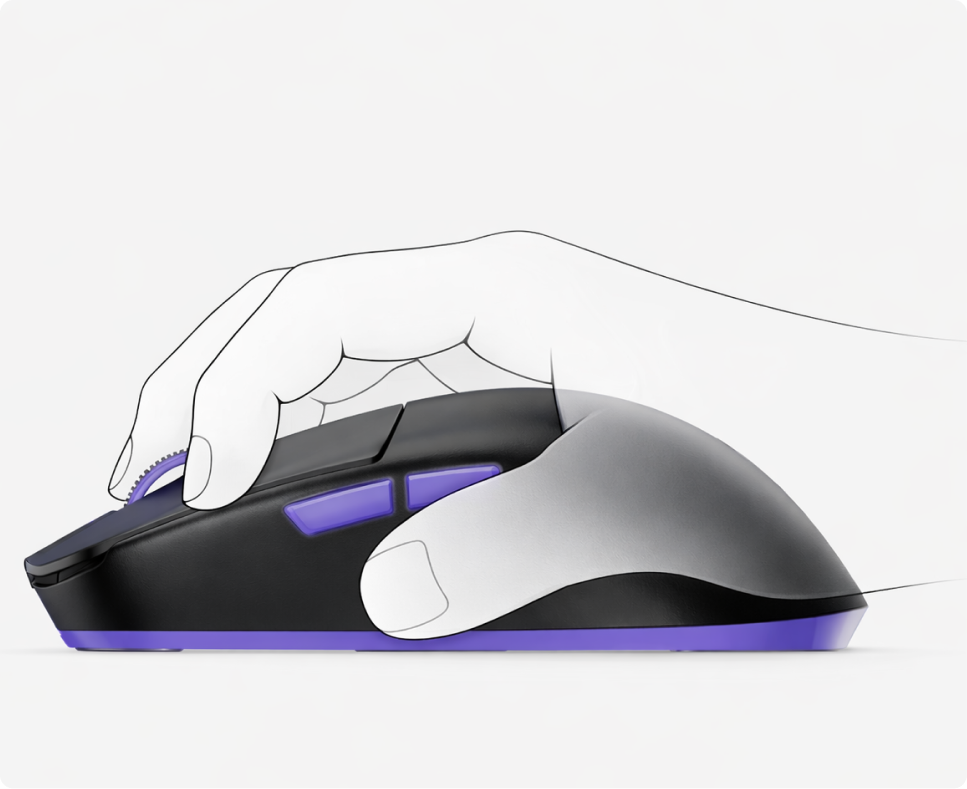
Fingertip
Maximum agility at your fingertips — snap to targets with pinpoint speed.


Features & Specs
FAQs
If the issue persists, contact our support team.
What sensor does the Kreo ARMA mouse use?
The ARMA is equipped with the flagship PixArt PAW3395 sensor, delivering up to 26,000 CPI native resolution, 650 IPS tracking speed, and 50G acceleration. It tracks with zero smoothing, filtering, or acceleration, ensuring pixel-precise aim for competitive FPS and esports-grade performance.
What makes the ARMA ultra-lightweight?
The ARMA weighs just 49 grams, achieved through a carefully engineered internal structure that removes unnecessary bulk without compromising rigidity or durability. This ultralight build reduces fatigue during long sessions and enables faster flicks, smoother tracking, and effortless micro-adjustments — critical for competitive aim.
What connection modes does the ARMA support?
The ARMA supports three modes: 2.4GHz low-latency wireless (via the custom ARXPoint system) for esports-grade play, Bluetooth 5.0 for multi-device switching and general use, and wired USB-C for charging or ultra-stable wired gameplay.
How long does the battery last?
The 400mAh Li-ion battery delivers up to 80+ hours on 2.4GHz wireless at 1000Hz polling and up to 110 hours on Bluetooth. Smart idle-state power management extends runtime further, ensuring uninterrupted play across long sessions or multi-day tournaments.
What polling rate does the ARMA support?
The ARMA supports up to 1000Hz polling in both 2.4GHz wireless and wired USB-C modes, delivering 1ms response time between input and on-screen action for tournament-grade reliability.
What grip styles and hand sizes is the ARMA best suited for?
The ARMA has a symmetrical shape with tapered side walls, a slimmer front end for precise ADS corrections, and a rounded back hump optimized for both palm and claw grips. Its proportions are ideal for small to medium hand sizes, making it especially well-suited for claw and fingertip users who prioritize agility.
Can I adjust the lift-off distance (LOD)?
Yes. The ARMA offers programmable lift-off distance at either 1mm or 2mm, with a manual cutoff option for full customization. This lets you fine-tune exactly when the sensor stops tracking as you lift the mouse, which is important for low-sensitivity players who reposition frequently.
What switches are used for the main clicks, and how durable are they?
The ARMA uses Huano switches rated for 90 million clicks, providing crisp, consistent tactility and reliable actuation even under rapid spam clicking. The scroll wheel uses a TTC Gold dust-proof encoder for long-term scroll reliability and precise, tactile steps.