

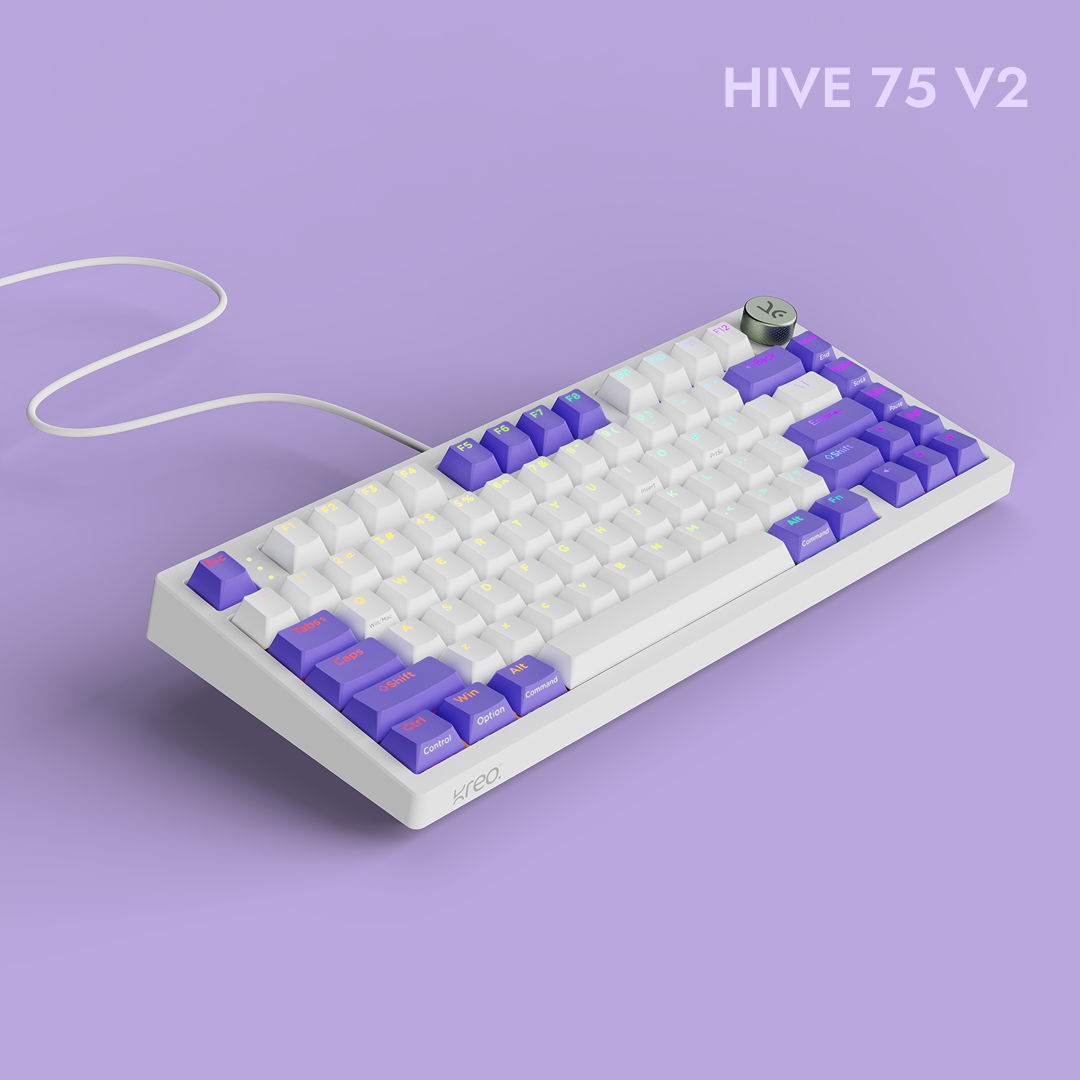
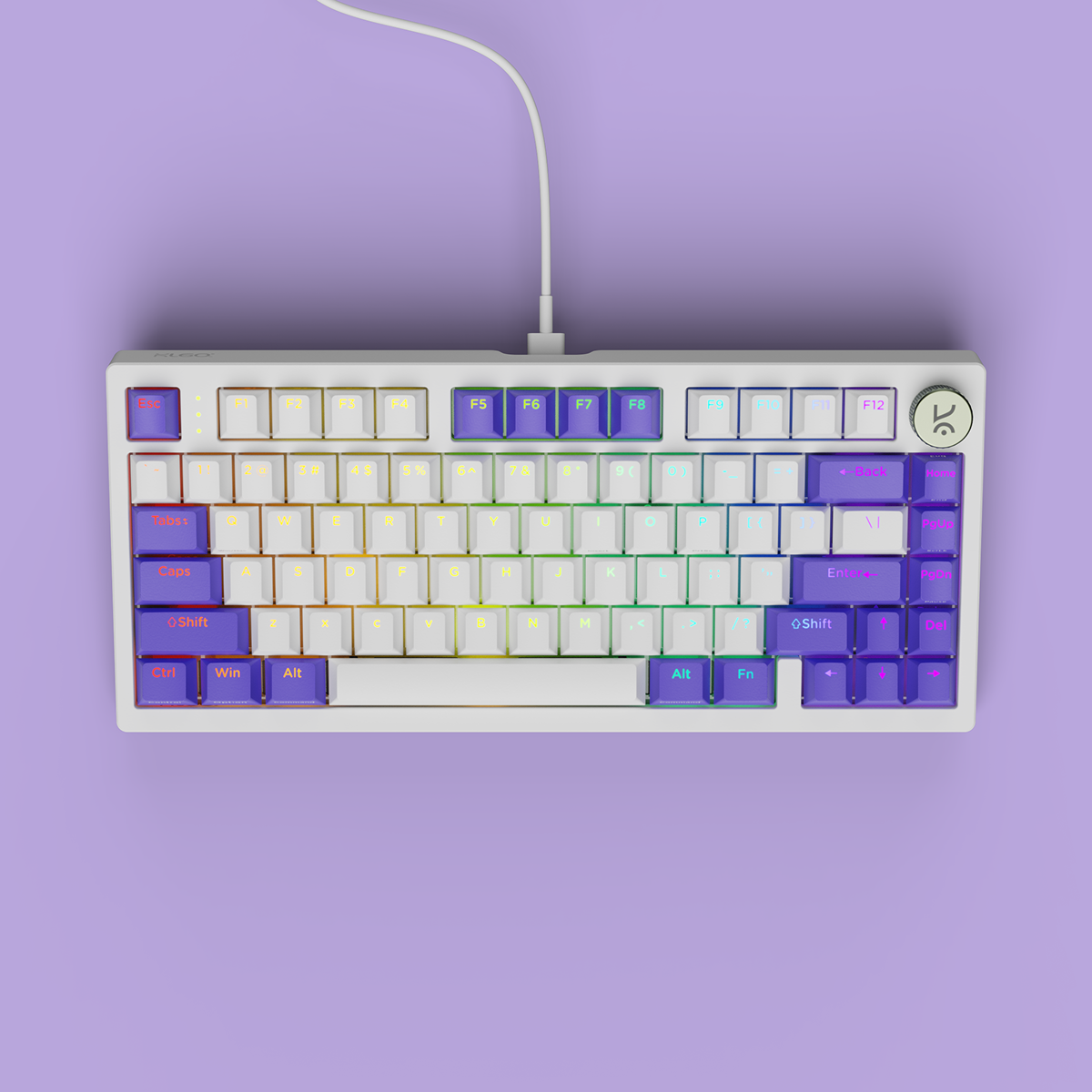
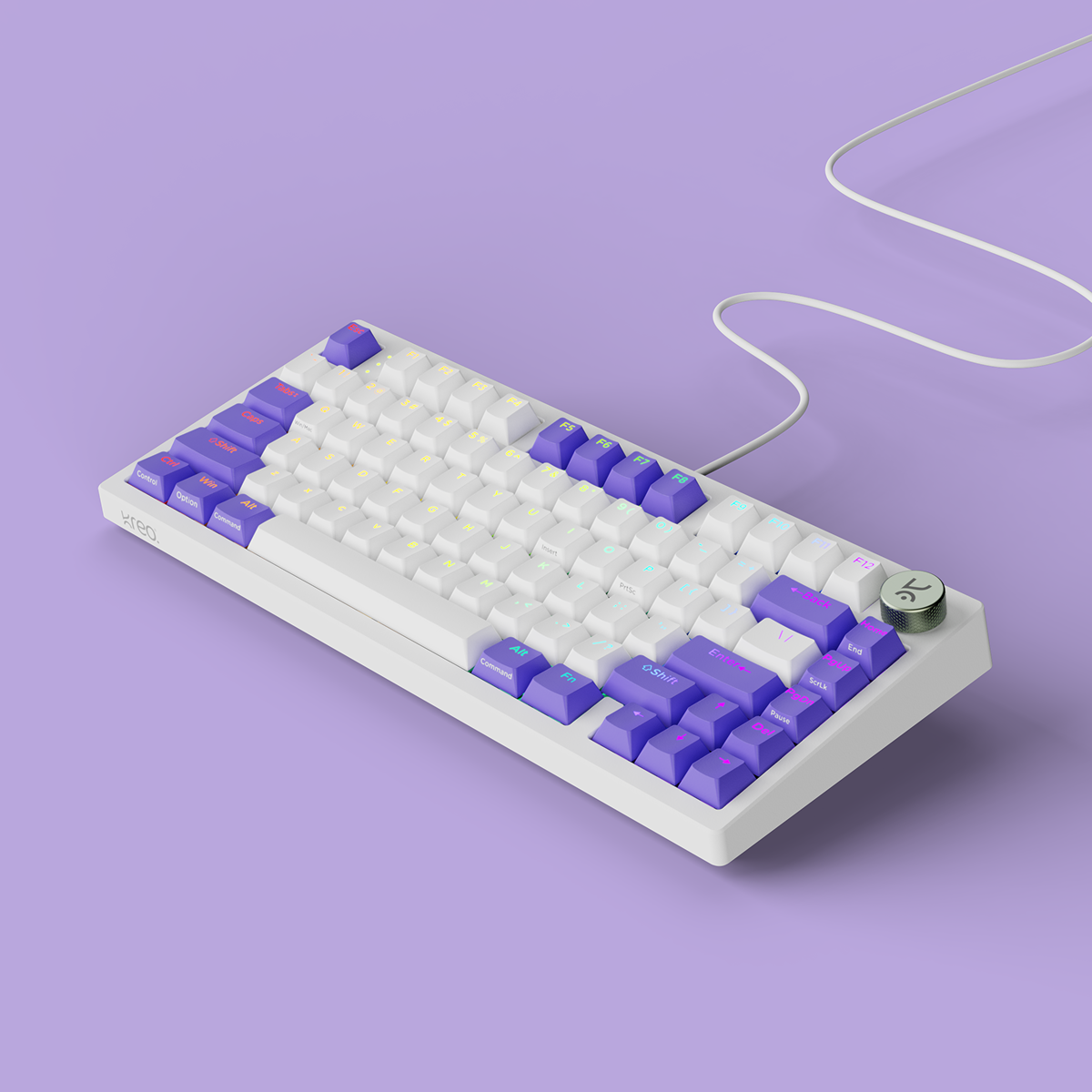
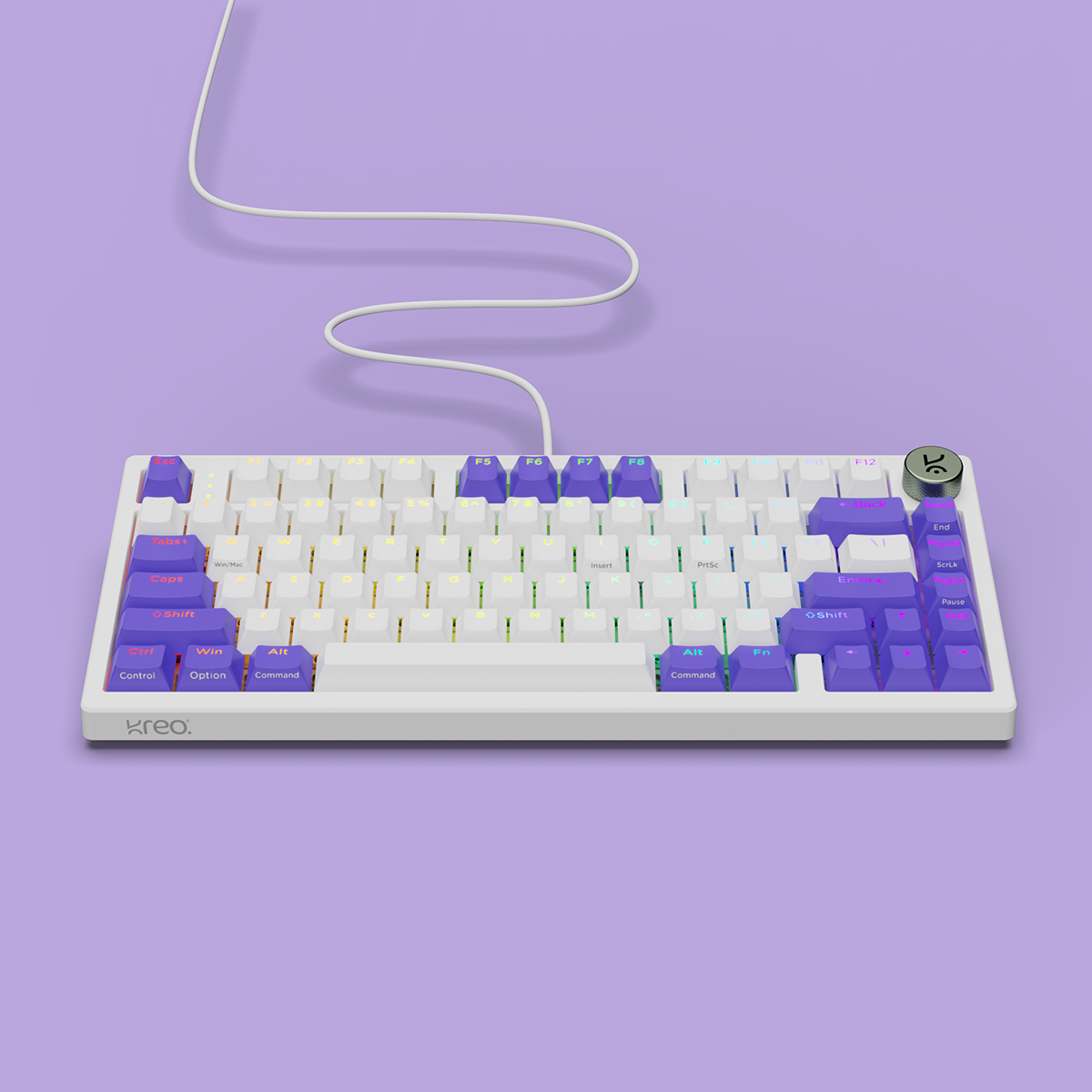
Hive75 V2 White Purple Wired Mechanical Gaming Keyboard
See exactly when this arrives


- 75% Compact Layout: A streamlined 80-key layout that retains the function row, arrow keys, and navigation cluster for productivity and gaming while freeing up desk space for wider mouse movement.
- True Gasket-Mounted Design + Polycarbonate Plate: Silicone dampeners suspend the plate and PCB inside the case for softer keystrokes, reduced vibration, controlled flex, and a cushioned premium typing feel.
- Dual-Layer Ultra-Soft Latex Foam: Two layers of strategically placed latex foam reduce case hollowness and dampen high-frequency noise for a deeper, cleaner, and more consistent sound profile.
- KTT Content Mechanical Switches: Available in Red Linear for smooth, fast keystrokes or Brown Tactile for subtle feedback and improved typing accuracy without excessive noise.
- Double-Shot ABS Shine-Through Keycaps: Durable OEM-profile keycaps with legends that won’t fade, while shine-through characters stay clear and visible in low-light setups.
- 5-Pin and 3-Pin Hot-Swap PCB: Supports both 3-pin and 5-pin switches, allowing users to swap switches without soldering and fine-tune feel, sound, or performance over time.
- Per-Key RGB with 16 Built-In Effects: Individual RGB lighting on every key delivers uniform brightness and smooth transitions, with sixteen preset effects and Windows software support for deeper customization.
- Metal Volume Knob: CNC-machined metal knob provides smooth, tactile volume control for quick adjustments during gaming, work, or media playback.
- Windows Software Support: Customize RGB lighting, remap keys, create macros, and manage multiple profiles for different games, workflows, or setups.
- Windows Key Lock: Disables the Windows key during gameplay or focused work sessions to prevent accidental interruptions.
- Detachable USB-C Connection: Reliable wired connectivity with a removable USB-C cable that is easy to pack, replace, or customize with aftermarket cables.
- Two-Step Adjustable Feet: Dual-angle height adjustment lets users choose their preferred typing position for improved comfort during long gaming or work sessions.
- Color Options: Available in White Purple, Black Purple, and All Black to match both clean minimalist setups and bold gaming builds.
Community Reviews


Hive V2
Gasket-Mounted 75% Mechanical Keyboard
Engineered for typists who refuse to compromise. A polycarbonate plate, dual-layer latex foam, and KTT Content switches — tuned to disappear under your fingers and react before you do.
- 75% Layout
- Hot-Swap
- Per-Key RGB
- Gasket Mount
- Web Software


Layout
75% Compact Layout
Maximum utility in a streamlined footprint. The 80-key 75% layout removes unnecessary bulk while retaining essential function keys, arrow keys, and navigation cluster.
This keeps productivity and gaming workflows intact while freeing up desk space for wider mouse movement and cleaner setups.
Structural Foundation
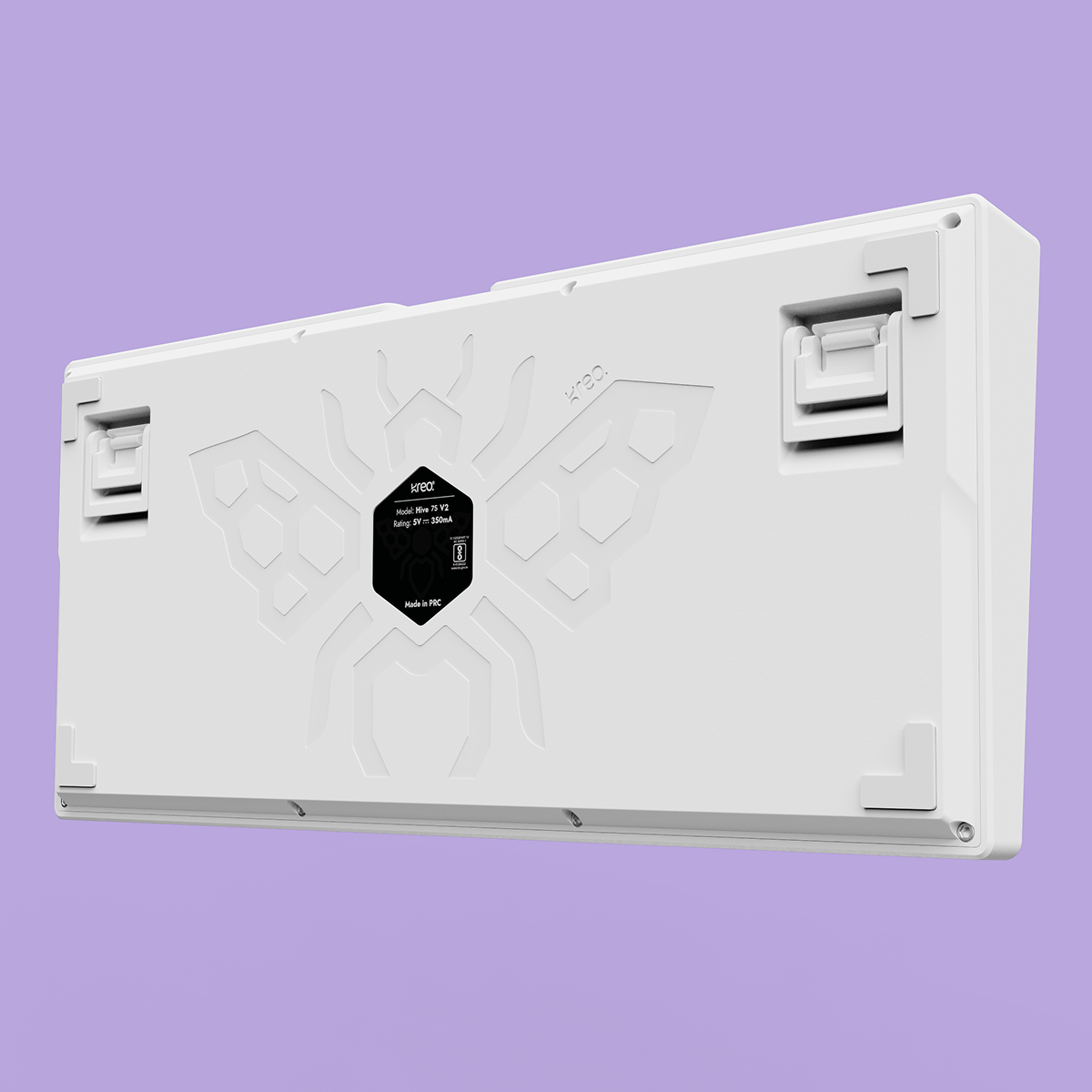
Engraved Body Design
A laser-etched hive motif on the bottom case adds a distinctive touch to Hive 75. Precision-engraved into the chassis, it delivers subtle character, crisp detailing, and a premium finish that stands out from every angle, making the keyboard unmistakably unique.

Engineered for feel & Sound
True gasket-mounted design with dual layer foam delivers softer keystrokes, reduced vibration, and rich, refined acoustics.


KTT Content Red
Factory Lubed: No Type: Linear Operating Force: 45 gf
Total Travel: 3.9 mm Pre-Travel: 1.9 mm
Bottom-out Force: 53 gf Pin Type: 3-pin
Bottom Housing: Nylon Stem: POM Cover: Polycarbonate
Switch Life: 50 million presses
Buy this if you want a smooth, fast linear feel for gaming with low noise and consistent keypresses.

KTT Content Brown
Factory Lubed: No Type: Tactile Operating Force: 43 gf
Total Travel: 3.9 mm Pre-Travel: 1.9 mm
Bottom-out Force: 53 gf Pin Type: 3-pin
Bottom Housing: Nylon Stem: POM Cover: Polycarbonate
Switch Life: 50 million presses
Buy this if you enjoy a soft tactile bump for feedback without loud clicks, ideal for both typing and gaming.

Hot-Swap
3-Pin and 5-Pin Hot-Swap PCB
Built for experimentation. The hot-swap PCB supports both 3-pin and 5-pin switches, allowing users to change switches without soldering. Ideal for enthusiasts who want to tune feel, sound, or performance over time.

Keycaps
Double-Shot Shine-Through Keycaps
Durable. Comfortable. Visible. The double-shot molding process ensures legends never fade, even with heavy use. OEM profile keycaps provide a familiar, ergonomic typing angle, while shine-through legends maintain clarity in low-light environments.
Lighting
Per-Key RGB with 16 Built-In Effects
Each key features individual RGB LEDs for uniform brightness and smooth transitions. Sixteen pre-built lighting modes let users switch instantly between styles, while Windows software enables deeper customization.

Volume
Metal Volume Knob
Instant control with tactile precision. The CNC-machined metal knob offers quick, intuitive volume adjustment without leaving the game or workflow. Smooth rotation, firm feedback, and premium durability elevate daily use.
Web-Based Control
Browser-Based Software for Every OS
No installs, no OS limits. Kreo's configuration software runs entirely in your browser, so it works the same on Windows, macOS, Linux, and ChromeOS. Customize RGB lighting, remap keys, record macros, and manage multiple profiles online — your settings save to the keyboard, not the machine. If a device has a browser, it can tune your Hive 75.

Connection
Detachable USB-C Connection
Reliable and travel-friendly. The removable USB-C cable ensures stable data transfer while making the keyboard easy to pack, replace, or customize with aftermarket cables.

Ergonomics
Two-Step Adjustable Feet
Comfort for long sessions. Built-in dual-angle feet allow users to choose their preferred typing height, reducing wrist strain during extended gaming or work sessions.
Available in 3 Colors
Color Options
Three finishes designed to match your setup — White Purple, Black Purple, and All Black.

ALL BLACK
Minimalist Stealth Aesthetic

Black Purple
Sleek black finish with purple highlights

WHITE PURPLE
Clean white case with vibrant purple accents
Built for Every Workflow

Competitive Gaming
Fast actuation, RGB customization, and Windows key lock ensure zero distractions during intense gaming sessions.

Professional Workspace
Compact layout saves desk space, while premium typing feel and quiet acoustics enhance productivity for long coding and writing sessions.
Compare the range
Which HIVE is yours?
Same build language, three sizes. The differences that actually change how the board feels are below.
| Feature | 
HIVE 65 View — HIVE 65 |

HIVE 75 V2 You're viewing |

HIVE 98 V2 View — HIVE 98 V2 |
|---|---|---|---|
| Price | ₹ 2,299 | ₹ 3,149 | ₹ 3,199 |
| Layout & Keys | 65%64 Keys | 75%80 Keys | 96%96 Keys |
| Numpad | No | No | Yes |
| Function Row | Function Layer | Dedicated | Dedicated |
| Volume Knob | Metal | CNC Metal | CNC Metal |
| Mounting & Plate | Gasket | True GasketPC Plate | True GasketPC Plate |
| Foam Dampening | 2-Layer Foam | Dual Latex Foam | Dual Latex Foam |
| Switch Type | KREO Linear | KTT Linear / Tactile | KTT Linear / Tactile |
| Hot-Swap Support | 3/5 Pin | 3/5 Pin | 3/5 Pin |
| Keycaps | Double-Shot ABSShine-Through | Double-Shot ABSOEM | Double-Shot ABSOEM |
| RGB Lighting | Full RGB | Per-Key16 Effects | Per-Key16 Effects |
| Software (Macros · Remap) | Yes | Yes | Yes |
| Win Mode / Mac Mode | Yes | Yes | Yes |
| Connectivity | Detachable USB-C | Detachable USB-C | Detachable USB-C |
| Color Options | 2 Colorways | 3 Colorways | 3 Colorways |
Features & Specs
You asked, we answered
If the issue persists, contact our support team.
Why are the Alt and Windows keys swapped on my keyboard?
If the Alt and Windows keys are swapped, press Fn + S and Fn + A to restore their default functions.
How do I turn Scroll Lock on or off?
Press Fn + I to toggle Scroll Lock on or off.
What should I do if a key is double-clicking or a switch isn't working?
Follow these steps:
- Hold Fn + Esc for a few seconds to reset your keyboard.
- Remove the keycap and clean the switch and PCB using a soft brush, cloth, or compressed air.
- If the issue continues, try replacing the switch with a spare one.
If none of these steps work, please contact our support team.
My RGB lighting isn't working. What can I do?
- Hold Fn + Esc for a few seconds to reset the keyboard.
- Check and adjust the RGB settings in the Hive software, which can be downloaded from the Kreo official website.
How do I reset my Kreo Hive keyboard?
To perform a full reset, simply hold Fn + Esc for a few seconds. This resolves most common issues.
What's the difference between the Red Linear and Brown Tactile switches?
The KTT Red Linear switches offer smooth, uninterrupted keystrokes with low actuation force — ideal for fast-paced gaming where rapid repeated presses matter. The KTT Brown Tactile switches have a subtle tactile bump at the actuation point, giving you clearer typing feedback without the noise of clicky switches. Reds suit gamers; Browns suit typists and mixed-use setups.
What does "gasket-mounted" mean, and why does it matter?
Most budget keyboards use tray mounting, where the plate is rigidly screwed to the case, resulting in harsh bottom-out and a hollow sound. The Hive 96 uses a true gasket mount — the plate and PCB are suspended between silicone dampeners, isolating them from the case. Combined with the flexible polycarbonate plate, this produces a softer, cushioned keystroke and a deeper, more refined sound profile. It's the same construction technique used in enthusiast custom keyboards that cost several times more.
Can I change the switches without soldering?
Yes. The Hive 96 features a 5-pin and 3-pin hot-swap PCB, so you can pull out the stock switches and drop in different ones — linear, tactile, clicky, silent, or boutique variants — without any tools beyond a switch puller. It's perfect if you want to experiment with different typing feels over time.
Will the keycap legends fade over time?
No. The keycaps use a double-shot ABS molding process, where the legends are made from a separate piece of plastic rather than printed on top. They will never fade, wear off, or shine through, even after years of heavy use. The shine-through design also ensures RGB lighting illuminates the legends clearly in low-light environments.
Nice good experience kreo products like gamers ki feelings ko samjhta hain ❤🤗
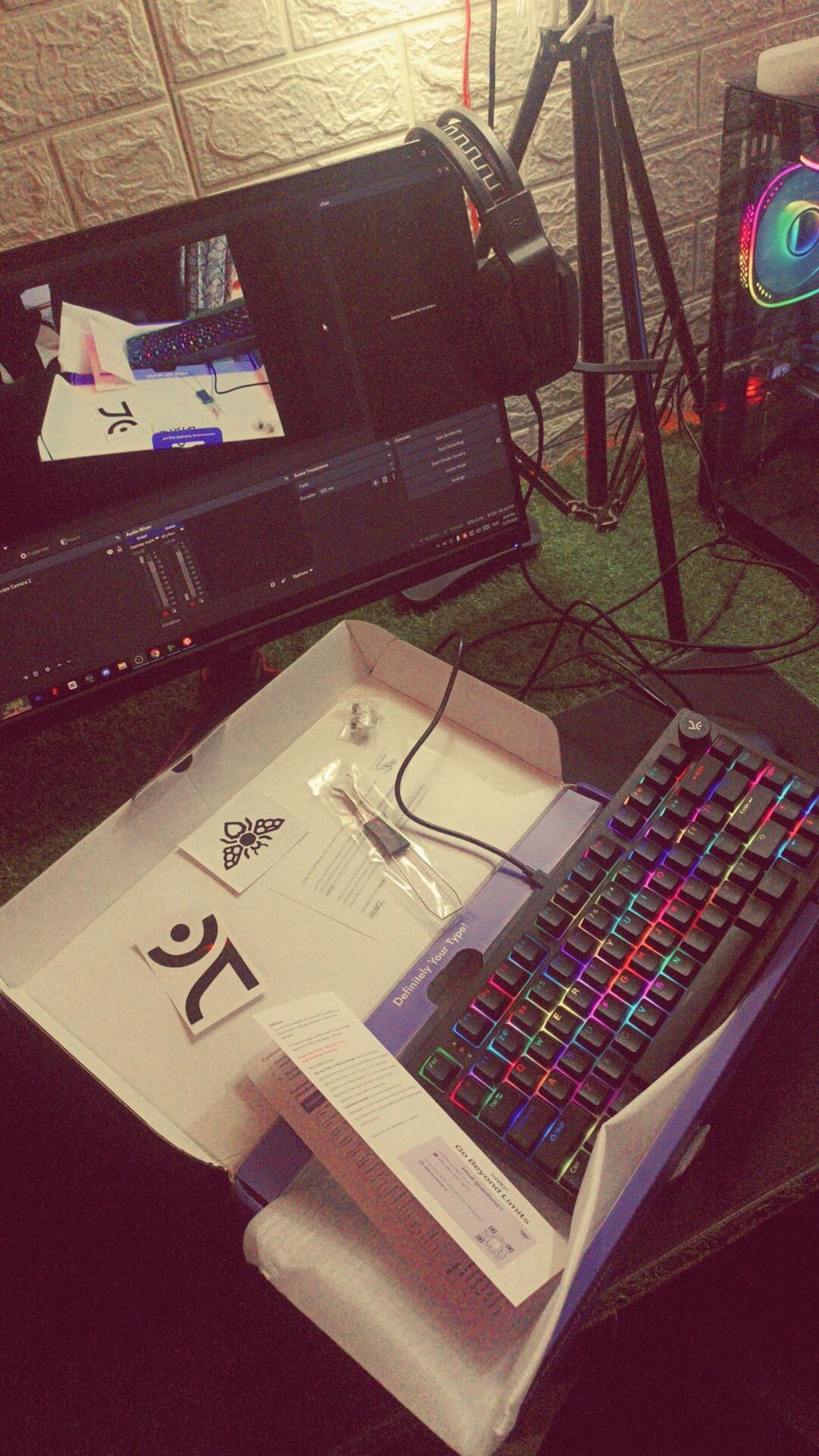
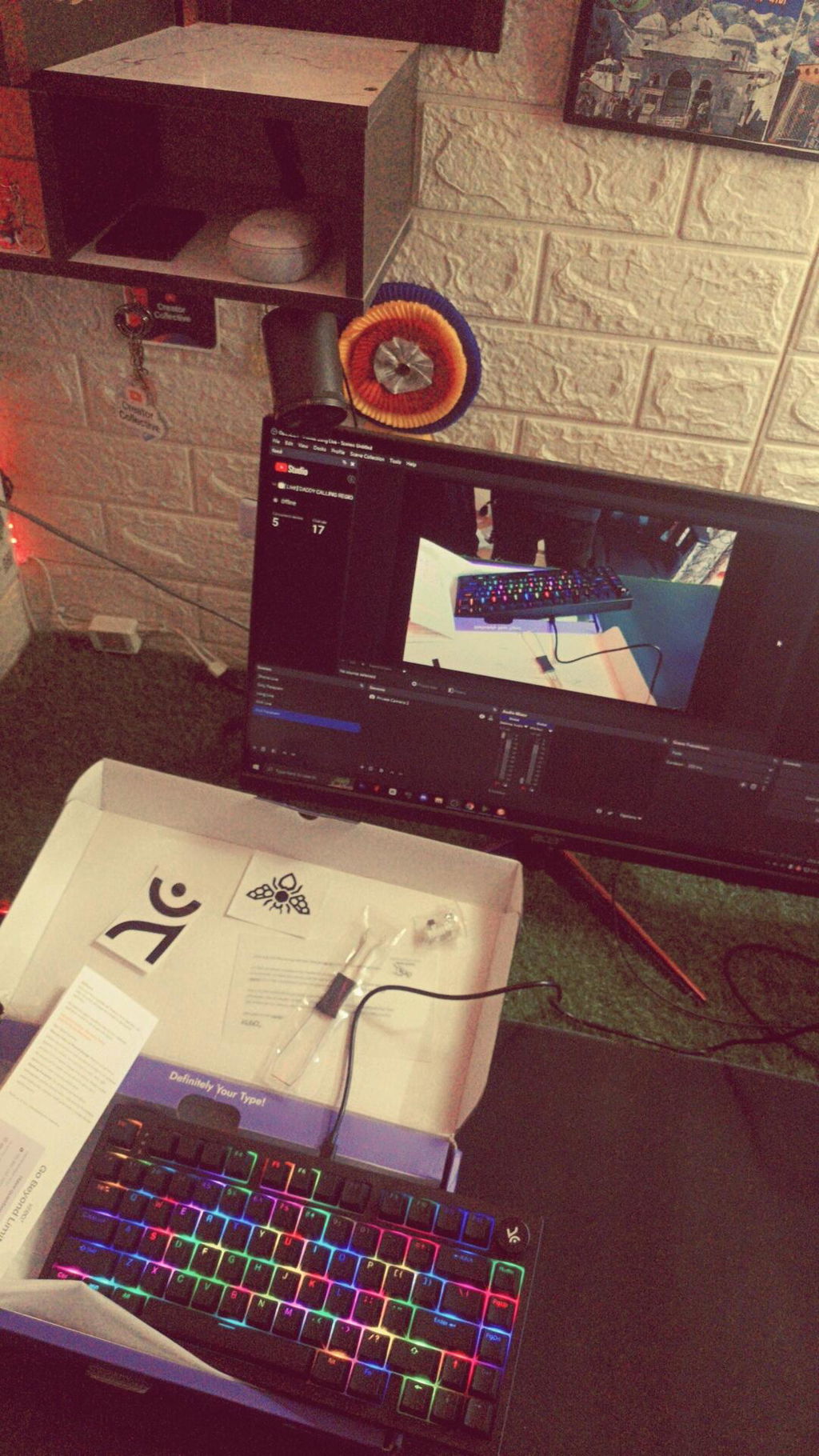
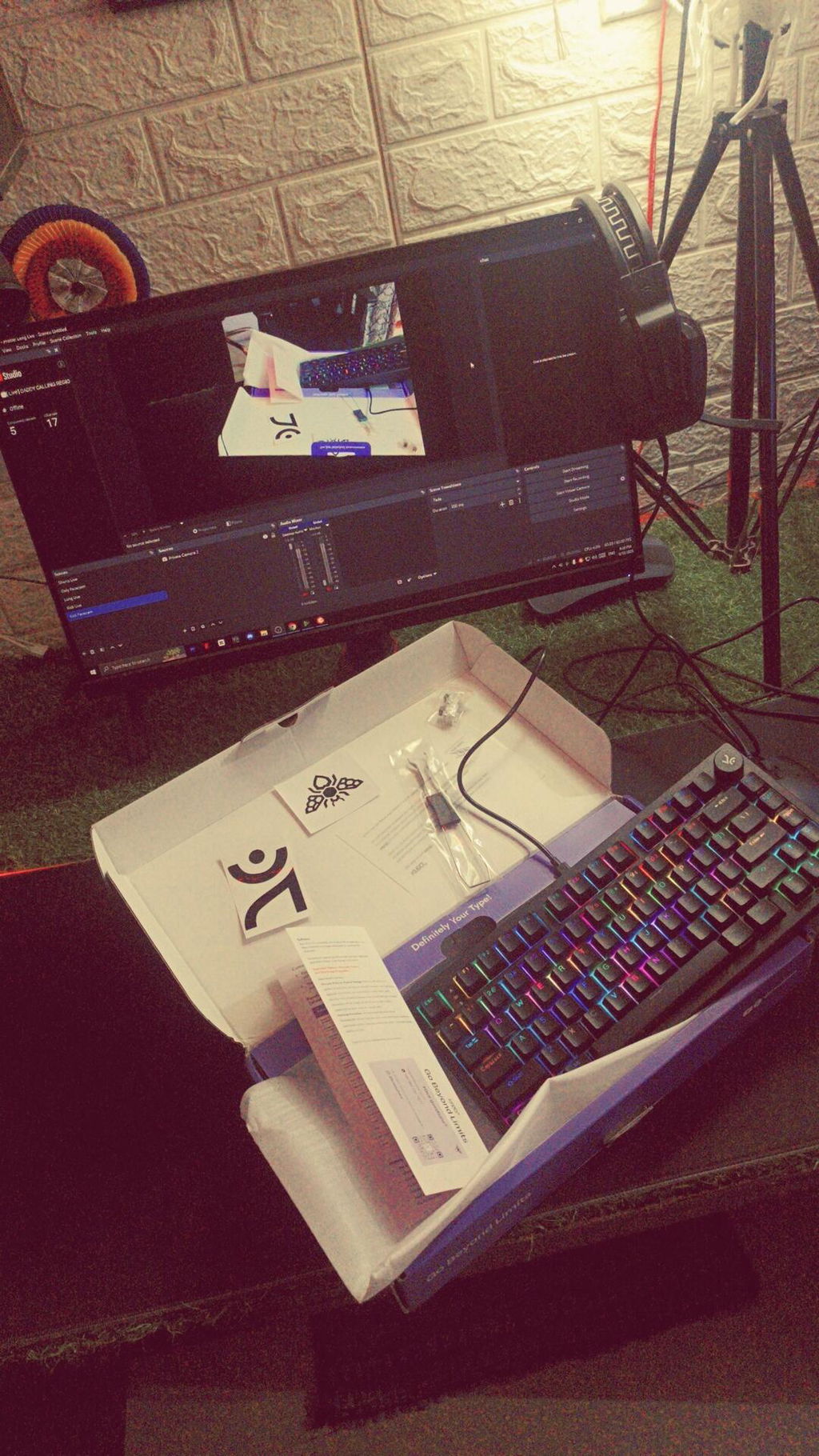
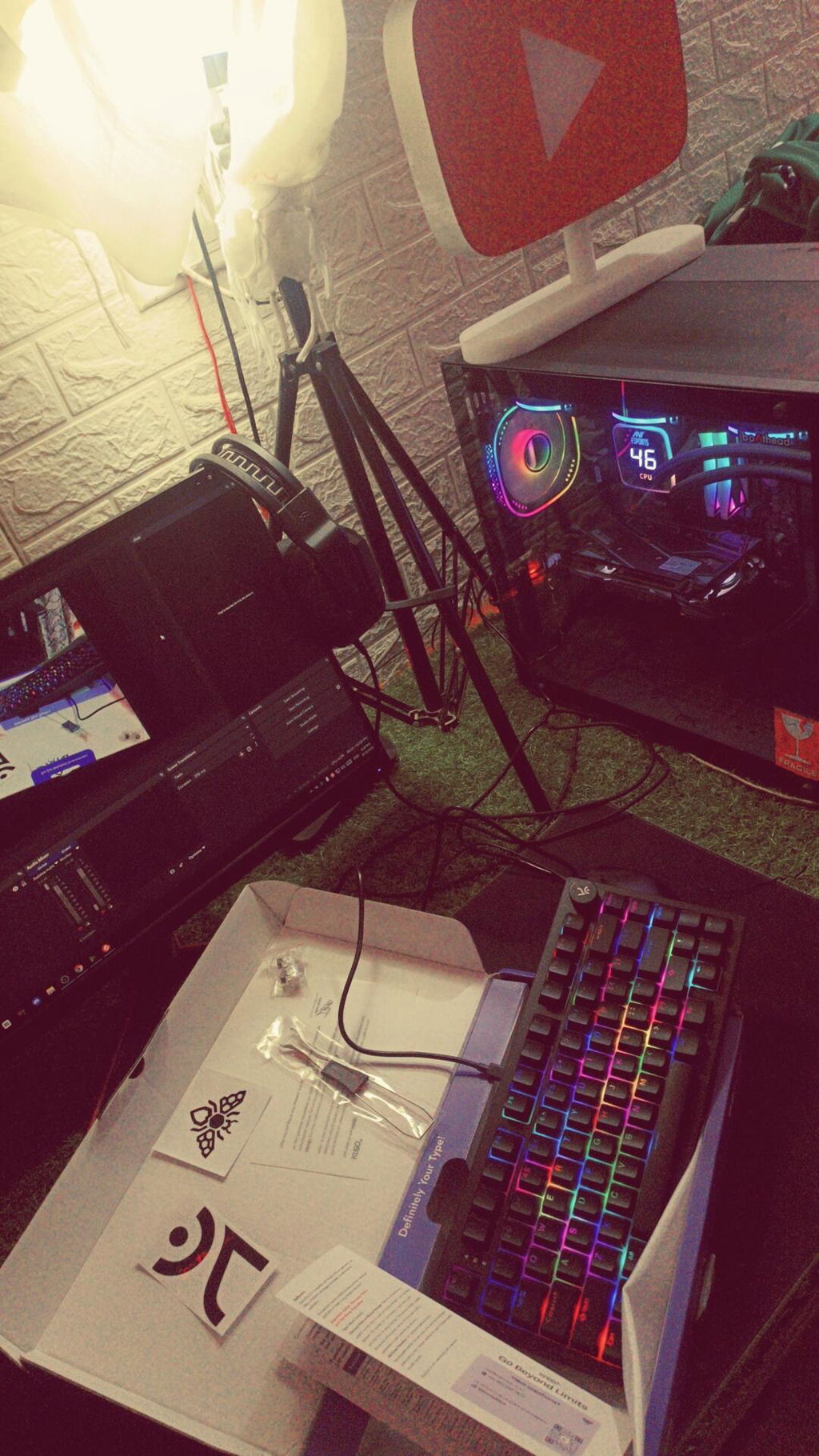
Your keyboard is awesome
You killed it kreo best keyboard I used
The keys sound are so relaxing
And build quality is good 💯
But just improve wire quality okey it was downgrade by my side.
The colour is awesome and looks are too good on my desk
I'll give your 4.9 out 5⭐⭐⭐⭐⭐
I love the keyboard and I will never regret my decision of buying it over other keyboards. The only issue I had was that even though it hasn't been a full month since I bought the keyboard I got an issue with the switch of the left control button and I had to replace it with the new one you gave in the box. I mean it's concerning that I had to do the switch replacement this early...
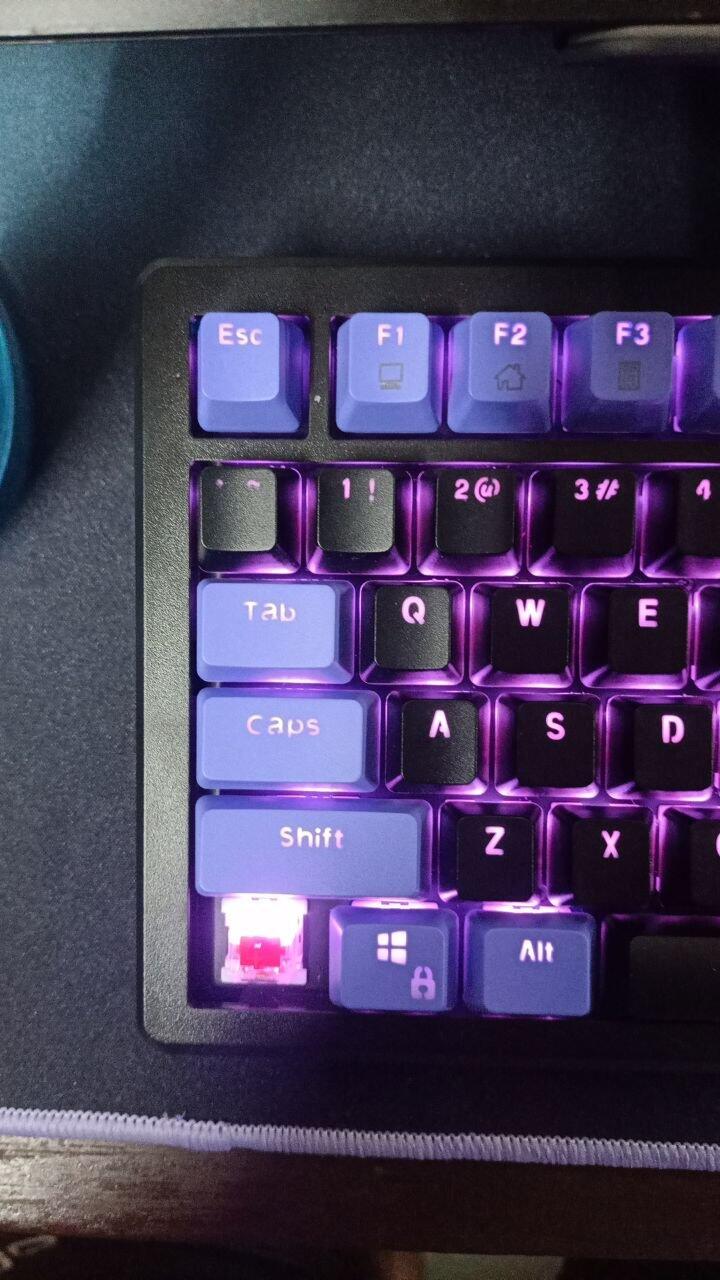
Since it is my first mechanical keyboard..I am very pleased with it but my typing speed has gone to the gutters... I press keys accidentaly and that also factors in the size of this keyboard. Plus it is on a higher side so my wrists kind of hurt while typing...
But that should not be the problem for everyone out there.
RGB modes and lookmaxxing is great. The setup looks good with this!!
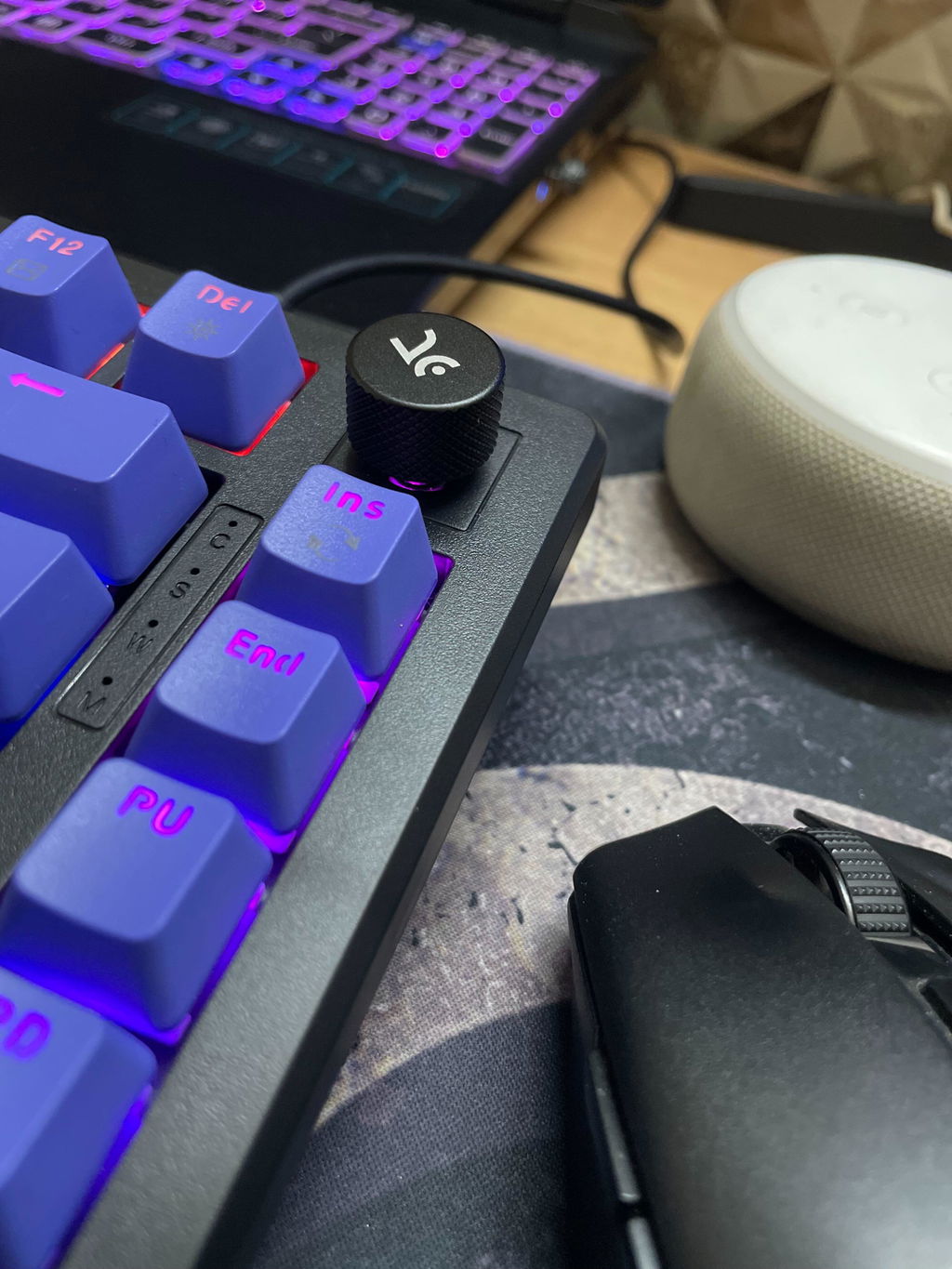
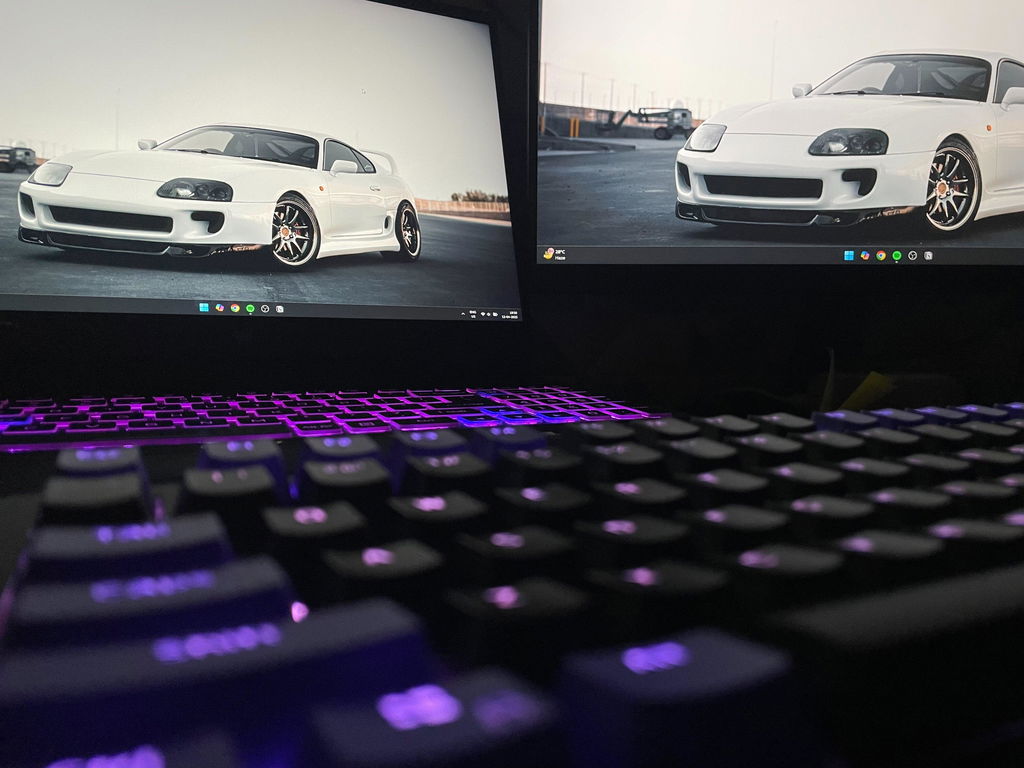
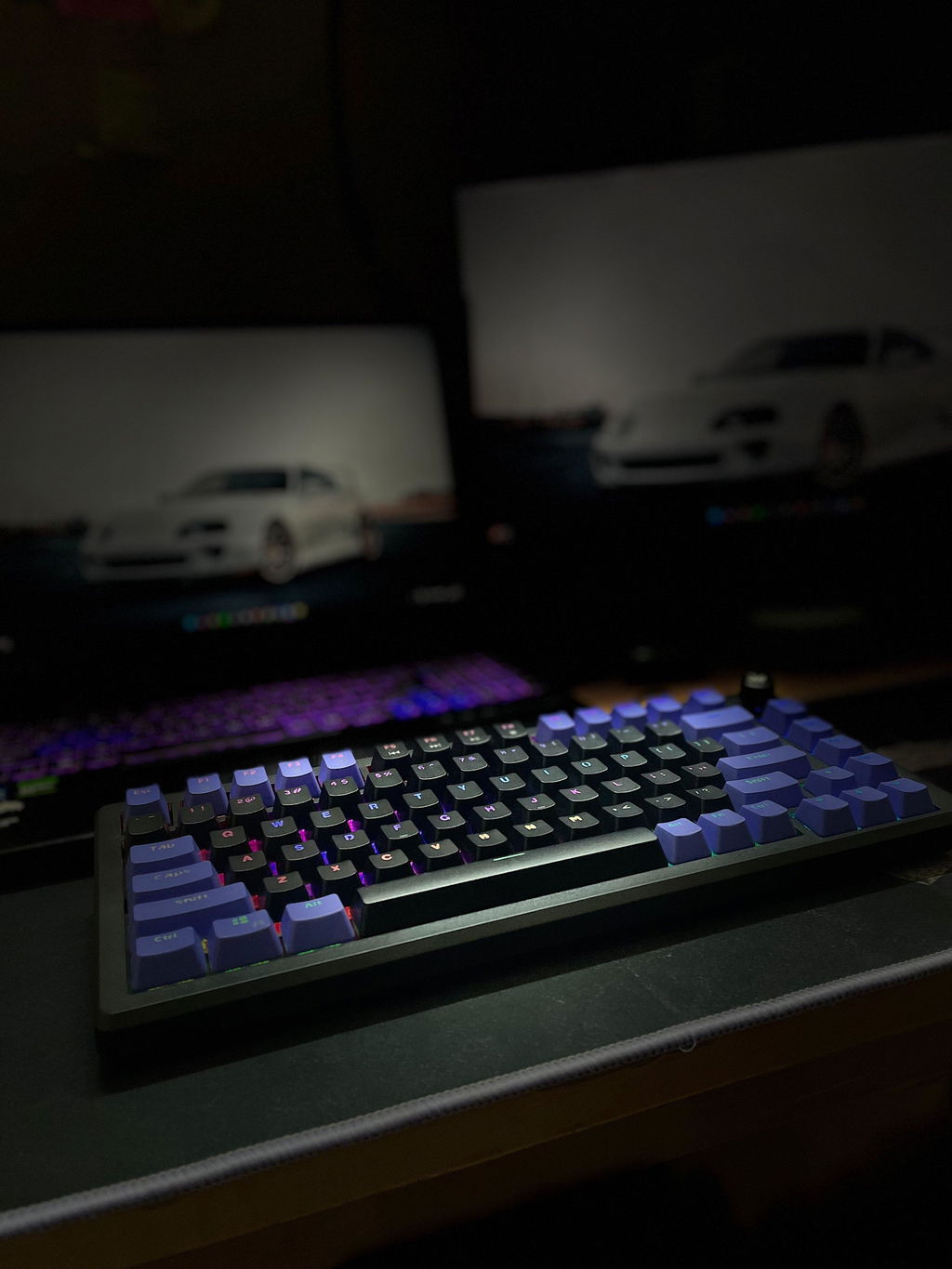
I ordered white purple hive but instead of that I received whipe-purple-red keyboard. No need to exchange. Just informing you guys
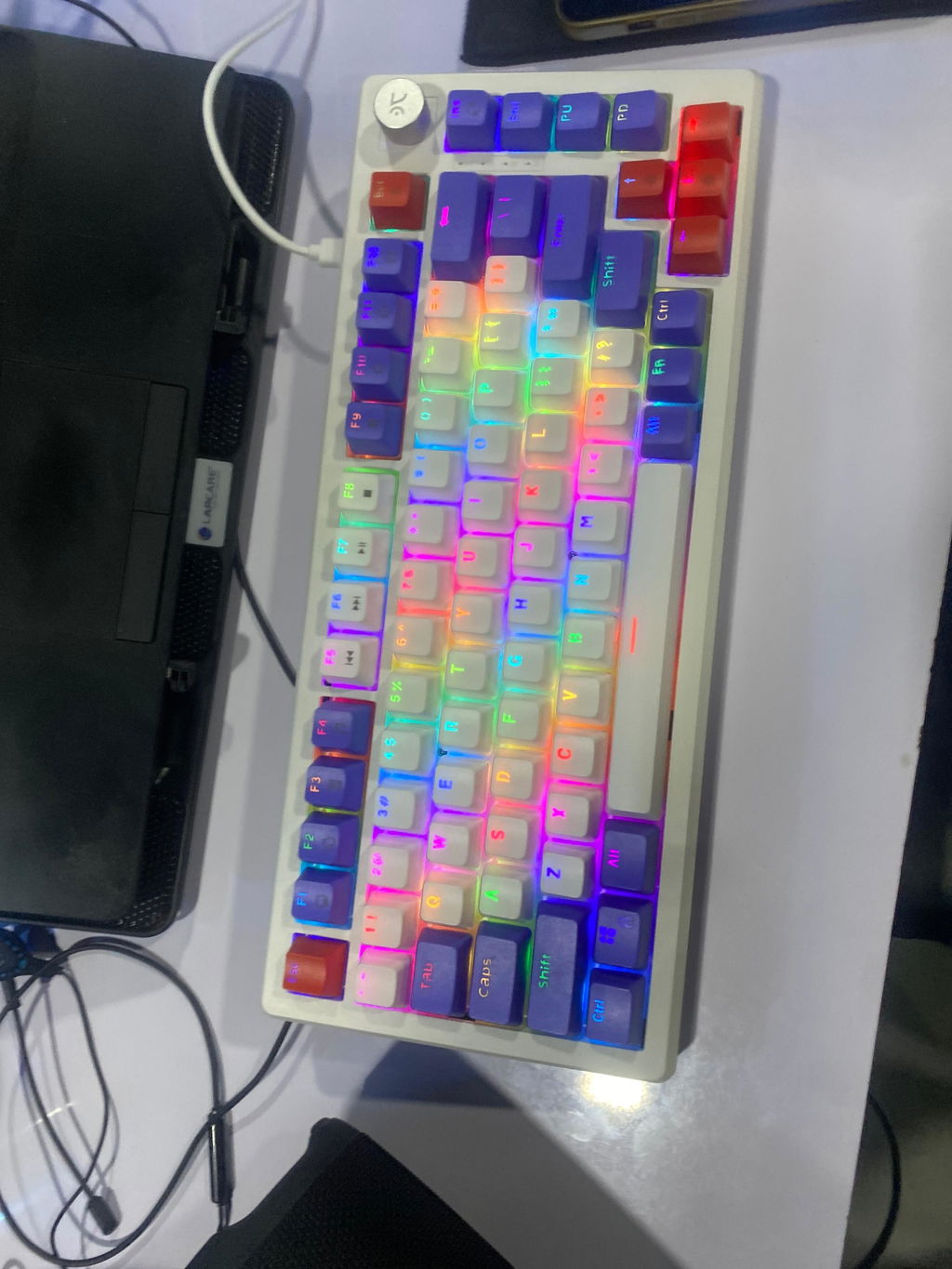
This is my first time with a mechanical keyboard and I really loved it…
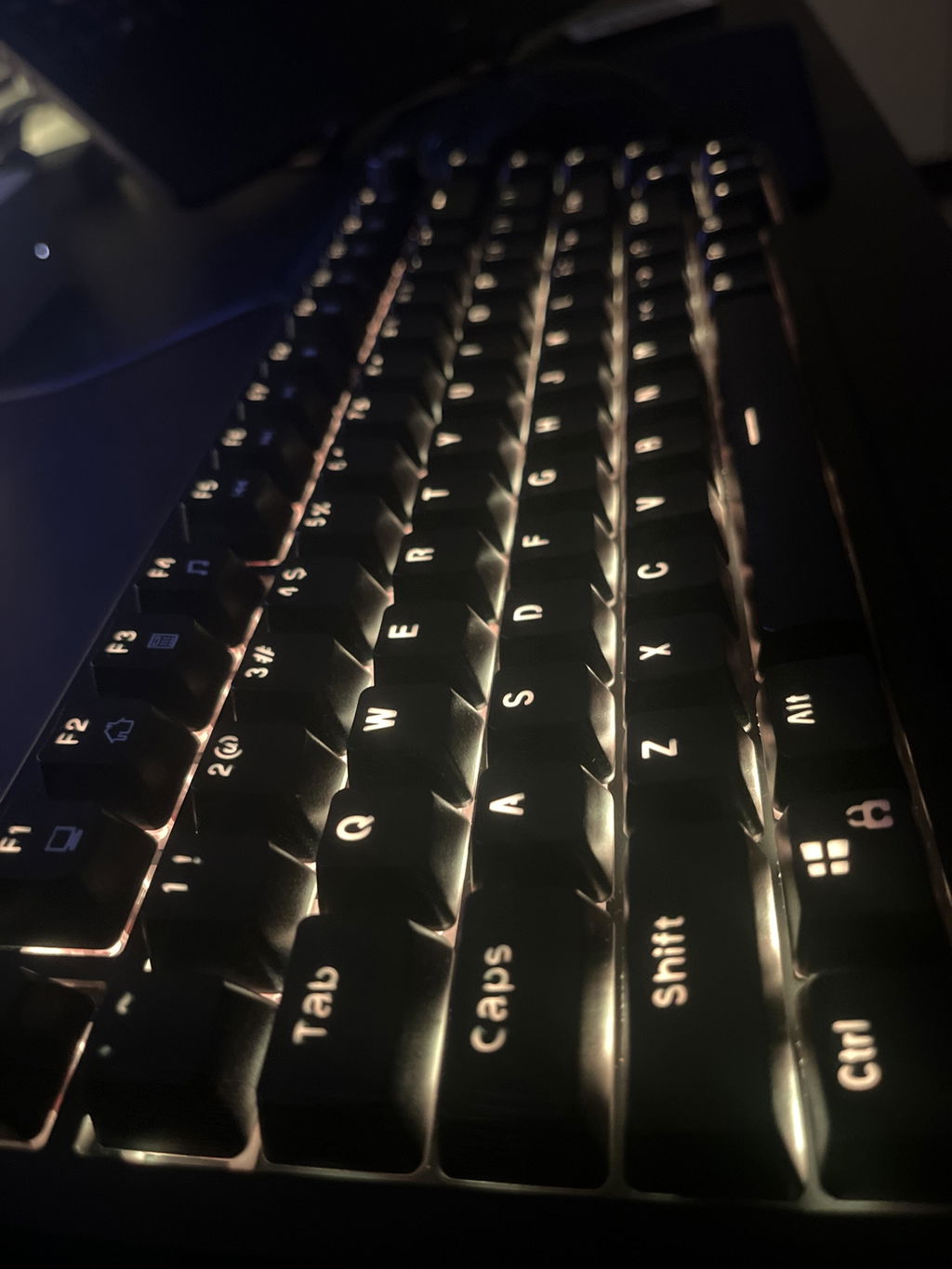
This was my first mechanical keyboard, I am happy with my purchase. Only regret was that of choosing blue switch which have became somewhat annoying in day to day prolonged uses. Should have gone with brown switch 😕. Overall The product usecase and experience have been good. Will recommend at price range below 3k.
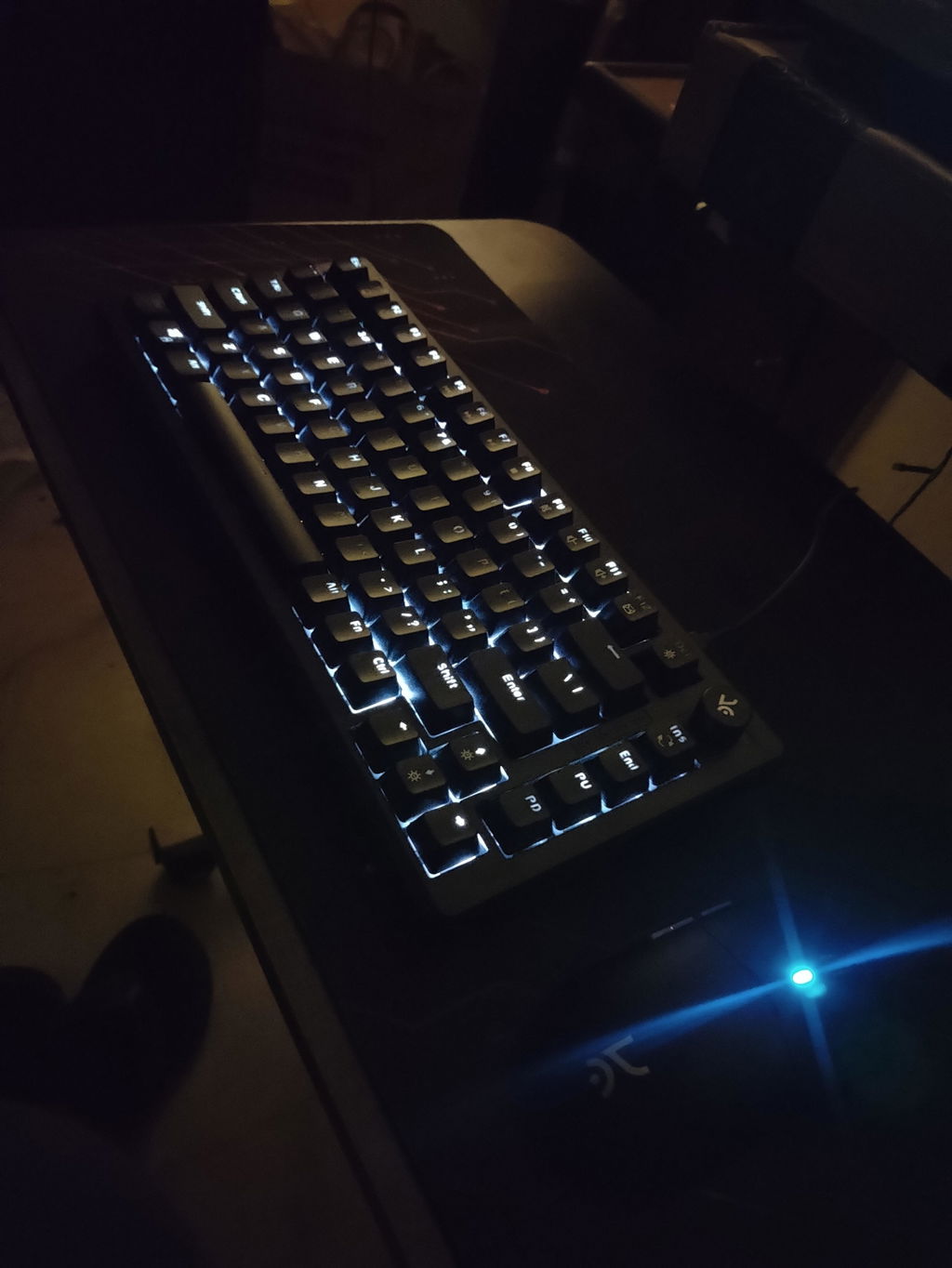
It was my first mechanical keyboard.
* What I liked (Pros) *
1. Lights
2. Looks
3. Per key LED and different LED modes
4. Not completely sticky but not slippery at all base rubbers.
* What I did not understand (Cons) *
1. If volume knob is already provided for volume up, down and mute feature then why there are 3 buttons for the same functionalities (F9, F10, F11 with Fn). All keys are programmable, but I am not sure about Fn + key combination is programable or not.
2. I have extensively used it for gaming since I bought it (1 Month). So, majorly my fingers are on WASD buttons and sometimes, a slight pressure (resting fingers on keys) activates the key (Maybe I have heavy palm).
3. Keys are pass through but keys with Fn feature like (F1-F12) keys are not completely pass through. Ex: Fn + F7 has media play/pause feature. F7 impression is pass through but not play-pause impression rather it is white color print. (Check Image)
4. The font used on keyboard keys seems different than the picture on this site. Ex: "0", "O", "R, "P" and some other not complete circle with continuous stroke line but has gaps somewhere in stroke lines. (Check image)
* Suggestions *
1. "ins" button just below volume knob is not use as frequently as "Home" button. Replacing "ins" with "Home" could complete button pairs like "Home & End", "Page-Up & Page-Down".
2. Fn + F9 to F11 could have been used for some other buttons like "Prt Sc", "Mic Mute"& "Ins"
In my review it may seem that cons are big (at least by text count) but I just tried to explain it in detail.
I have never felt the touch of very-very-very expansive keyboards but at this range I am sure that this is one of the best. I bought it to give home brand a try and feels like not going to regrate it.
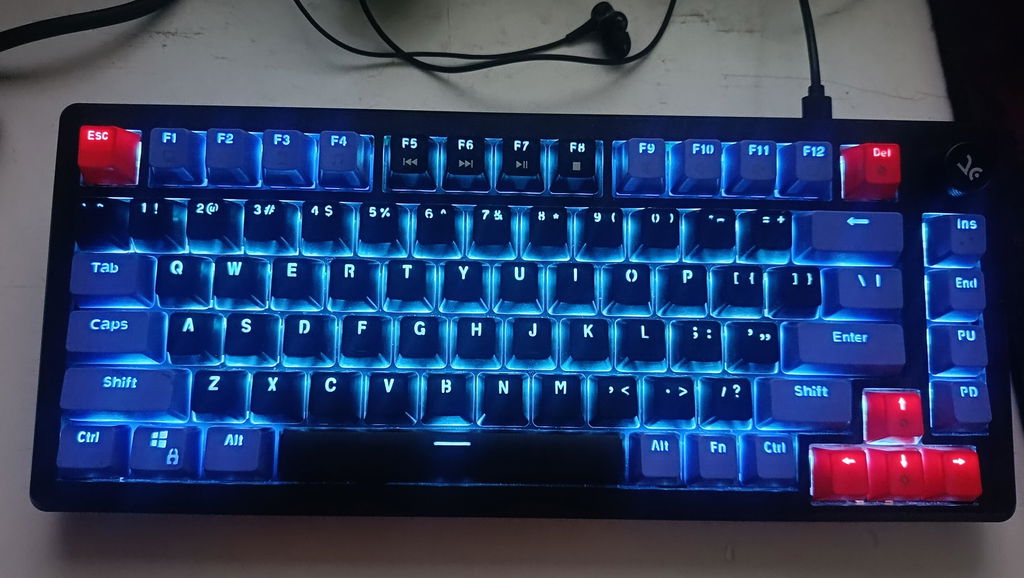
So it's been a couple of days now with using the keyboard, i did liked the per key RGB feature so i can now Customize rgb as per my choice. As i have used Res switches keyboard before and was hoping some better performance from the brown switches n it's sound. It's sound is not that satisfying.
Another very important thing to mention that, i have to use 2 different softwares for the 2 different products. Which is kind of annoying. It would be better if you could just make one software Which could work with different products at once...
And next time pls if you doing sales discounts pls tell us before...
Thank you.
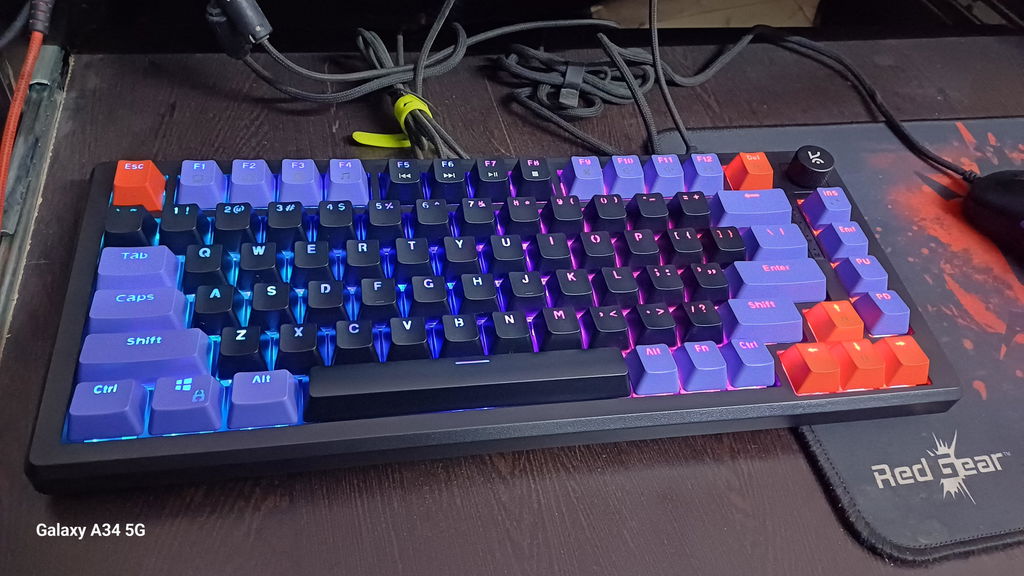
The Purple All-Black Keyboard is a beastly beauty—big, bold, and rocking that rad mechanical-keyboard vibe the Chief Conductor Orchestrator totally nailed. The colorful key panels? Cool as they are, could definitely use a glow-up—maybe crank up the brightness or something so those letters don’t go MIA during late-night gaming marathons.
Now, let’s talk action: this bad boy delivers! The keys are snappy, responsive, and all about that gaming life. Sure, it’s got a few quirks, but hey, it’s got flair. For the price? Total win.
Just one wishlist item for next time—can we get a cushioned bottom extension for those rage quit moments or long-haul gaming grinds? Give us that wrist-saving magic, please! 😎
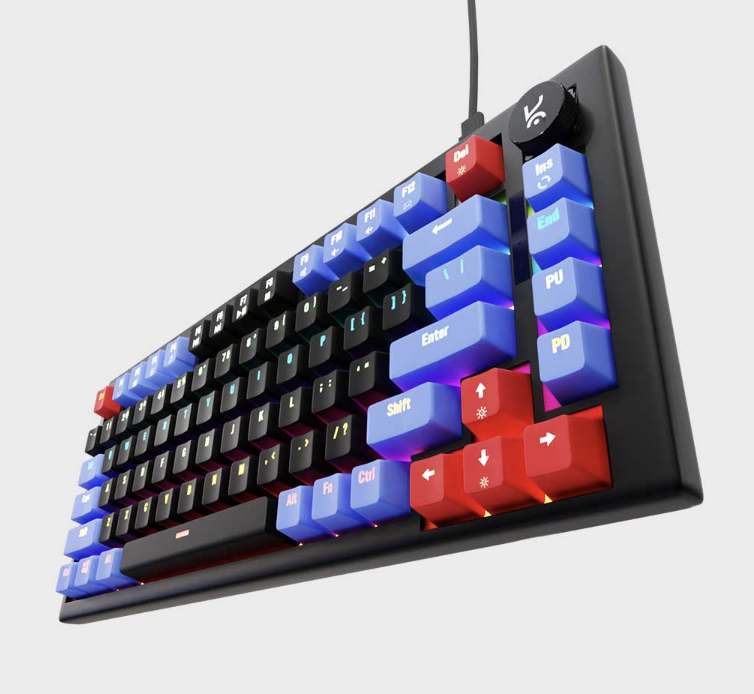
good keyboard but the violet keycaps is very badd not transparent as my older keyboard
The softness of the click feels premium and colour is also good
Honestly it's one of the best keyboards I've ever used I mostly used it for fps gaming like valo, cs and stuff and it's worth it man my b hop, core mechanics everything is more easy due to the keyboard. Before I used to misclick a lot as well now it's a smooth ride.
It is good and with many modifications option just love to keyboard
Hive75 V2 White Purple Wired Mechanical Gaming Keyboard
Keyboard is excellent, looking to buy a mouse soon
Hive75 V2 White Purple Wired Mechanical Gaming Keyboard
Hive75 V2 All Black Wired Mechanical Gaming Keyboard
I previously bought the Hive 65 keyboard and it was my first mechanical keyboard. I loved that keyboard too but there was just one thing which bothered me during the gameplay and that was the missing "Fn keys" row. So, I wanted something which offers the same kind of feel and also fulfills my requirement, the. I came to know about Hive 75 v2 and I watched some reviews about it on YouTube. The reviews were positive and I also loved how easy it is to mod the keyboard as well. The keyboard also had my favorite colour scheme and switches either, I went for the all black variant with brown switches. I am very fotunate to order it on the first day of the sale because it went out of stock thereafter. I feel lucky to have grabbed this deal and I am enjoying very much. The typing experience of brown switches is really unique as compared to the purple one present in my hive 65. Overall, the built quality and typing experience is solid and I am really loving to have this hive 75 v2 keyboard on my desk setup.
Sound quality and build quality
I have uploaded a review video on my instagram about kreo hive 75 V2
https://www.instagram.com/reel/DcSkoFKBxXF/?igsi=MWh6ZTg4eGIxMjdlaw==
The key presses and its sound. The durability. One thing that can be improved is the color of the text on the keyboard. In the coloured region it is not at all visible.
Cable should be in L shape for better space management
It is the best keyboard that i used tbh! Ya but it us bit smaller for my fingers but yah for the quality it give i can bear some pain
The keys are soft to press, and don't need much pressure to trigger. Overall a very good experience