2.4GHz Wireless
Low-latency dongle mode tuned for competitive play with rock-steady polling.


See exactly when this arrives
Anzu V2 White Ultralight Ergonomic Wireless Gaming Mouse

Kreo
49g shell | PixArt 3311 | 80M-click Huano switches | Tri-mode
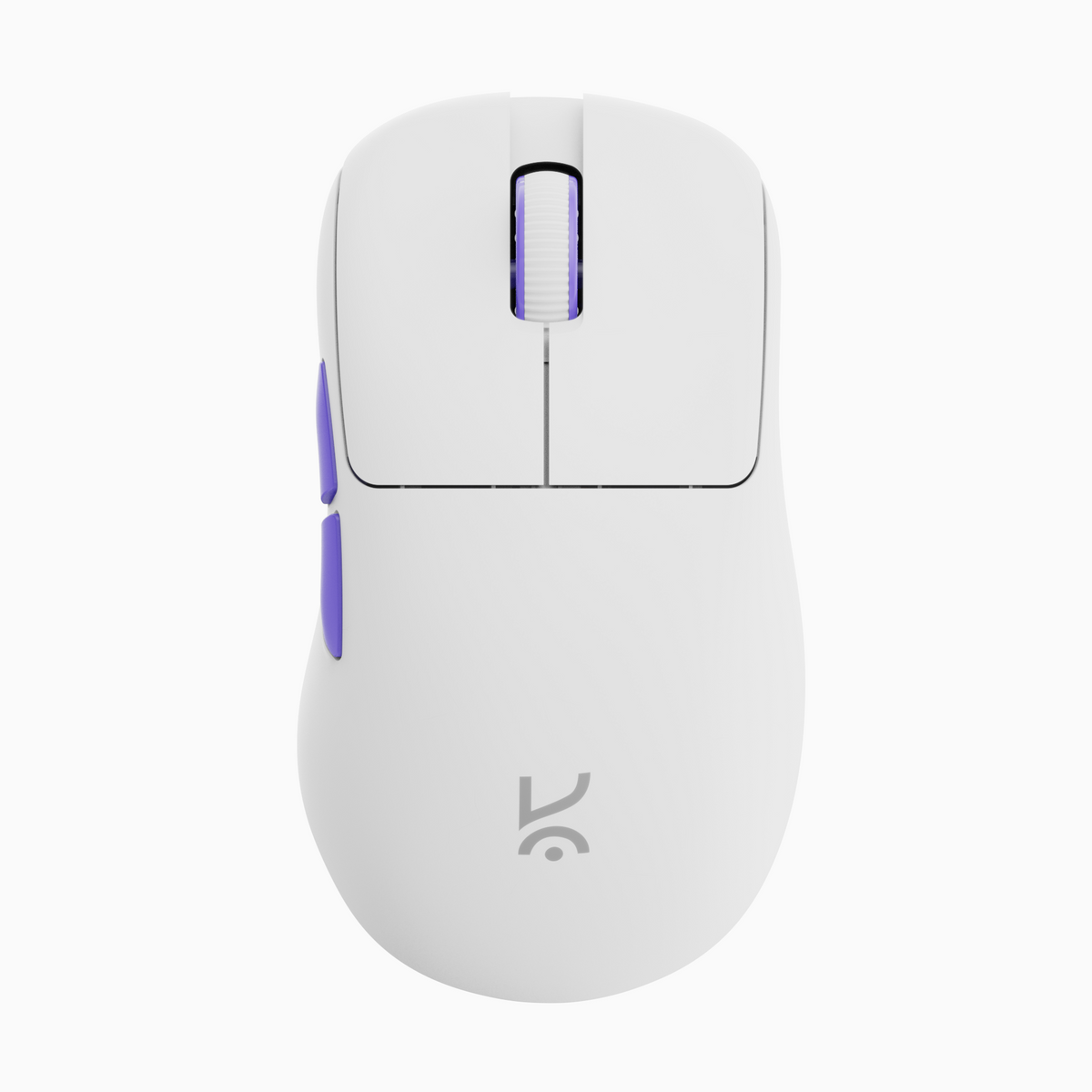
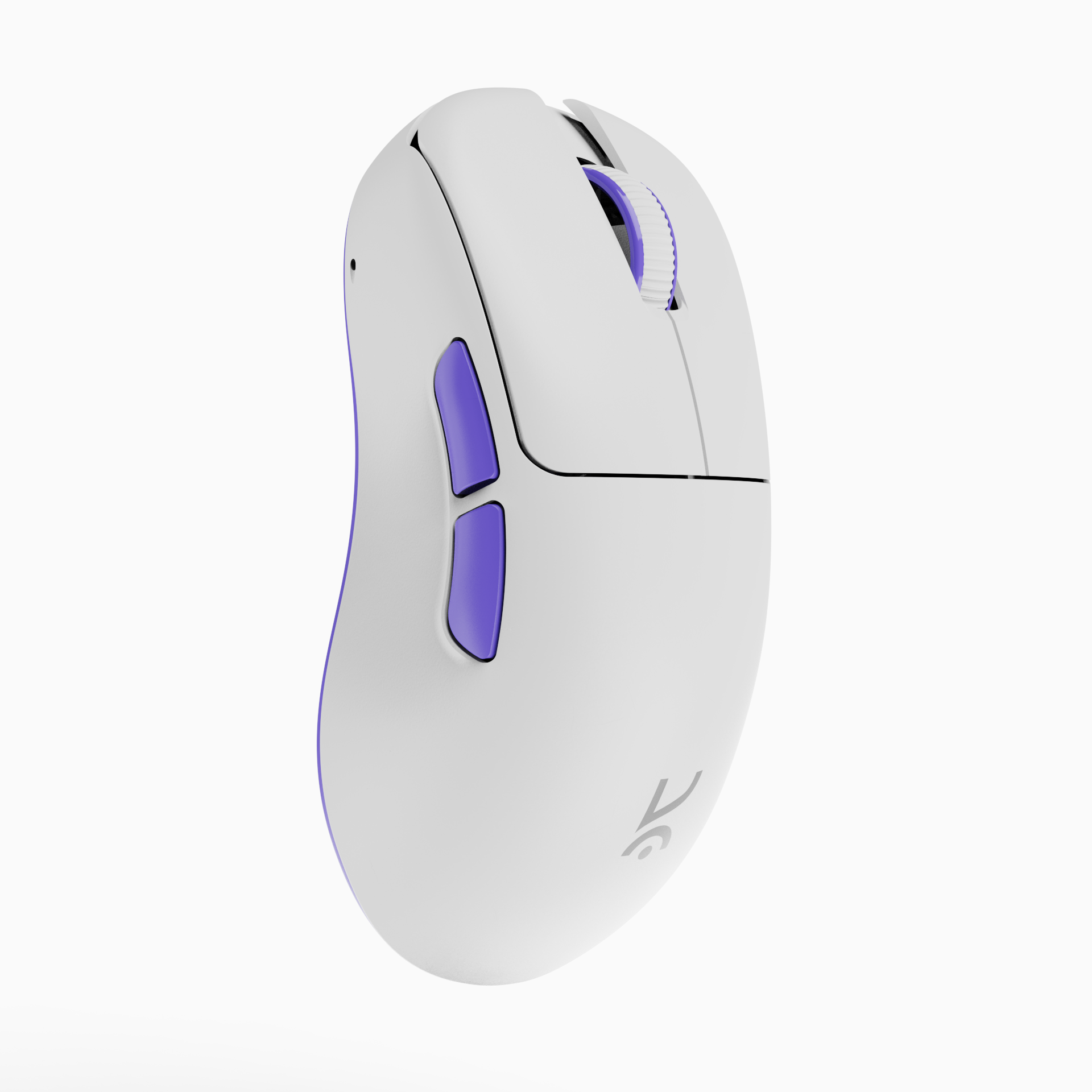
A non-symmetrical mouse that fits your hand contours perfectly
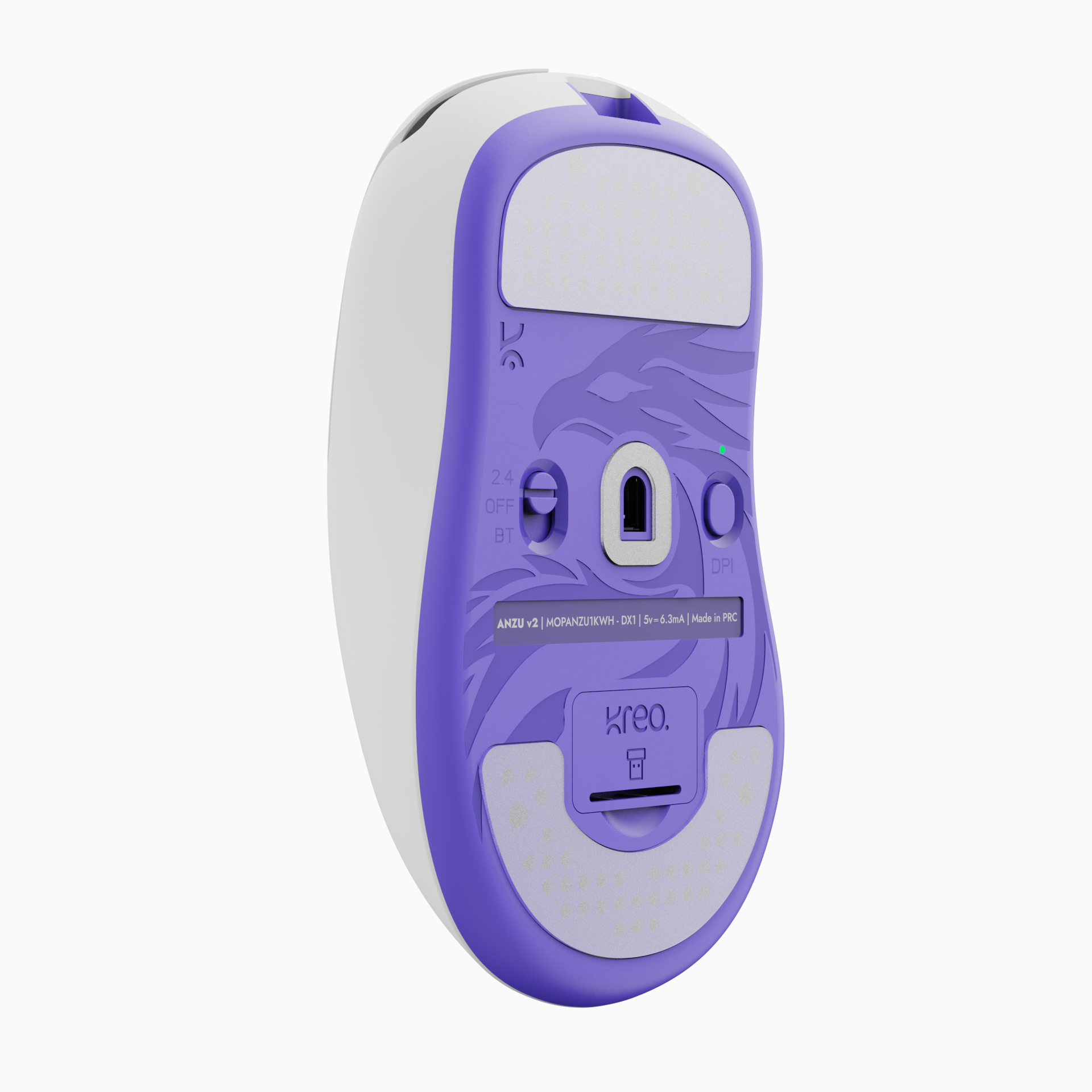
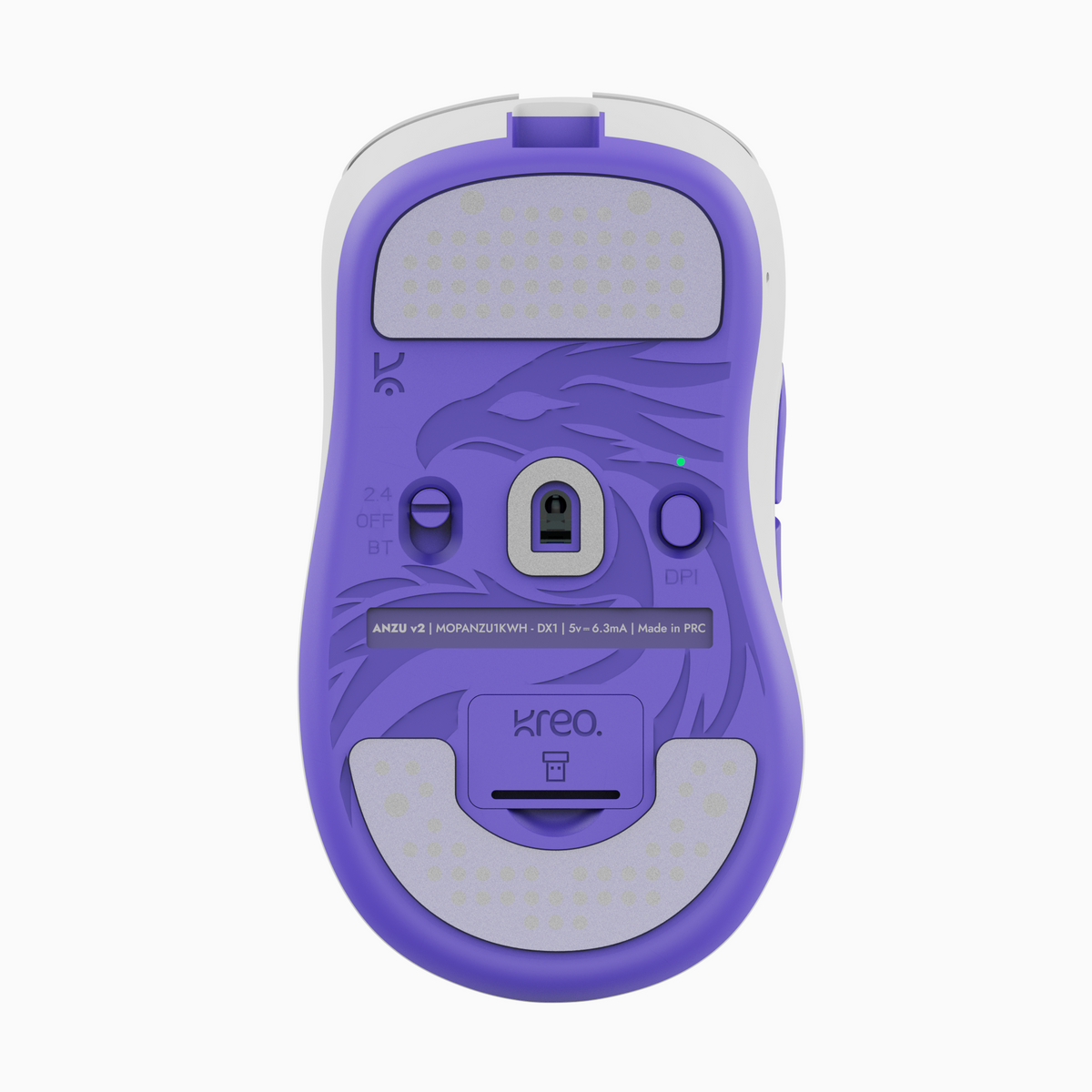
A laser-etched Anzu motif adds character without affecting glide.
Tracks 12,000 DPI at 300 IPS. Great for gaming and photo editing.
Connectivity
Low-latency 2.4GHz, easy-pair Bluetooth, and wired USB — across PC, laptop, tablet, and console.
Low-latency dongle mode tuned for competitive play with rock-steady polling.

Pair with laptops, tablets, and phones for travel and everyday productivity.

Plug in for continuous play and fast charging without missing a frame.

49g
As light as a handful of feathers.
50+hrs
Fifty-plus hours between charges.

SMOOTH GLIDE
Translucent PTFE feet deliver smooth, even glide on cloth and hard pads with minimal resistance — a spare set ships in the box.
Huano Blue Shell Pink Dot 80M Clicks + TTC Gold Dustproof Encoder — crisp, consistent clicks and stable, precise scrolling, built for long-lasting performance.
Ergonomics

A 49g chassis means almost zero inertia — micro-adjustments translate one-to-one to the cursor.

The arched back and shorter front let your fingertips load quickly for snappy clicks and flicks.

Full-hand contact with the contoured shell relieves pressure across the palm for marathon sessions.
1/3
Configure your Kreo gear from the browser — key bindings, sensor settings and DPI — on Windows, macOS and Linux.
Configure Herekontrol.kreo-tech.comOpens in a new window.What do you get?


If you have any questions, you are always welcome to contact us. We'll get back to you as soon as possible, within 24 hours on weekdays.
Shipping Information
Use this text to answer questions in as much detail as possible for your customers.
Customer Support
Use this text to answer questions in as much detail as possible for your customers.
FAQ’s
Use this text to answer questions in as much detail as possible for your customers.
Contact Us
Use this text to answer questions in as much detail as possible for your customers.
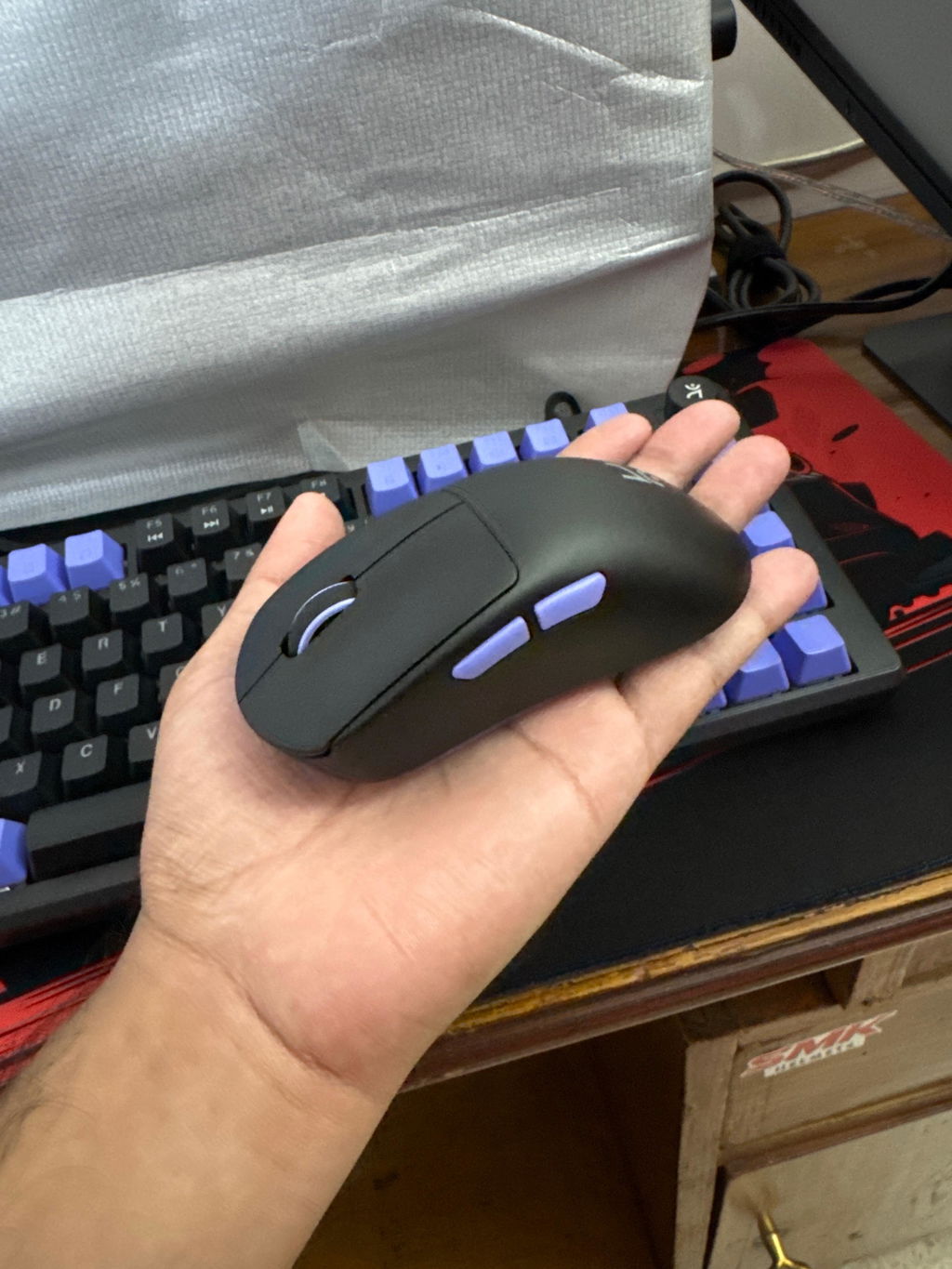
The Anzu V2 mouse is very nice and I love it. The only one problem I have is in the multi device connectivity function, I expected it to be able switch between devices even when being connected with wire but it doesn't do that, I use a multi device connectivity keyboard as well (not from kreo) it has a better switch function. Hope you you improve it. If you do I'll buy it. Other than that all good. Thank you
Good quality mouse. Light, comfortable. Value for money.
Not bad on price of 2000 but not best also
Overall a good mouse in this price range, battery life is quite good, the sensor response is also good, only thing is that i have bigger hands so feels quite small. If you are someone with medium sized hands go for it; I don’t think you will find anything better than this
Smooth as fuck 🔥
Very smooth and light loved it
50 grams takes away any fatigue cause i can game a lot. Buttons are responsive. DPI can be changed on the fly. 9/10 Deducted one point cause the mouse grip is too smooth and easily slips even though i don't sweat. You should sell accessories to add more grip.
as of now i am enjoying the its smooth snd loving it but only feedback i have for the mouse is i dont hate or it's not i dont like but i prefer the mouse shape or anzu v1 than v2 bcz anzu v1 was perfect with its shape and with his gripe i was expected that i would get the same shape or gripe as anzu v1 but as soon as time goes by i dont have some liking for the v2 shape as well
The feel and light weight
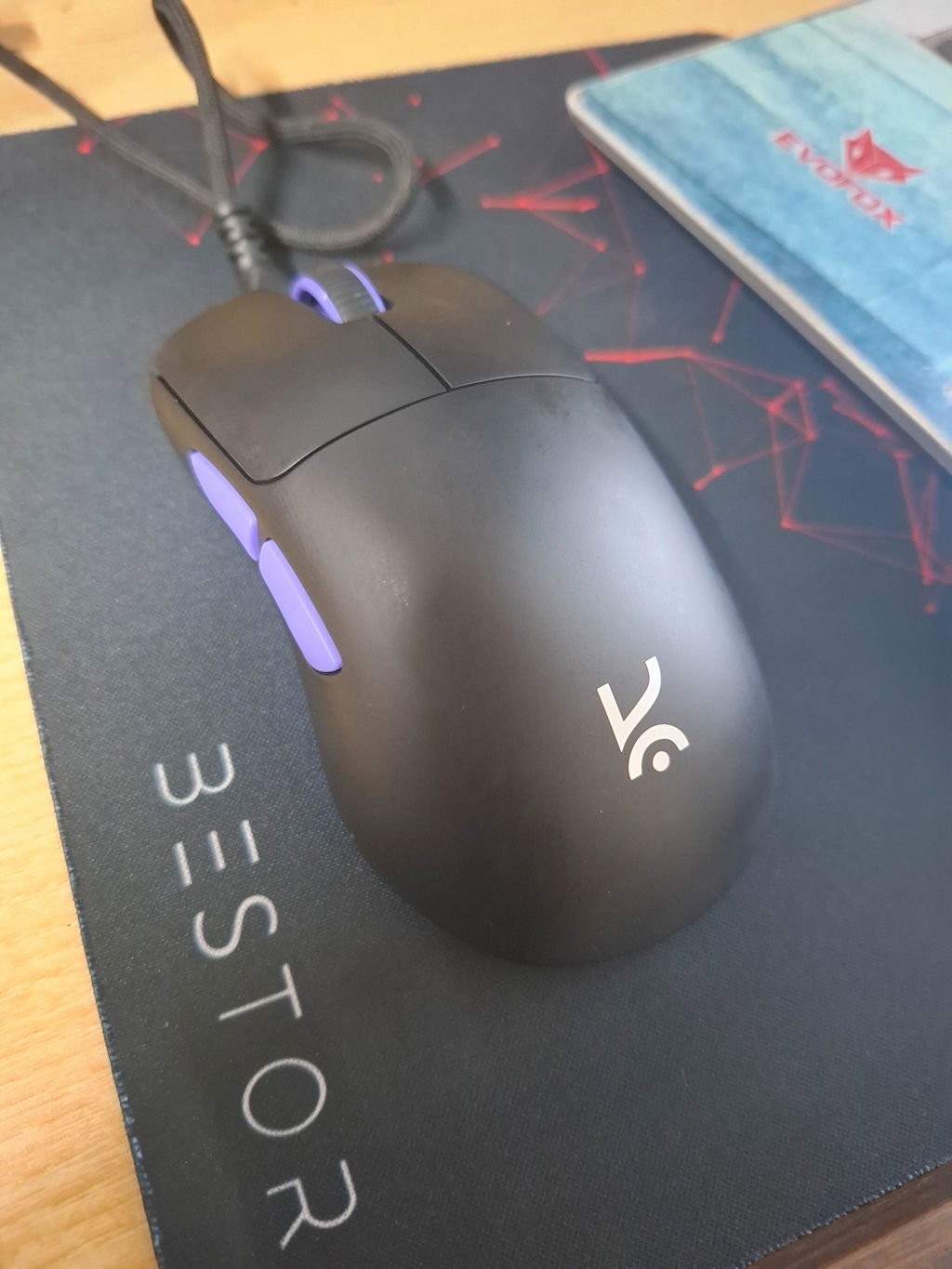
Anzu V2 Black Ultralight Ergonomic Wireless Gaming Mouse
Great build great aim
It's very light weight and running like butter
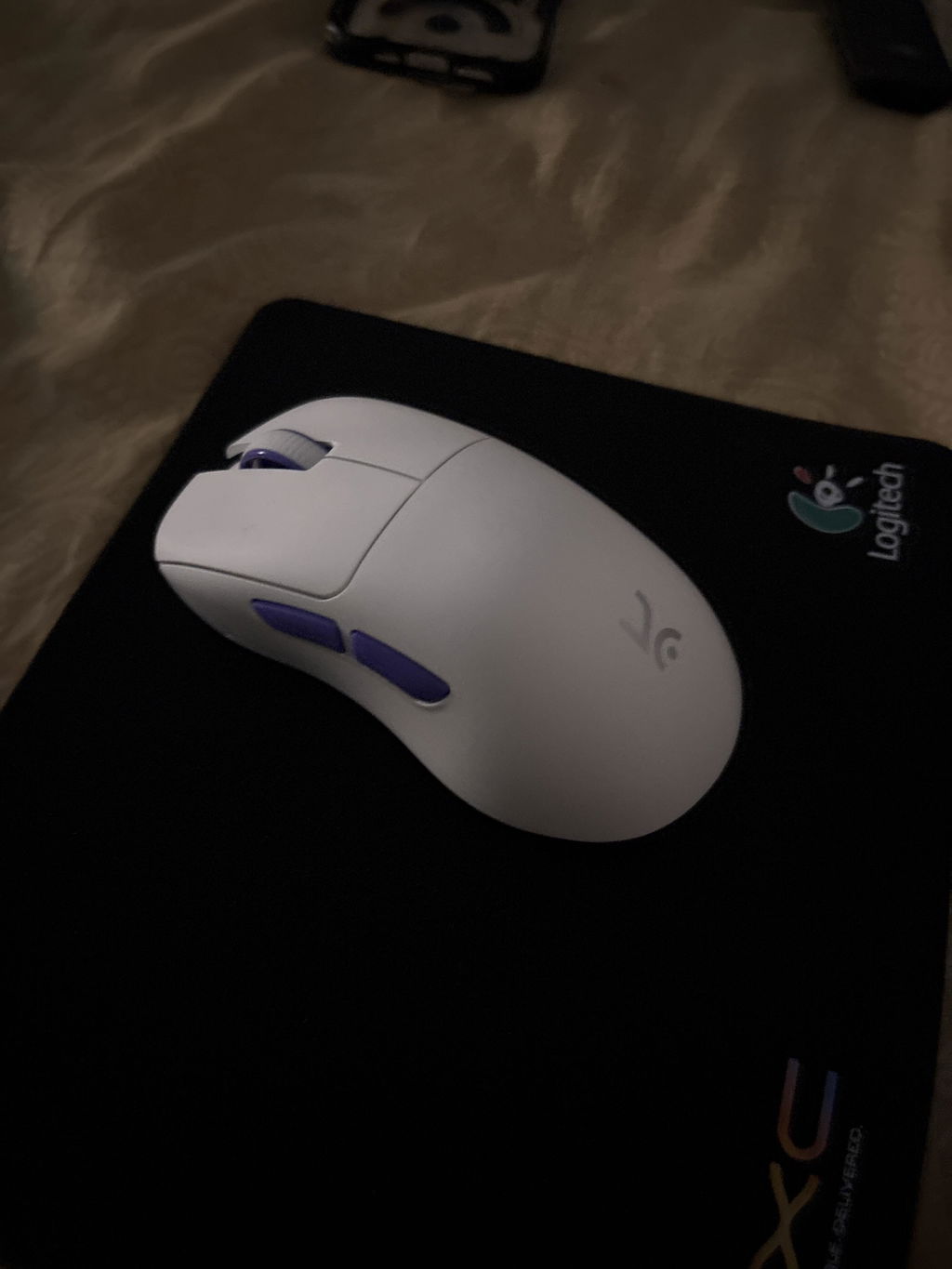
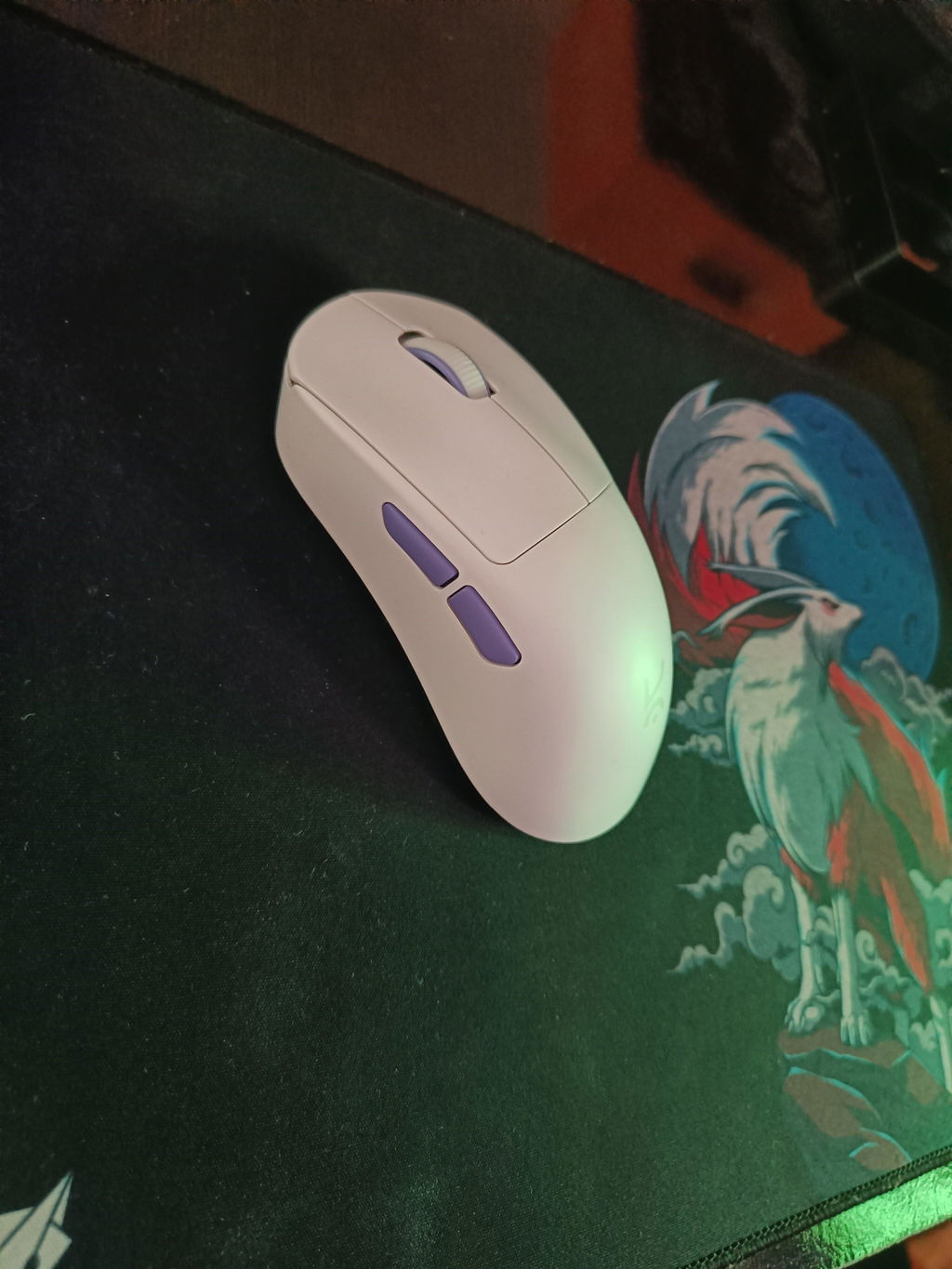
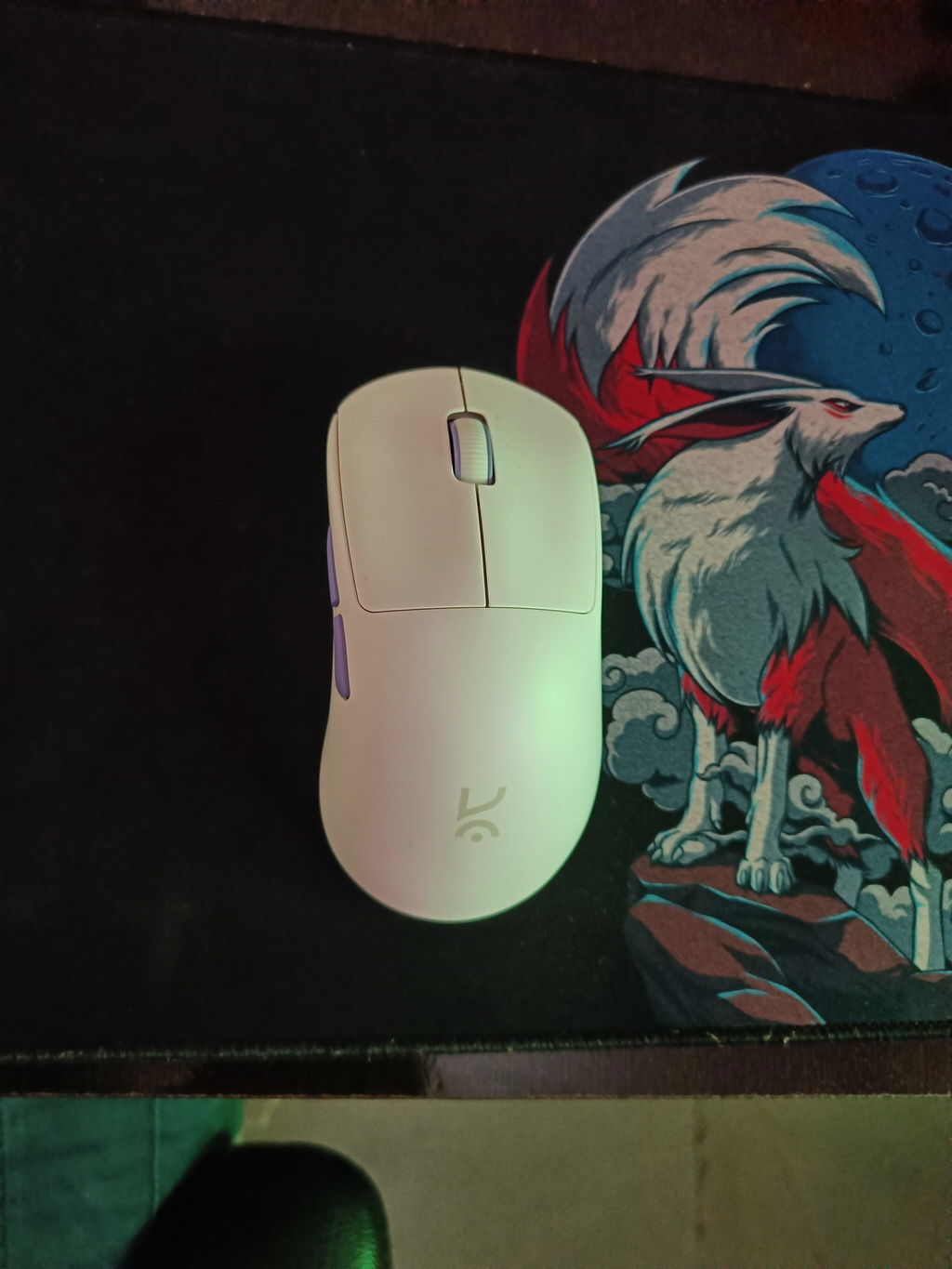
Anzu V2 White Ultralight Ergonomic Wireless Gaming Mouse
Shape and inhand feel
Anzu V2 White Ultralight Ergonomic Wireless Gaming Mouse
Dear Kreo,
Here's my product review :
Pros:
- Comfortable ergonomics
- Highly responsive performance
- Aesthetic design, especially the black variant (despite no RGB lighting)
Cons:
1. Limited battery life (~3 days per charge)
2. Mixed online brand reputation (e.g., varied feedback on Reddit)
Overall Impression:
A solid product that I recommend.
Best regards,
Vidya Bhushan
great mouse light weight and quick response
Amazing light mouse for daily use and best for gaming
awesomme
Everything from its weight to its polling rate
The mouse is super light and comfy, suitable for bigger hands. The texture on the mouse is also really soft and grippy and the buttons are also clicky. Battery life is also very long lasting. Both the 2.4ghz and bluetooth work perfectly.
best
Anzu v2 mouse is the best one compared to other mouse
Great product
Extremely smooth and light weight mouse. Helps in both, gaming and for professional use
Anzu V2 White Ultralight Ergonomic Wireless Gaming Mouse
honestly amazing product
Anzu V2 Black Ultralight Ergonomic Wireless Gaming Mouse
Anzu V2 Black Ultralight Ergonomic Wireless Gaming Mouse
The mouse is working well. Gaming is much better than the wired mouse.