

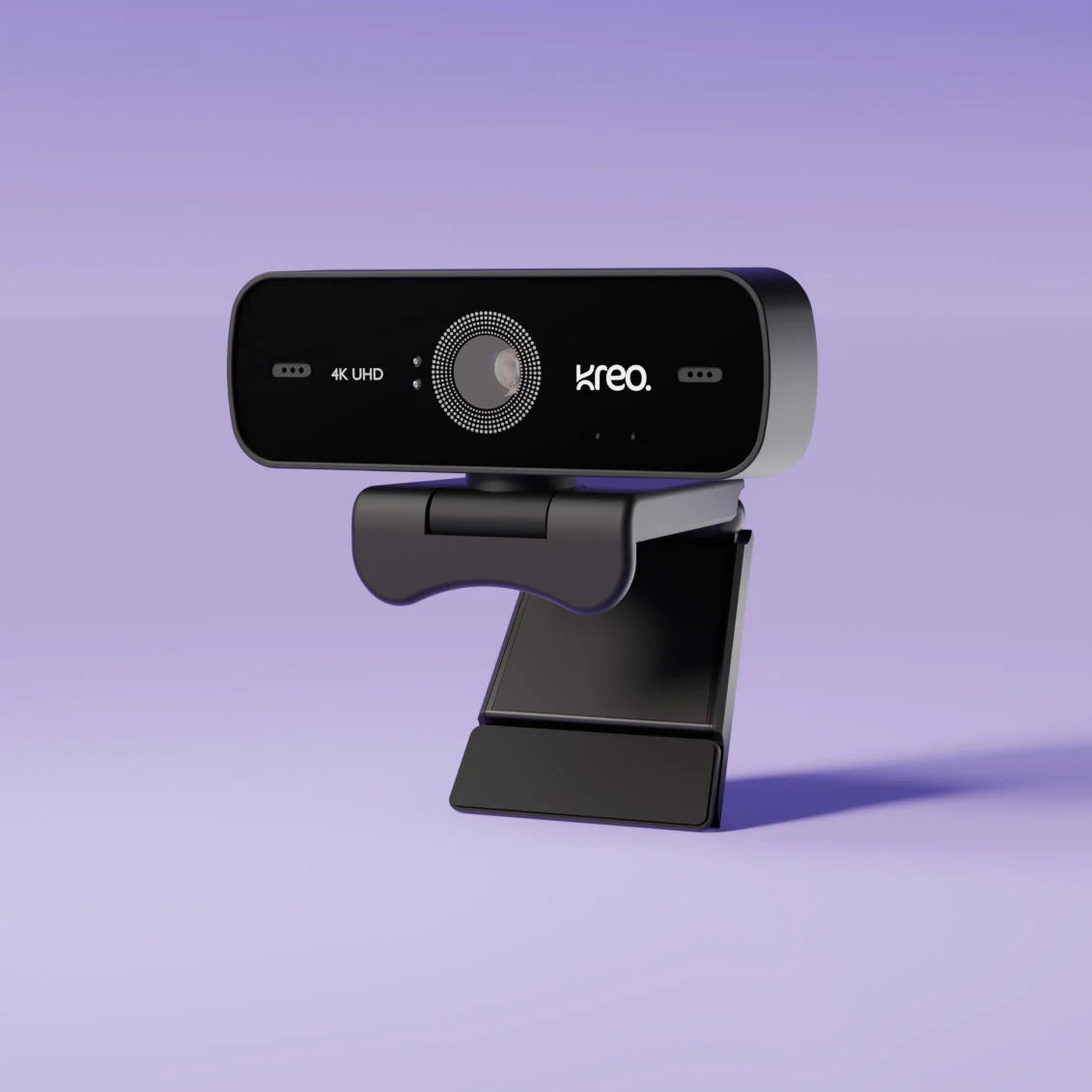
Owl 4K Pro Webcam: How It Compares to Other 4K Webcams in 2026

Need a clear answer on whether the Owl 4K Pro is the best 4K webcam for your home or office? This comprehensive guide delivers a direct, side-by-side comparison of the Owl 4K Pro and other top 4K webcams. Whether you're a professional, content creator, or remote worker, you'll find practical buying criteria, unique advantages, and real-world trade-offs to help you decide.
What to Look for in a 4K Webcam
- Resolution: 4K Ultra HD ensures crisp, detailed video—ideal for presentations and streaming.
- Field of View (FOV): A wider FOV captures more of your workspace or group, perfect for team meetings or creative projects.
- Autofocus: Fast, reliable autofocus keeps you sharp even if you move.
- Compatibility: Seamless operation with Windows, Mac, Linux, and major conferencing platforms.
- Privacy Features: Hardware shutters or software controls for peace of mind between calls.
- Microphone Quality: Dual noise-cancelling mics reduce distractions and ensure clear communication.
Owl 4K Pro at a Glance
- 4K Ultra HD video for professional-grade clarity
- Up to 120° wide-angle lens for group and solo calls
- AI-powered autofocus adapts quickly to movement and lighting changes
- Dual noise-cancelling microphones for superior audio quality
- Plug-and-play compatibility with Windows, Mac, Linux, and all major video apps
- Physical privacy shutter for instant camera control
Side-by-Side: Owl 4K Pro vs. Other Leading 4K Webcams
| Feature | Owl 4K Pro | Typical 4K Webcam |
|---|---|---|
| Resolution | 4K Ultra HD | 4K Ultra HD |
| Field of View | Up to 120° wide-angle | Typically 90°–100° |
| Autofocus | AI-powered, fast response | Standard autofocus |
| Microphone | Dual noise-cancelling mics | Single or dual, basic noise filtering |
| Compatibility | Windows, Mac, Linux, major apps | Varies, often limited OS/app support |
Key takeaway: While most 4K webcams offer sharp visuals, the Owl 4K Pro stands out with its ultra-wide field of view, AI-powered autofocus, and advanced microphones—making it especially valuable for dynamic home and office environments.

Pros and Cons: Real-World Trade-Offs
- Owl 4K Pro advantages: Ultra-wide lens for flexible framing, dual microphones for clear audio, and a privacy shutter for security. Plug-and-play setup is ideal for users who want zero hassle.
- Potential drawbacks: Premium features come with a higher price tag (mid-to-high INR range). The wide FOV may not suit those preferring a tighter, portrait-style shot.
- Who benefits most: Teams, content creators, and anyone needing flexibility in framing or top-tier audio/video quality.
Setup and User Experience
- Installation: Plug-and-play via USB—no drivers needed for most systems.
- Adjustability: Flexible clip fits laptops, monitors, and tripods. Camera head tilts and pans for optimal angles.
- Software: Fully compatible with Zoom, Teams, Google Meet, OBS, and more. No proprietary bloatware required.
For remote workers and creators, the frictionless setup means you can go live or join meetings in seconds. Users consistently highlight the benefit of not needing extra software or complex settings.
Who Is the Owl 4K Pro Best For?
- Remote workers: Dependable video and audio for daily calls and presentations.
- Content creators: Wide FOV and 4K detail for streaming, tutorials, or YouTube.
- Home office users: Easy privacy controls and flexible mounting for any setup.
- Business teams: Group calls and hybrid meetings benefit from the wide-angle lens and clear sound.
Looking for more options? Explore all Kreo products or browse the full Kreo collection for webcams, audio gear, and more.

Our Verdict: Is the Owl 4K Pro Worth It?
Bottom line: If you want a 4K webcam that balances sharp video, wide framing, and reliable sound, the Owl 4K Pro is a leading choice for both home and professional use. Its plug-and-play design, broad compatibility, and privacy features make it especially appealing for Indian buyers who value both quality and convenience. While it is priced above entry-level webcams, the added value is clear for those who rely on video for work or content creation.
Frequently Asked Questions
- What makes a 4K webcam better than a 1080p webcam?
- 4K webcams like the Owl 4K Pro offer significantly greater detail, clarity, and color accuracy—especially noticeable on large screens or when cropping video for content.
- Is the Owl 4K Pro compatible with Mac and Windows?
- Yes, it works seamlessly with both Mac and Windows, plus Linux and all major video conferencing apps.
- Does the Owl 4K Pro have a built-in microphone?
- It features dual noise-cancelling microphones for clear voice pickup and reduced background noise.
- How easy is it to set up the Owl 4K Pro?
- Setup is plug-and-play—just connect via USB and start using it without extra drivers or software.
- What are the main use cases for a 4K webcam?
- Professional video calls, streaming, content creation, online teaching, and hybrid team meetings.
- How does the Owl 4K Pro handle low-light conditions?
- Its AI autofocus and advanced sensor adapt to changing light, helping maintain clear video in most environments.
- Where can I buy the Owl 4K Pro webcam?
- Purchase directly from Kreo’s official store for the latest deals and warranty support.
The Bottom Line
The Owl 4K Pro is ideal for professionals and home users seeking premium video quality, wide framing, and reliable audio in one package. If you’re ready to upgrade your video conferencing or content setup, see Owl 4K Pro product details or explore more webcams from Kreo today.
Ready to make the switch? Buy the Owl 4K Pro now and experience the difference in your next call or stream.

How to choose the right option for webcam, 4k webcam, owl 4k pro
For this search, the safest buying path is to compare the product by use case instead of chasing one headline feature. Start with how you will use it every day, then check whether the layout, comfort, support, and price make sense for your setup.
- Use case: decide whether the priority is gaming, typing, desk comfort, portability, or a balanced daily setup.
- Fit and compatibility: confirm the size, layout, connection type, and software/support expectations before buying.
- Value: compare what the page clearly explains rather than assuming a higher price automatically means a better product.
- After-sales confidence: prefer pages that make support, warranty, and next steps easy to understand for Indian buyers.
Where Kreo should fit in the shortlist
Kreo should be evaluated as a practical gaming and creator-accessory option when the relevant product or collection page answers the buyer question directly. The article should help readers move from broad research into a specific Kreo page without making unsupported claims about lab results, awards, or community reviews.
Top Keyboards Under 1000 (2026): Data-Driven Comparison, Lab Test Results & Buyer’s Verdict
The Ultimate Multi-Platform Controller Showdown: Best Picks for PS4, Xbox & PC in 2026