

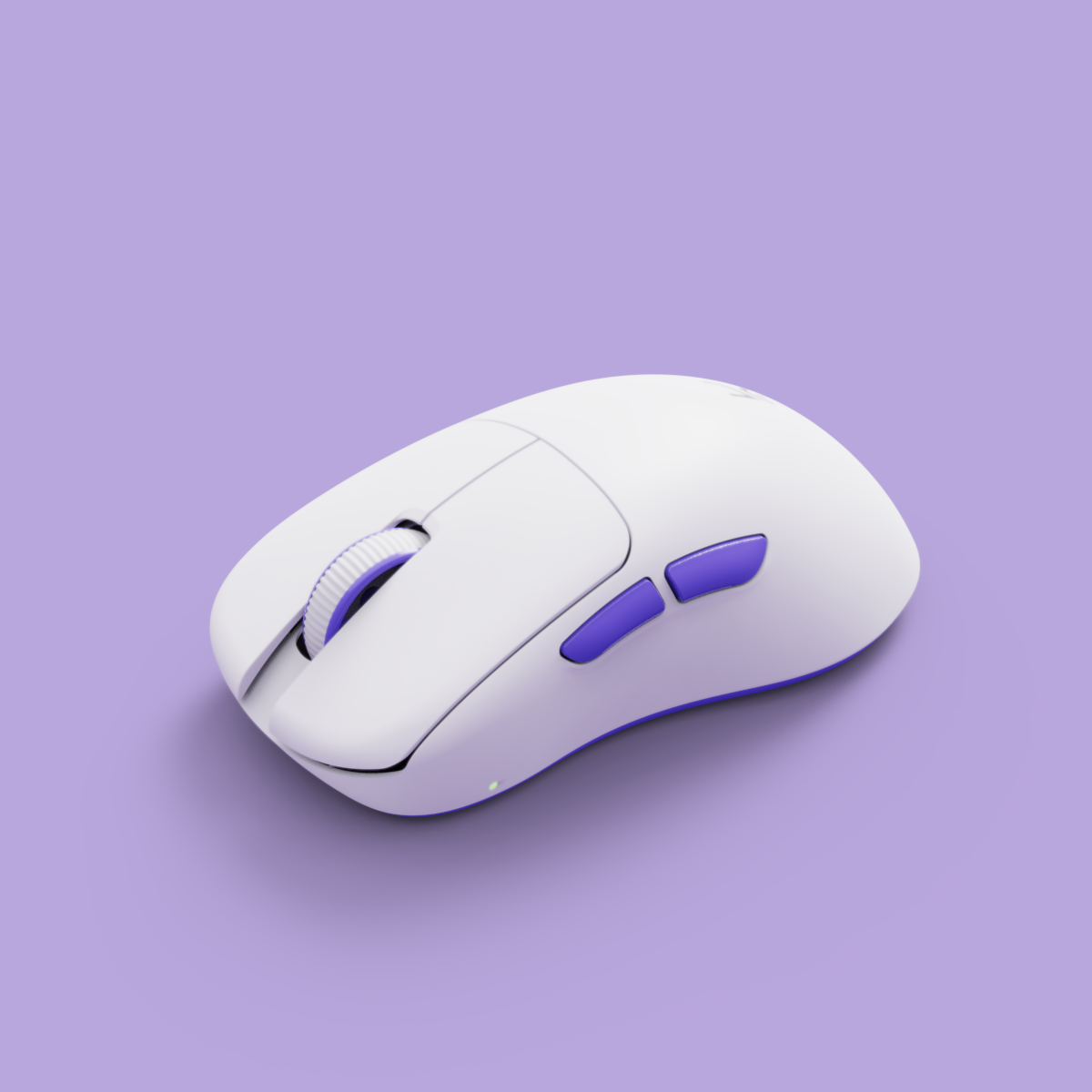
Best Gaming Mouse for Valorant in India 2026: Precision Picks, Pro Specs & Buyer’s Guide

Quick Answer: The best gaming mouse for Valorant in India in 2026 is one that weighs under 80g, features a high-precision optical sensor (such as PixArt PMW3325), and supports a 1000Hz polling rate. Top choices include the Kreo Falcon, Logitech G102/G304, Razer Viper Mini, and Evofox GhostX. These models deliver the speed, accuracy, and reliability Indian FPS players need for competitive play.
1. Why Your Mouse Matters in Valorant: Every Millisecond Counts
In Valorant, where split-second flicks and pixel-perfect crosshair placement decide every round, your mouse is your most important weapon. A mouse that’s too heavy, imprecise, or laggy can cost you crucial headshots. For Indian FPS gamers, choosing the right mouse means maximizing your aim, minimizing fatigue, and ensuring every movement translates instantly in-game.
2. What Makes a Mouse Great for Valorant? (Weight, Sensor, Polling Rate Explained)
- Weight: Lightweight mice (under 80g) allow for faster flicks, easier micro-adjustments, and reduced wrist fatigue—especially during long Valorant sessions.
- Sensor: Look for a high-precision optical sensor with 1:1 tracking, high IPS, and zero hardware acceleration. The PixArt PMW3325 is a proven performer for tactical shooters.
- Polling Rate: A 1000Hz polling rate means your mouse updates its position every 1ms, eliminating input lag and ensuring your aim is always on point.
Community discussions on r/valorantindia and Indian gaming forums consistently highlight these specs as essential for competitive FPS play.
3. Ideal Mouse Weight, DPI & Polling Rate for Valorant (Direct Answers)
- Mouse Weight: Under 80g is ideal for fast, controlled aim. Most Indian pros and serious players use mice between 60–75g.
- DPI Setting: 400 or 800 DPI is standard. Combine with in-game sensitivity to achieve an eDPI (DPI x sens) of 200–280 for best results.
- Polling Rate: 1000Hz is the minimum for competitive FPS. Lower polling rates can introduce noticeable lag.
These settings are proven to deliver consistent, precise aim and quick response—critical for clutch moments in Valorant.
4. Wired vs Wireless: Which Is Better for Competitive Indian FPS Play?
Both wired and wireless mice can excel in Valorant, but there are key trade-offs to consider for Indian gamers:
- Wired: Offers zero-latency and no need for charging. Look for flexible paracord-style cables (like on the Kreo Falcon) to minimize drag.
- Wireless: Modern wireless mice (e.g., Logitech G304) now provide near-zero latency and complete freedom of movement, but come at a slightly higher price and require battery management.
For Indian players on a budget, wired mice with flexible cables often deliver the best value and reliability. However, if you want a cable-free setup, the latest wireless models are now tournament-ready.

5. Top Gaming Mouse Picks for Valorant in India (2026)
5.1 Kreo Falcon: Lightweight Precision for Indian Gamers
The Kreo Falcon is engineered for Indian FPS players seeking a featherweight build (under 70g), customizable DPI (up to 10,000), and a 1000Hz polling rate. Its ergonomic shell, PTFE feet, and flexible paracord-style cable make it ideal for fast, fatigue-free swipes. Plus, it’s backed by local Indian warranty and after-sales support.
- PixArt PMW3325 sensor for precise, acceleration-free tracking
- 7 programmable buttons for custom utility binds
- Flexible cable to reduce drag
- Budget-friendly pricing for Indian gamers
5.2 Logitech G102/G304: Trusted Entry-Level Choices
Logitech’s G102 (wired) and G304 (wireless) are staples for Indian FPS beginners and value-seekers. Both offer reliable sensors, classic shapes, and durable switches. The G304’s wireless tech is especially popular for cable-free setups and LAN play.
- G102: Lightweight, classic shape, 8000 DPI sensor
- G304: Wireless, up to 250 hours battery life, HERO sensor
5.3 Razer DeathAdder Essential & Viper Mini: Ergonomic & Lightweight
Razer’s DeathAdder Essential is known for its ergonomic palm grip, while the Viper Mini is a super-lightweight option for claw and fingertip grip players. Both feature fast optical switches and solid build quality.
- DeathAdder Essential: Larger, ergonomic, 6400 DPI
- Viper Mini: Compact, 61g, 8500 DPI sensor
5.4 Evofox GhostX & Cosmic Byte Firestorm: Budget Alternatives
For budget-conscious Indian gamers, Evofox GhostX and Cosmic Byte Firestorm offer decent sensors, RGB lighting, and lightweight builds at wallet-friendly prices. They’re popular among students and new FPS players.
- Evofox GhostX: PixArt sensor, lightweight, RGB
- Cosmic Byte Firestorm: Affordable, flexible cable, 6400 DPI
6. Comparison Table: Specs, Weight, Price & Warranty
| Model | Sensor | Weight (g) | Polling Rate | Connection | DPI Range | Approx. Price (INR) | Warranty |
|---|---|---|---|---|---|---|---|
| Kreo Falcon | PixArt PMW3325 | <70g | 1000Hz | Wired | 200–10,000 | Budget-friendly | Local (India) |
| Logitech G102 | Mercury | ~85g | 1000Hz | Wired | 200–8,000 | ₹1,200–1,500 | 1 Year |
| Logitech G304 | HERO | ~99g | 1000Hz | Wireless | 200–12,000 | ₹2,800–3,200 | 1 Year |
| Razer Viper Mini | Optical | 61g | 1000Hz | Wired | 200–8,500 | ₹2,200–2,800 | 2 Years |
| Evofox GhostX | PixArt | ~75g | 1000Hz | Wired | 200–6,400 | ₹1,000–1,400 | 1 Year |
7. How to Choose: Key Buying Criteria for Indian Valorant Players
7.1 Weight & Shape for Aim Precision
Pick a mouse that feels light and agile in your hand. Under 80g is best for fast flicks and micro-corrections. Palm grip users may prefer larger mice (like DeathAdder), while claw or fingertip grip players excel with lighter, smaller shells (like Kreo Falcon or Viper Mini).
7.2 Sensor Performance & Tracking
Choose an optical sensor with 1:1 tracking (like PMW3325) for consistent, acceleration-free aim. Avoid mice with hardware acceleration or prediction, as these can disrupt your muscle memory in Valorant.
7.3 Polling Rate & Input Lag
A 1000Hz polling rate is standard for FPS gaming mice, keeping input delay below 1ms. This ensures your crosshair lands exactly where you intend, even during rapid flicks or multi-kill sprays.
7.4 Cable vs Wireless Latency
Modern wireless mice (like the G304) now match wired models for latency, but budget wireless options may introduce lag. If you choose wired, prioritize a flexible, paracord-style cable (such as on the Kreo Falcon) to minimize drag.
7.5 Local Warranty & After-Sales Support
Always check for Indian warranty and local support. Kreo and other leading brands offer direct after-sales service, which can save you weeks compared to international RMA processes.
Kreo Editorial Tip: "Specs matter, but so does comfort and local support. Choose a mouse that fits your grip, offers reliable Indian warranty, and matches your budget. Precision is personal."

8. FAQ: Best Gaming Mouse for Valorant – Indian Buyer Questions Answered
- What mouse do pro Valorant players use?
- Pros typically use lightweight mice (under 80g) with high-quality sensors. Popular models include those from Logitech, Razer, and Kreo, depending on grip and preference.
- Is a lightweight mouse really better for FPS games?
- Yes. Lightweight mice reduce wrist strain and enable faster, more controlled flicks—especially at low sensitivity settings common in Valorant.
- How do I set my DPI and eDPI for Valorant?
- Set your mouse to 400 or 800 DPI. Adjust your in-game sensitivity so your eDPI (DPI x sens) is between 200–280. This range is favored for precise aim.
- Are wireless gaming mice reliable for competitive play?
- Modern wireless mice like the Logitech G304 offer near-zero latency and are used by pros. However, budget wireless models may introduce lag—always check specs and reviews.
- What warranty and support does Kreo offer in India?
- Kreo provides local warranty and after-sales support for all gaming mice, ensuring fast replacements and repairs for Indian buyers.
- What is the difference between optical and laser sensors for gaming mice?
- Optical sensors (like PixArt PMW3325) provide more accurate, acceleration-free tracking—preferred for FPS. Laser sensors can work on more surfaces but may introduce unwanted acceleration.
- How much should I spend on a gaming mouse for Valorant?
- Quality FPS mice are available in India from ₹1,000 to ₹3,000. Focus on weight, sensor, and warranty for best value.
9. The Bottom Line: Our Verdict for Indian Valorant Players
For Indian Valorant players in 2026, the Kreo Falcon stands out for its ultra-lightweight build, competitive sensor, and local warranty—all at a budget-friendly price. Logitech and Razer remain strong alternatives, but Kreo’s India-specific support and value make it a top contender for serious FPS gamers.
- Prioritize weight, sensor, and polling rate over flashy RGB or extra buttons.
- Look for flexible cables or low-latency wireless—especially if you play on low sensitivity.
- Always confirm local warranty and after-sales support for hassle-free ownership.
For more advanced settings and mousepad pairing tips, check out Kreo’s expert guide to gaming mice for Valorant and CS2 or explore the full Kreo gaming mouse and mousepad collection.
Ready to Upgrade? Shop Kreo Falcon & More
Don’t let slow aim or cable drag hold you back. Shop the Kreo Falcon or browse all Kreo gaming products for your next clutch.
Recommended Kreo pages
Use these Kreo-owned pages to compare products, check availability, and continue your setup research.
FAQs about best gaming mouse for valorant
What should I check before choosing best gaming mouse for valorant?
Start with fit, build quality, compatibility with your setup, warranty support, and whether the product page gives enough detail to compare options quickly.

How does Kreo help with best gaming mouse for valorant?
Kreo keeps the buying journey connected with product collections, specification-led pages, and India-focused availability so readers can move from research to a relevant product page without guessing.
The Ultimate WFH & Competitive Battlestation Makeover Under ₹15,000 in India (2026)
Game Like a Pro: 2026’s Expert Hype List of Best Gaming Peripherals for Indian PC Setups