How to Set Up a Professional Streaming Webcam Setup with Kreo Gear
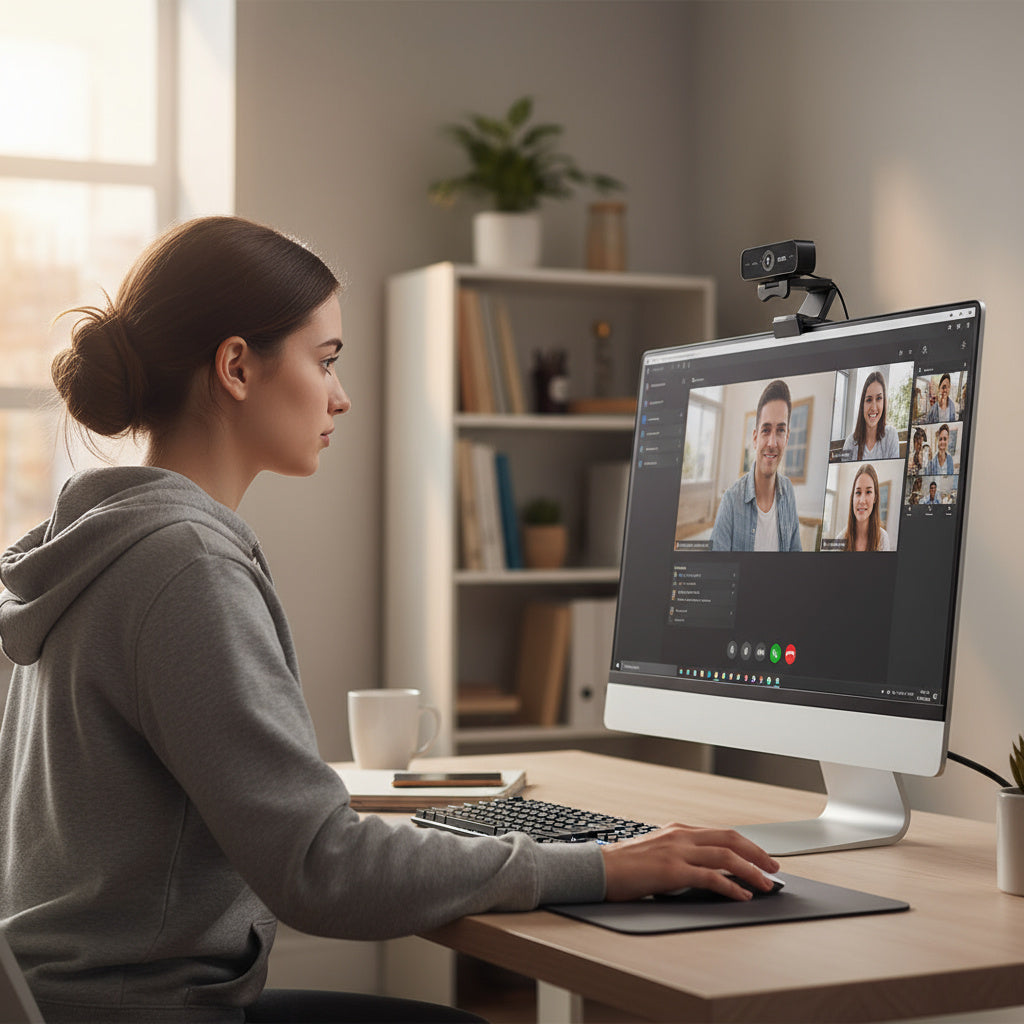
Looking to upgrade your livestream or video call setup? Whether you're gaming, hosting webinars, or creating content, having a sharp and stable video feed is a must. In this guide, we’ll walk you through setting up a professional-grade webcam setup using the Kreo Owl Ultra HD Streaming Webcam – your go-to camera for crystal-clear quality.
1. Choose the Right Webcam
At the heart of your streaming setup is the webcam. The Kreo Owl Ultra HD Streaming Webcam delivers stunning 4K resolution, fast autofocus, and a wide-angle lens that ensures every detail of your stream looks sharp and professional. It’s plug-and-play with USB, making it perfect for both beginners and advanced creators.
2. Use a Tripod for Stability
Instead of relying on your monitor or laptop mount, consider placing your webcam on a dedicated tripod. This allows for more flexible positioning and eliminates shaky or uneven angles. Position your Kreo Owl at eye-level for the most natural and flattering perspective.
3. Optimise Your Lighting
Even the best webcams need proper lighting to shine. Use a ring light or softbox in front of you to evenly light your face and remove harsh shadows. Avoid backlighting, which can cause your face to appear dark and underexposed.
4. Frame Your Shot Correctly
Ensure your background is tidy and uncluttered. Keep your head and shoulders in the frame, with a bit of headroom above. The Kreo Owl’s wide-angle view helps you capture more space without needing to reposition frequently.
5. Test Before You Go Live
Always run a test recording or stream to check your lighting, framing, and audio. Fine-tune your setup until you’re confident everything looks (and sounds) top-notch.
Why Choose Kreo Gear?
At Kreo, we design gear for creators, gamers, and streamers who demand quality without compromise. The Kreo Owl Ultra HD Webcam is built to deliver professional-grade streaming capabilities, helping you level up your content from day one.
Ready to build your ultimate streaming setup? Explore Kreo’s full range of creator tools, tripods, and audio accessories on kreo-tech.com.
Must‑Have Gear for Content Creators: Why the Kreo Halo Ring Light & Tripod Are Essential